

How to Use an ATC CNC Router: A Step-by-Step Guide





An automatic tool changer (ATC) CNC router can perform multiple machining operations with less manual tool changing. Knowing how to use an ATC CNC router correctly helps operators improve workflow efficiency, maintain machining consistency, and reduce avoidable errors.
Although machine controls and tool-changing systems vary by model, the following steps provide a general guide for operating an ATC CNC router. Always follow the machine manufacturer's operating manual and safety procedures.
1. Inspect the Machine Before Startup
Before turning on the CNC router, check the working area, tool magazine, spindle, collet, and workholding system. Remove loose objects and confirm that safety guards and emergency-stop devices are functioning correctly.
Check the air supply, dust collection system, vacuum system, and other utilities required by your machine configuration. Do not operate the machine if you identify damaged tools, loose components, or abnormal conditions.
2. Prepare and Secure the Workpiece
Place the material on the machine table and secure it using the appropriate workholding method, such as a vacuum table, clamps, or fixtures.
Confirm that the workpiece is flat, stable, and positioned within the machine's working area. Check that clamps and fixtures will not interfere with the cutting path or automatic tool changing.
3. Load the Tools and Check Tool Positions
Install the required CNC router bits in the tool holders and load them into the designated positions in the ATC tool magazine.
Verify that each tool matches the machining program and the tool number assigned in the CNC controller. Check tool condition, holder cleanliness, and the tool length or offset data required by the machine.
Correct tool assignments are essential for accurate machining and reliable automatic tool changing.
4. Set the Work Origin and Prepare the Program
Import or select the appropriate CNC machining program. Confirm that the material, toolpaths, tool numbers, work origin, and machining parameters match the actual setup.
Set the work coordinate origin according to the machine's operating procedure. Check tool length compensation and other required offsets.
Before production, simulate the toolpath or perform a safe dry run when supported. Confirm that the program will not cause collisions with the workpiece, fixtures, or machine components.
5. Test the Automatic Tool Changer
Before starting production, confirm that the ATC system is ready and the tools are correctly loaded.
Use the manufacturer's approved tool-change procedure to verify tool pickup and return, tool positioning, and controller tool assignments. Keep hands clear of the spindle, tool magazine, and moving components. Never attempt to adjust a tool while the machine is moving.
If a tool-change alarm occurs, stop and follow the troubleshooting procedure in the machine manual.
6. Start Machining and Monitor the Process
Start the program after confirming that the setup and safety checks are complete. Observe the initial cutting operation and the first automatic tool change.
Monitor cutting sound, chip evacuation, dust collection, workpiece stability, and machining quality. Stop the machine safely if you notice abnormal vibration, tool breakage, unexpected movement, or an alarm.
Do not leave a machine unattended unless the operating procedures and risk assessment specifically allow it.
7. Finish the Job and Perform Routine Checks
After the program ends, wait for all machine movement to stop before removing the finished workpiece. Inspect the part for dimensional accuracy, edge quality, and machining defects.
Remove chips and dust using the approved cleaning method. Inspect the tools and holders, check the tool magazine, and record any alarms or maintenance issues. Follow the manufacturer's schedule for lubrication and routine servicing.
Conclusion
Using an ATC CNC router involves proper machine inspection, workpiece setup, tool management, program verification, and process monitoring. Following a consistent operating procedure helps improve machining reliability and production efficiency.
For an ANBEN ATC CNC router, consult the machine-specific manual and controller instructions before operation, as tool-changing procedures and settings may vary by configuration.
 How Does V-Grooving Work on ACP and ACM Panels?
- How to Use an ATC CNC Router: A Step-by-Step Guide
- How to Calculate the ROI of a CNC Router Before Buying
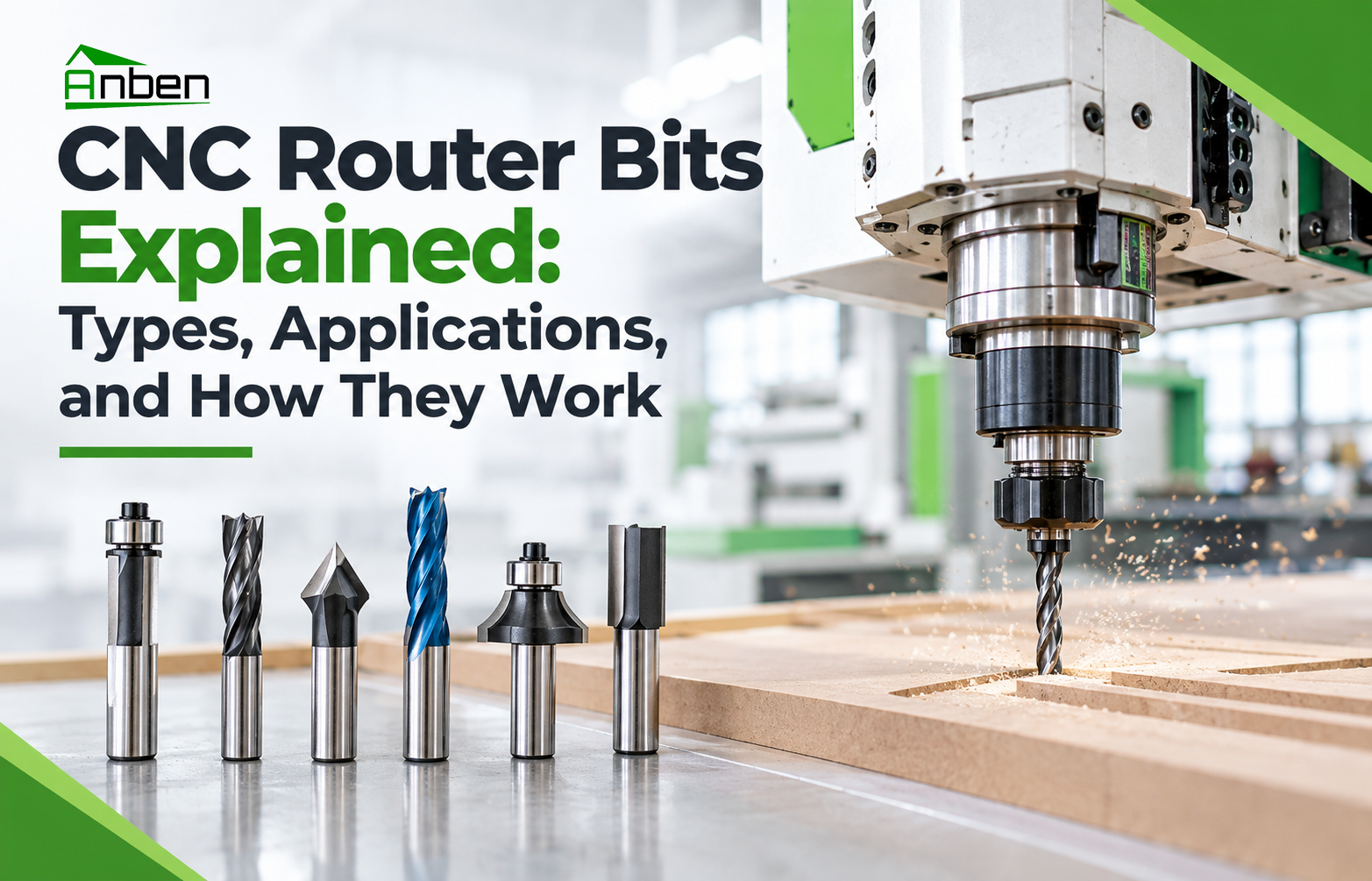
 CNC Router Bits Explained: Types, Applications, and How They Work
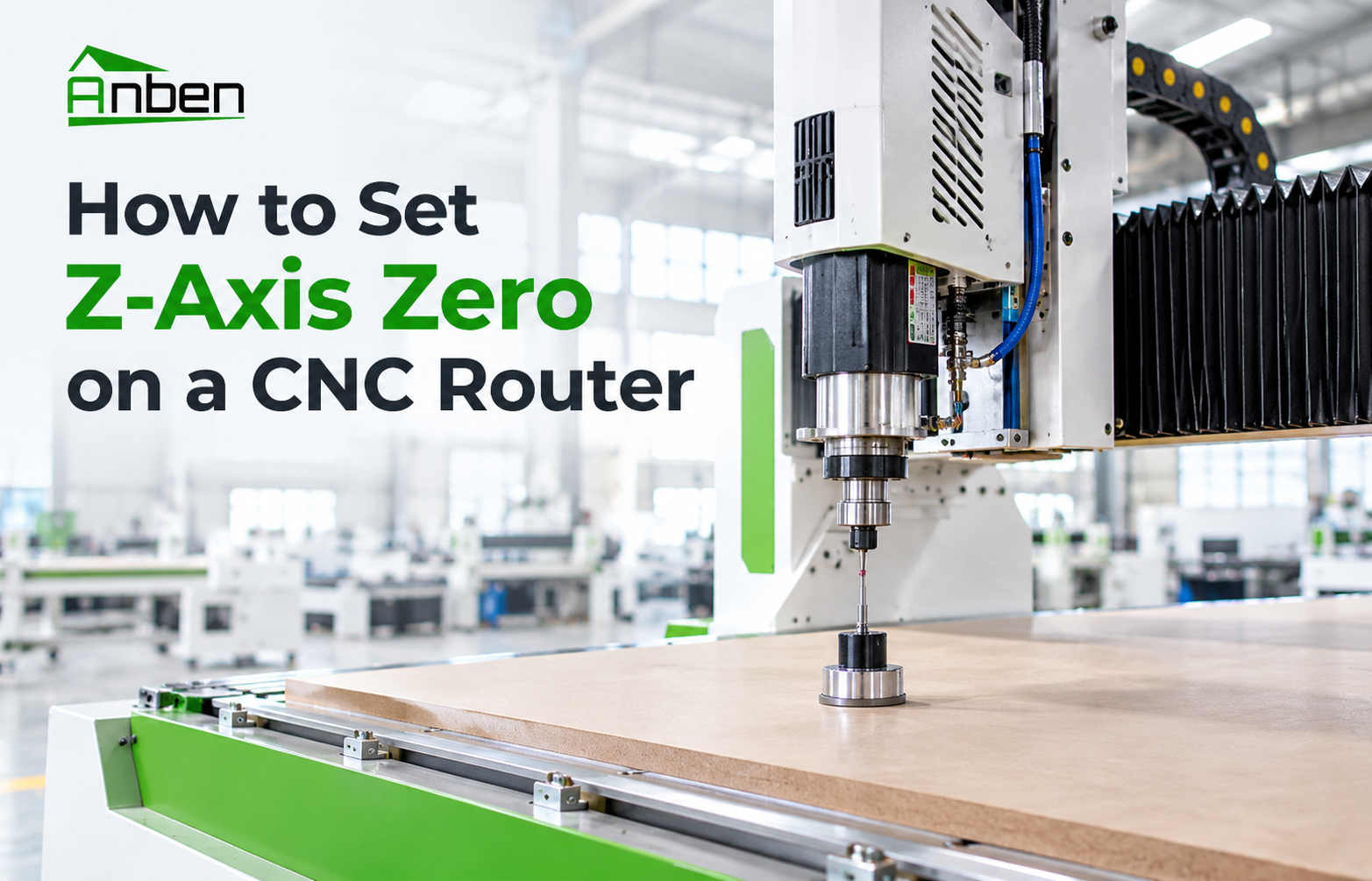
- How to Set Z-Axis Zero on a CNC Router
- When Should You Upgrade to an ATC CNC Router?
 Daily CNC Router Maintenance Checklist for Operators
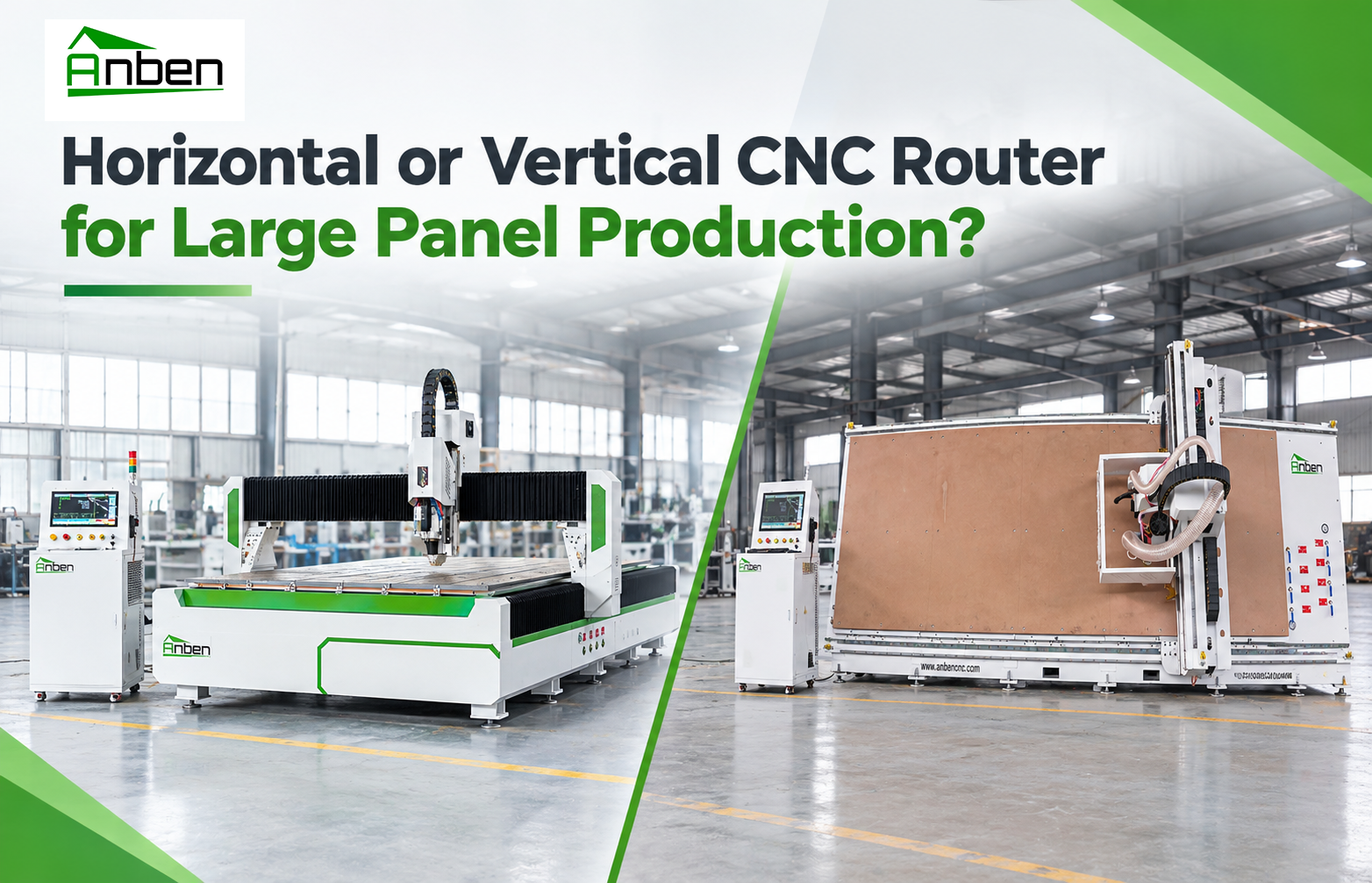
 Horizontal or Vertical CNC Router for Large Panel Production?


Related Products
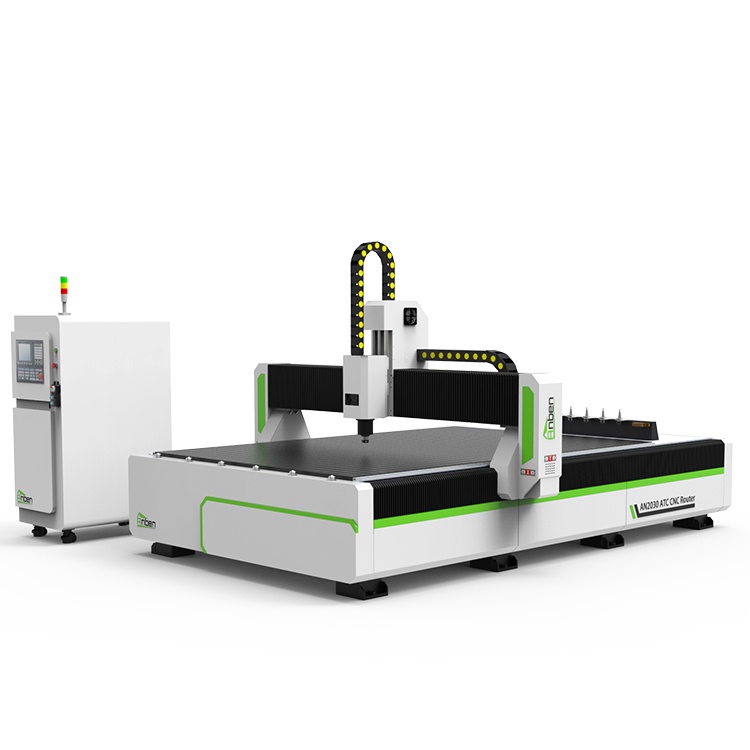
 AN2040ATC Automatic Tool ChangeAnben ATC (Automatic Tool Change)CNC router is popularly used in woodworking, making signs, molds making, art crafts making, etc. The automatic tool changer magazine carries 8-16 cutters. It can save tool change time,more efficient!
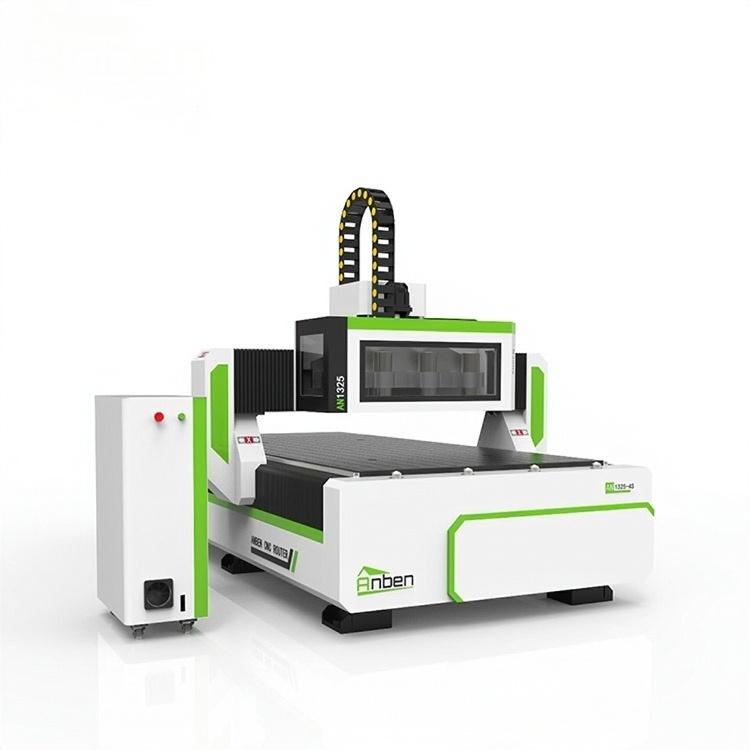
 AN1325-3S Cnc Router 3 SpindlesAnben multi spindles CNC router has 3 or 4 spindles, each spindle use different tools and work one by one. It also called economical ATC cnc.
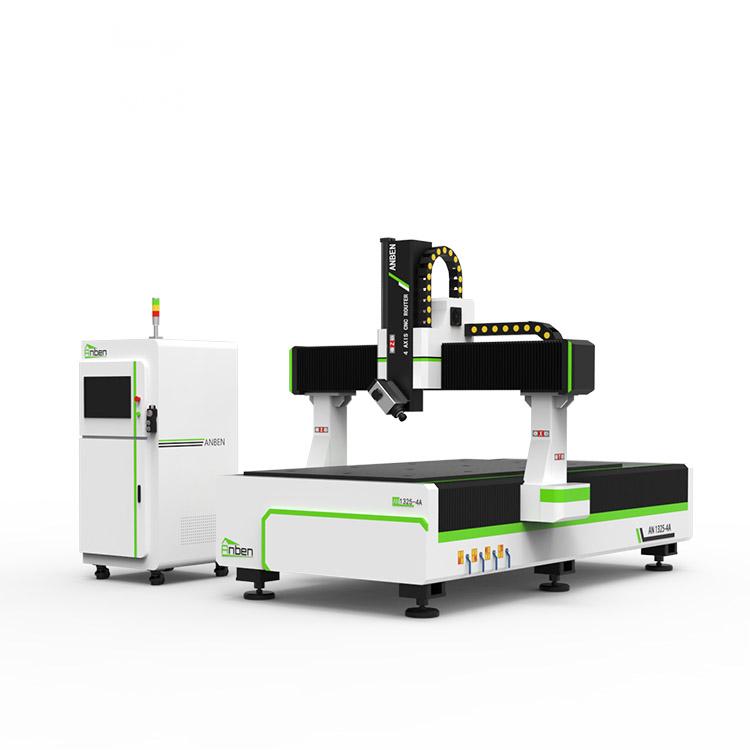
 AN1325-4 axisAnben 4 Axis CNC Router Machine with 4 axis ATC spindle is good at heavy-duty and complex 3d wood cutting and carving of wood panel, MDF, plywood, etc. All the working areas and specifications can be customized according to your requests.
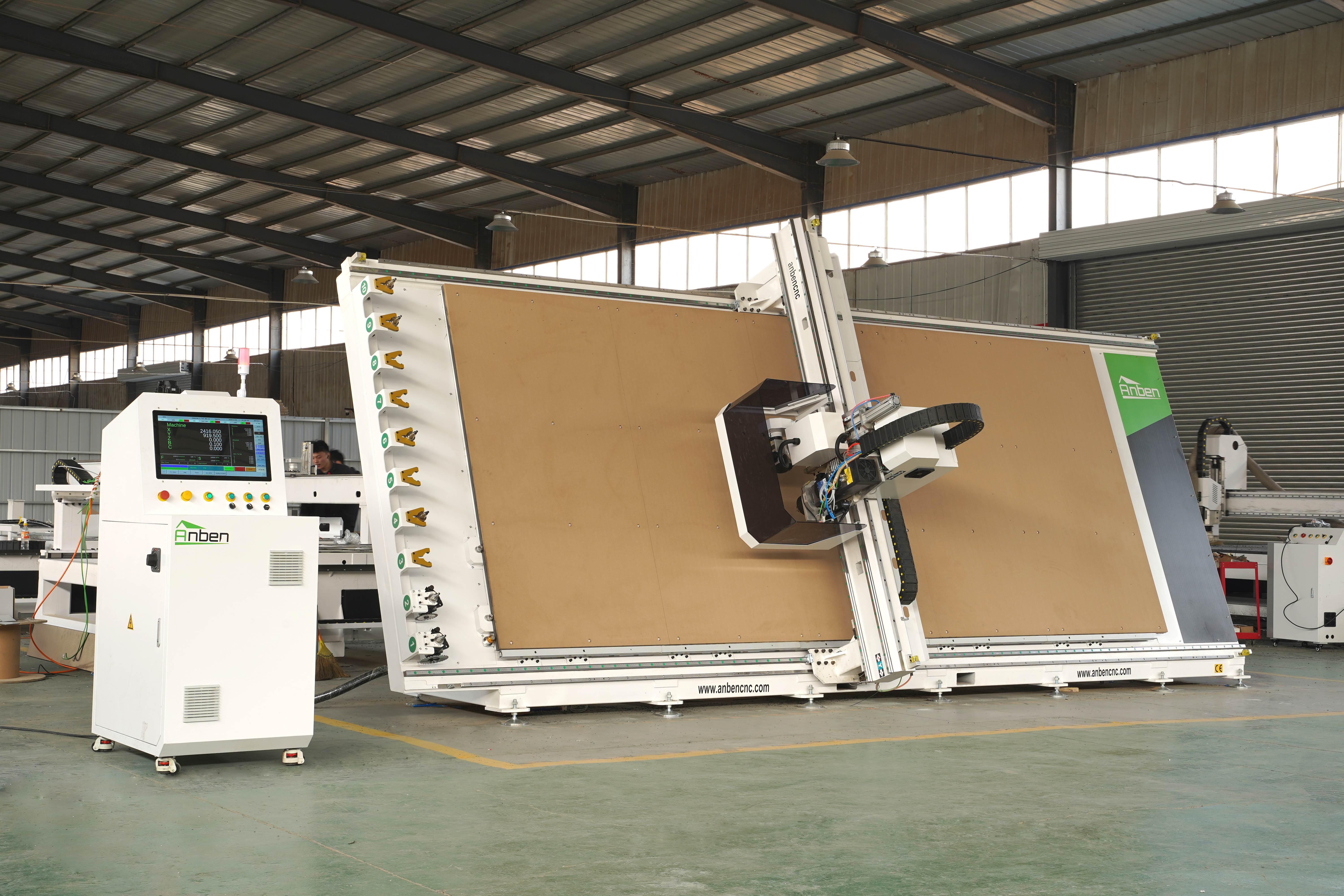
 V-2151 Vertical cnc routerThe vertical cnc significantly reduces the machine’s floor space. It is equipped with 8 sets of ATC tool magazines and other auxiliary devices such as vacuum pump, saw blade,aggregate head, positioning systems, etc. The Vertical cnc can cutting,grooving,engraving,drilling for various types of aluminum composite boards, acrylic boards, fiber boards and other boards. It is suitable for construction facades,cladding ,advertising signs,furniture manufacturing and other industries.
Get in touch

Anben Industrial – Founded in 2017, with a pure engineering spirit, providing trustworthy CNC solutions, born for long-term stable performance.
Contact