

Why Does Plywood Chip During CNC Routing? Causes and Solutions.





Plywood chipping is a common problem in CNC router machining. During cutting, the wood veneer layers may split, peel, or break away, resulting in rough edges and poor surface quality.
Understanding the causes of plywood chipping helps operators choose suitable cutting tools, optimize machining parameters, and achieve cleaner cutting results.
1. Why Does Plywood Chip During CNC Routing?
Several factors can cause chipping during CNC plywood cutting:
1. Incorrect Cutting Tools
Dull, worn, or unsuitable router bits can tear wood fibers instead of cutting them cleanly. Incorrect tool geometry may also cause veneer layers to split.
2. Improper Feed Rate and Spindle Speed
An unsuitable combination of feed rate and spindle speed can cause excessive cutting forces, burning, or rough edges.
3. Incorrect Cutting Direction
Different cutting directions affect how the tool interacts with plywood veneers. Improper toolpath selection may increase surface tear-out.
4. Poor Workpiece Fixing
Insufficient vacuum hold-down or loose clamping can cause vibration and material movement, resulting in uneven cuts and chipping.
5. Plywood Quality and Layer Structure
Plywood varies in veneer quality, grain direction, adhesive, and internal structure. Voids, uneven layers, and weak bonding can increase the risk of edge damage.
2. How to Prevent Plywood Chipping
Follow these practical methods to improve CNC cutting quality:
Choose the Right Router Bits
Use sharp, high-quality CNC router bits.
Consider compression bits for clean cutting on both top and bottom surfaces.
Use downcut bits when top-surface edge quality is the priority.
Select suitable cutting tools according to plywood thickness and construction.
Optimize Cutting Parameters
Adjust feed rate and spindle speed according to tool specifications.
Avoid excessive cutting depth in a single pass when it causes poor cutting quality.
Test different parameters on sample materials before production.
Improve Workpiece Support
Ensure the plywood is flat and securely fixed.
Check vacuum pressure and workholding conditions.
Use a suitable spoilboard to support the material during cutting.
Optimize Toolpaths
Select appropriate climb or conventional milling based on machine condition and cutting requirements.
Use suitable finishing passes when necessary.
Check cutting direction against the plywood surface grain.
3. Best CNC Router Bits for Plywood
Different router bits provide different cutting results:
Compression Bits: Suitable for through-cutting plywood when clean top and bottom edges are required.
Downcut Bits: Help reduce top-surface tear-out.
Upcut Bits: Provide effective chip evacuation but may cause more top-surface chipping.
The correct choice depends on plywood thickness, veneer quality, cutting depth, and machining requirements.
Conclusion
Plywood chipping during CNC routing is usually related to tool selection, cutting parameters, workpiece stability, and material quality.
Using suitable router bits, optimizing toolpaths, and ensuring proper material fixing can significantly improve cutting quality and reduce edge damage.
Choosing the right CNC router configuration and cutting tools is essential for consistent plywood machining results.
 Why Does Plywood Chip During CNC Routing? Causes and Solutions.
- How to Reduce Dust During CNC Router Machining
 CNC Router Total Cost of Ownership: What Should Buyers Calculate?
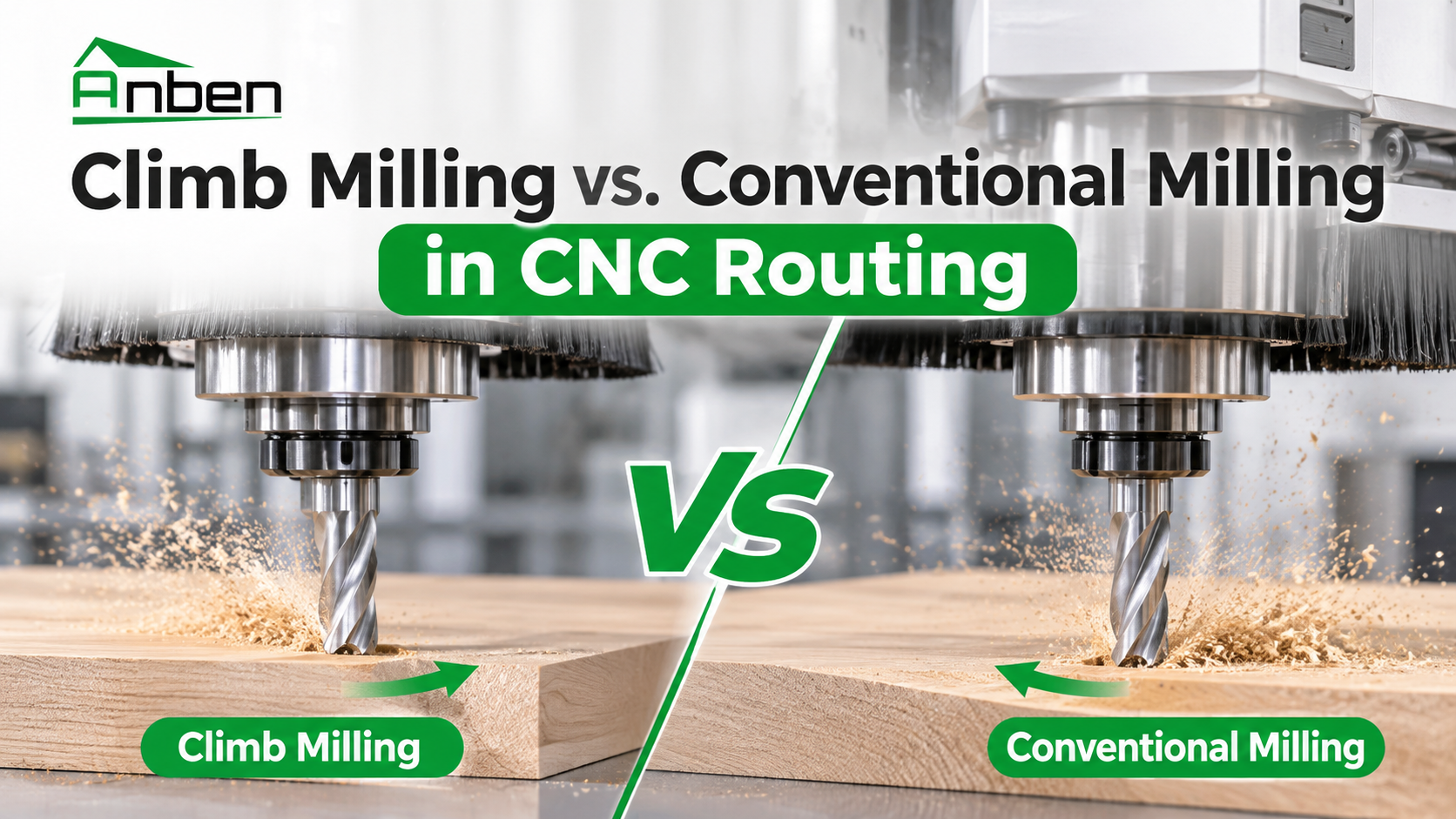
- Climb Milling vs. Conventional Milling in CNC Routing
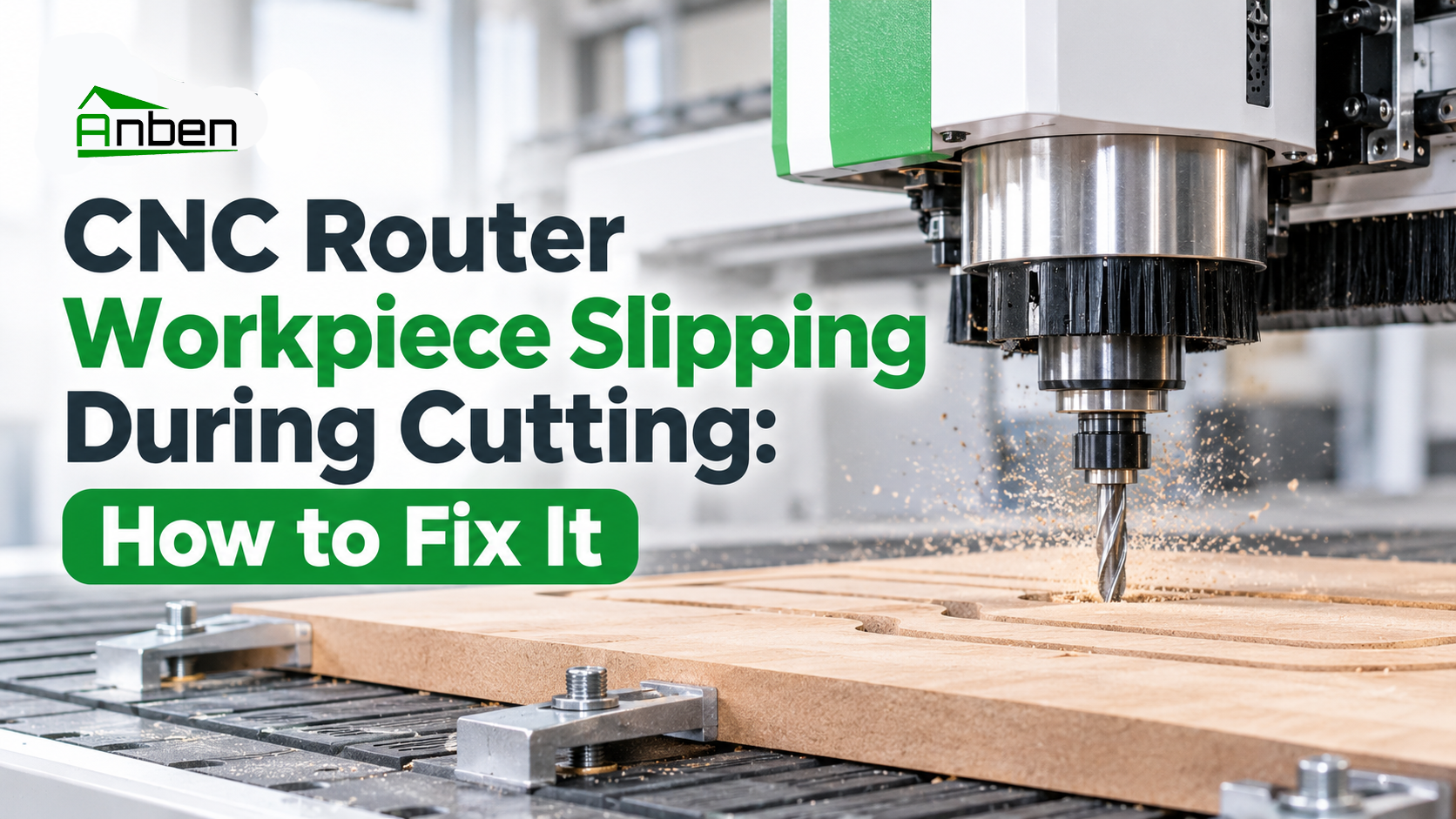
- CNC Router Workpiece Slipping During Cutting: How to Fix It
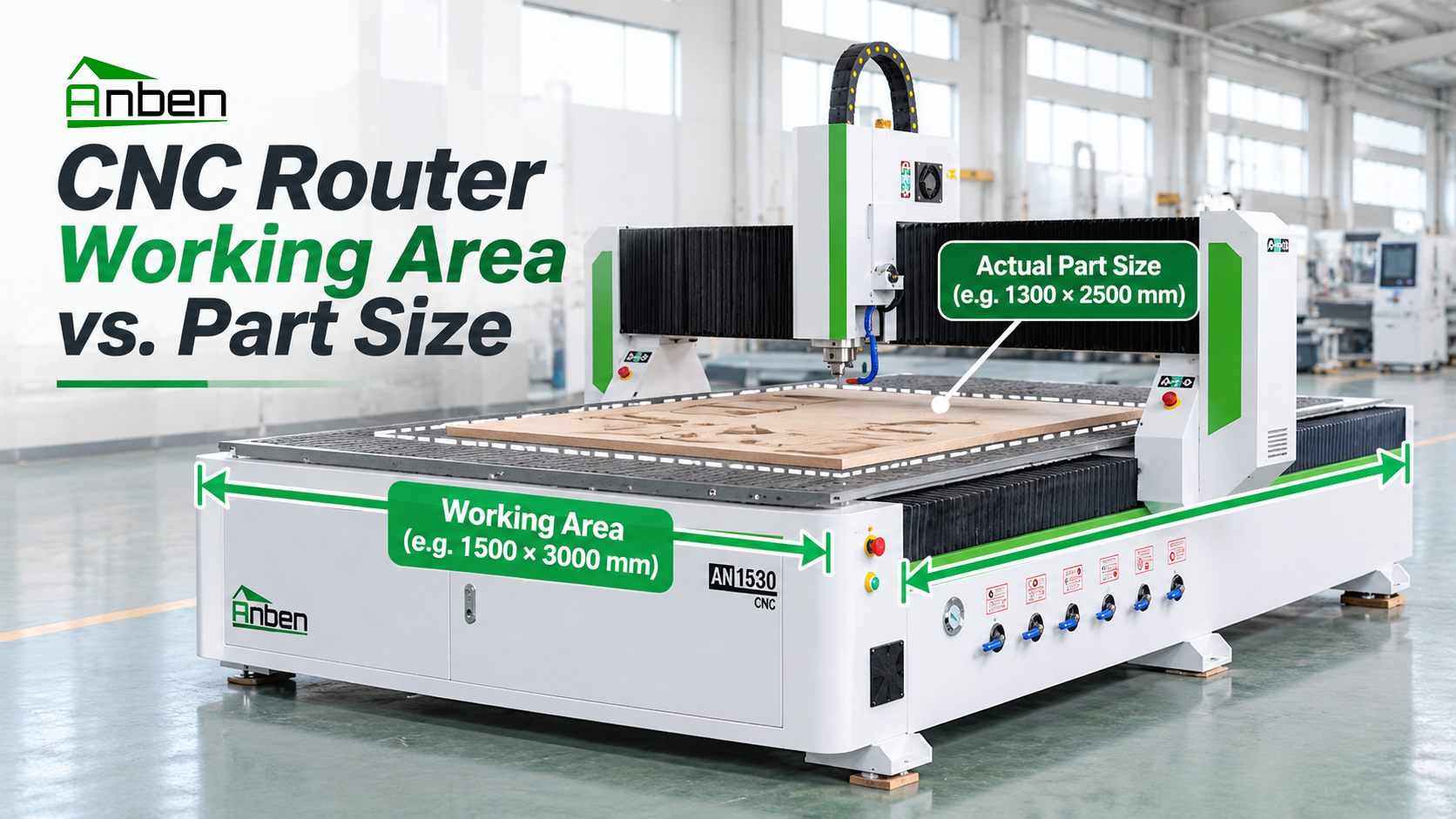
- CNC Router Working Area vs. Actual Part Size: How to Choose
 CNC Router Collet vs. Tool Holder: Key Differences Explained
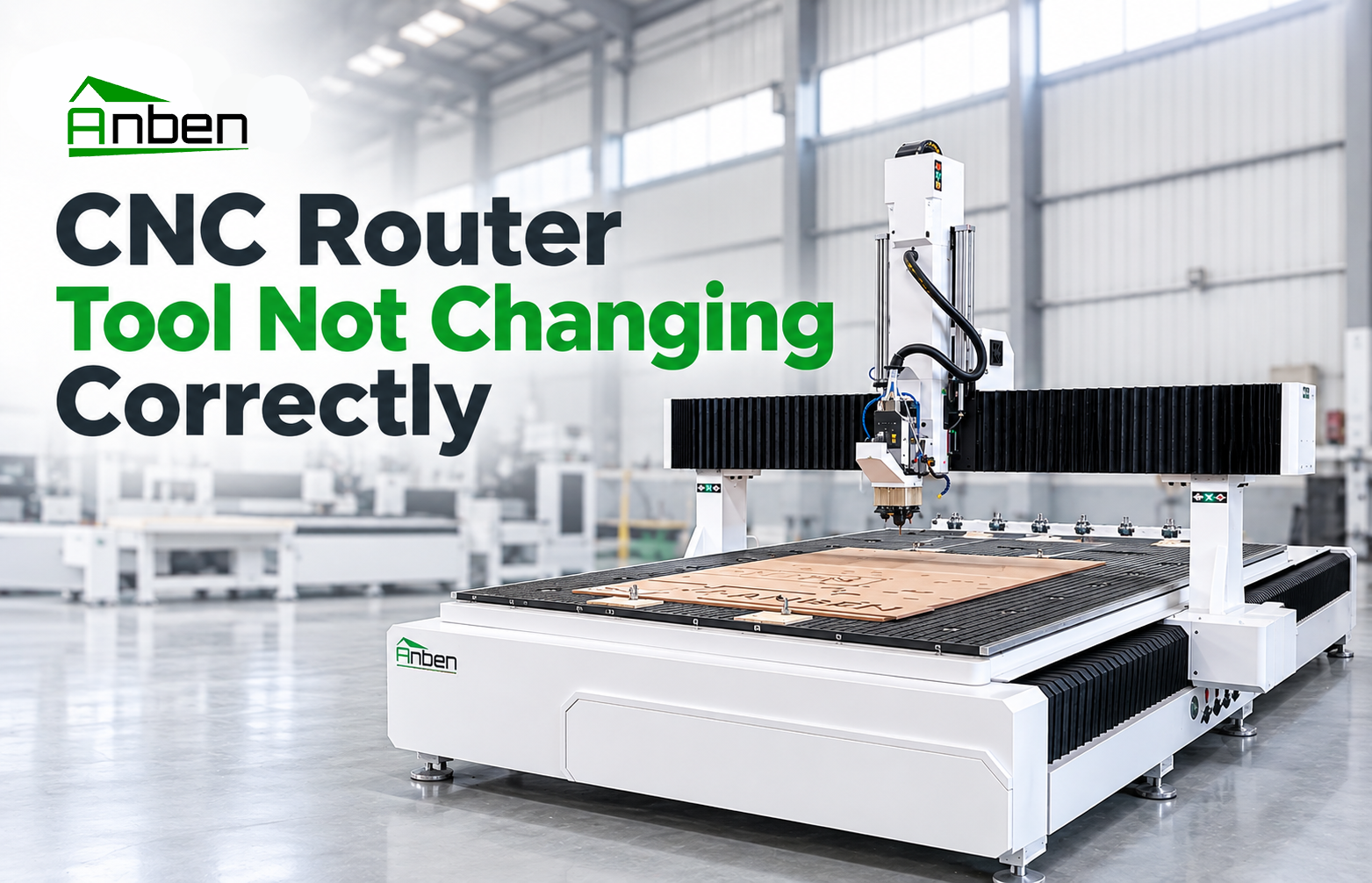
 CNC Router Tool Not Changing Correctly: Troubleshooting Guide




Related Products
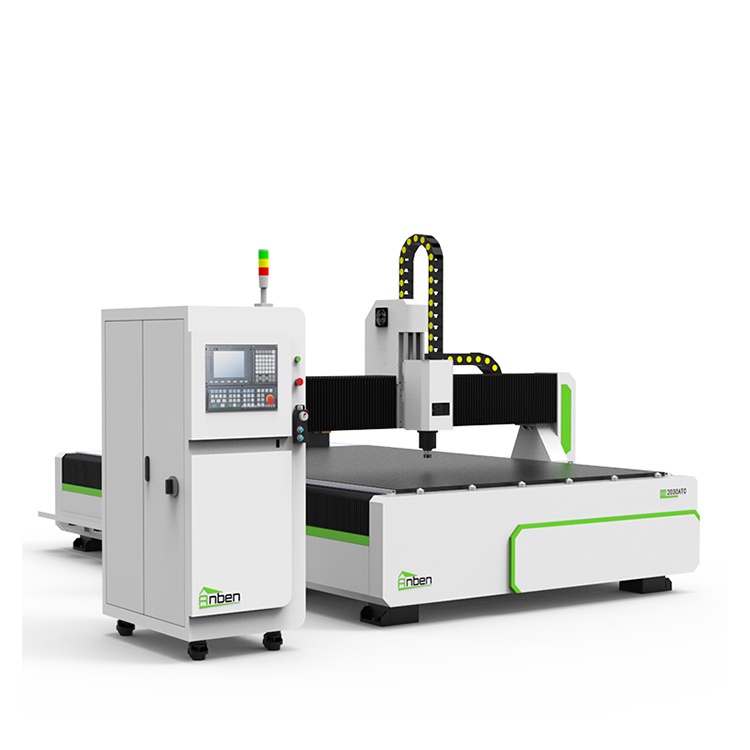
 AN2030ATC Automatic Tool ChangeAnben ATC (Automatic Tool Change)CNC router is popularly used in woodworking, making signs, molds making, art crafts making, etc. The automatic tool changer magazine carries 8-16 cutters. It can save tool change time,more efficient!
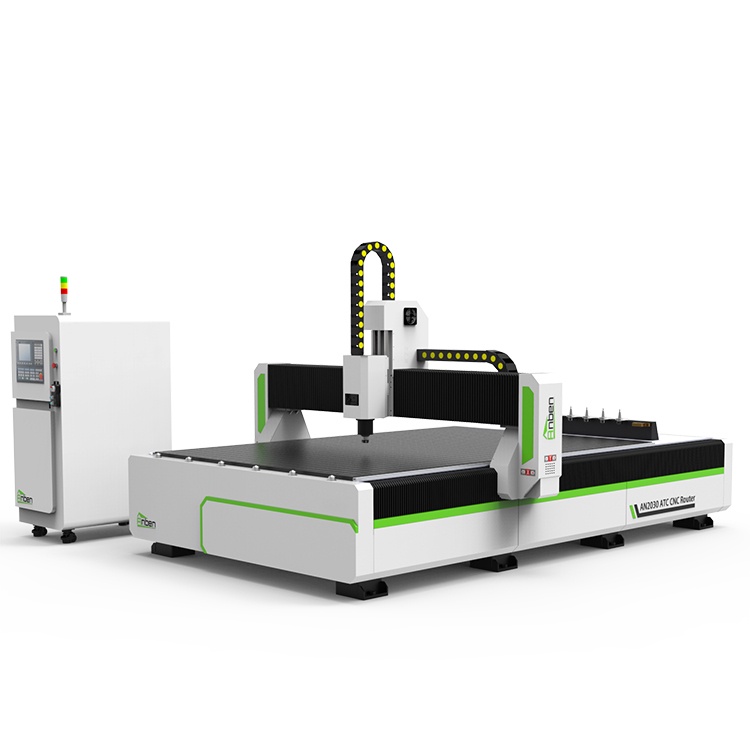
 AN2040ATC Automatic Tool ChangeAnben ATC (Automatic Tool Change)CNC router is popularly used in woodworking, making signs, molds making, art crafts making, etc. The automatic tool changer magazine carries 8-16 cutters. It can save tool change time,more efficient!
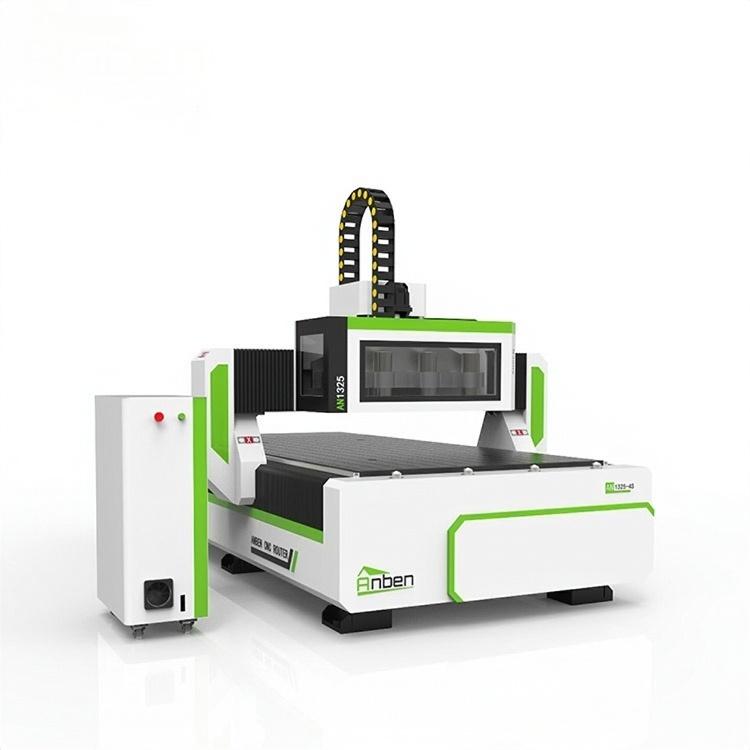
 AN1325-3S Cnc Router 3 SpindlesAnben multi spindles CNC router has 3 or 4 spindles, each spindle use different tools and work one by one. It also called economical ATC cnc.
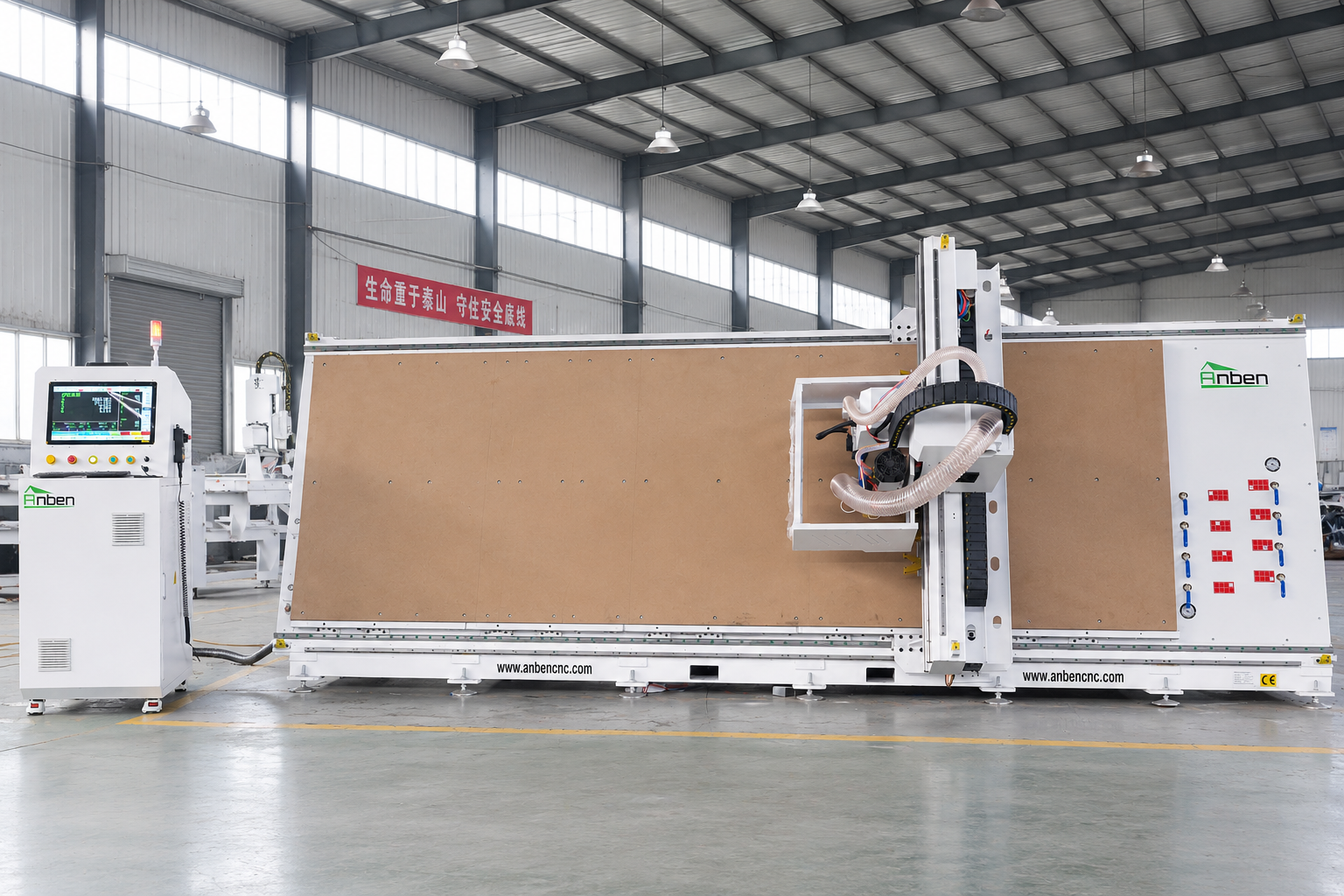
 V-1650 Vertical cnc routerThe vertical cnc significantly reduces the machine’s floor space. It is equipped with 8 sets of ATC tool magazines and other auxiliary devices such as vacuum pump, saw blade,aggregate head, positioning systems, etc. The Vertical cnc can cutting,grooving,engraving,drilling for various types of aluminum composite boards, acrylic boards, fiber boards and other boards. It is suitable for construction facades,cladding ,advertising signs,furniture manufacturing and other industries.
Get in touch

Anben Industrial – Founded in 2017, with a pure engineering spirit, providing trustworthy CNC solutions, born for long-term stable performance.
Contact