

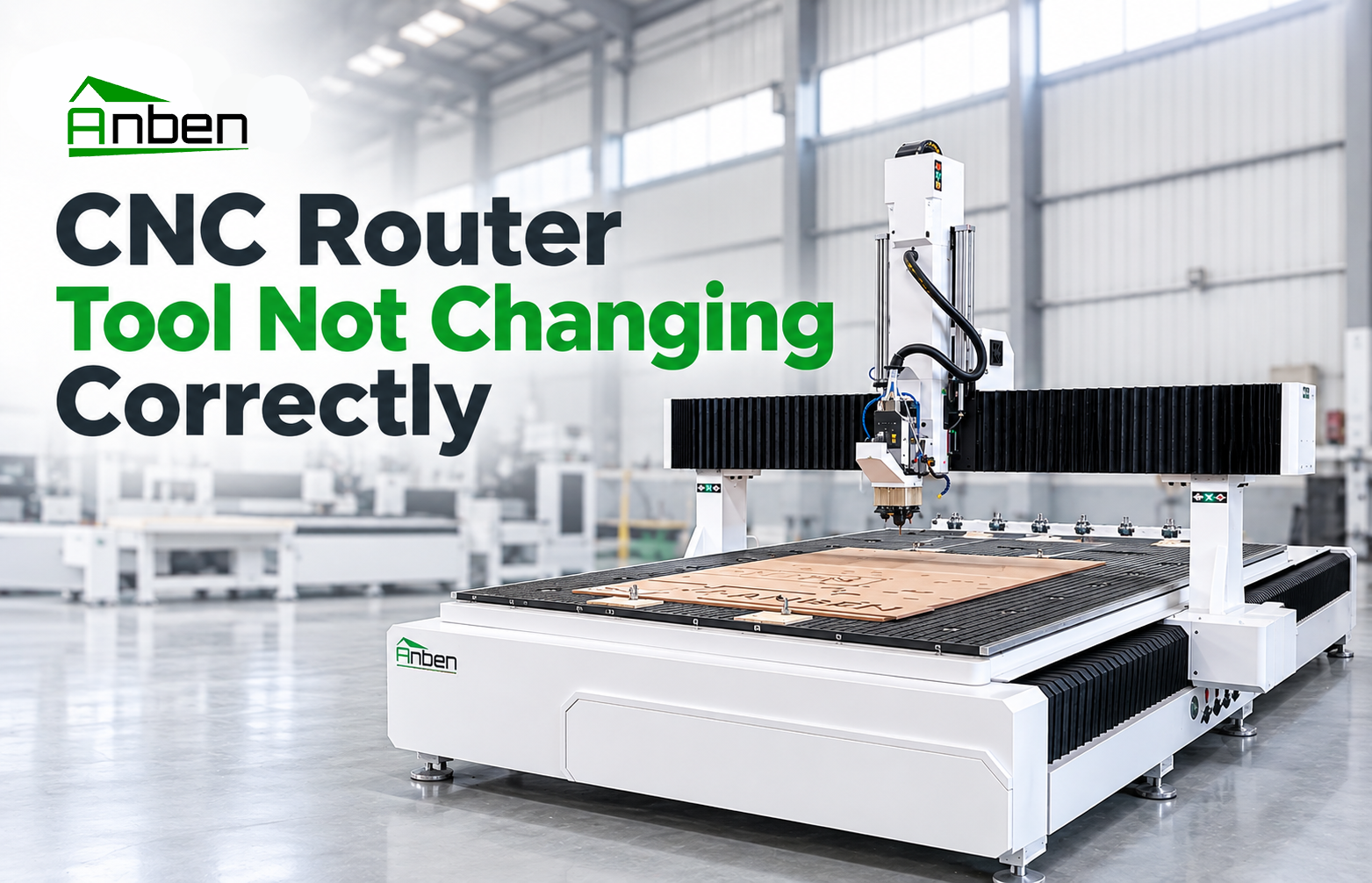
CNC Router Tool Not Changing Correctly: Troubleshooting Guide





An ATC CNC router automatically changes cutting tools during machining to improve production efficiency. However, tool change failures can interrupt production and affect machining accuracy. Common causes include incorrect tool positions, insufficient air pressure, sensor problems, and incorrect tool settings.
This guide explains how to identify common ATC tool change problems and perform basic troubleshooting.
1. Common CNC Router Tool Change Problems
1. Tool Cannot Be Released from the Spindle
Possible causes:
Insufficient air pressure.
Dirty or damaged tool holder.
Problems with the spindle clamping mechanism.
Incorrect tool release signals.
2. Tool Magazine Cannot Reach the Correct Position
Possible causes:
Incorrect tool magazine position settings.
Obstructions around the magazine.
Loose mechanical connections.
Sensor or positioning errors.
3. ATC System Picks Up the Wrong Tool
Possible causes:
Incorrect tool numbers in the controller.
Mismatched tool magazine positions.
Incorrect tool management settings.
Tool magazine data not updated after manual changes.
4. Machine Stops During Automatic Tool Change
Possible causes:
Sensor signal errors.
Low air pressure.
Abnormal spindle or magazine movement.
Controller alarms or incorrect ATC commands.
2. How to Troubleshoot ATC Tool Change Failures
Follow these basic inspection steps:
Check the Controller Alarm: Record the alarm message and identify which stage of the tool change failed.
Check Air Pressure: Verify that the air supply meets the machine manufacturer's requirements.
Inspect Tool Holders: Check for dirt, damage, and incorrect installation.
Verify Tool Magazine Positions: Confirm that tool numbers match their actual magazine positions.
Inspect Sensors: Check for loose connections, contamination, or abnormal sensor signals.
Check the Tool Change Sequence: Confirm that the machine follows the correct tool change procedure according to its controller instructions.
3. How to Prevent ATC Tool Change Problems
Keep tool holders and spindle taper surfaces clean.
Check air pressure and air supply regularly.
Inspect tool magazine positions and tool numbers.
Keep sensors and surrounding areas free from dust and debris.
Follow the recommended maintenance schedule.
Avoid manually changing tool positions without updating controller settings.
4. Safety Precautions
Before inspecting the ATC system, stop machining and follow the machine's safety and isolation procedures. Never place your hands inside the tool magazine or spindle area while the machine is operating.
Do not bypass sensors or safety interlocks. Electrical, pneumatic, and spindle clamping mechanism repairs should be handled by qualified technicians.
Frequently Asked Questions
Q1: Why does my ATC CNC router fail to change tools?
Common reasons include insufficient air pressure, incorrect tool position settings, sensor faults, and spindle clamping problems.
Q2: Why does my CNC router pick up the wrong tool?
The tool number in the controller may not match the actual magazine position. Check the tool management settings before restarting production.
Q3: How often should an ATC system be maintained?
Follow the machine manufacturer's maintenance schedule. Regularly inspect tool holders, sensors, air supply, and the tool magazine.
Conclusion
Reliable automatic tool changing depends on correct tool settings, stable air pressure, clean tool holders, and properly functioning sensors. Regular inspection and systematic troubleshooting help reduce ATC downtime and maintain consistent CNC router production.
 CNC Router Tool Not Changing Correctly: Troubleshooting Guide
 Can a CNC Router Cut Aluminum? What Buyers Need to Know
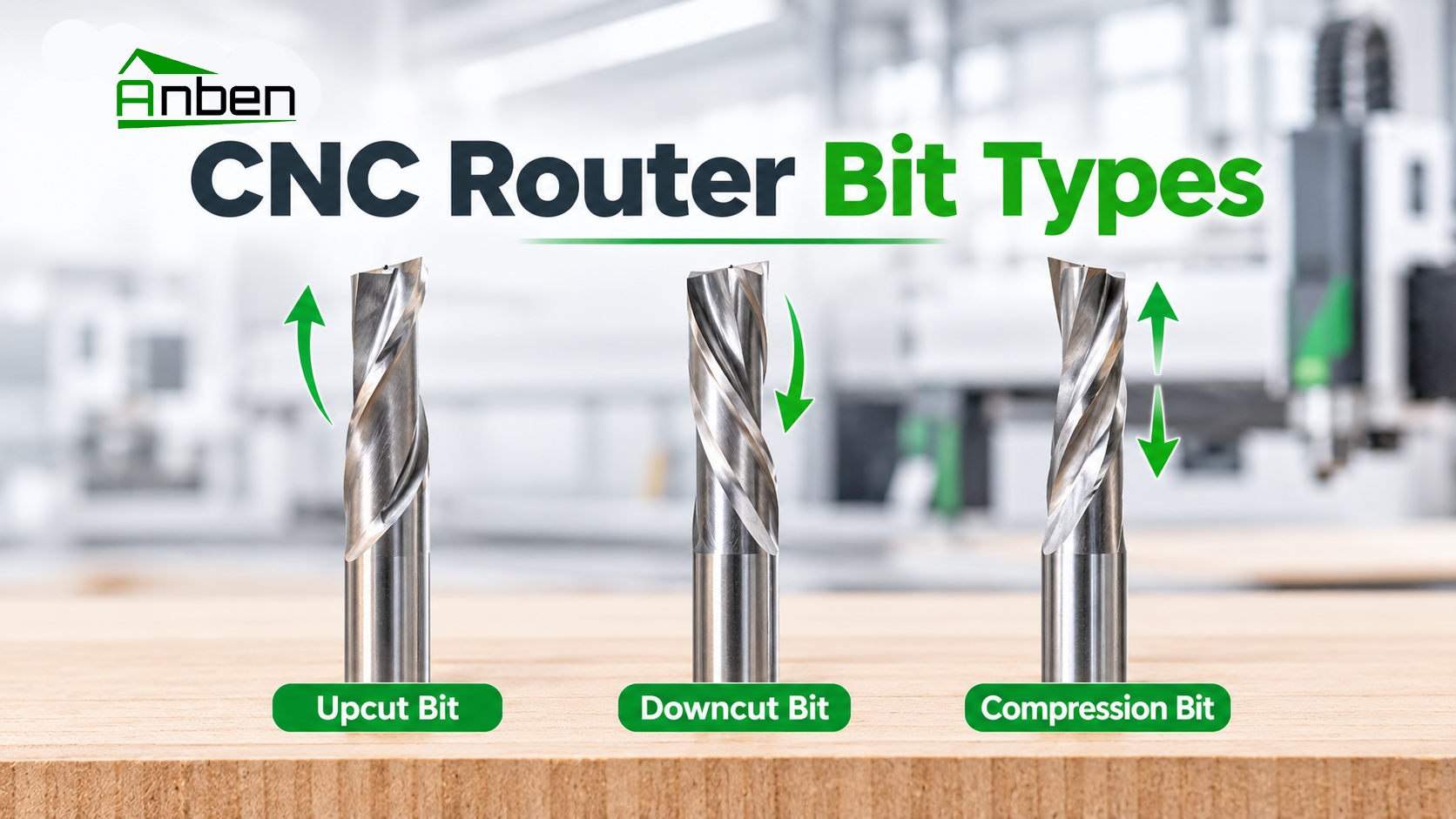
 Upcut vs. Downcut vs. Compression Router Bits: What Is the Difference?
- CNC Router Cutting Depth Is Inconsistent: Causes and Fixes
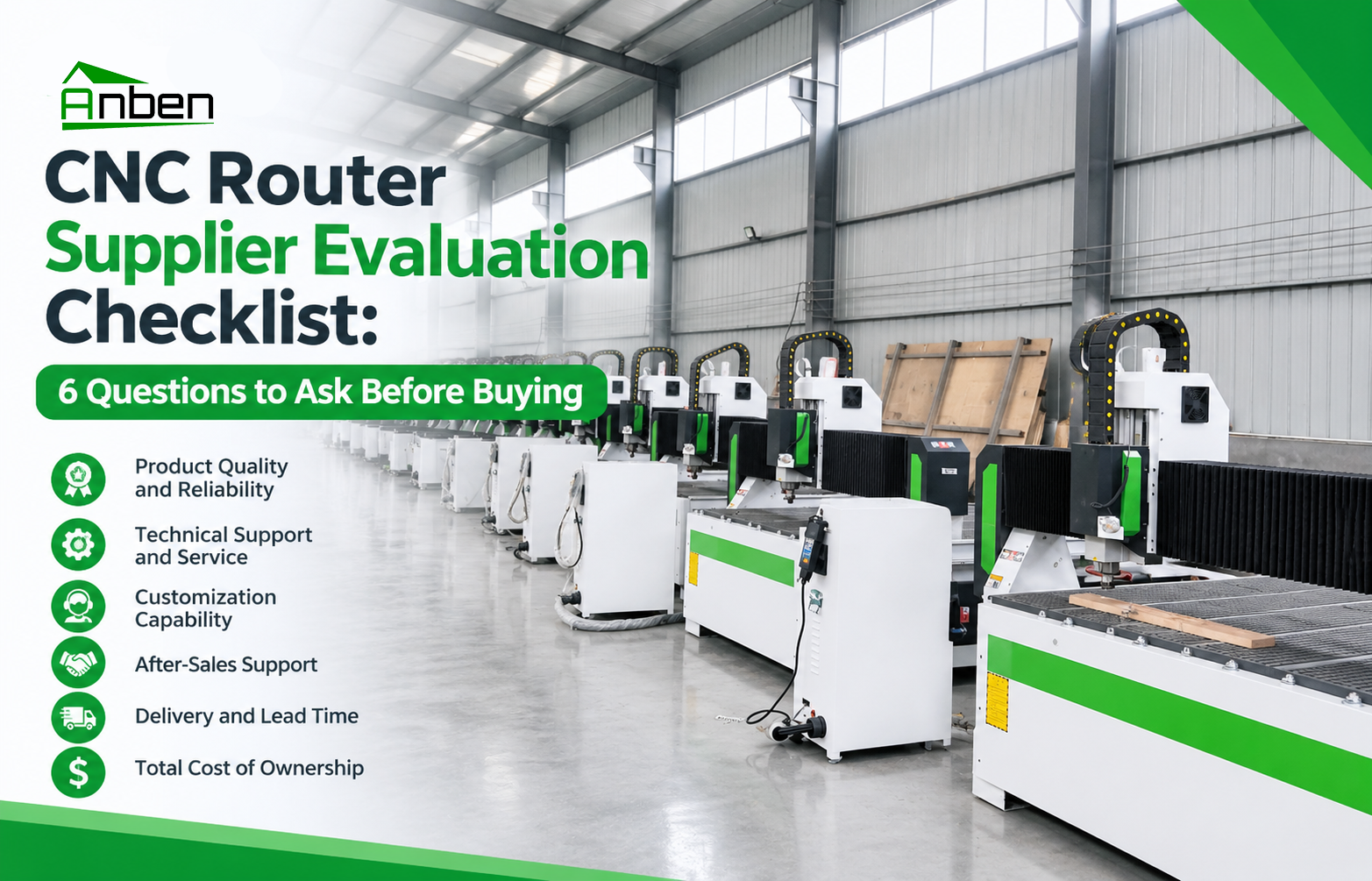
- CNC Router Supplier Evaluation Checklist: 6 Questions to Ask Before Buying
- How to CNC Cut Acrylic Without Melting or Rough Edges
- ATC CNC Router Tool Change Errors: Causes and Checks.
- How to Choose a CNC Router for High-Volume Panel Production?





Related Products
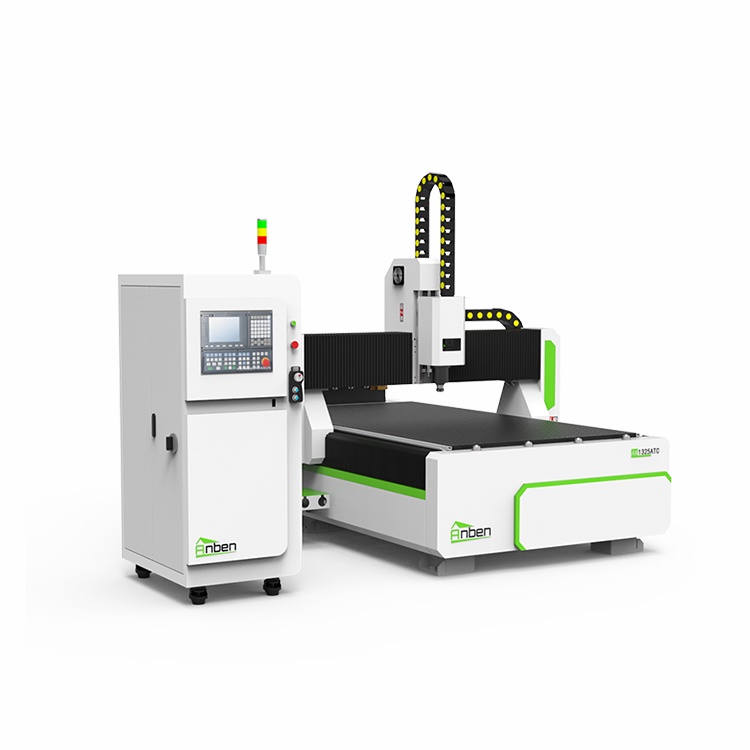
 AN1325ATC Automatic Tool ChangeAnben ATC (Automatic Tool Change)CNC router is popularly used in woodworking, making signs, molds making, art crafts making, etc. The automatic tool changer magazine carries 8-16 cutters. It can save tool change time,more efficient!
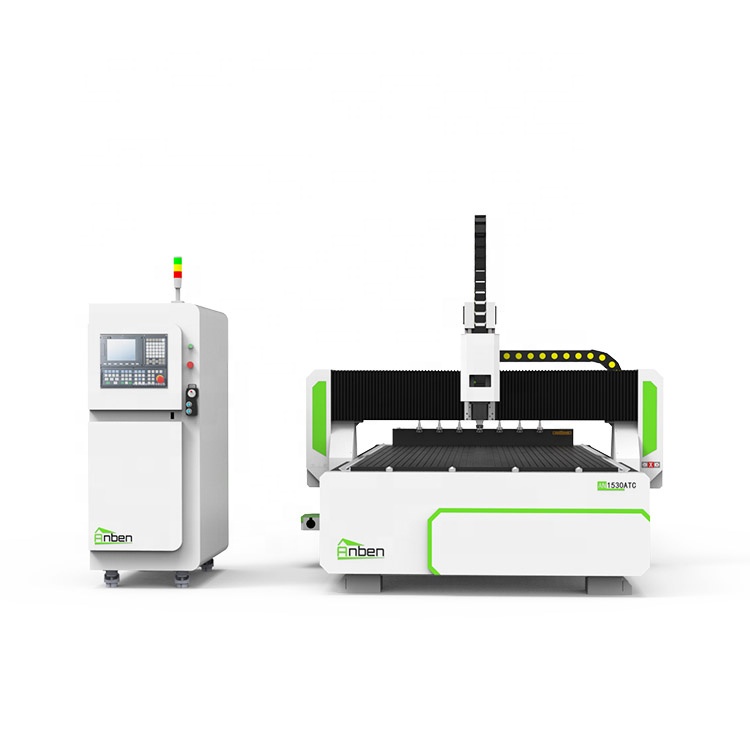
 AN1530ATC Automatic Tool ChangeAnben ATC (Automatic Tool Change)CNC router is popularly used in woodworking, making signs, molds making, art crafts making, etc. The automatic tool changer magazine carries 8-16 cutters. It can save tool change time,more efficient!
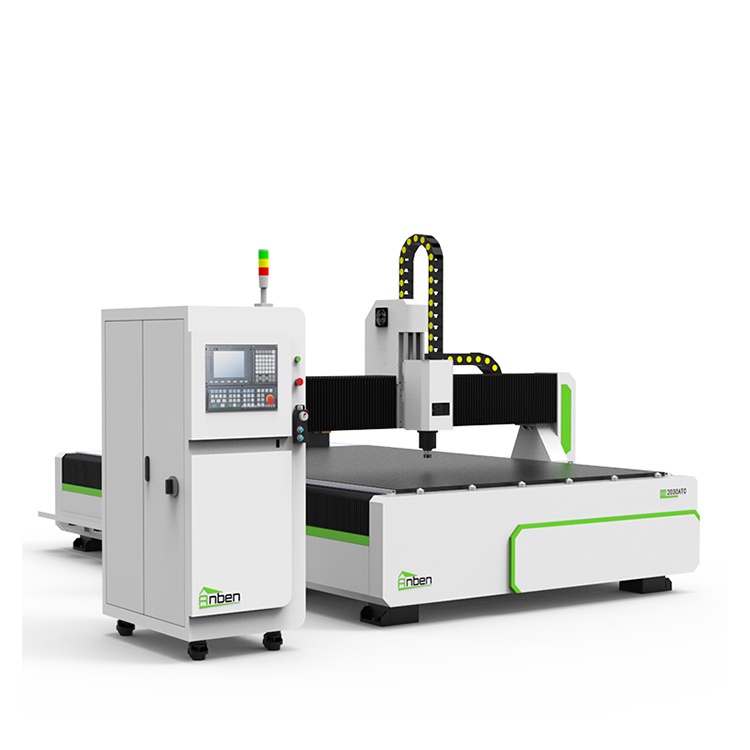
 AN2030ATC Automatic Tool ChangeAnben ATC (Automatic Tool Change)CNC router is popularly used in woodworking, making signs, molds making, art crafts making, etc. The automatic tool changer magazine carries 8-16 cutters. It can save tool change time,more efficient!
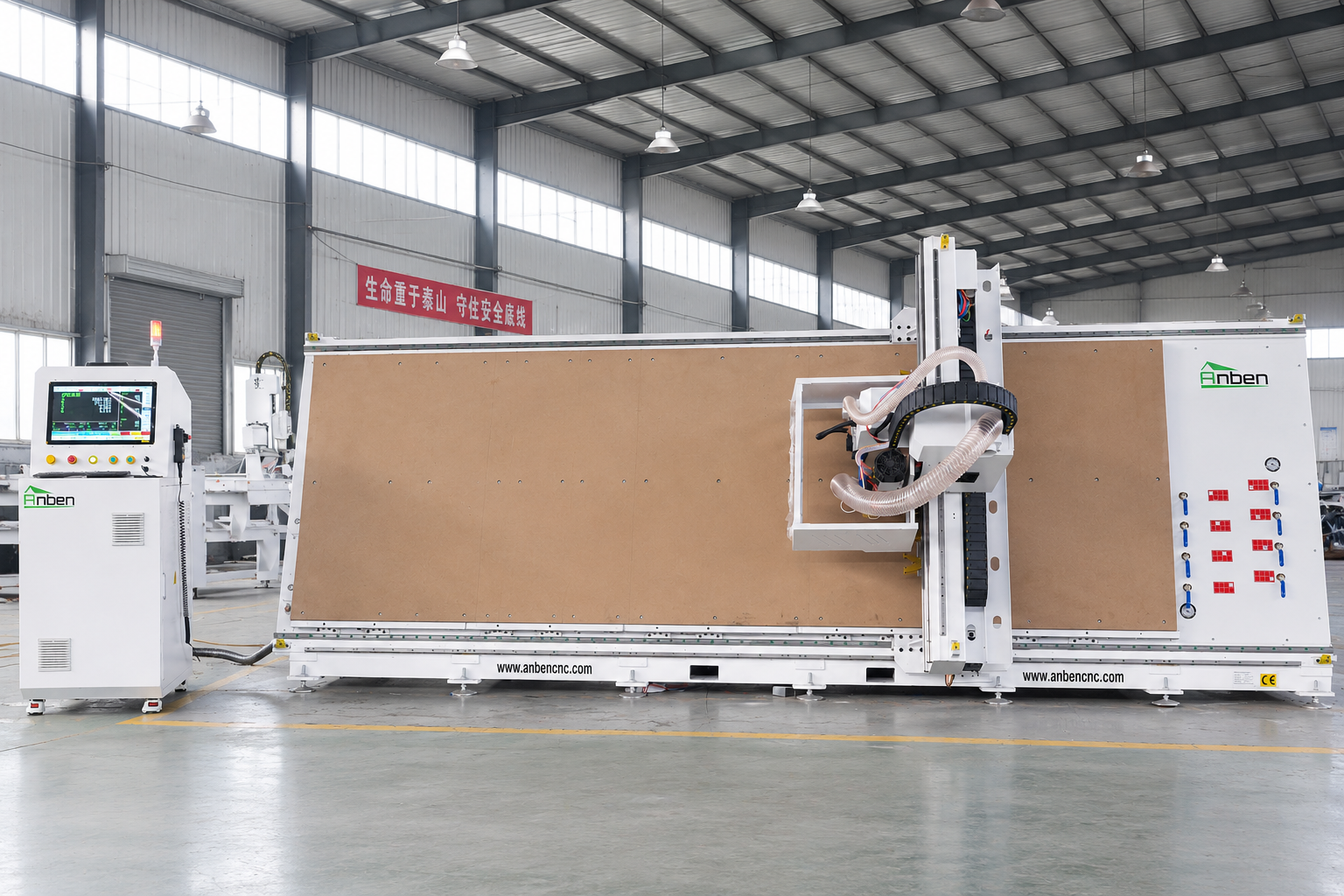
 V-1650 Vertical cnc routerThe vertical cnc significantly reduces the machine’s floor space. It is equipped with 8 sets of ATC tool magazines and other auxiliary devices such as vacuum pump, saw blade,aggregate head, positioning systems, etc. The Vertical cnc can cutting,grooving,engraving,drilling for various types of aluminum composite boards, acrylic boards, fiber boards and other boards. It is suitable for construction facades,cladding ,advertising signs,furniture manufacturing and other industries.
Get in touch

Anben Industrial – Founded in 2017, with a pure engineering spirit, providing trustworthy CNC solutions, born for long-term stable performance.
Contact