

ATC CNC Router Tool Change Errors: Causes and Checks.





An ATC CNC router uses an automatic tool changer to switch tools during machining. When a tool change fails, production may stop, machining accuracy may be affected, or the machine may trigger an alarm.
Understanding common ATC CNC router tool change errors helps operators identify possible causes and perform basic checks before contacting technical support.
1. Common ATC CNC Router Tool Change Errors
Tool Not Picked Up or Released
The spindle may fail to pick up a tool from the tool magazine or release the current tool correctly. Possible causes include incorrect tool positioning, contamination in the tool holder, or problems with the tool-clamping mechanism.
Tool Change Alarm
A tool change alarm may occur when the machine cannot complete a programmed tool change sequence. Possible causes include an incorrect tool number, a program or tool table mismatch, or a sensor signal that is not detected.
Tool Magazine Positioning Error
The tool magazine may stop in the wrong position or fail to align with the spindle. Check for visible obstructions, incorrect tool placement, or a positioning issue.
Tool Clamping or Release Failure
The spindle may not clamp or release the tool as expected. Possible causes include a tool holder problem, contamination, or an issue with the machine's clamping system.
2. How to Check an ATC CNC Router
Follow these basic checks when a tool change error occurs:
Stop the machining cycle. Read the controller alarm message and record the error code.
Check the tool number. Confirm that the CNC program, tool table, and physical tool positions match.
Inspect the tool holder. Look for visible damage, contamination, or incorrect seating.
Check the tool magazine. Confirm that tools are correctly placed and no visible obstruction prevents movement.
Review sensor and air supply status. If the machine uses pneumatic tool changing, check the indicated air pressure and alarm status against the manufacturer's specifications.
Test according to the machine manual. Only perform a tool change test using the approved procedure and after confirming the work area is clear.
If the alarm remains, record the controller message, machine status, and steps already checked before contacting the supplier.
3. How to Prevent Tool Change Errors
Regular maintenance helps reduce automatic tool changer problems.
Keep tool holders and approved contact areas clean.
Inspect tools and holders for wear or damage.
Ensure tools are installed in the correct magazine positions.
Follow the recommended maintenance schedule for the spindle and tool changer.
Check pneumatic supply and sensor status where applicable.
Keep tool tables and CNC programs consistent with the actual tool setup.
4. Important Safety Precautions
Never reach into the tool magazine or spindle area while the machine is moving. Before inspecting or cleaning components, stop the machine and follow the manufacturer's isolation and lockout procedures. Do not bypass sensors, safety interlocks, or alarms.
Internal spindle, pneumatic, electrical, or sensor repairs should be performed by qualified personnel.
Conclusion
ATC CNC router tool change errors can result from tool positioning, incorrect tool data, contamination, sensor signals, or mechanical and pneumatic issues. Start with the alarm message and basic external checks, then follow the machine manual for further diagnosis.
For recurring tool change failures, contact your CNC router supplier with the alarm code, controller information, and a description or video of the problem. ANBEN CNC can help customers identify suitable troubleshooting steps based on their machine configuration.
 ATC CNC Router Tool Change Errors: Causes and Checks.
 How to Choose a CNC Router for High-Volume Panel Production?
- ACP vs. ACM Panels: Machining Methods and CNC Applications
- How to Set Feed Rate and Spindle Speed for CNC Routing
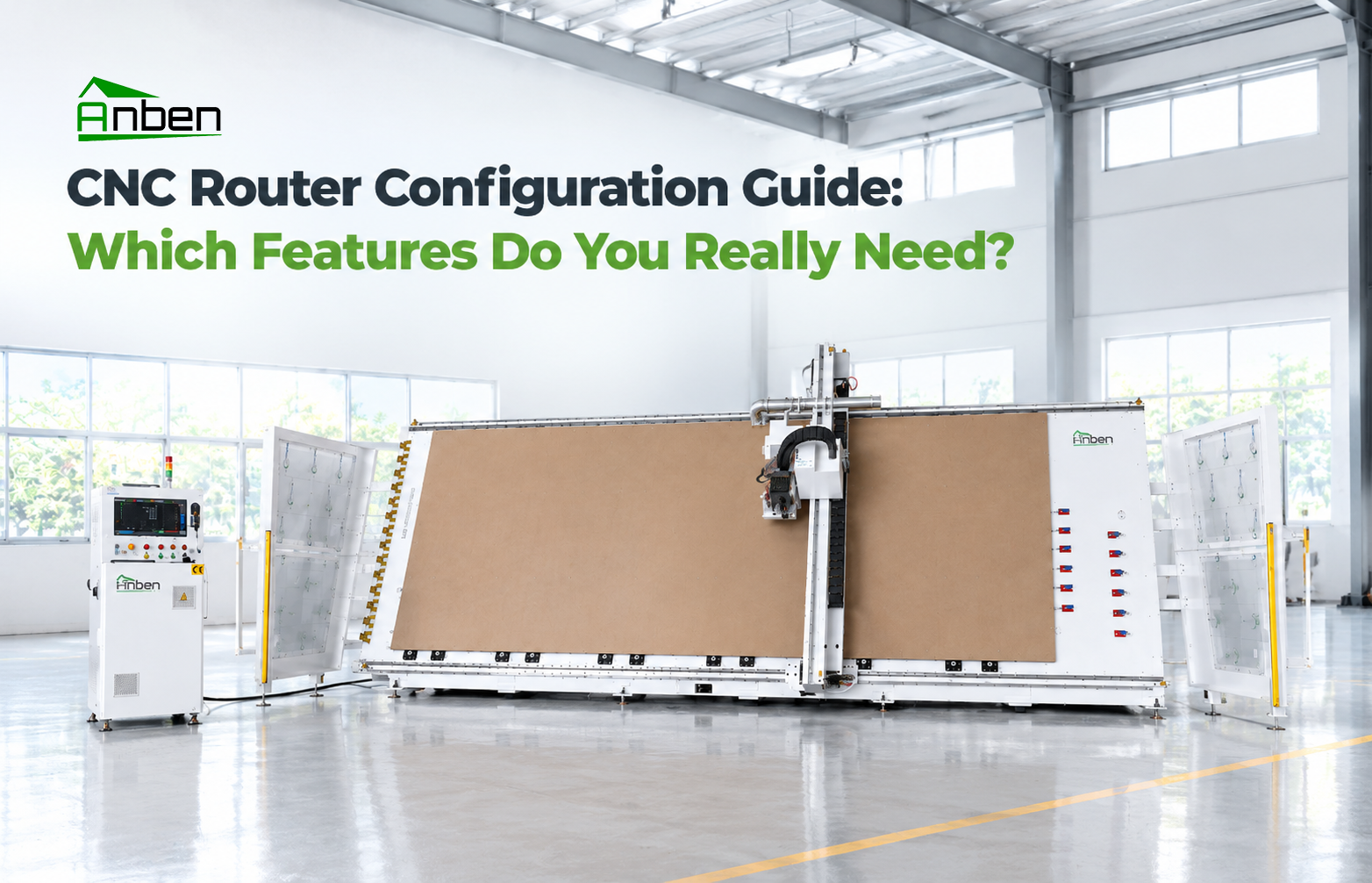
 CNC Router Configuration Guide: Which Features Do You Really Need?
- CNC Milling vs. CNC Routing: Key Differences and Applications
- How to Prevent Chipping and Rough Edges in CNC Routing
- How to Calculate CNC Router Production Capacity Before Buying







Related Products
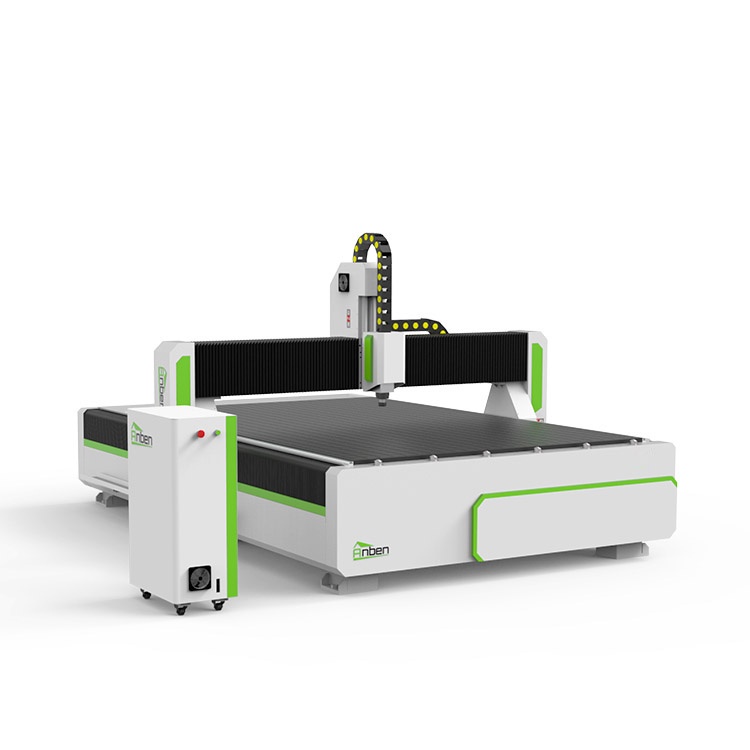
 AN2040 Manual Tool ChangeThe Anben MTC(Manual tool change)-- a professional yet affordable 3 axis CNC wood router, designed for woodworking shops, cabinet manufacturers, and industrial workshops. This budget-friendly CNC router delivers high precision and durability for wood machining, acrylic cutting, aluminum cutting, sign making, and furniture production.
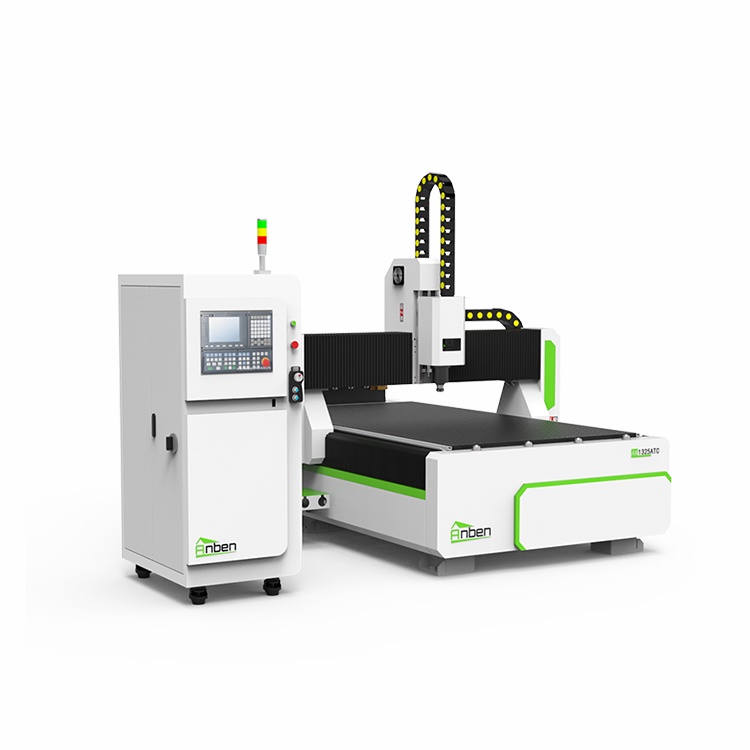
 AN1325ATC Automatic Tool ChangeAnben ATC (Automatic Tool Change)CNC router is popularly used in woodworking, making signs, molds making, art crafts making, etc. The automatic tool changer magazine carries 8-16 cutters. It can save tool change time,more efficient!
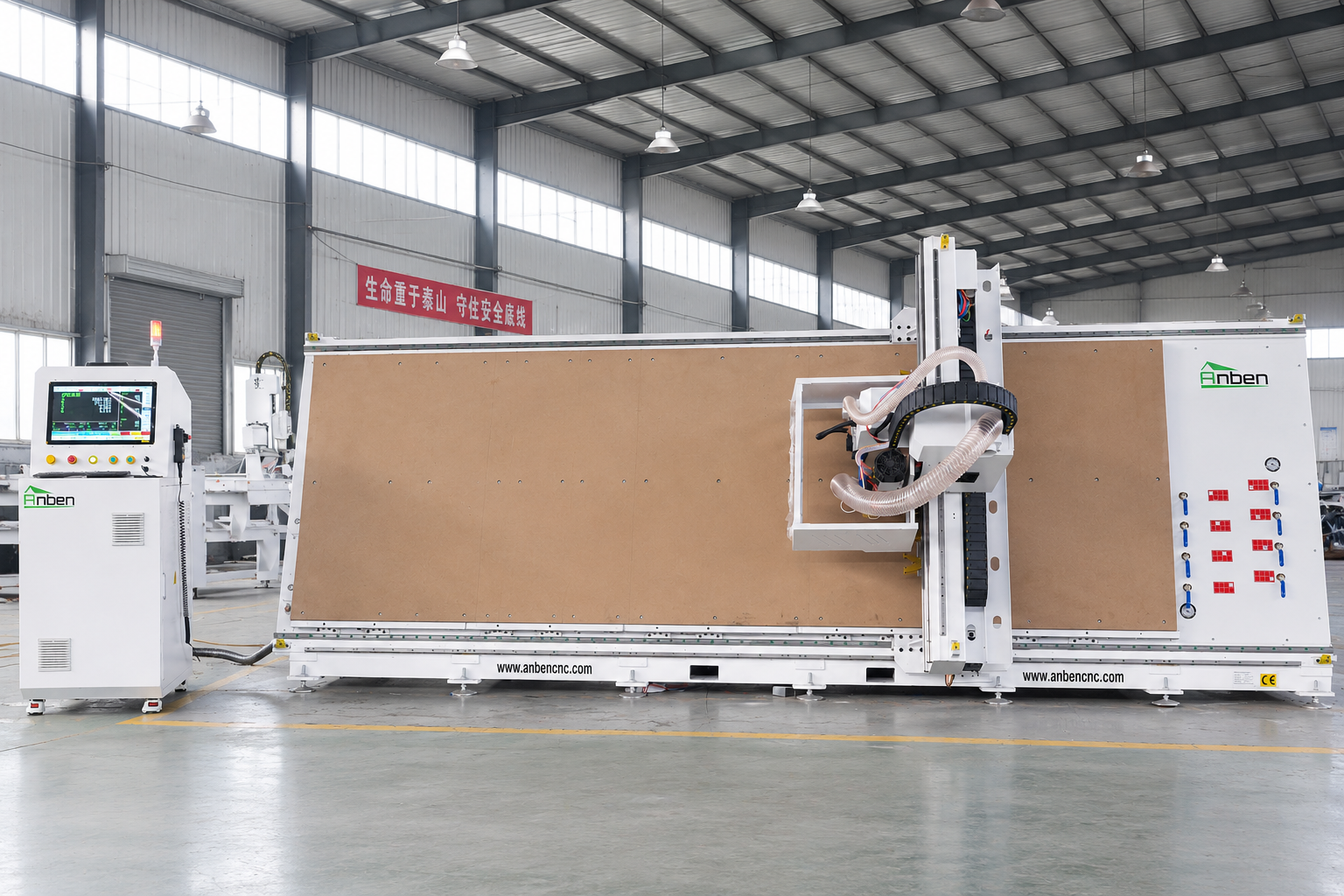
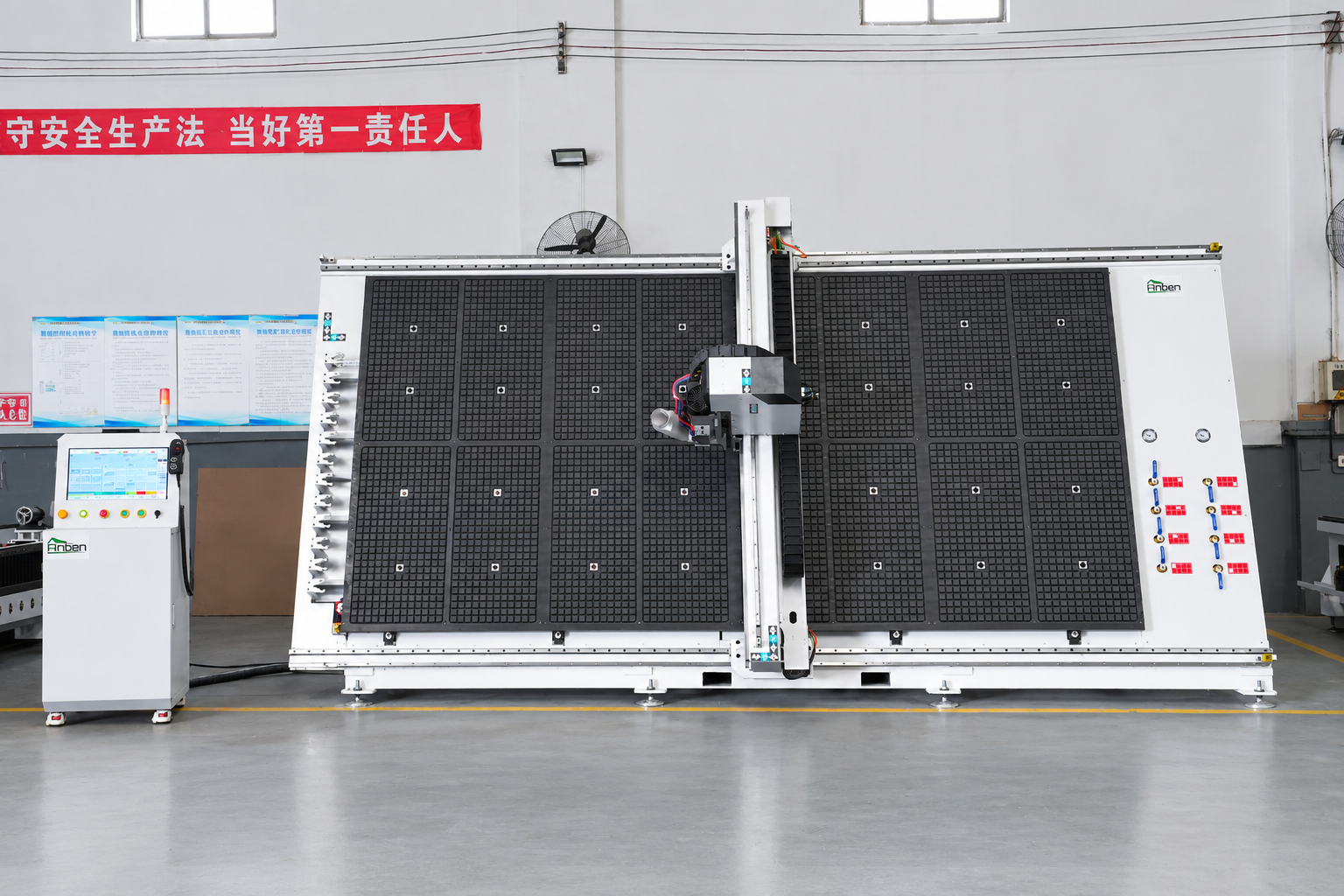
 V-1650 Vertical cnc routerThe vertical cnc significantly reduces the machine’s floor space. It is equipped with 8 sets of ATC tool magazines and other auxiliary devices such as vacuum pump, saw blade,aggregate head, positioning systems, etc. The Vertical cnc can cutting,grooving,engraving,drilling for various types of aluminum composite boards, acrylic boards, fiber boards and other boards. It is suitable for construction facades,cladding ,advertising signs,furniture manufacturing and other industries.
 V-2142 Vertical cnc routerThe vertical cnc significantly reduces the machine’s floor space. It is equipped with 8 sets of ATC tool magazines and other auxiliary devices such as vacuum pump, saw blade,aggregate head, positioning systems, etc. The Vertical cnc can cutting,grooving,engraving,drilling for various types of aluminum composite boards, acrylic boards, fiber boards and other boards. It is suitable for construction facades,cladding ,advertising signs,furniture manufacturing and other industries.
Get in touch

Anben Industrial – Founded in 2017, with a pure engineering spirit, providing trustworthy CNC solutions, born for long-term stable performance.
Contact