

How to Set Feed Rate and Spindle Speed for CNC Routing





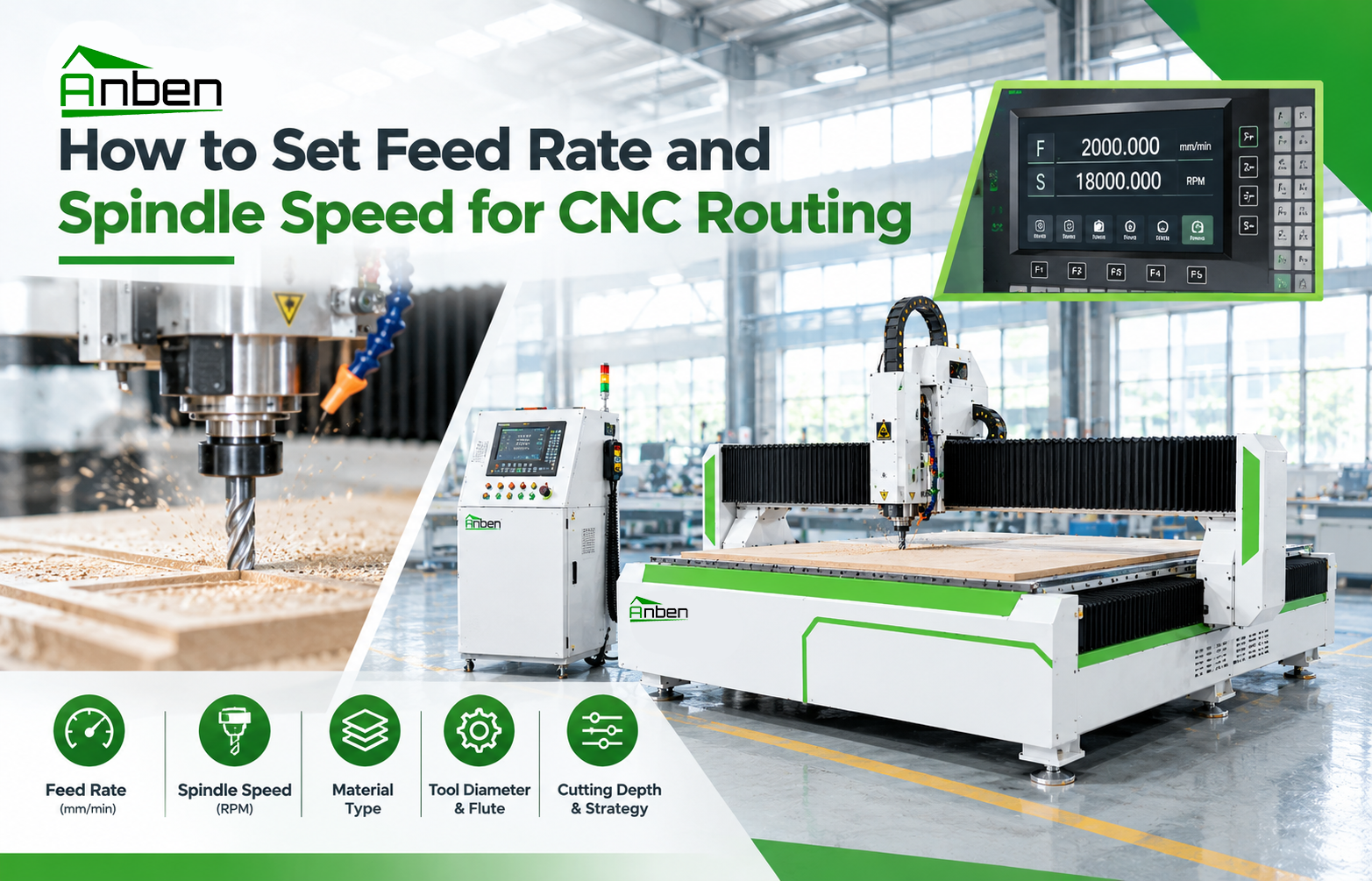
Setting the correct feed rate and spindle speed is essential for CNC router cutting quality, tool life, and machining efficiency. Incorrect settings can cause rough edges, tool wear, burning, or excessive vibration. The ideal parameters depend on the material, cutting tool, spindle capability, and machining operation.
1. Understand Feed Rate and Spindle Speed
Feed rate is the speed at which the cutting tool moves through the material, usually measured in mm/min or inches/min.
Spindle speed is the rotational speed of the cutting tool, measured in RPM.
These parameters work together. A high spindle speed with an unsuitable feed rate may generate excess heat, while an excessively high feed rate can overload the tool and produce poor surface quality.
2. What Affects the Settings?
Before adjusting CNC router parameters, consider these factors:
Material: MDF, plywood, acrylic, and aluminum require different cutting strategies.
Tool type: Diameter, flute count, geometry, and material affect suitable settings.
Cutting depth: Deeper cuts generally increase tool load.
Machine capability: Spindle power, rigidity, and workholding influence achievable performance.
Finish requirements: Fine finishing passes may need different parameters from rough cutting.
3. How to Set Feed Rate and Spindle Speed
Step 1: Check the tool manufacturer's recommendations. Start with the recommended cutting speed, chip load, and operating range for your material and tool.
Step 2: Calculate the starting feed rate. For many milling operations, a basic formula is:
Feed Rate = RPM × Number of Flutes × Chip Load
Use consistent units, such as RPM, flutes, and chip load in mm per tooth to calculate feed rate in mm/min.
Step 3: Set the spindle speed. Keep the RPM within the tool and spindle manufacturer's recommended limits. Consider material properties and tool diameter.
Step 4: Run a test cut. Secure the workpiece, confirm the toolpath and work origin, and test on scrap material using a conservative starting setup.
Step 5: Adjust gradually. Inspect edge quality, chips, noise, vibration, and tool temperature. Change one parameter at a time to identify the cause of any issue.
4. Signs Your Settings Need Adjustment
Burning or melted edges: Check for excess heat, unsuitable RPM, low feed rate, or poor chip evacuation.
Rough edges or chipping: Review tool sharpness, toolpath direction, feed rate, and workpiece support.
Excessive vibration: Check tool overhang, workholding, cutting depth, and machine rigidity.
Tool breakage: Reduce excessive tool load and verify tool compatibility and cutting parameters.
These symptoms can have multiple causes, so avoid changing spindle speed alone without checking the full setup.
5. Best Practices for Consistent Results
Use sharp, suitable tools and secure workholding. Keep chips clear, follow machine safety procedures, and record successful settings for each material and tool combination. Always follow the machine, spindle, and cutting-tool manufacturers' instructions.
Conclusion
Correct CNC router feed rate and spindle speed settings balance cutting quality, machining efficiency, and tool life. Start with reliable tool data, calculate a suitable feed rate, test carefully, and make controlled adjustments for your specific application.
 How to Set Feed Rate and Spindle Speed for CNC Routing
 CNC Router Configuration Guide: Which Features Do You Really Need?
- CNC Milling vs. CNC Routing: Key Differences and Applications
- How to Prevent Chipping and Rough Edges in CNC Routing
- How to Calculate CNC Router Production Capacity Before Buying
- How Does V-Grooving Work on ACP and ACM Panels?
- How to Use an ATC CNC Router: A Step-by-Step Guide
- How to Calculate the ROI of a CNC Router Before Buying
Related Products
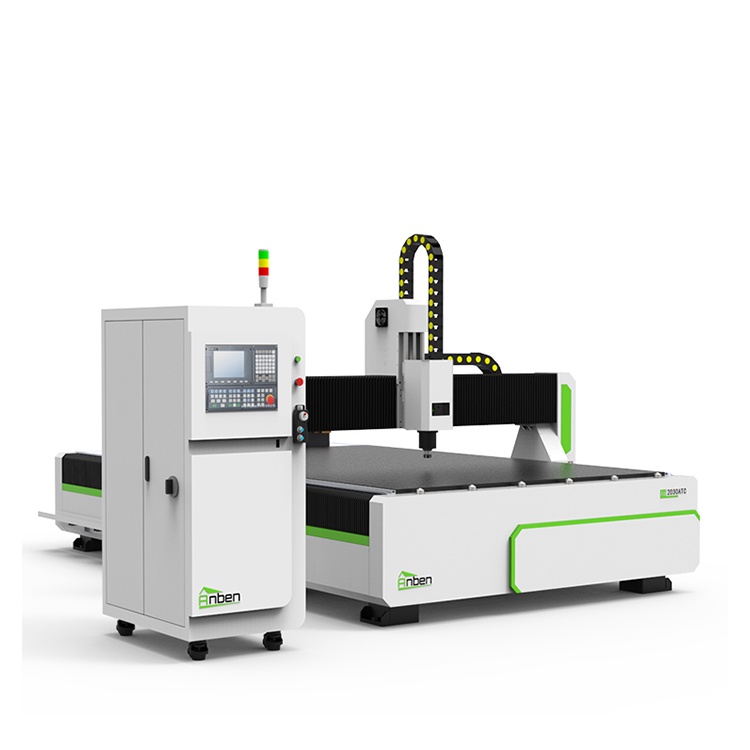
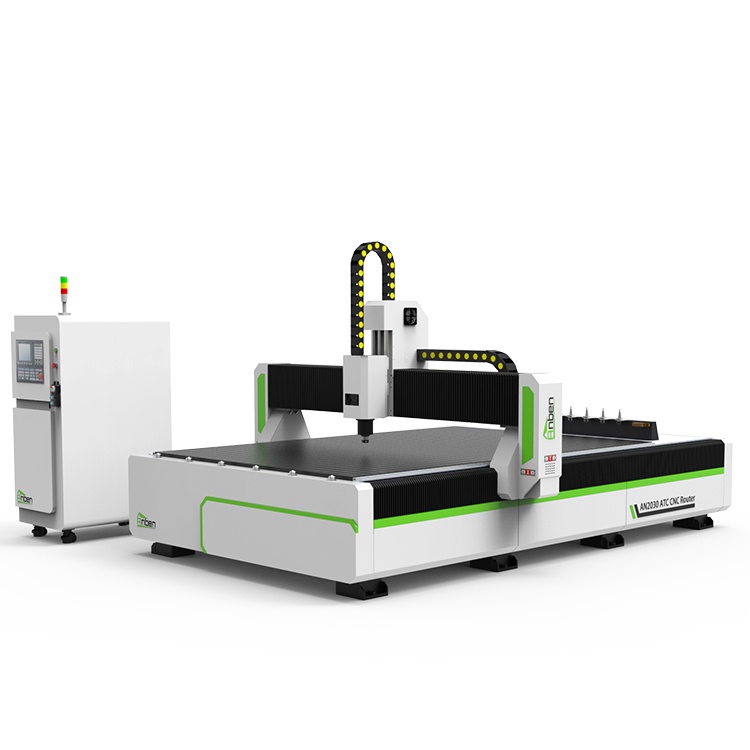
 AN2030ATC Automatic Tool ChangeAnben ATC (Automatic Tool Change)CNC router is popularly used in woodworking, making signs, molds making, art crafts making, etc. The automatic tool changer magazine carries 8-16 cutters. It can save tool change time,more efficient!
 AN2040ATC Automatic Tool ChangeAnben ATC (Automatic Tool Change)CNC router is popularly used in woodworking, making signs, molds making, art crafts making, etc. The automatic tool changer magazine carries 8-16 cutters. It can save tool change time,more efficient!
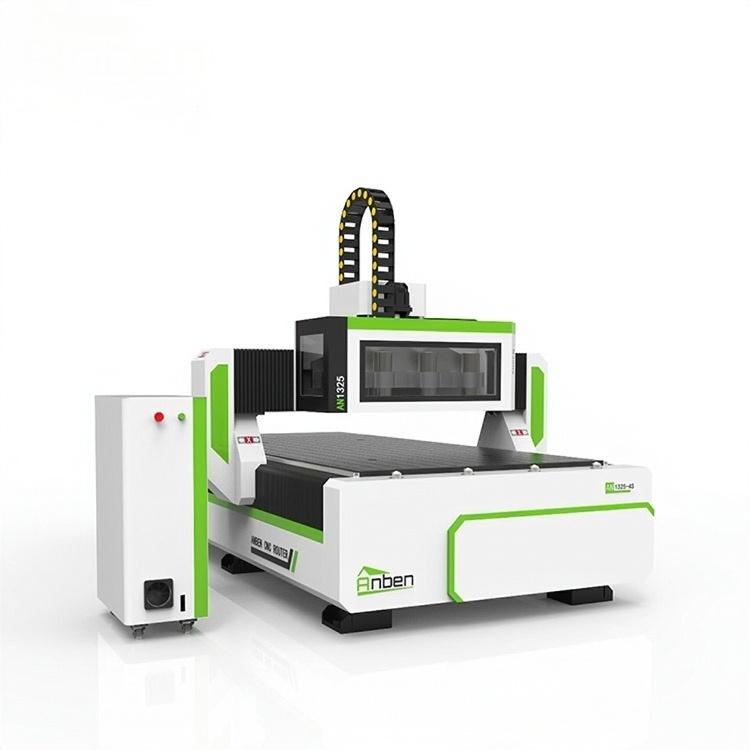
 AN1325-3S Cnc Router 3 SpindlesAnben multi spindles CNC router has 3 or 4 spindles, each spindle use different tools and work one by one. It also called economical ATC cnc.
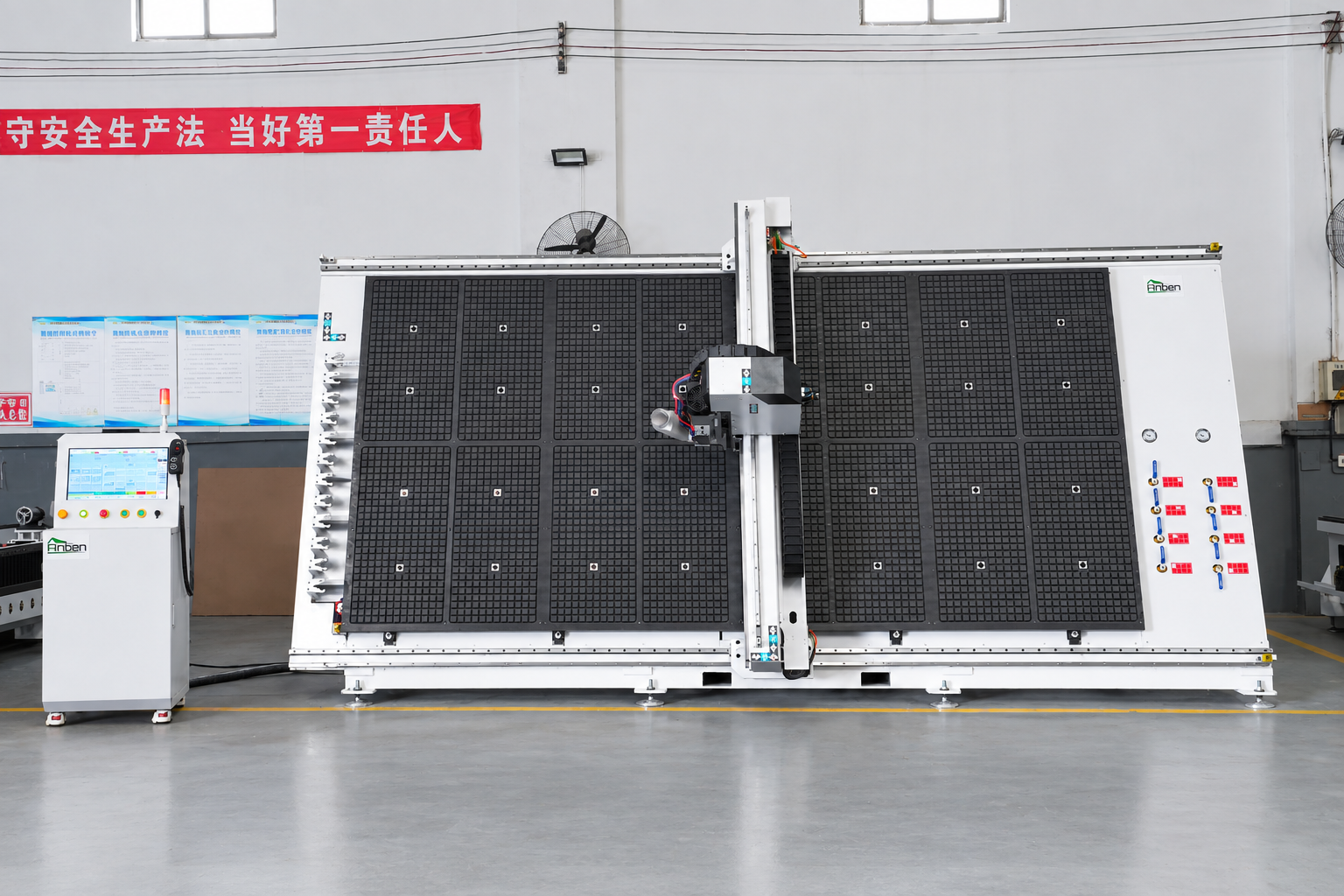
 V-2142 Vertical cnc routerThe vertical cnc significantly reduces the machine’s floor space. It is equipped with 8 sets of ATC tool magazines and other auxiliary devices such as vacuum pump, saw blade,aggregate head, positioning systems, etc. The Vertical cnc can cutting,grooving,engraving,drilling for various types of aluminum composite boards, acrylic boards, fiber boards and other boards. It is suitable for construction facades,cladding ,advertising signs,furniture manufacturing and other industries.
Get in touch

Anben Industrial – Founded in 2017, with a pure engineering spirit, providing trustworthy CNC solutions, born for long-term stable performance.
Contact