

Upcut vs. Downcut vs. Compression Router Bits: What Is the Difference?





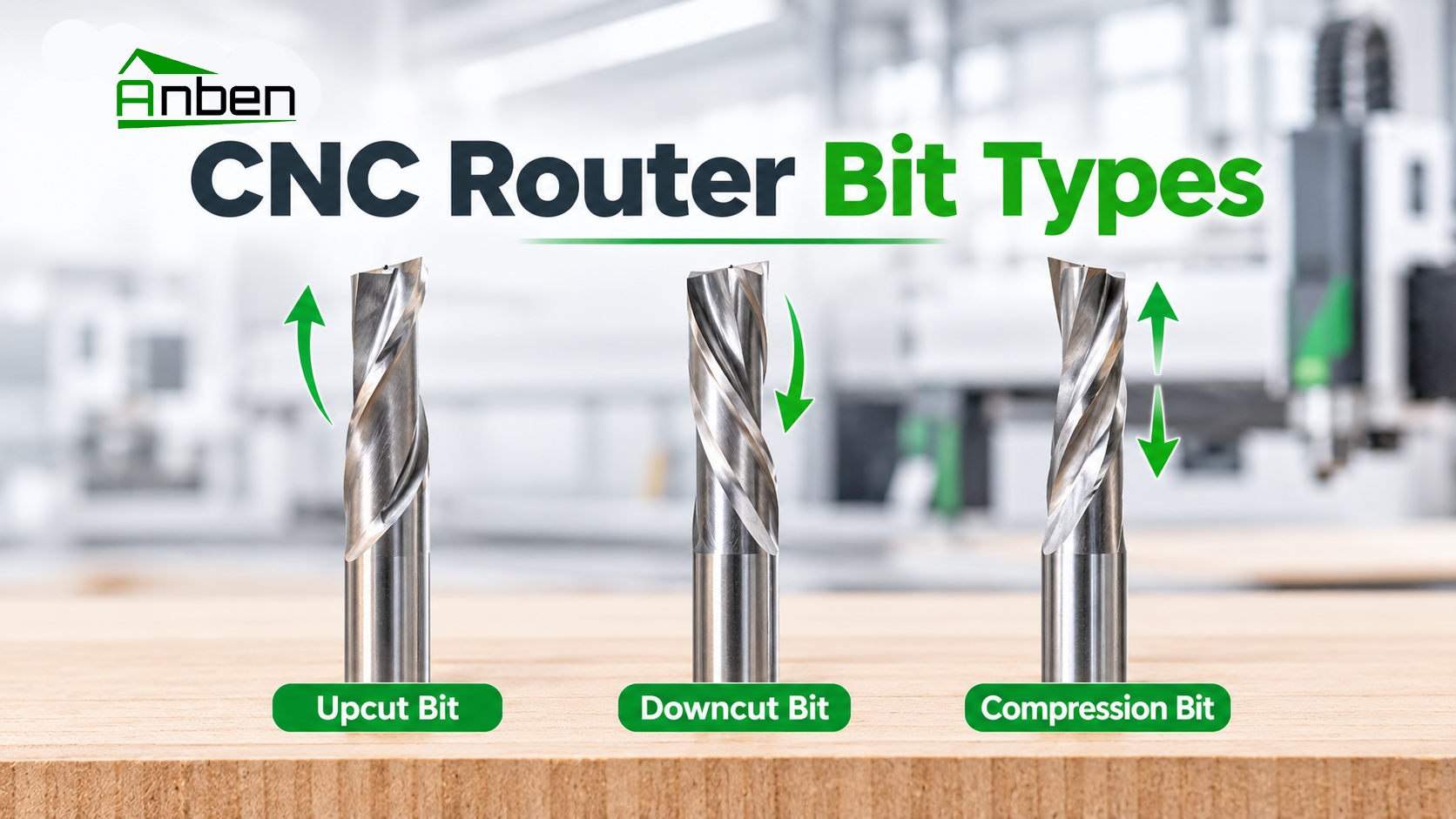
Choosing the right CNC router bit directly affects cutting quality, chip removal, and machining efficiency. Upcut, downcut, and compression bits are three common types of spiral CNC router bits. Understanding their cutting directions and applications helps you select the right tool for different materials.
1. What Is an Upcut Router Bit?
An upcut router bit pulls chips upward and away from the workpiece during cutting.
Key Features:
Excellent chip removal and dust evacuation.
Helps prevent chips from accumulating in deep cuts.
May cause chipping or tear-out on the top surface of laminated or veneered materials.
Best For: Deep slotting, solid wood, and applications where efficient chip removal is important.
2. What Is a Downcut Router Bit?
A downcut router bit pushes chips downward into the cutting area, helping produce a cleaner top edge.
Key Features:
Reduces top-surface tear-out.
Produces cleaner edges on the upper face of sheet materials.
Chip removal can be more difficult, especially in deep pockets.
Best For: Plywood, MDF, laminates, and materials where top-edge quality is important.
3. What Is a Compression Router Bit?
A compression router bit combines upcut and downcut cutting geometry. Its lower cutting section pulls chips upward, while its upper section pushes chips downward.
This design helps produce clean edges on both the top and bottom surfaces of sheet materials when the cutting depth is appropriate.
Key Features:
Helps reduce top and bottom edge chipping.
Suitable for cutting laminated panels and plywood.
Requires sufficient cutting depth to engage both cutting sections effectively.
Best For: Plywood, laminated boards, MDF, and double-sided sheet materials.
4. Upcut vs. Downcut vs. Compression: Key Differences
5. How to Choose the Right CNC Router Bit
Consider these factors before selecting a router bit:
Material Type: Identify whether you are cutting solid wood, plywood, MDF, or laminated panels.
Edge Quality: Choose a downcut bit for cleaner top edges or a compression bit when both surfaces need a clean finish.
Cutting Depth: Make sure the cutting geometry matches the required machining depth.
Chip Evacuation: Consider dust extraction, cutting depth, and chip buildup.
Machine Setup: Match the bit diameter, flute design, spindle speed, and feed rate to the material and machining conditions.
Frequently Asked Questions
Q1: Which CNC router bit is best for plywood?
Compression bits are often suitable for plywood when both top and bottom edges need to be clean. Downcut bits are useful when top-surface quality is the priority.
Q2: Is an upcut bit better for chip removal?
Yes. Its upward cutting action helps remove chips from the cutting area, especially in deep slots and pockets.
Q3: Can a compression bit cut MDF?
Yes. Compression bits can be used for MDF, particularly when clean edges on both sides are required. The cutting depth must engage the appropriate cutting sections.
Conclusion
Upcut, downcut, and compression router bits serve different machining needs. Choose an upcut bit for chip removal, a downcut bit for cleaner top edges, and a compression bit for improved edge quality on both sides of sheet materials. The right choice depends on the material, cutting depth, and required finish.
 Upcut vs. Downcut vs. Compression Router Bits: What Is the Difference?
 CNC Router Cutting Depth Is Inconsistent: Causes and Fixes
 CNC Router Supplier Evaluation Checklist: 6 Questions to Ask Before Buying
- How to CNC Cut Acrylic Without Melting or Rough Edges
- ATC CNC Router Tool Change Errors: Causes and Checks.
- How to Choose a CNC Router for High-Volume Panel Production?
- ACP vs. ACM Panels: Machining Methods and CNC Applications
- How to Set Feed Rate and Spindle Speed for CNC Routing
Related Products
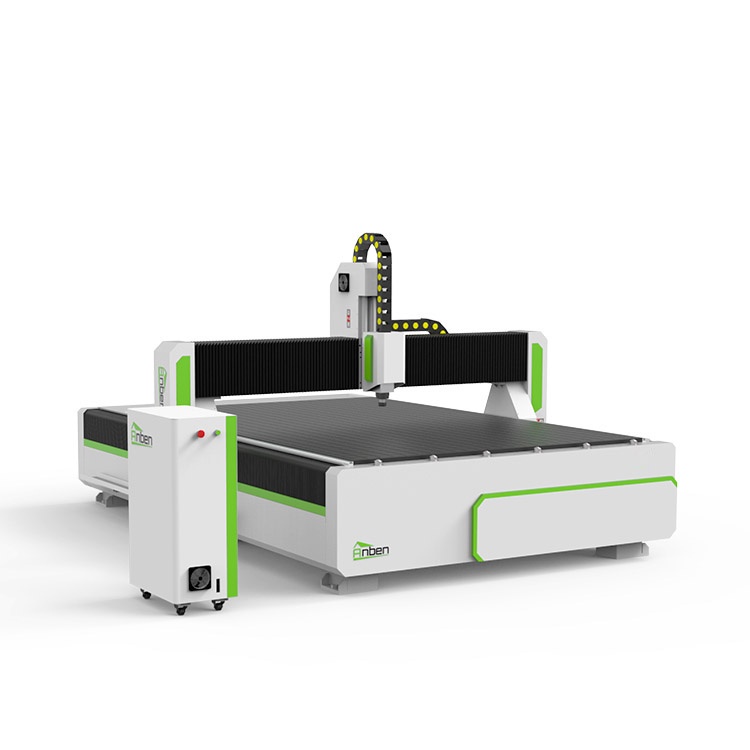
 AN2040 Manual Tool ChangeThe Anben MTC(Manual tool change)-- a professional yet affordable 3 axis CNC wood router, designed for woodworking shops, cabinet manufacturers, and industrial workshops. This budget-friendly CNC router delivers high precision and durability for wood machining, acrylic cutting, aluminum cutting, sign making, and furniture production.
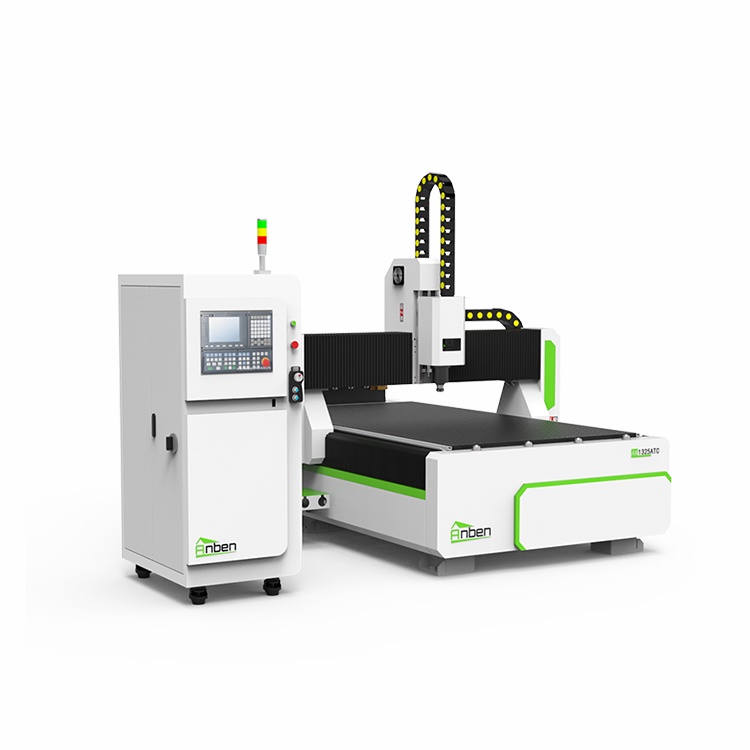
 AN1325ATC Automatic Tool ChangeAnben ATC (Automatic Tool Change)CNC router is popularly used in woodworking, making signs, molds making, art crafts making, etc. The automatic tool changer magazine carries 8-16 cutters. It can save tool change time,more efficient!
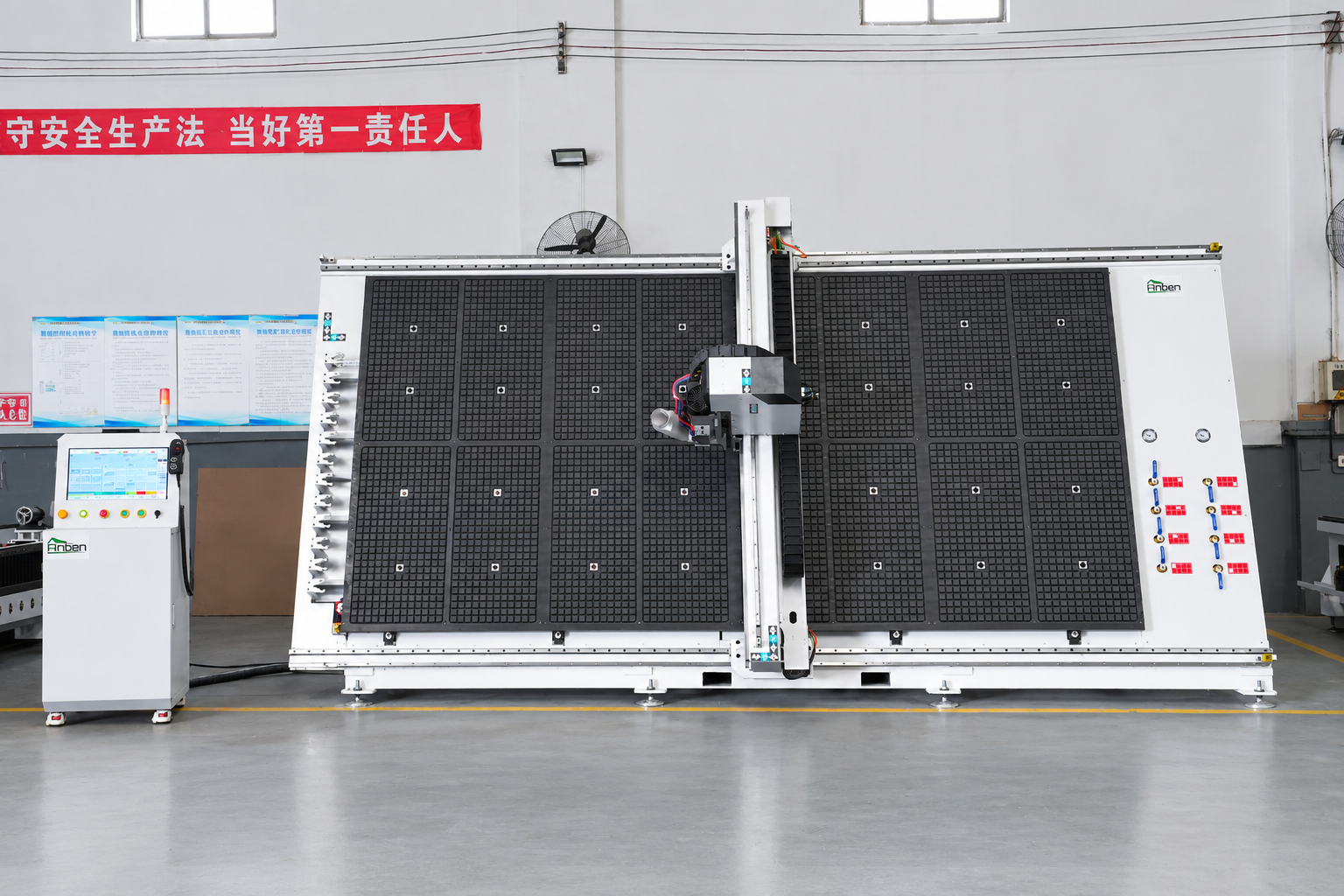
 V-2142 Vertical cnc routerThe vertical cnc significantly reduces the machine’s floor space. It is equipped with 8 sets of ATC tool magazines and other auxiliary devices such as vacuum pump, saw blade,aggregate head, positioning systems, etc. The Vertical cnc can cutting,grooving,engraving,drilling for various types of aluminum composite boards, acrylic boards, fiber boards and other boards. It is suitable for construction facades,cladding ,advertising signs,furniture manufacturing and other industries.
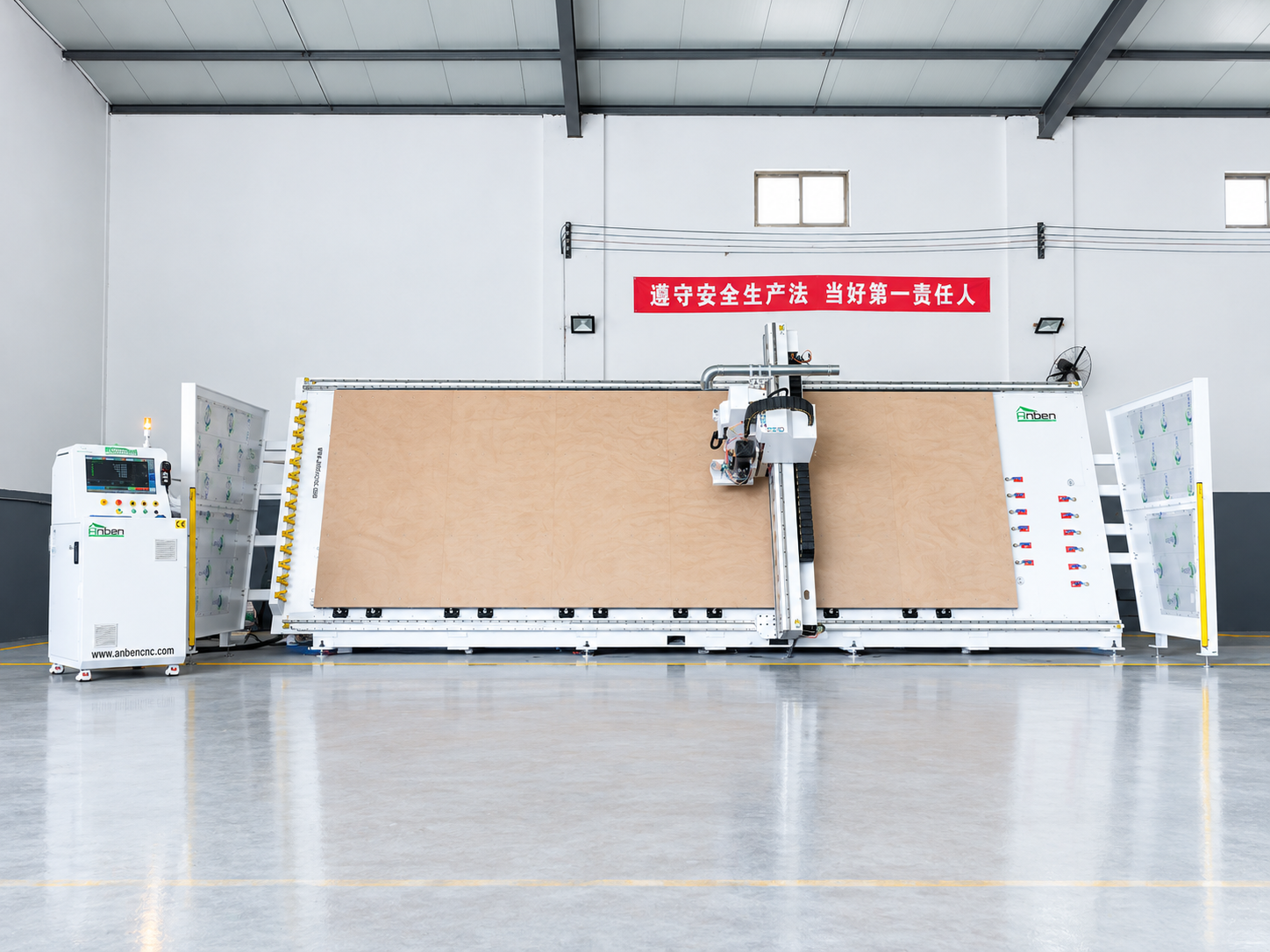
 V-2162 Vertical cnc routerThe vertical cnc significantly reduces the machine’s floor space. It is equipped with 8 sets of ATC tool magazines and other auxiliary devices such as vacuum pump, saw blade,aggregate head, positioning systems, etc. The Vertical cnc can cutting,grooving,engraving,drilling for various types of aluminum composite boards, acrylic boards, fiber boards and other boards. It is suitable for construction facades,cladding ,advertising signs,furniture manufacturing and other industries.
Get in touch

Anben Industrial – Founded in 2017, with a pure engineering spirit, providing trustworthy CNC solutions, born for long-term stable performance.
Contact