

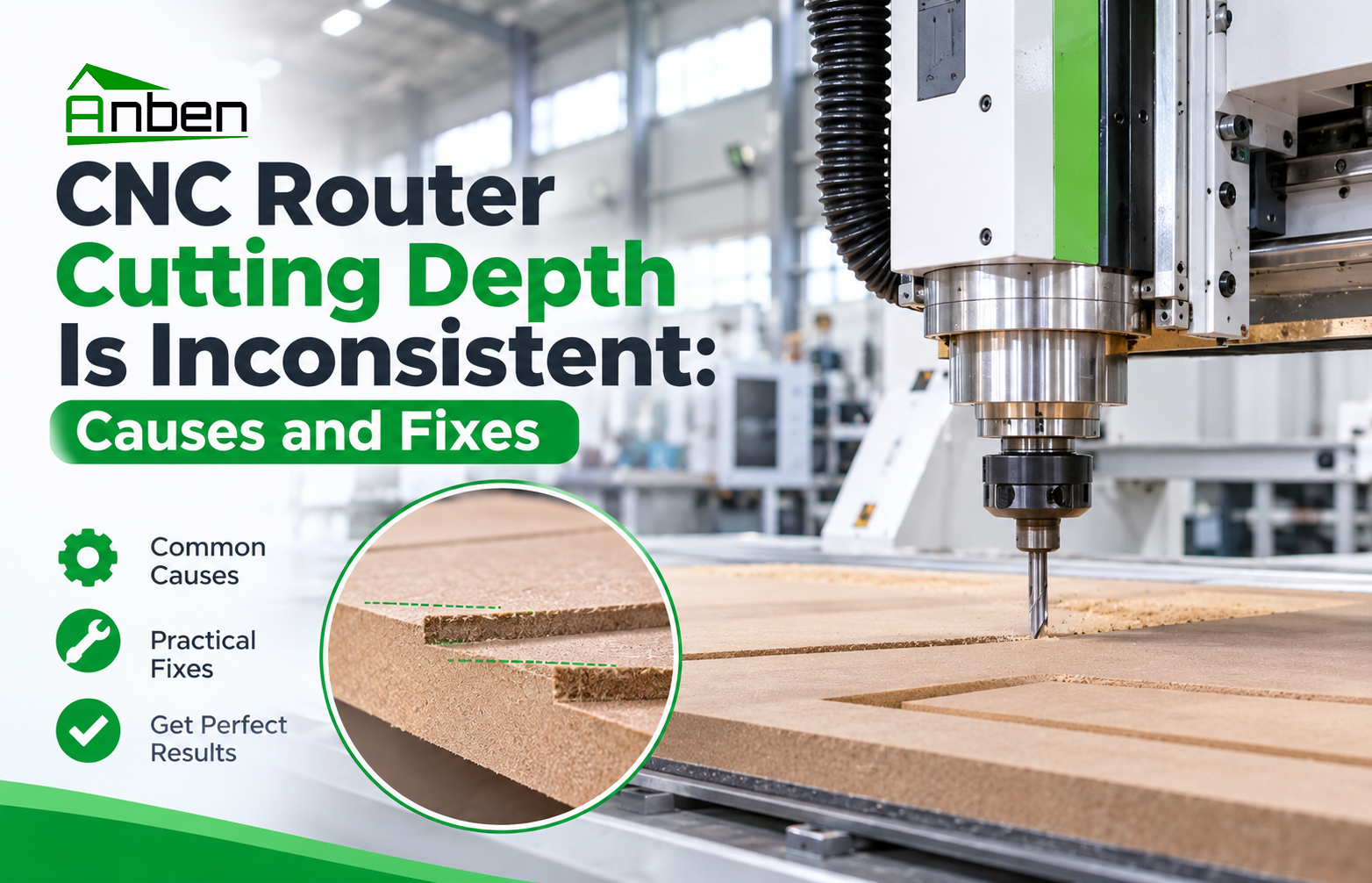
CNC Router Cutting Depth Is Inconsistent: Causes and Fixes





Inconsistent cutting depth is a common CNC router problem that can affect machining accuracy, product quality, and production efficiency. If some areas are cut too deep while others remain partially uncut, checking the Z-axis, workpiece surface, tool condition, and machine table can help identify the cause.
1. Common Causes of Inconsistent CNC Cutting Depth
1. Incorrect Z-Axis Zero Setting
An inaccurate Z-axis zero point can cause the cutting tool to reach different depths than expected. Incorrect tool length settings or improper workpiece height measurements may also affect cutting depth.
2. Uneven Workpiece Surface
If the material is warped, uneven, or not properly secured, the distance between the tool and the workpiece surface may vary during machining.
3. Uneven CNC Router Table
Dust, debris, or an uneven worktable can affect material positioning. Over time, table flatness issues may also lead to inconsistent cutting results.
4. Worn or Incorrectly Installed Tools
A worn cutting bit, loose tool holder, or incorrect tool length can change the actual cutting depth and reduce machining consistency.
5. Mechanical or Z-Axis Problems
Loose mechanical connections, transmission wear, or Z-axis movement problems may cause inaccurate positioning during machining.
2. How to Fix Inconsistent Cutting Depth
Follow these steps to check the machine before continuing production:
Reset the Z-Axis Zero Point: Check the tool length and reset the workpiece Z-zero according to the controller instructions.
Check Material Flatness: Inspect the workpiece for warping and ensure it is securely fixed to the table.
Clean and Inspect the Table: Remove dust and debris, then check the worktable surface and material support.
Inspect the Cutting Tool: Check for wear, damage, loose installation, and incorrect tool length.
Check Z-Axis Movement: Inspect mechanical connections and look for abnormal movement, looseness, or controller alarms.
Run a Test Cut: Perform a test on a suitable sample material and measure the cutting depth at several positions.
3. How to Prevent Uneven Cutting Depth
Check the Z-axis zero point before each job.
Keep the worktable clean and inspect its flatness regularly.
Secure materials properly before machining.
Replace worn tools and verify tool length settings.
Follow a regular CNC router maintenance schedule.
Test machining results before starting batch production.
4. When Should You Contact a Technician?
If cutting depth remains inconsistent after checking the workpiece, tool, and Z-zero settings, the machine may have a mechanical, drive, or control-system issue. Stop machining if abnormal movement or alarms occur, and contact a qualified technician for further inspection.
Conclusion
Consistent CNC router cutting depth depends on accurate Z-axis positioning, a stable workpiece, proper tool installation, and regular machine maintenance. Checking these factors systematically can help reduce machining errors and maintain reliable production quality.
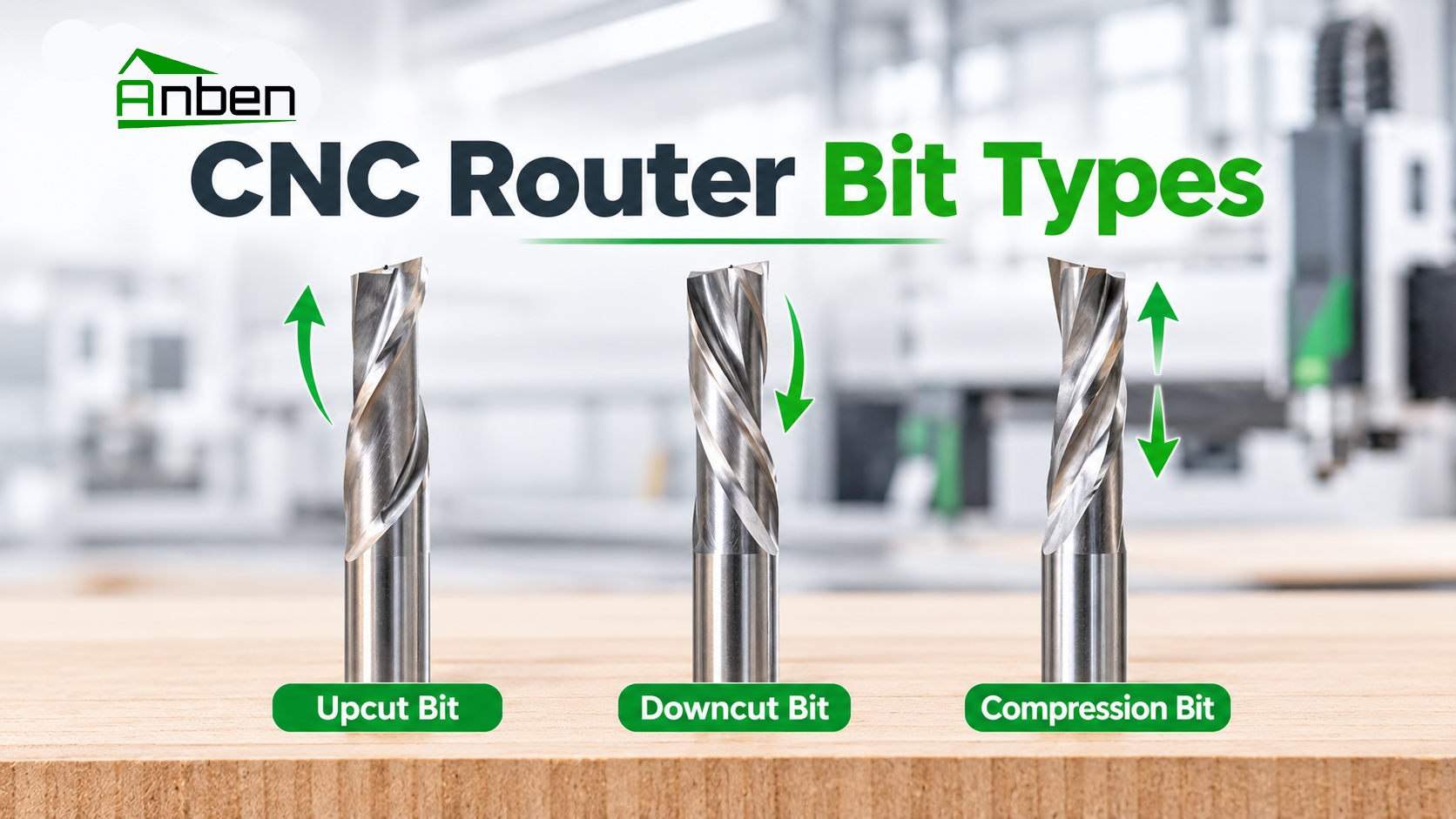
 Upcut vs. Downcut vs. Compression Router Bits: What Is the Difference?
 CNC Router Cutting Depth Is Inconsistent: Causes and Fixes
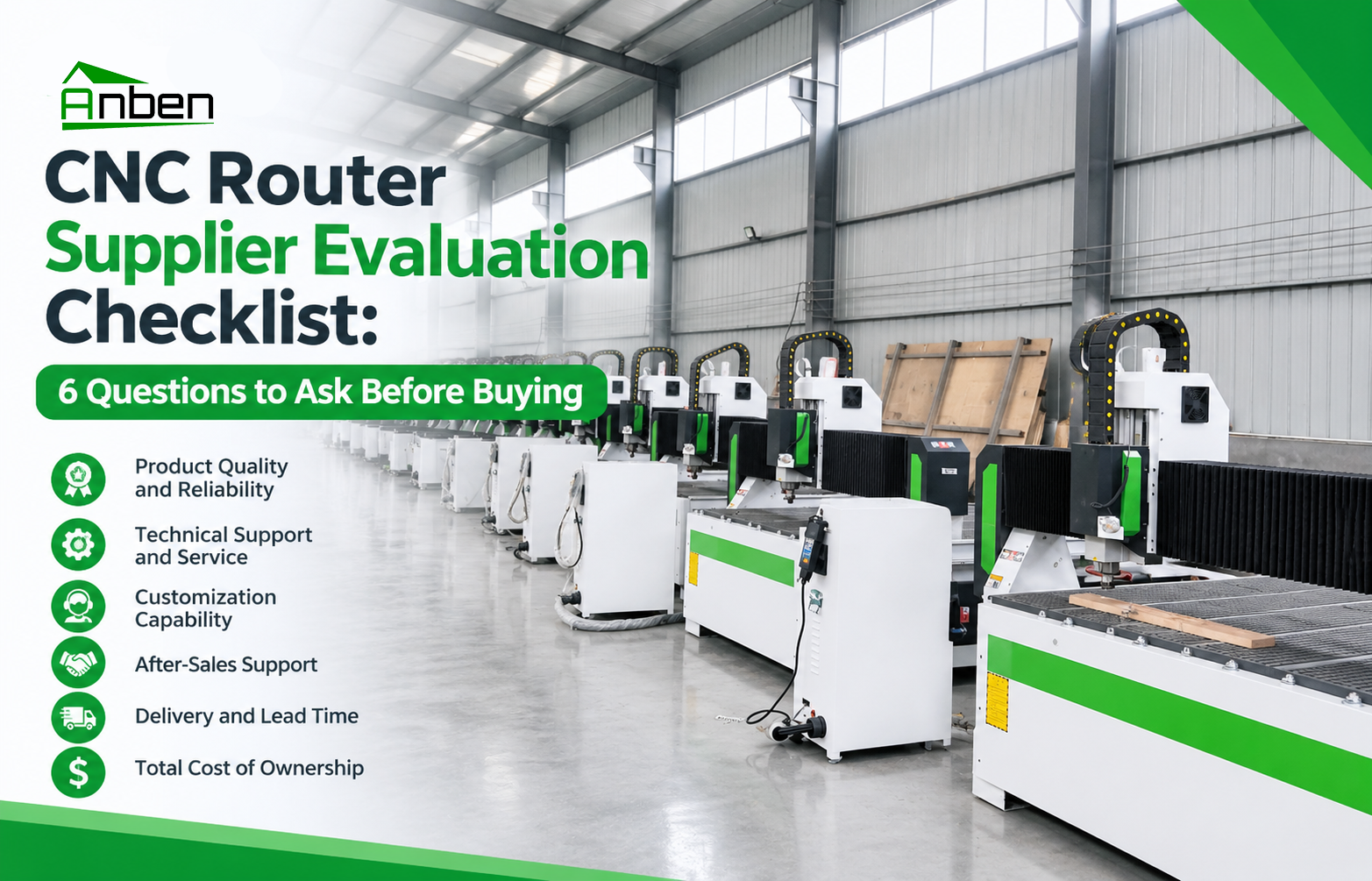
 CNC Router Supplier Evaluation Checklist: 6 Questions to Ask Before Buying
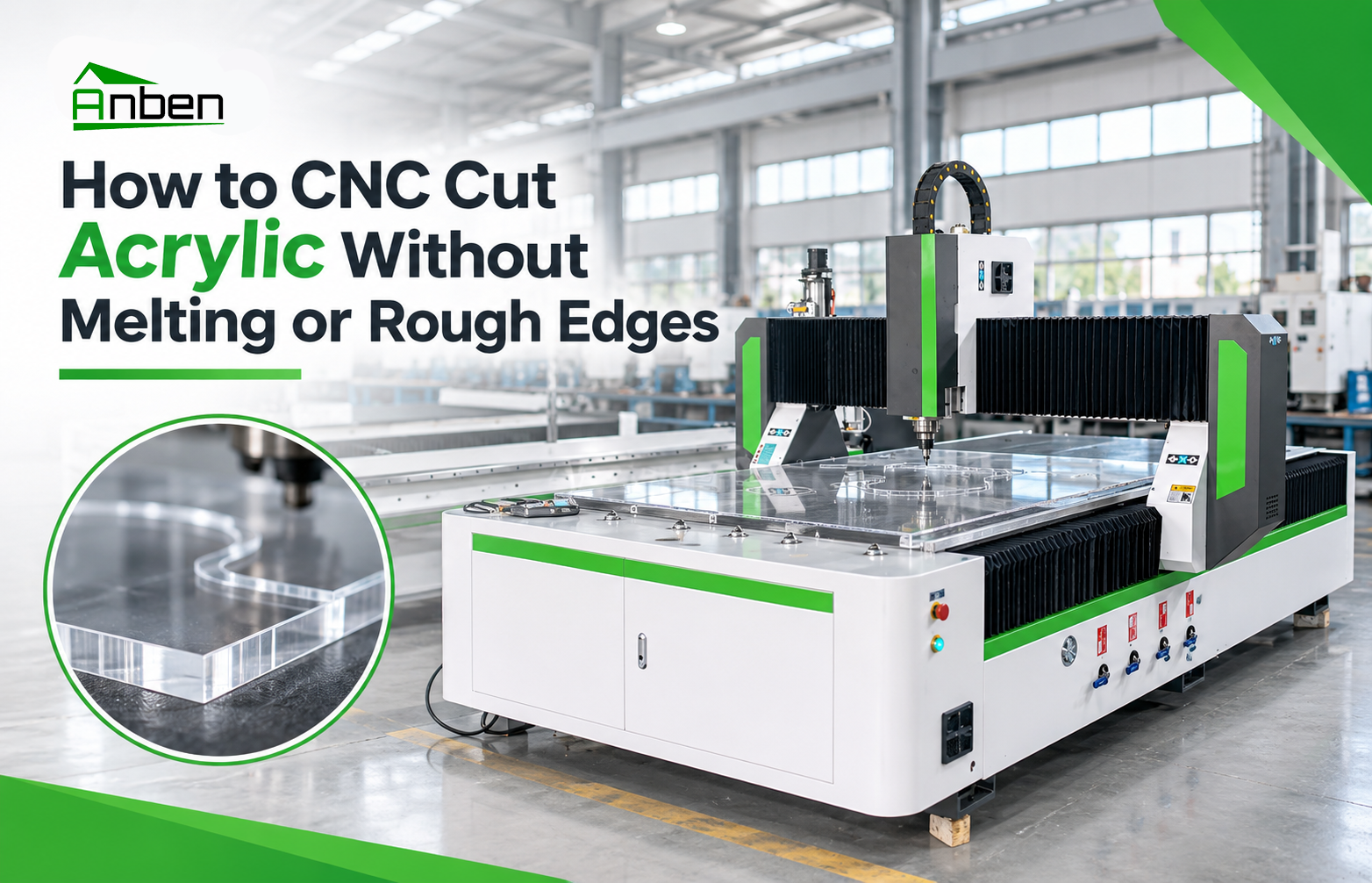
- How to CNC Cut Acrylic Without Melting or Rough Edges
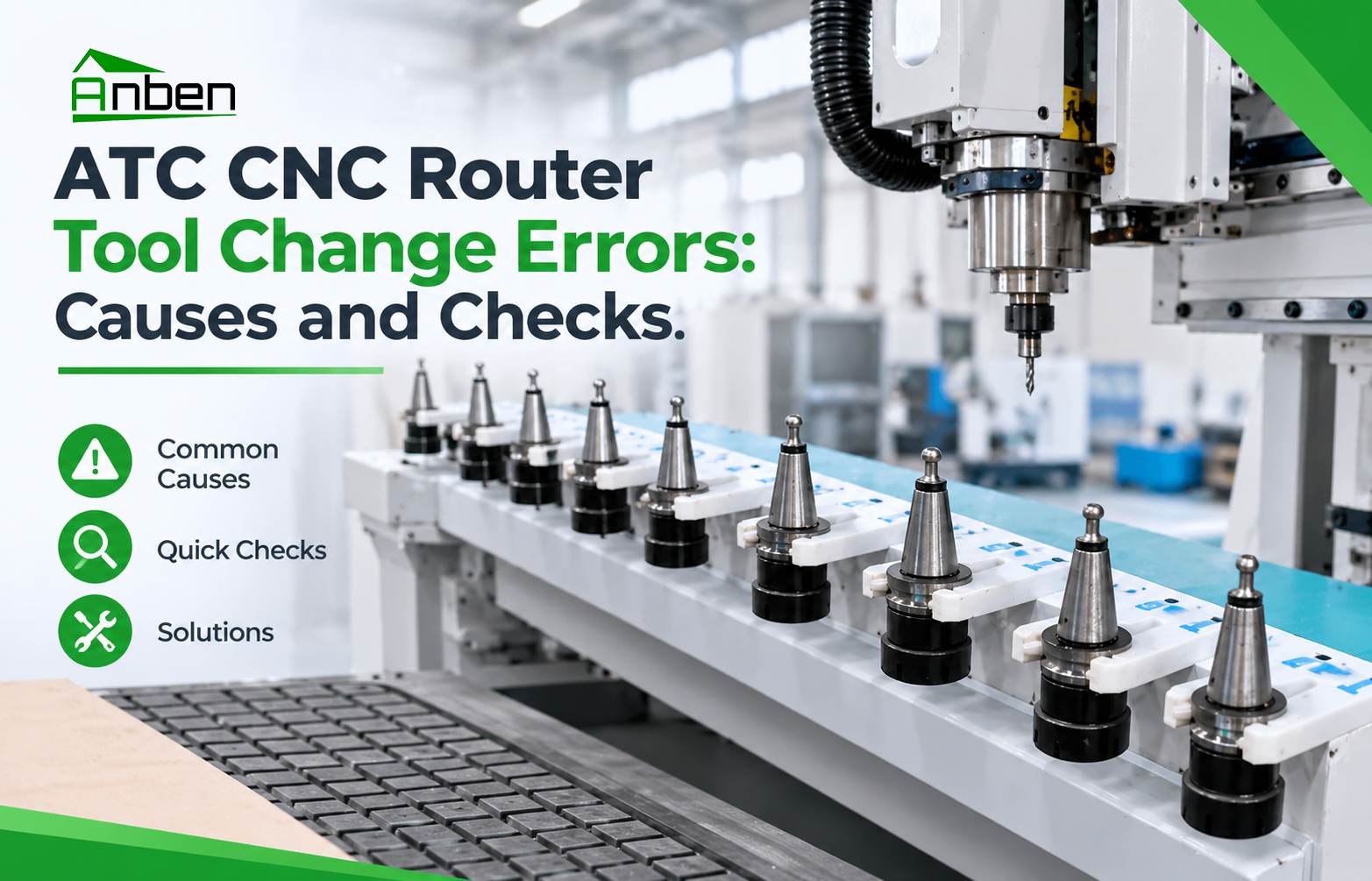
- ATC CNC Router Tool Change Errors: Causes and Checks.
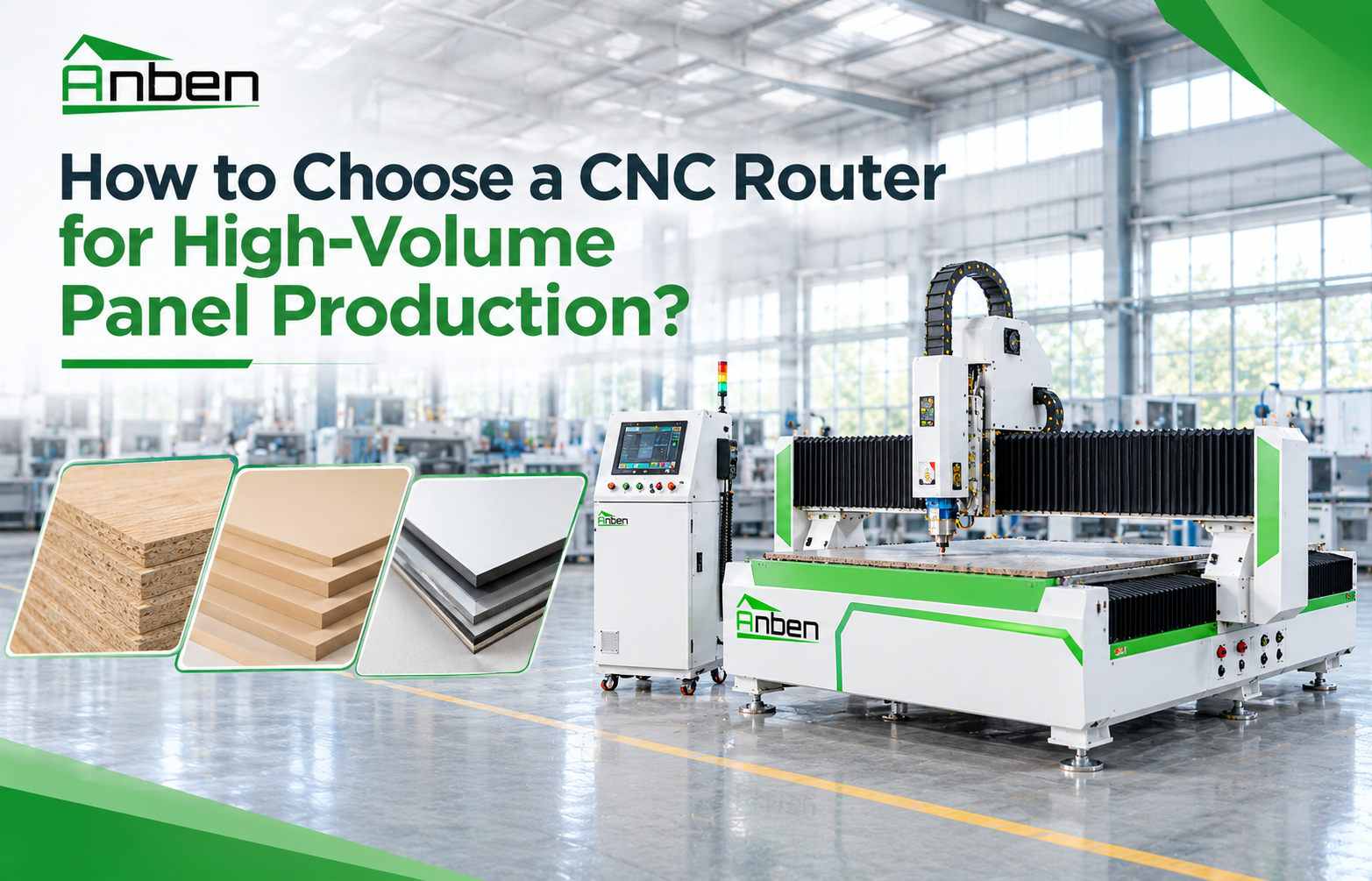
- How to Choose a CNC Router for High-Volume Panel Production?
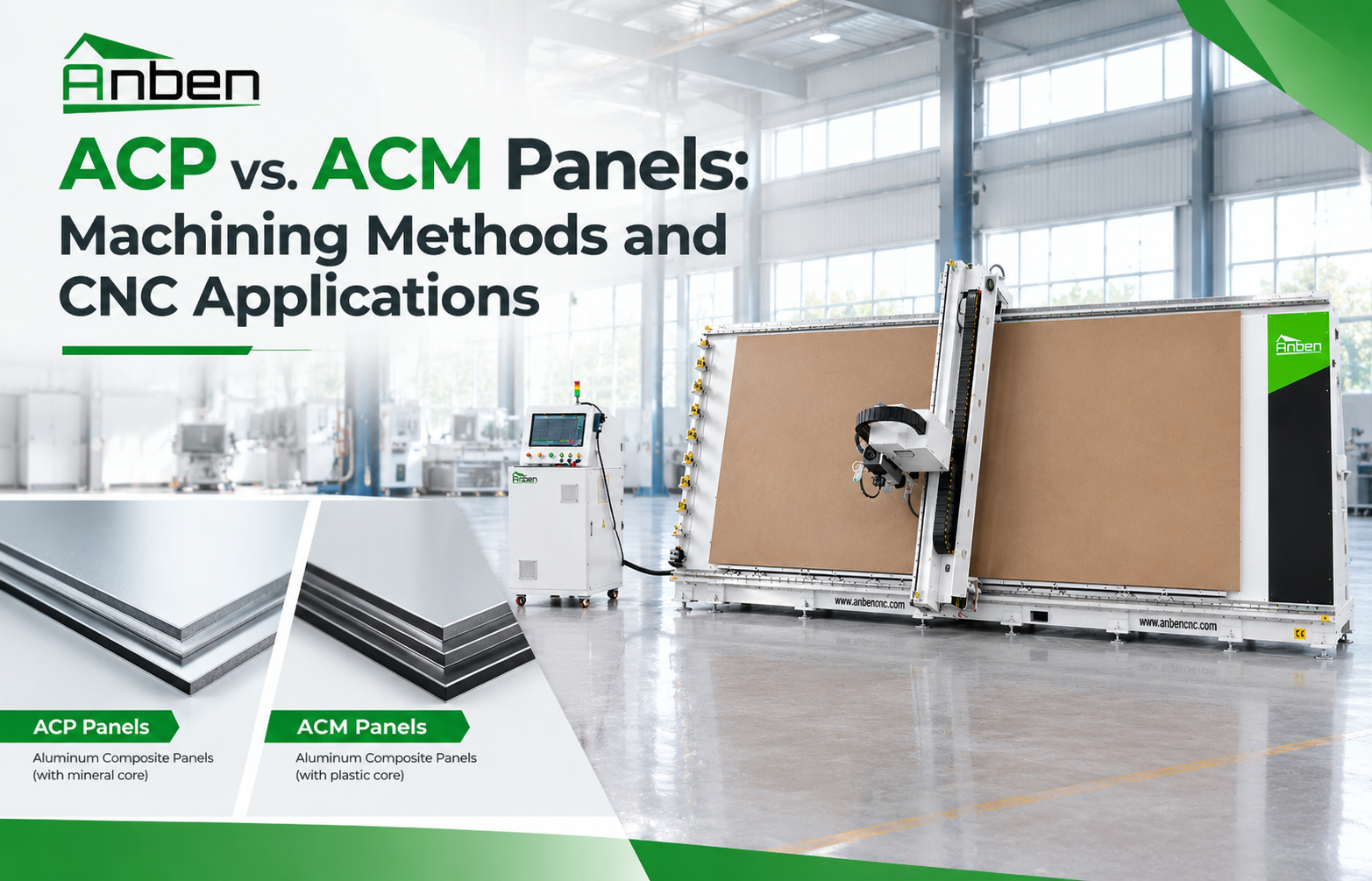
- ACP vs. ACM Panels: Machining Methods and CNC Applications
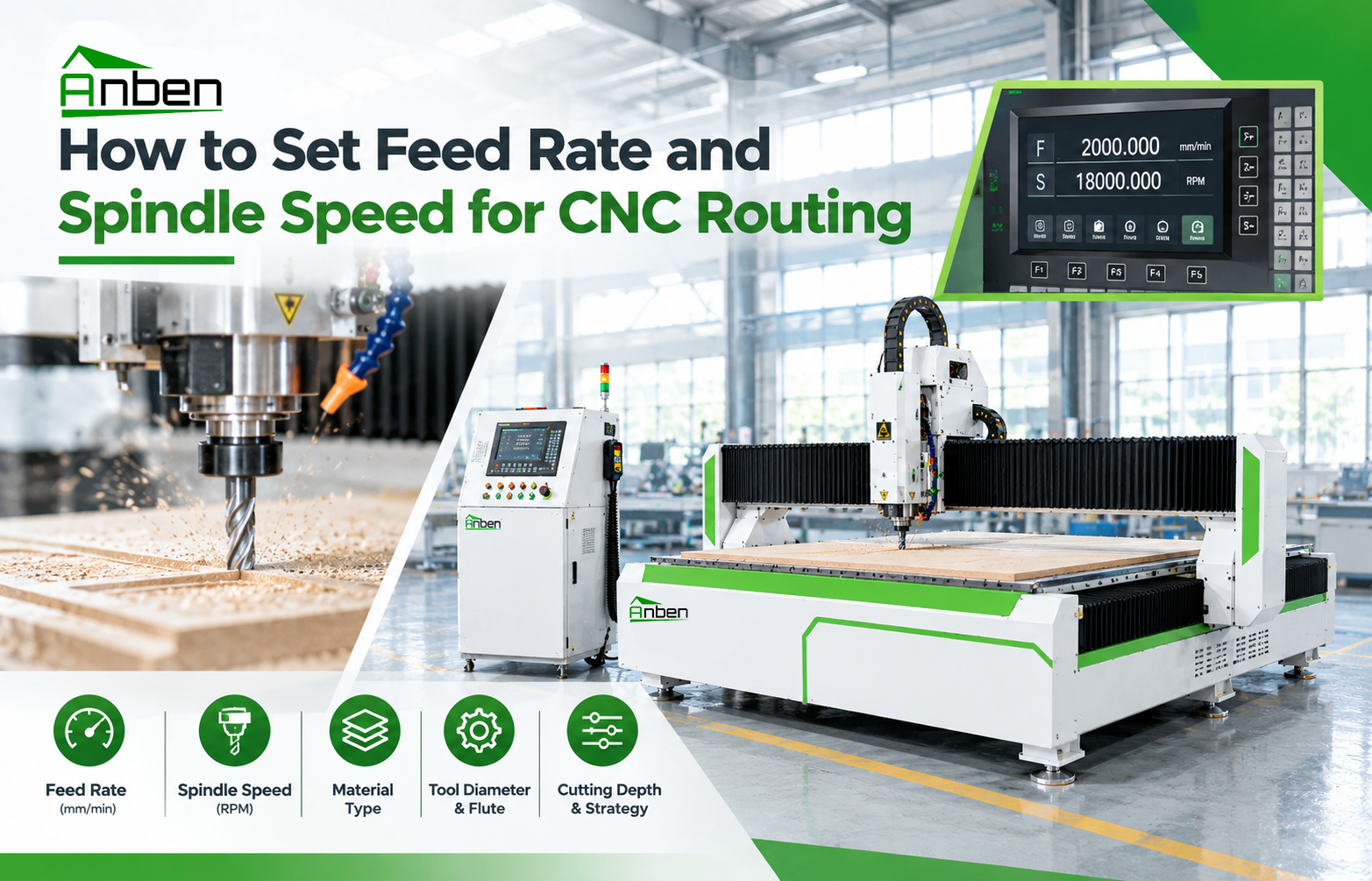
- How to Set Feed Rate and Spindle Speed for CNC Routing
Related Products
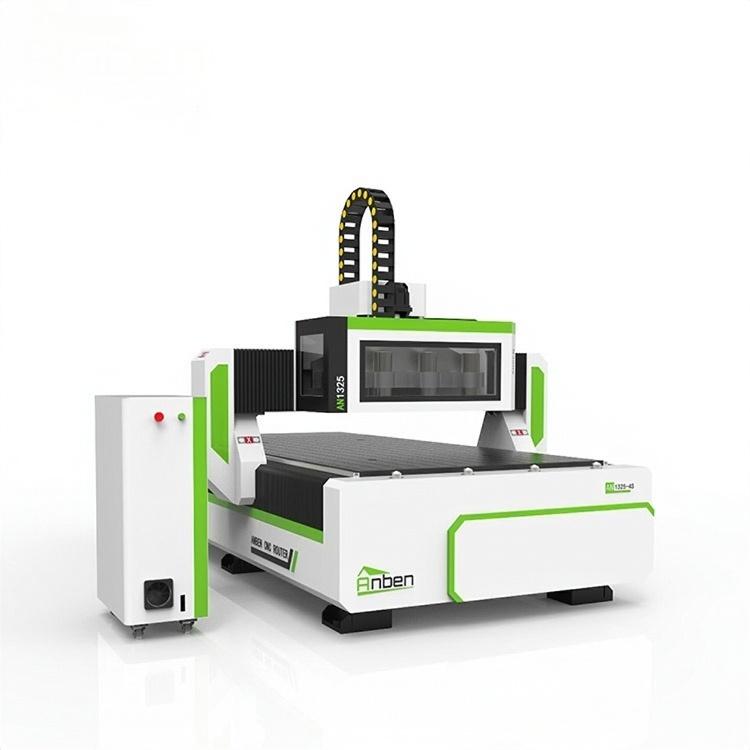
 AN1325-3S Cnc Router 3 SpindlesAnben multi spindles CNC router has 3 or 4 spindles, each spindle use different tools and work one by one. It also called economical ATC cnc.
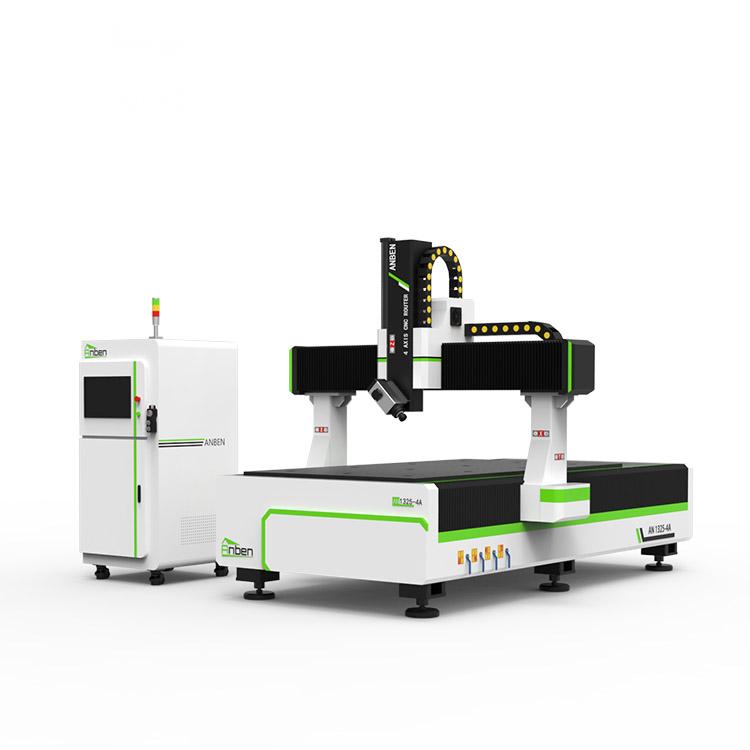
 AN1325-4 axisAnben 4 Axis CNC Router Machine with 4 axis ATC spindle is good at heavy-duty and complex 3d wood cutting and carving of wood panel, MDF, plywood, etc. All the working areas and specifications can be customized according to your requests.
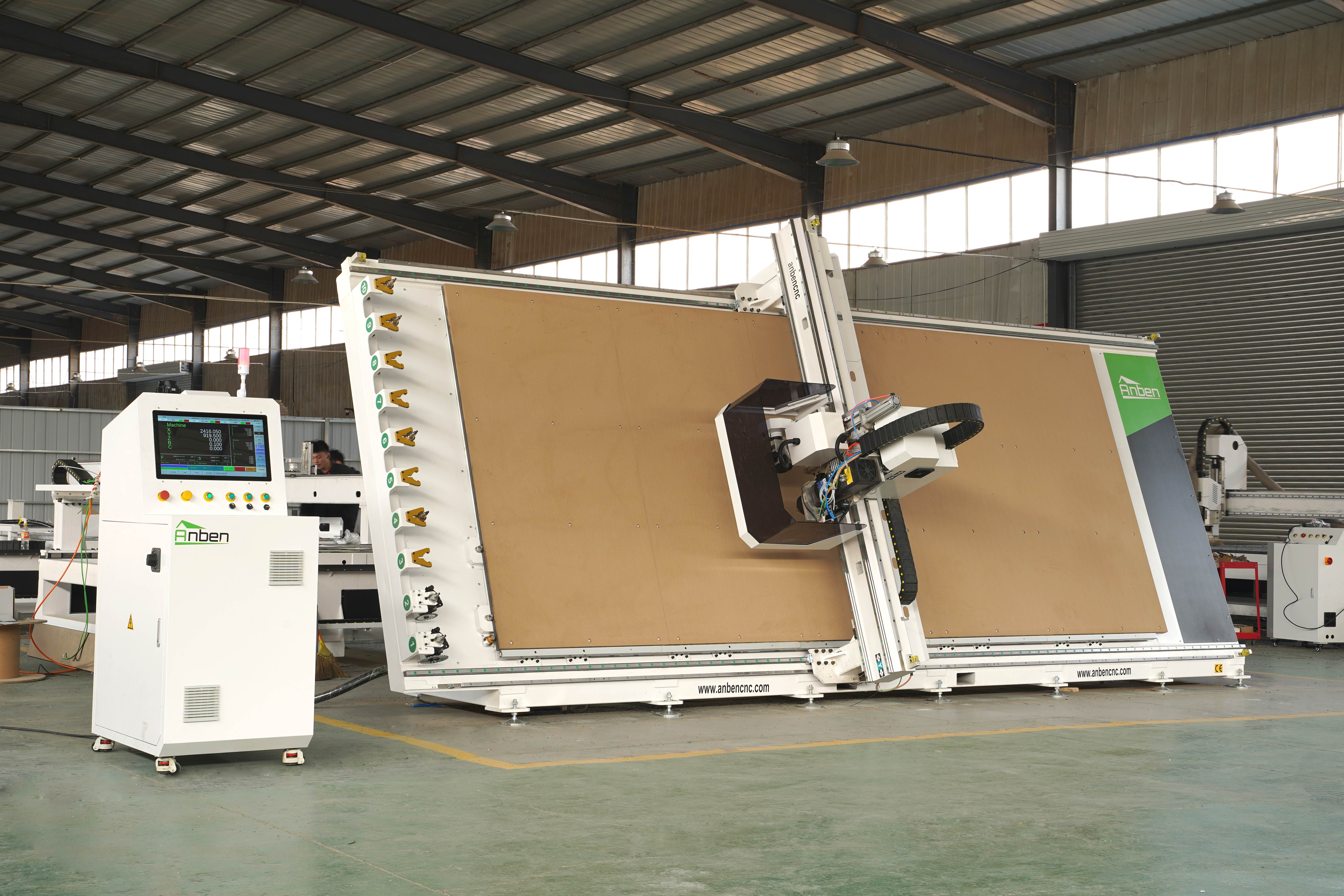
 V-2151 Vertical cnc routerThe vertical cnc significantly reduces the machine’s floor space. It is equipped with 8 sets of ATC tool magazines and other auxiliary devices such as vacuum pump, saw blade,aggregate head, positioning systems, etc. The Vertical cnc can cutting,grooving,engraving,drilling for various types of aluminum composite boards, acrylic boards, fiber boards and other boards. It is suitable for construction facades,cladding ,advertising signs,furniture manufacturing and other industries.
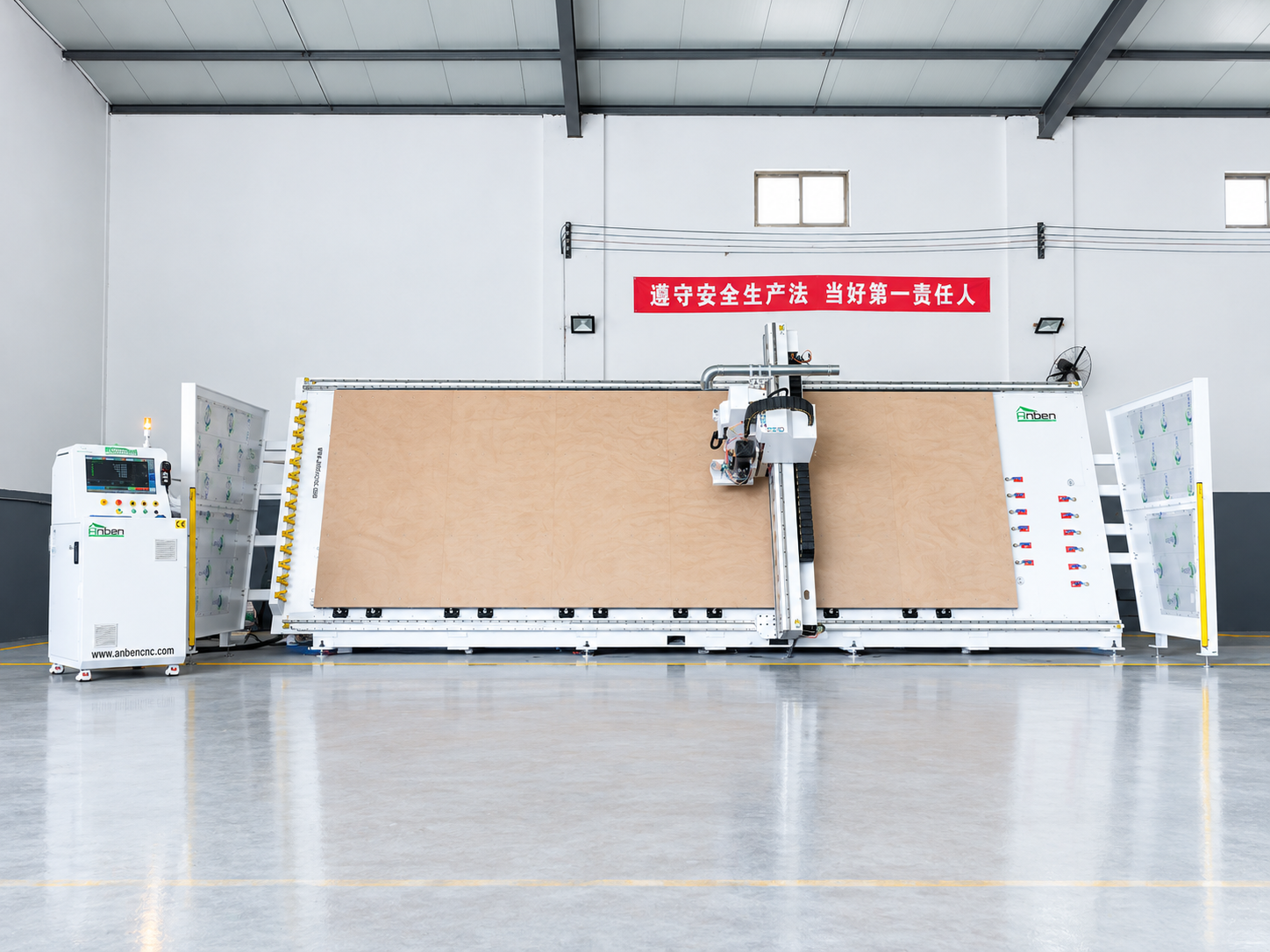
 V-2162 Vertical cnc routerThe vertical cnc significantly reduces the machine’s floor space. It is equipped with 8 sets of ATC tool magazines and other auxiliary devices such as vacuum pump, saw blade,aggregate head, positioning systems, etc. The Vertical cnc can cutting,grooving,engraving,drilling for various types of aluminum composite boards, acrylic boards, fiber boards and other boards. It is suitable for construction facades,cladding ,advertising signs,furniture manufacturing and other industries.
Get in touch

Anben Industrial – Founded in 2017, with a pure engineering spirit, providing trustworthy CNC solutions, born for long-term stable performance.
Contact