

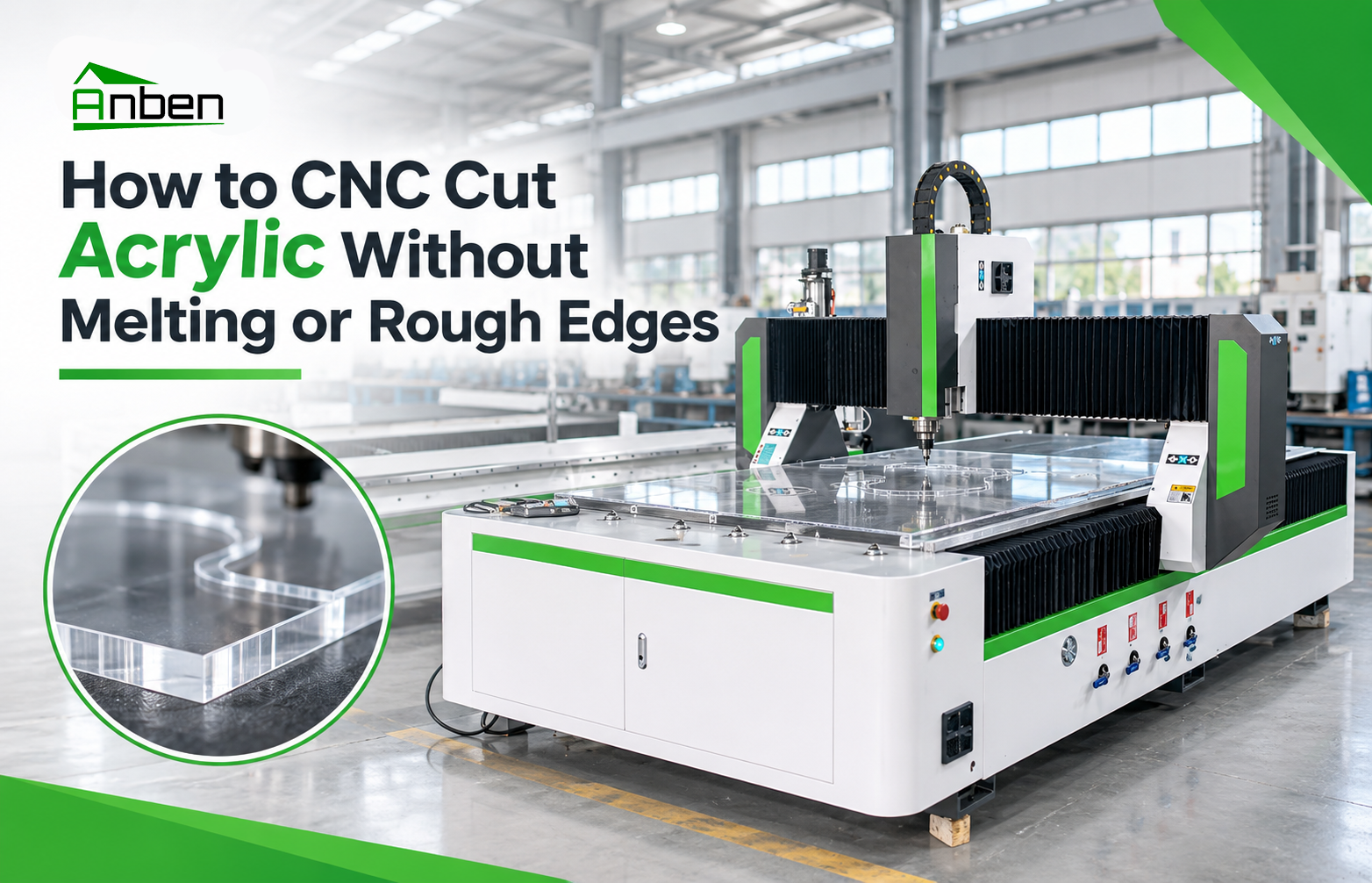
How to CNC Cut Acrylic Without Melting or Rough Edges





How to CNC Cut Acrylic Without Melting or Rough Edges
Acrylic is widely used in signage, advertising displays, lighting panels, and decorative products. CNC routing can produce accurate acrylic shapes and smooth edges, but incorrect cutting parameters may cause melting, chipping, or rough finishes.
Understanding the right cutting tools, spindle speed, feed rate, and chip removal methods is essential for achieving better CNC acrylic cutting results.
1. Why Does Acrylic Melt During CNC Cutting?
Acrylic can soften when excessive heat builds up around the cutting tool. Common causes include:
Incorrect spindle speed: Excessive RPM may generate too much heat.
Low feed rate: The tool may rub against the material instead of cutting efficiently.
Dull or unsuitable tools: Poor cutting edges increase friction and heat.
Insufficient chip removal: Acrylic chips may accumulate around the cutting area and affect cutting quality.
Excessive cutting depth: Heavy cuts can overload the tool and increase heat.
2. Choose the Right CNC Router Bit
Tool selection directly affects acrylic cutting quality.
Single-flute O-flute bits: Commonly used for acrylic because their geometry supports chip evacuation.
Polished cutting edges: Help reduce friction and improve surface finish.
Sharp, suitable tools: Reduce heat buildup and help produce cleaner edges.
Choose the bit according to acrylic thickness, cutting direction, machine capability, and the required finish.
3. Adjust Feed Rate and Spindle Speed
Correct CNC router settings help prevent acrylic from melting during machining.
Follow the cutting tool manufacturer's recommended RPM and chip load.
Select a feed rate that allows the tool to remove material rather than rub against it.
Adjust cutting depth according to tool diameter, material thickness, and machine rigidity.
Test different settings on scrap acrylic before production.
There is no universal feed rate or spindle speed for all acrylic sheets. The ideal combination depends on tool geometry, acrylic type, thickness, and machine configuration.
4. Improve Chip Removal and Workholding
Effective chip removal is important for CNC acrylic cutting.
Use suitable dust extraction or air assistance to clear chips from the cutting area.
Secure the acrylic sheet firmly to prevent vibration and movement.
Keep the cutting area clear to avoid chip accumulation.
Check that the workholding system supports the material throughout machining.
Good chip evacuation helps reduce heat buildup and improve edge quality.
5. How to Get Smooth Acrylic Edges
For better CNC acrylic cutting results:
Use sharp, acrylic-compatible router bits.
Optimize feed rate and spindle speed.
Avoid excessive cutting depth.
Ensure proper chip evacuation.
Maintain stable workholding.
Inspect the edges after test cutting and adjust parameters gradually.
If the application requires a polished transparent finish, additional edge-finishing processes may be necessary.
Conclusion
To CNC cut acrylic without melting or rough edges, choose suitable router bits, balance feed rate and spindle speed, control cutting depth, and maintain effective chip removal. Proper machine setup and test cutting help achieve consistent results.
ANBEN CNC routers can be configured for acrylic sheet processing and other panel applications. Contact our team to discuss your material, sheet dimensions, and machining requirements.
 How to CNC Cut Acrylic Without Melting or Rough Edges
 ATC CNC Router Tool Change Errors: Causes and Checks.
- How to Choose a CNC Router for High-Volume Panel Production?
- ACP vs. ACM Panels: Machining Methods and CNC Applications
- How to Set Feed Rate and Spindle Speed for CNC Routing
- CNC Router Configuration Guide: Which Features Do You Really Need?
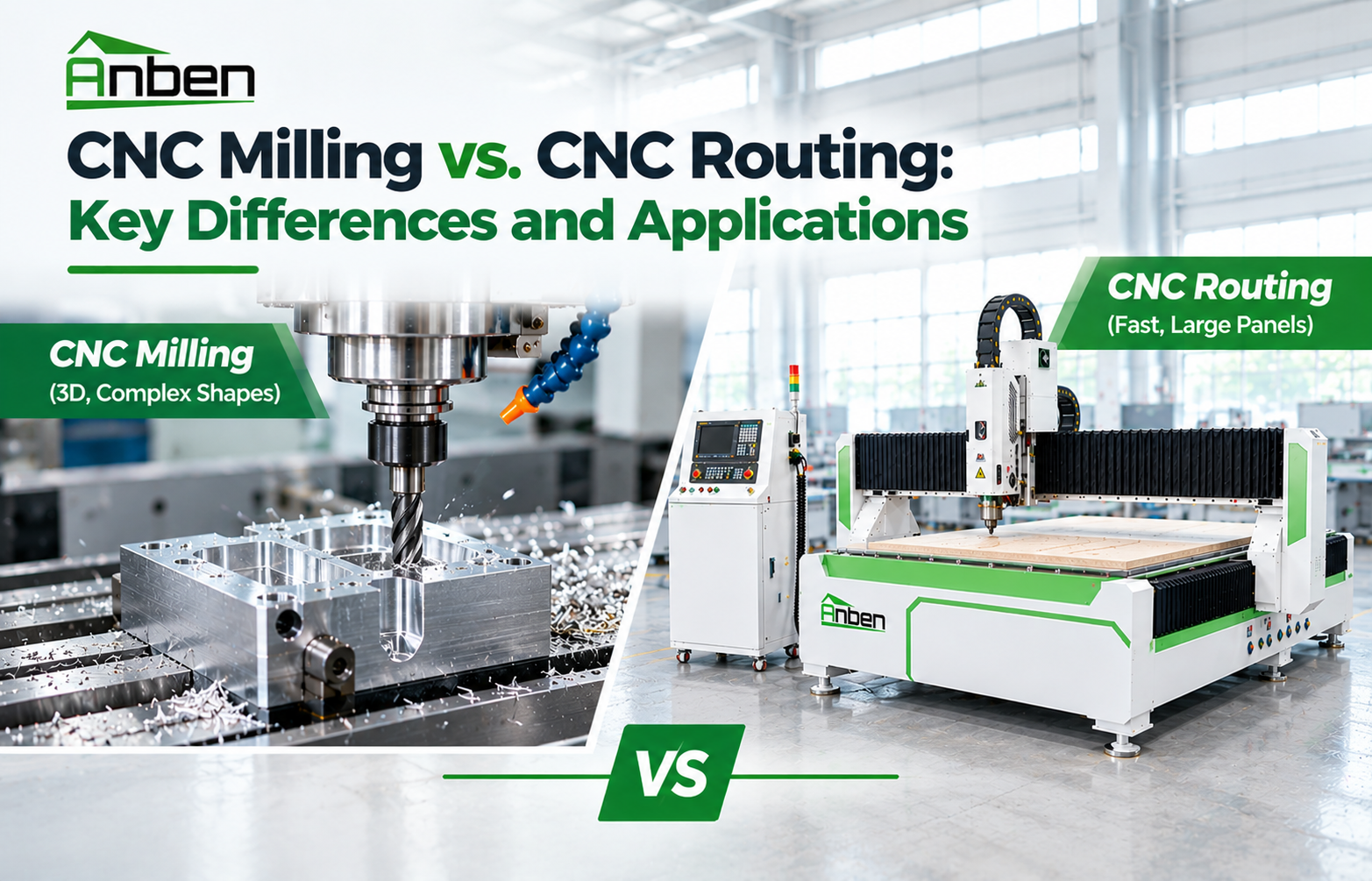
- CNC Milling vs. CNC Routing: Key Differences and Applications
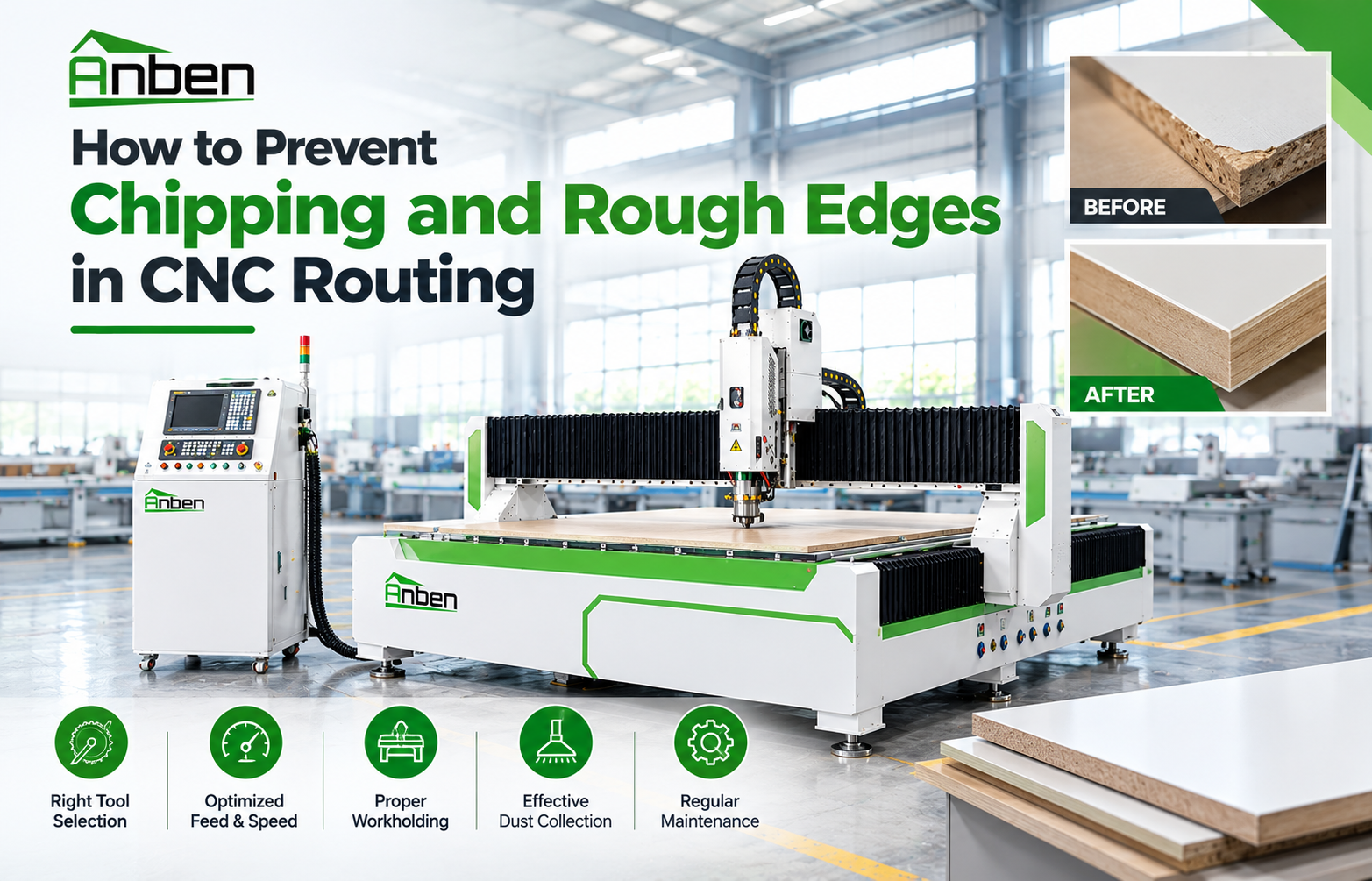
- How to Prevent Chipping and Rough Edges in CNC Routing


Related Products
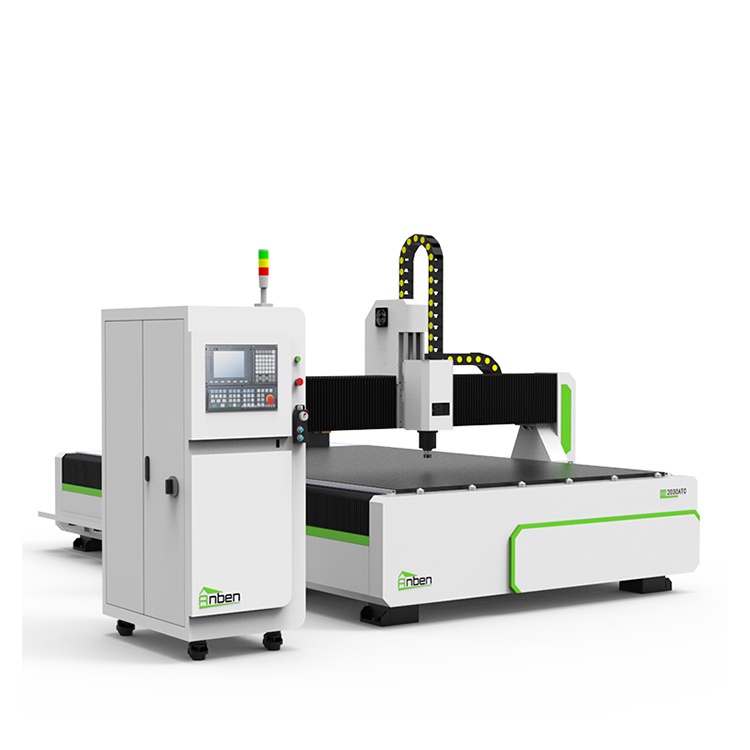
 AN2030ATC Automatic Tool ChangeAnben ATC (Automatic Tool Change)CNC router is popularly used in woodworking, making signs, molds making, art crafts making, etc. The automatic tool changer magazine carries 8-16 cutters. It can save tool change time,more efficient!
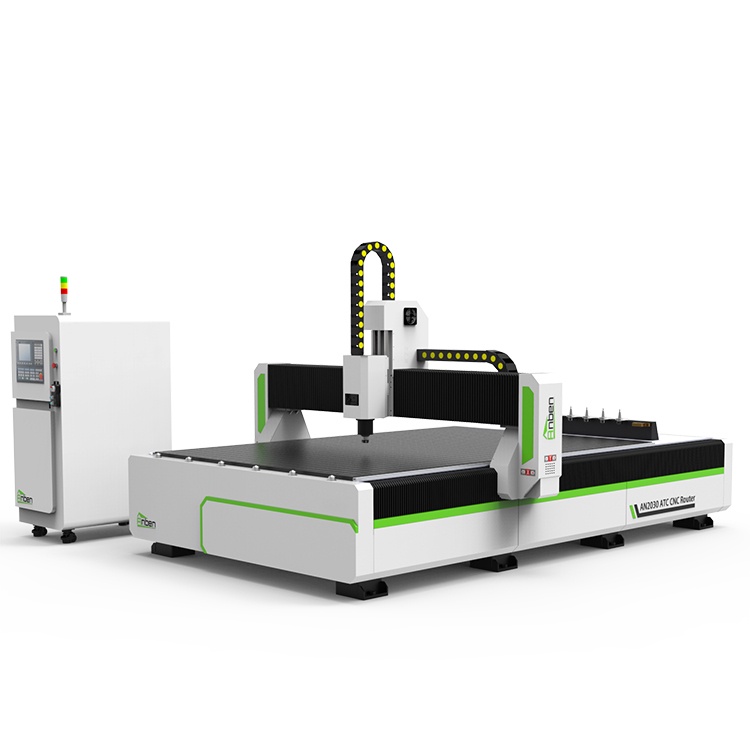
 AN2040ATC Automatic Tool ChangeAnben ATC (Automatic Tool Change)CNC router is popularly used in woodworking, making signs, molds making, art crafts making, etc. The automatic tool changer magazine carries 8-16 cutters. It can save tool change time,more efficient!
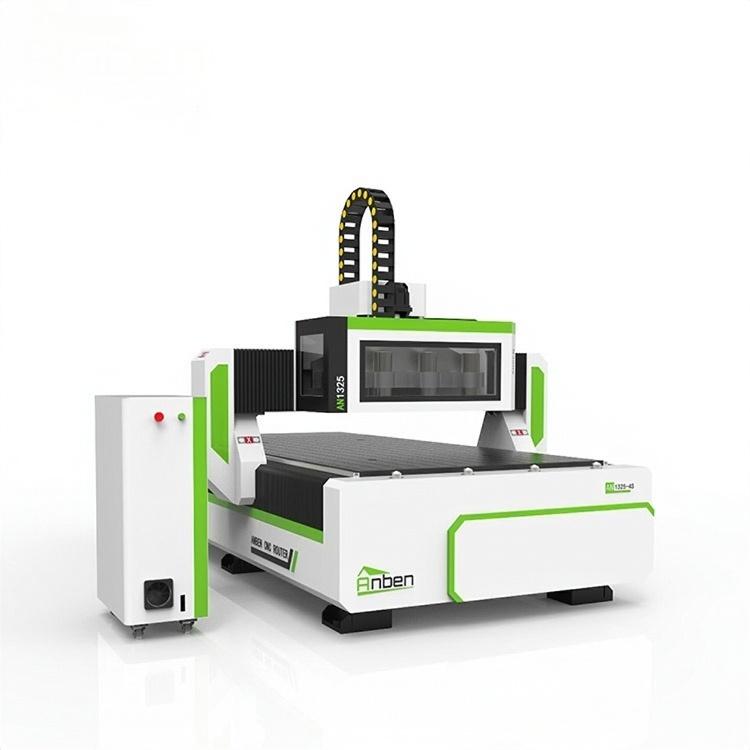
 AN1325-3S Cnc Router 3 SpindlesAnben multi spindles CNC router has 3 or 4 spindles, each spindle use different tools and work one by one. It also called economical ATC cnc.
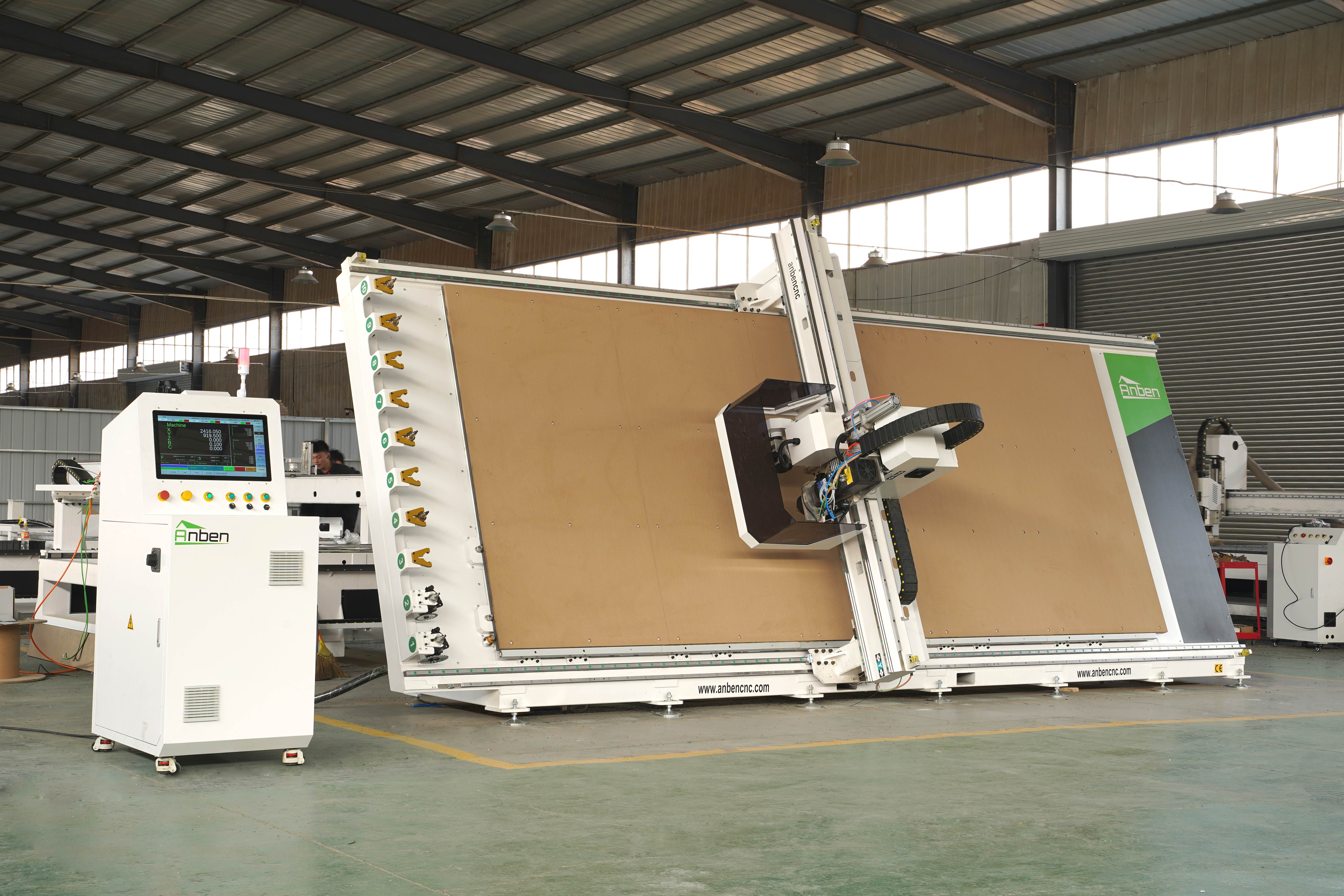
 V-2151 Vertical cnc routerThe vertical cnc significantly reduces the machine’s floor space. It is equipped with 8 sets of ATC tool magazines and other auxiliary devices such as vacuum pump, saw blade,aggregate head, positioning systems, etc. The Vertical cnc can cutting,grooving,engraving,drilling for various types of aluminum composite boards, acrylic boards, fiber boards and other boards. It is suitable for construction facades,cladding ,advertising signs,furniture manufacturing and other industries.
Get in touch

Anben Industrial – Founded in 2017, with a pure engineering spirit, providing trustworthy CNC solutions, born for long-term stable performance.
Contact