

CNC Router Workpiece Slipping During Cutting: How to Fix It





Workpiece slipping is a common problem during CNC router machining. When a panel moves during cutting, it can cause inaccurate dimensions, rough edges, tool breakage, and even damage to the machine.
Understanding the causes of CNC router workpiece slipping helps operators improve machining accuracy and maintain stable production.
1. Why Does a Workpiece Slip During CNC Cutting?
Several factors can cause materials to move during machining:
Insufficient Vacuum Hold-Down: Low vacuum pressure or poor suction can prevent the material from staying firmly in place.
Air Leakage: Damaged vacuum hoses, loose connections, or uncovered vacuum zones reduce suction performance.
Uneven Spoilboard Surface: An uneven or damaged spoilboard can create gaps between the material and the vacuum table.
Incorrect Clamping: Improperly positioned clamps may not provide enough holding force.
Excessive Cutting Force: High feed rates, aggressive cutting depths, or unsuitable toolpaths can generate excessive lateral forces.
Worn Cutting Tools: Dull or damaged bits increase cutting resistance and may cause the workpiece to shift.
2. How to Fix CNC Router Workpiece Slipping
Follow these practical steps to improve workpiece stability:
Step 1: Check Vacuum Pressure
Inspect the vacuum pump, filters, hoses, and connections. Make sure the vacuum system provides sufficient suction for the material and machining conditions.
Step 2: Inspect the Spoilboard
Keep the spoilboard flat and clean. Resurface it when necessary to ensure proper contact between the panel and the vacuum table.
Step 3: Improve Material Fixing
Position clamps correctly when vacuum suction alone is insufficient. For small parts, consider using suitable fixtures, tabs, or dedicated holding methods.
Step 4: Optimize Cutting Parameters
Reduce feed rates or cutting depth when cutting forces are excessive. Select suitable spindle speeds, tools, and toolpaths according to the material.
Step 5: Check Cutting Tool Condition
Replace dull or damaged CNC router bits. Sharp tools help reduce cutting resistance and improve machining stability.
3. How to Prevent Workpiece Slipping
Preventive maintenance and proper operating practices can reduce material movement:
Check vacuum pressure before machining.
Clean the vacuum table and spoilboard regularly.
Inspect vacuum hoses and seals for leakage.
Select the correct vacuum zones for different panel sizes.
Use appropriate clamping for small or narrow workpieces.
Check cutting tools and machining parameters before production.
4. Important Tips for Different Materials
Different materials require different holding methods:
MDF and Plywood: Use suitable vacuum zones and ensure the panel surface is flat.
Acrylic: Use stable vacuum hold-down or additional fixtures, especially for small parts.
Aluminum: Use mechanical clamping or dedicated fixtures when required, and optimize cutting parameters to control machining forces.
Conclusion
CNC router workpiece slipping is usually related to insufficient holding force, vacuum leakage, uneven surfaces, or excessive cutting forces.
By checking the vacuum system, maintaining the spoilboard, improving workpiece fixing, and optimizing cutting parameters, operators can achieve more stable machining and better cutting accuracy.
Need a reliable CNC router solution? ANBEN provides CNC router machines for woodworking, acrylic, aluminum, and panel processing applications. Contact our team to find the right configuration for your production needs.
 CNC Router Workpiece Slipping During Cutting: How to Fix It
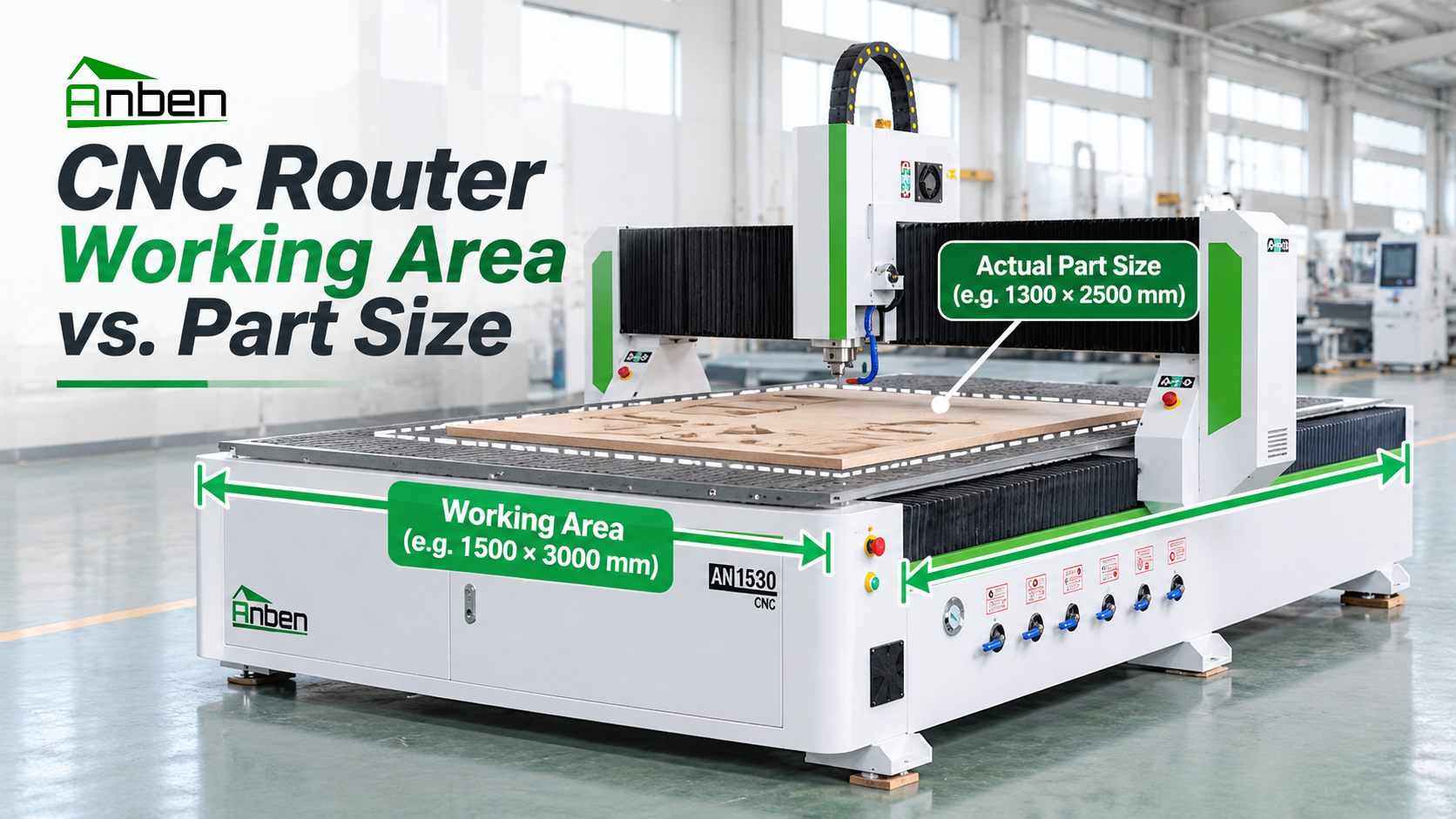
 CNC Router Working Area vs. Actual Part Size: How to Choose
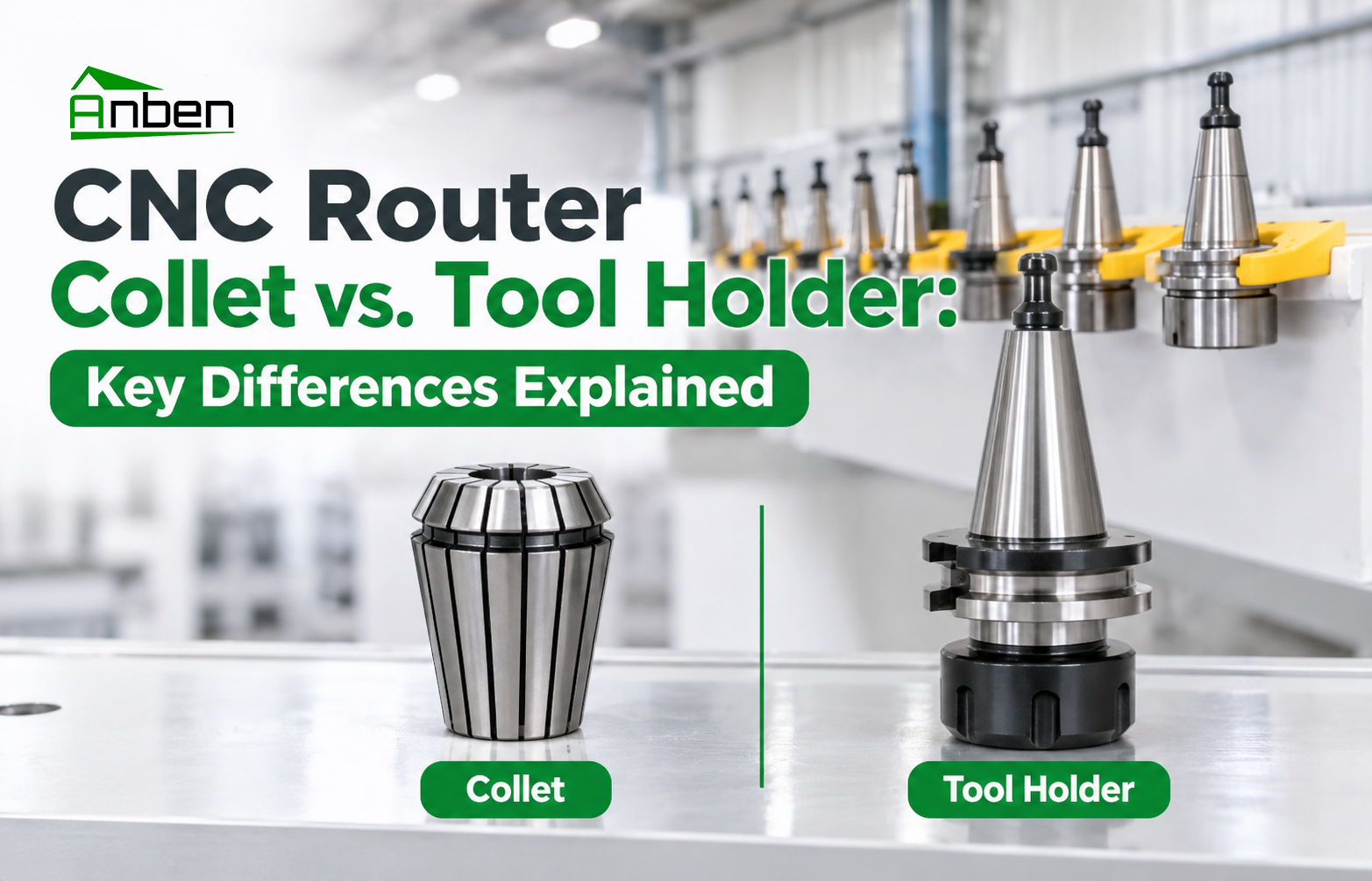
 CNC Router Collet vs. Tool Holder: Key Differences Explained
 CNC Router Tool Not Changing Correctly: Troubleshooting Guide
- Can a CNC Router Cut Aluminum? What Buyers Need to Know
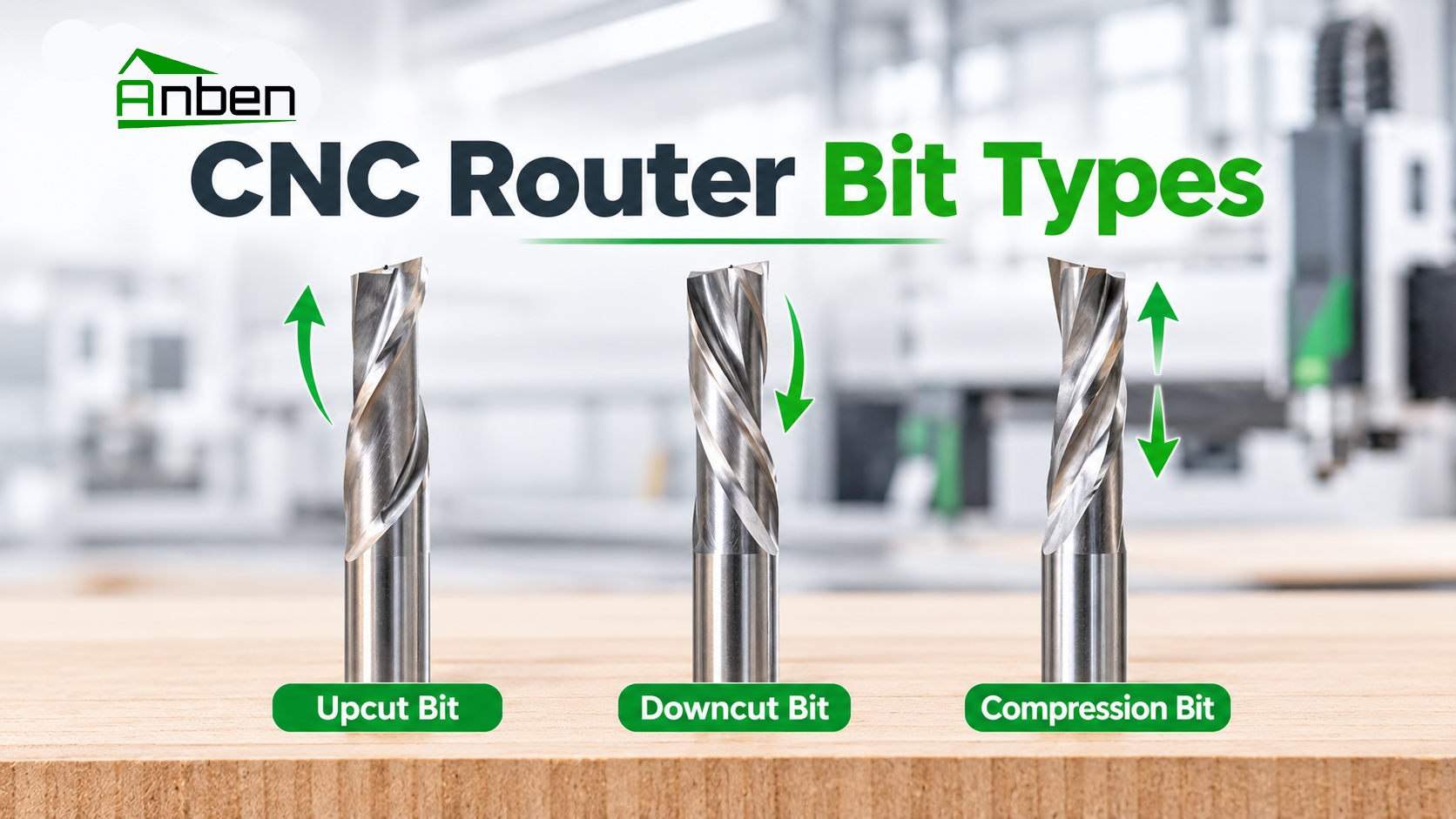
- Upcut vs. Downcut vs. Compression Router Bits: What Is the Difference?
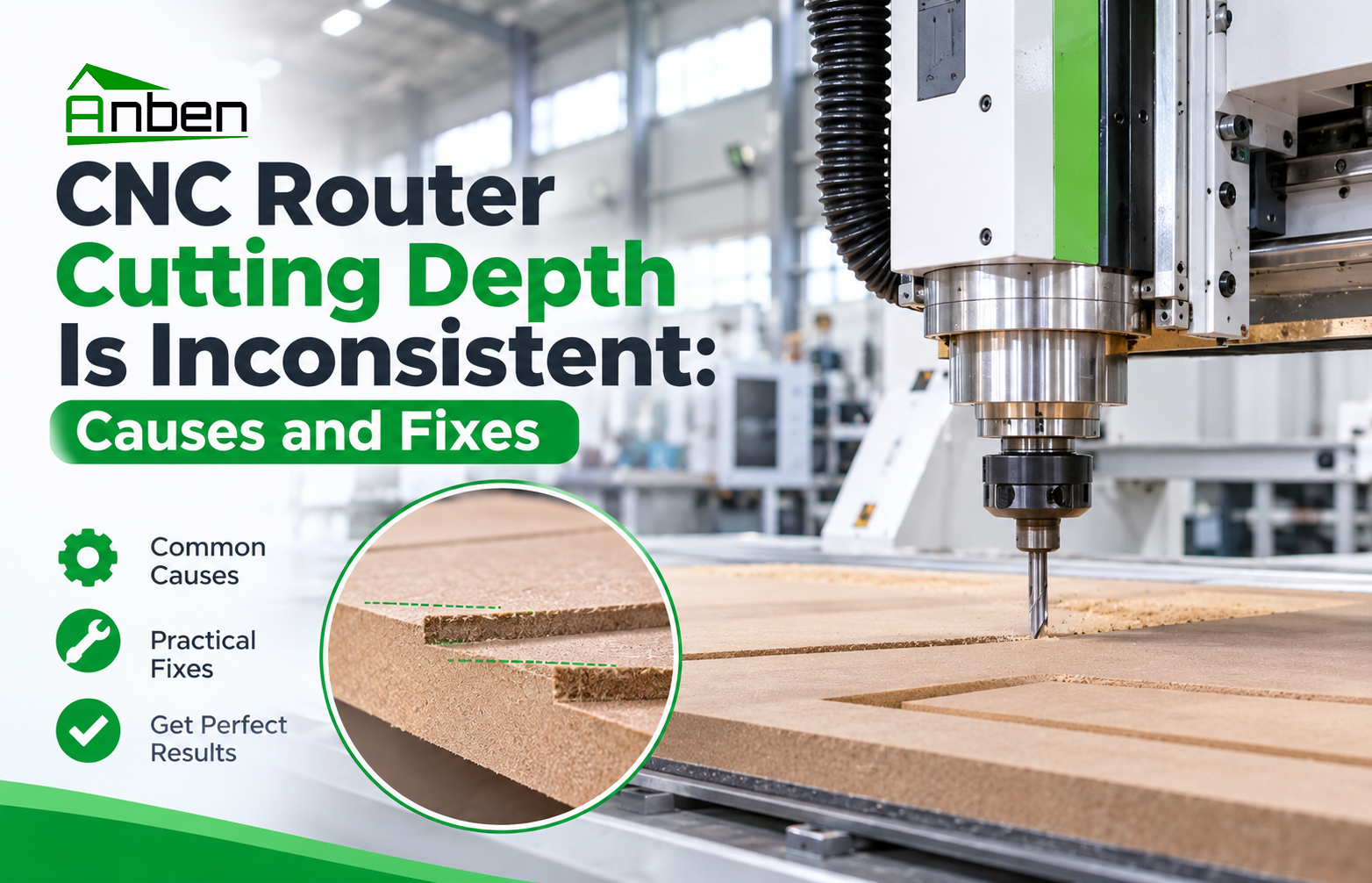
- CNC Router Cutting Depth Is Inconsistent: Causes and Fixes
- CNC Router Supplier Evaluation Checklist: 6 Questions to Ask Before Buying

Related Products
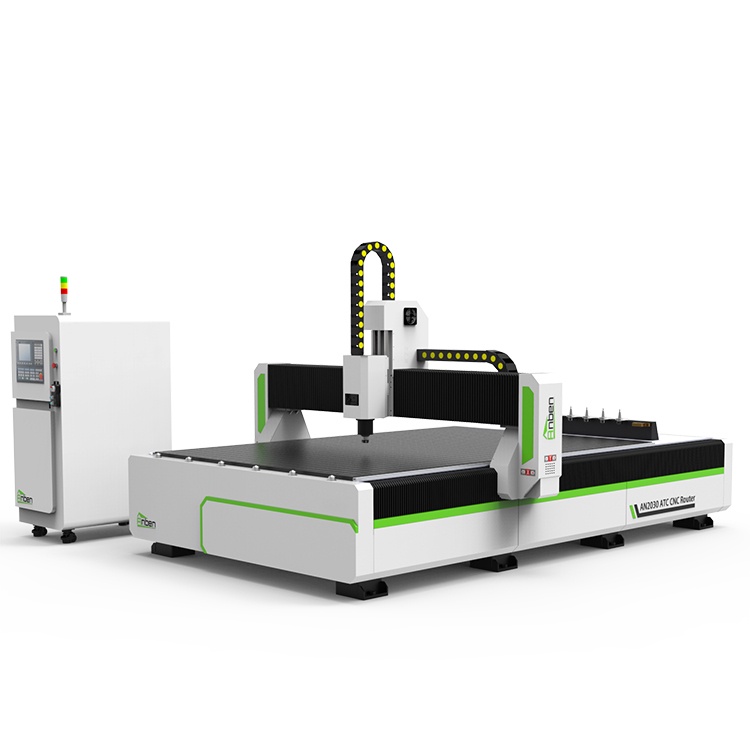
 AN2040ATC Automatic Tool ChangeAnben ATC (Automatic Tool Change)CNC router is popularly used in woodworking, making signs, molds making, art crafts making, etc. The automatic tool changer magazine carries 8-16 cutters. It can save tool change time,more efficient!
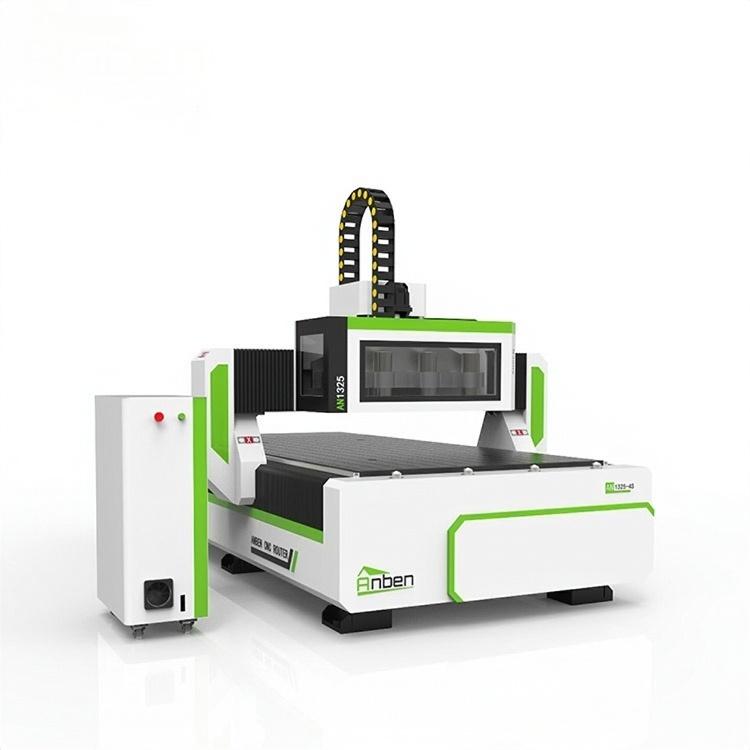
 AN1325-3S Cnc Router 3 SpindlesAnben multi spindles CNC router has 3 or 4 spindles, each spindle use different tools and work one by one. It also called economical ATC cnc.
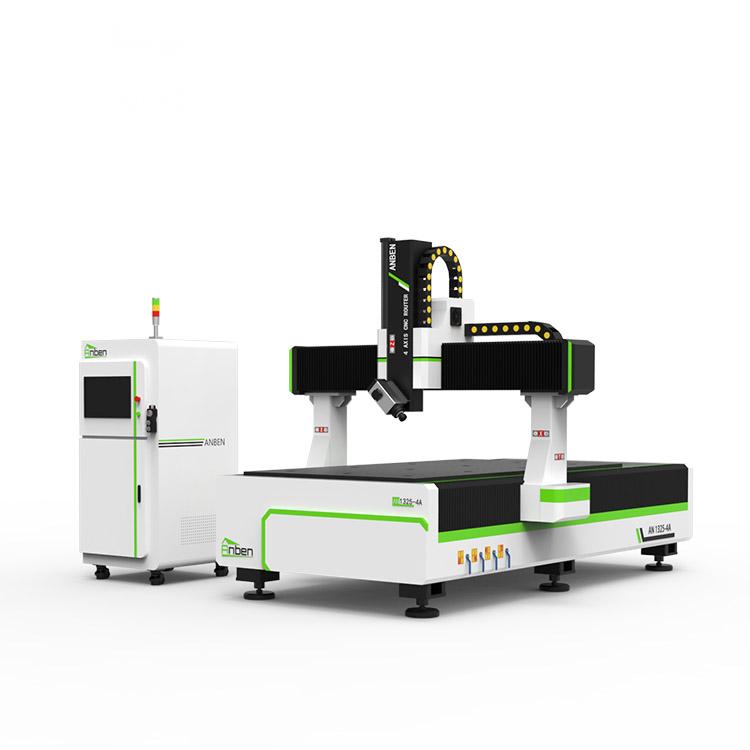
 AN1325-4 axisAnben 4 Axis CNC Router Machine with 4 axis ATC spindle is good at heavy-duty and complex 3d wood cutting and carving of wood panel, MDF, plywood, etc. All the working areas and specifications can be customized according to your requests.
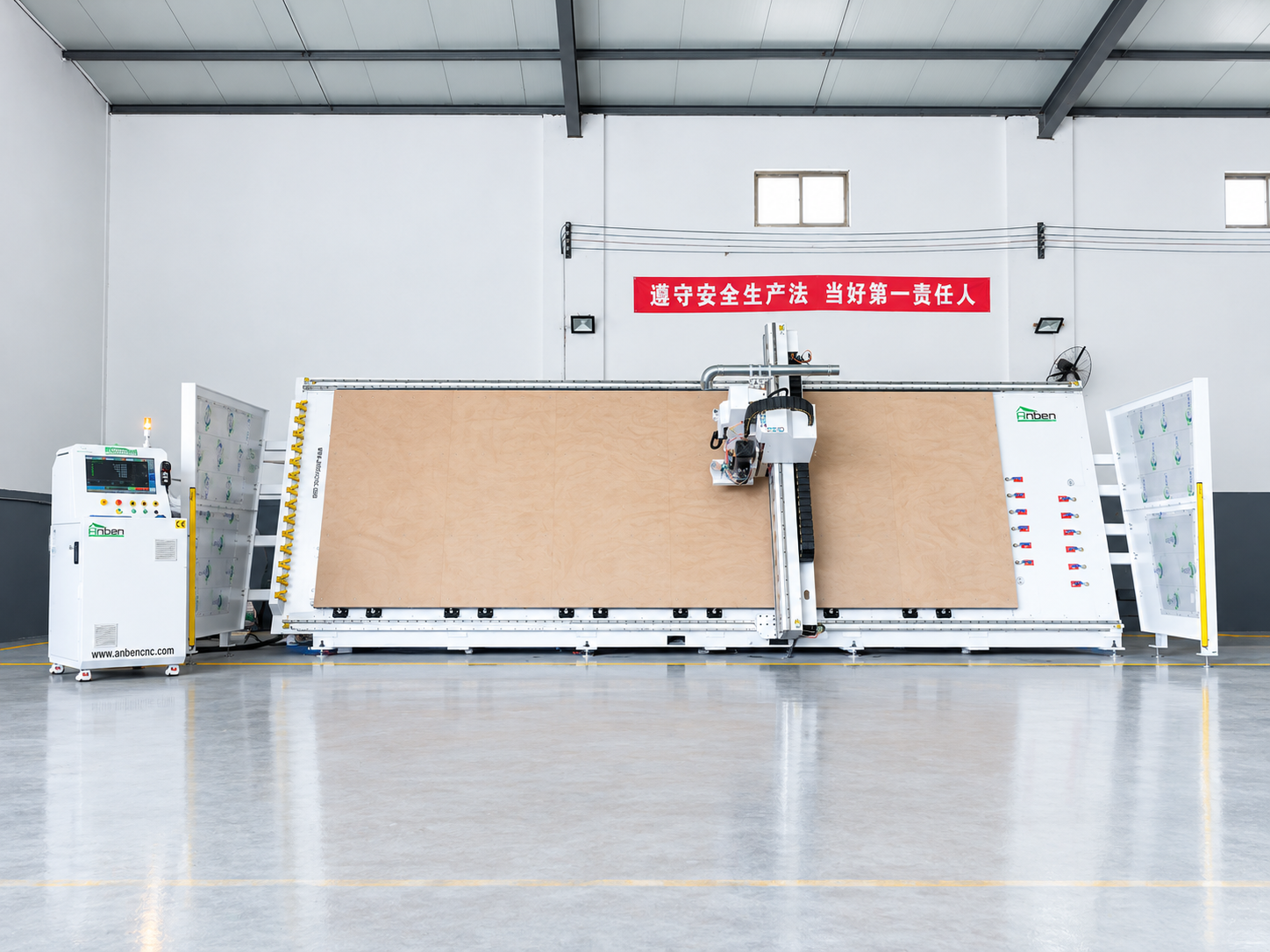
 V-2162 Vertical cnc routerThe vertical cnc significantly reduces the machine’s floor space. It is equipped with 8 sets of ATC tool magazines and other auxiliary devices such as vacuum pump, saw blade,aggregate head, positioning systems, etc. The Vertical cnc can cutting,grooving,engraving,drilling for various types of aluminum composite boards, acrylic boards, fiber boards and other boards. It is suitable for construction facades,cladding ,advertising signs,furniture manufacturing and other industries.
Get in touch

Anben Industrial – Founded in 2017, with a pure engineering spirit, providing trustworthy CNC solutions, born for long-term stable performance.
Contact