

CNC Router Spindle Speed, Feed Rate and Cutting Depth Explained





Choosing the right cutting parameters is essential for achieving clean edges, stable machining, longer tool life, and efficient CNC router production.
Three parameters have the greatest impact on CNC cutting performance: spindle speed, feed rate, and cutting depth. Understanding how they work together helps users avoid burning, vibration, poor surface quality, and tool breakage.
1. What Is CNC Router Spindle Speed?
Spindle speed is the rotational speed of the CNC router spindle, usually measured in RPM (revolutions per minute).
A higher spindle speed can provide smoother cutting in some applications, but excessive RPM may generate heat, melt plastics, or burn wood.
The appropriate spindle speed depends on:
Material type
Cutting tool diameter and type
Feed rate
Cutting depth
Required surface quality
For example, wood, acrylic, aluminum, and ACP/ACM panels require different cutting conditions.
2. What Is Feed Rate?
Feed rate is the speed at which the cutting tool moves through the material, normally measured in mm/min or inch/min.
If the feed rate is too slow, the tool may remain in the material too long, creating excessive heat and burning.
If the feed rate is too high, the machine may experience vibration, poor edge quality, excessive tool load, or even tool breakage.
A stable feed rate should match the spindle speed, tool type, and material being processed.
3. What Is Cutting Depth?
Cutting depth refers to how deeply the tool enters the material during each pass.
Taking a very deep cut can increase tool load and spindle load. It may also cause vibration or reduce cutting accuracy.
For thicker materials, using multiple passes is often safer and more stable than cutting the full thickness in one pass.
4. How Do These Parameters Work Together?
Spindle speed, feed rate, and cutting depth should not be adjusted independently.
A simple way to understand their relationship is:
Higher RPM + Low Feed Rate → More Heat
Higher Feed Rate + Deep Cutting → Higher Tool Load
Deep Cutting + Small Tool → Greater Risk of Deflection
The goal is to find a balanced combination that produces efficient chip removal without excessive heat or machine load.
5. Adjust Parameters for Different Materials
Different materials require different cutting strategies.
Wood & MDF:
Use suitable feed rates and cutting depths to reduce burning and achieve clean edges.
Acrylic:
Avoid excessive heat. Proper spindle speed, feed rate, and chip removal are important to prevent melting.
ACP/ACM:
Stable cutting parameters and suitable tools help achieve clean panel edges and consistent results.
Aluminum:
Cutting parameters should be selected carefully according to tool geometry, material thickness, spindle capability, and cooling conditions.
There is no single setting that works for every material or machine.
6. Common CNC Cutting Problems
Always make small parameter adjustments and test the result before starting full production.
Conclusion
Correct spindle speed, feed rate, and cutting depth are essential for stable CNC router machining. The best settings depend on the material, tool, machine configuration, and desired cutting result.
By understanding how these three parameters interact, CNC router users can improve cutting quality, machining efficiency, tool life, and production stability.
 Daily CNC Router Maintenance Checklist for Operators
- Horizontal or Vertical CNC Router for Large Panel Production?
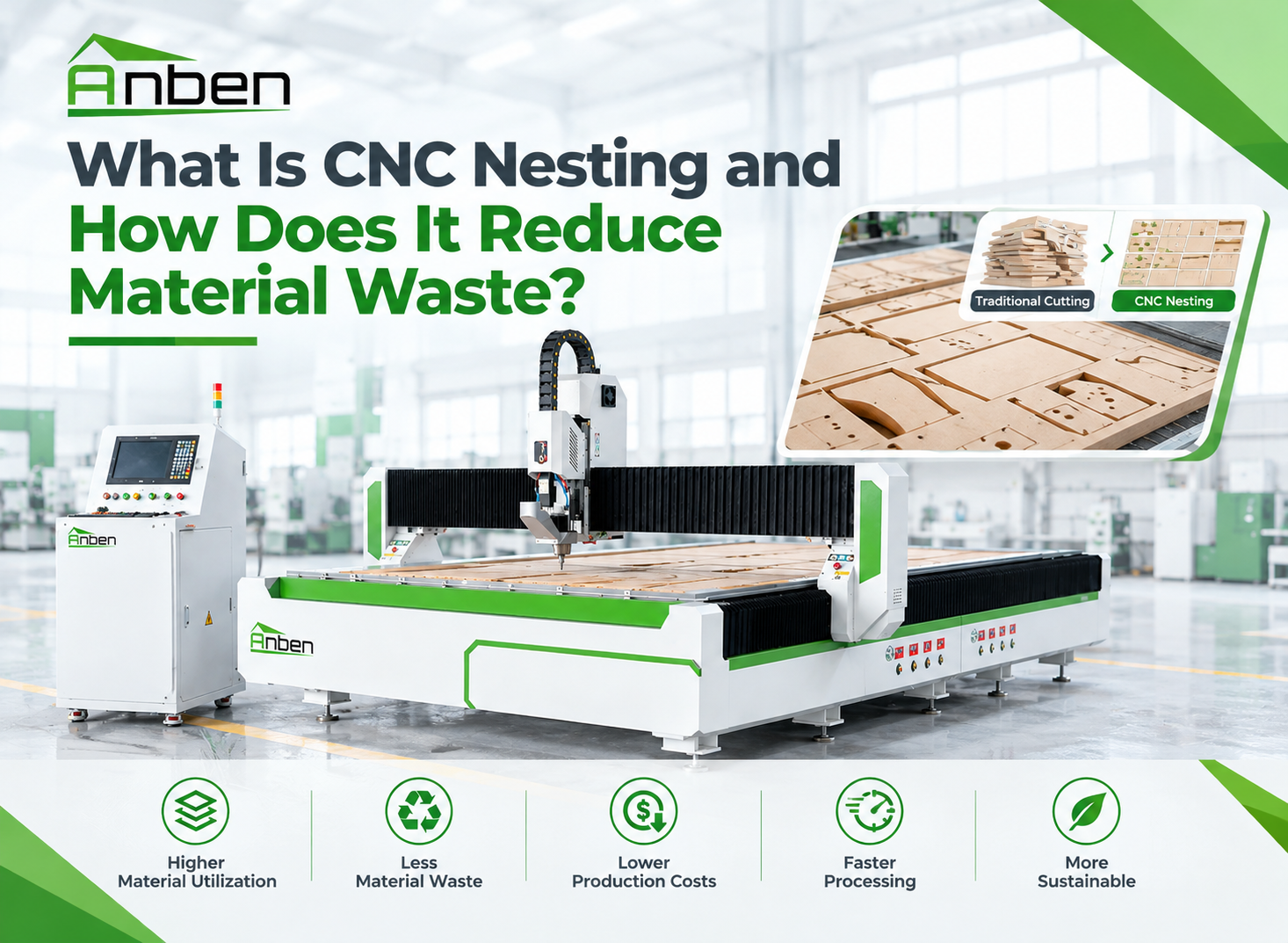
 What Is CNC Nesting and How Does It Reduce Material Waste?
- What Determines CNC Router Cutting Accuracy?
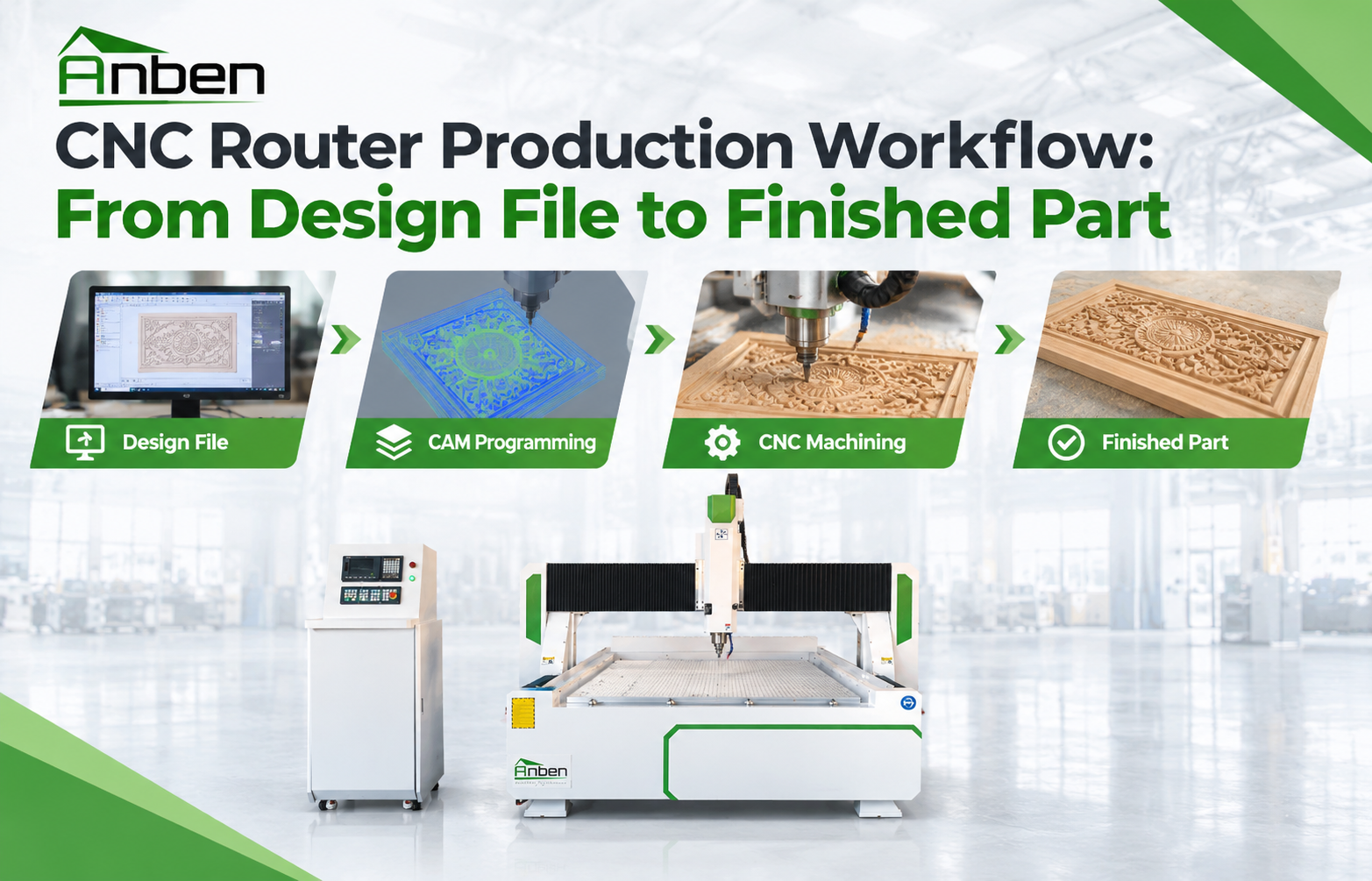
 CNC Router Production Workflow: From Design File to Finished Part
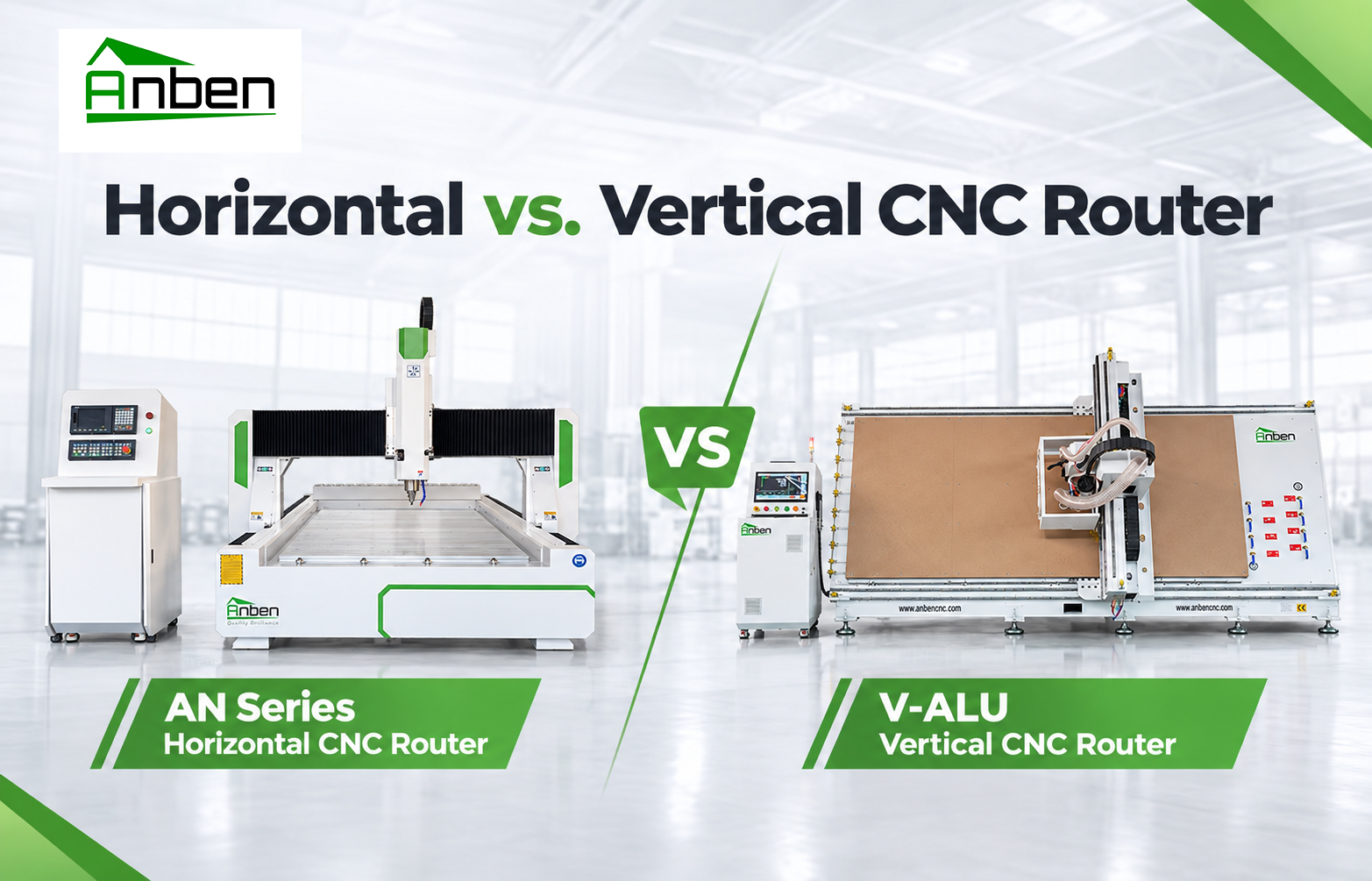
- Horizontal vs. Vertical CNC Router: Which One Is Right for You?
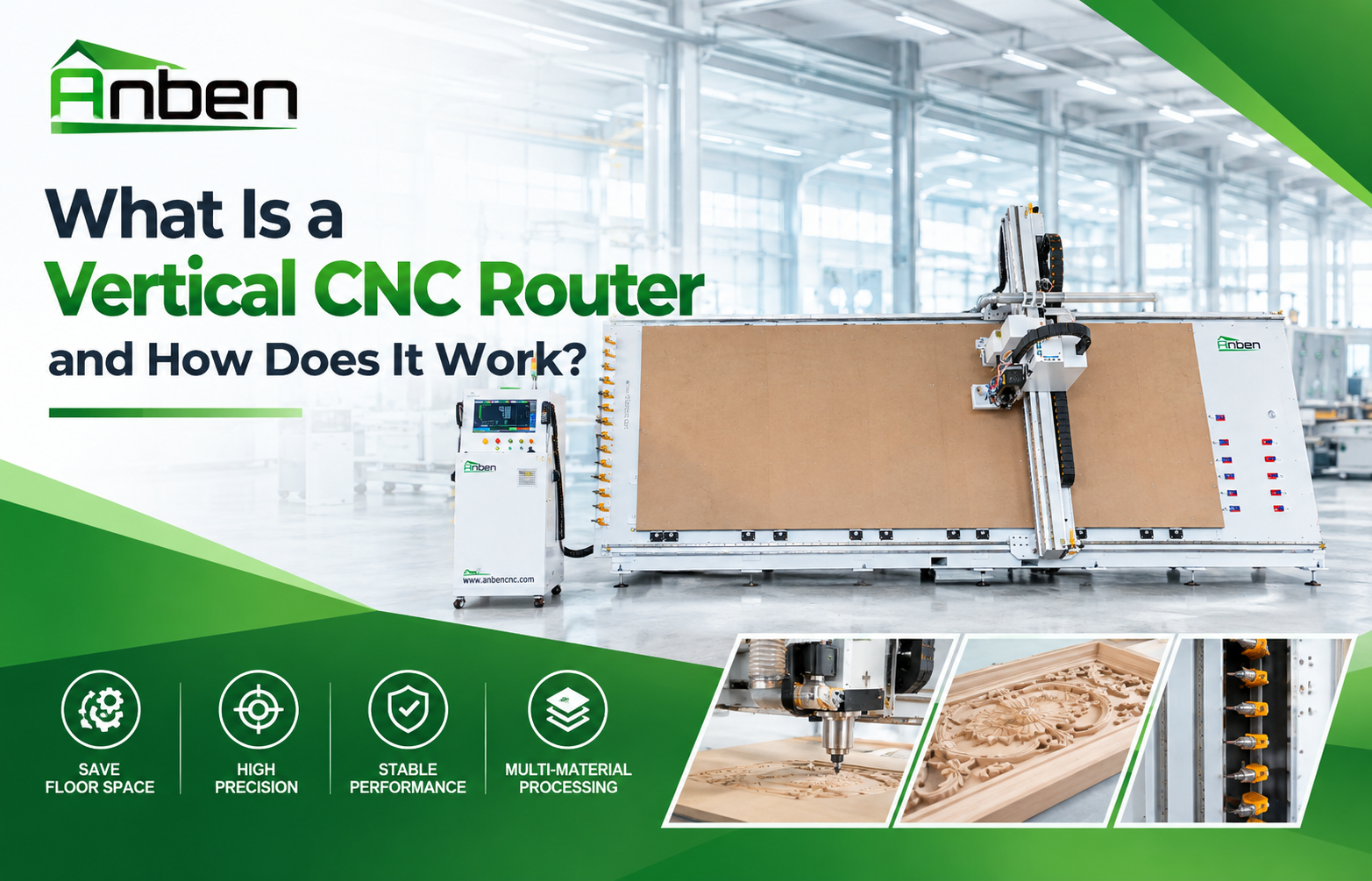
- What Is a Vertical CNC Router and How Does It Work?
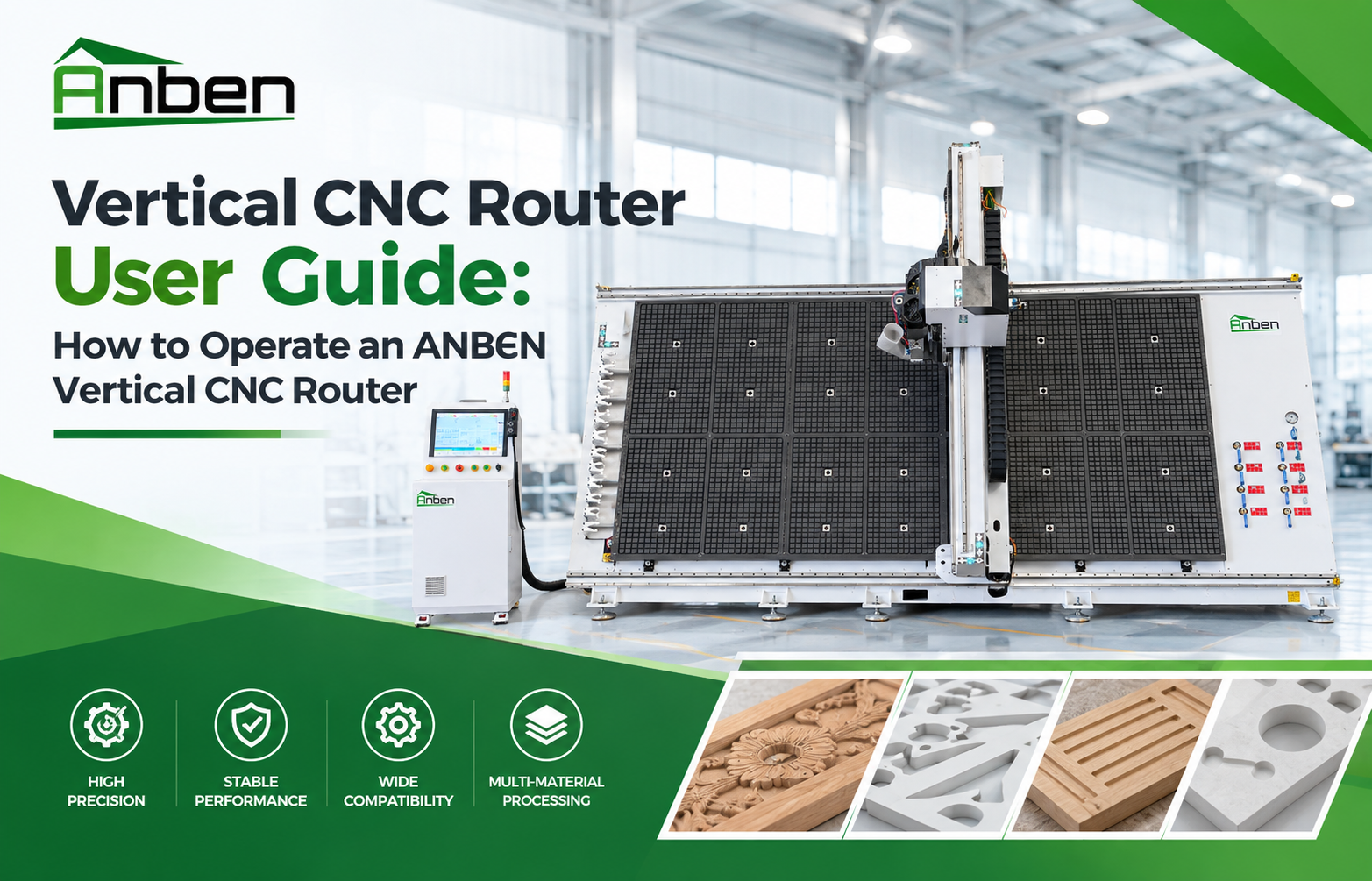
- Vertical CNC Router User Guide: How to Operate an ANBEN Vertical CNC Router


Related Products
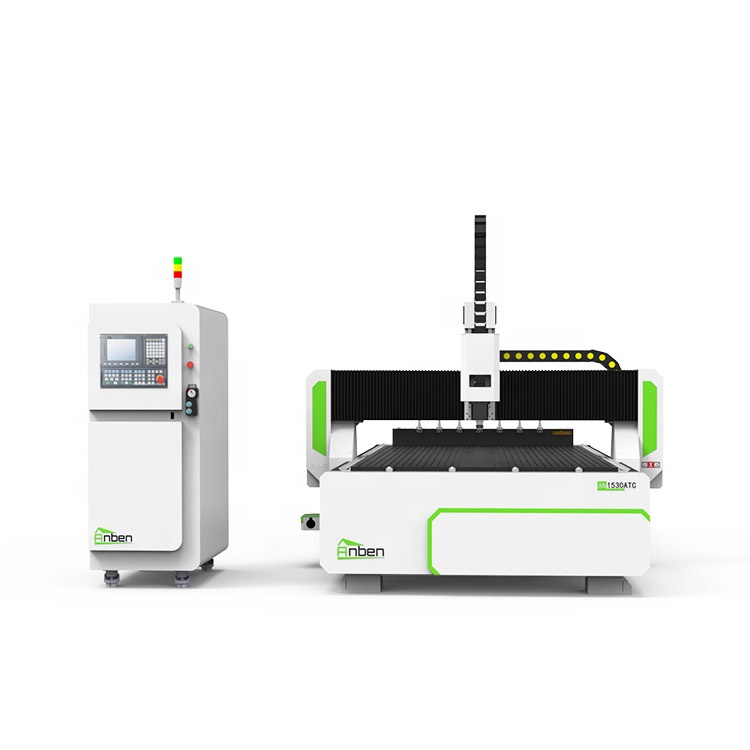
 AN1530ATC Automatic Tool ChangeAnben ATC (Automatic Tool Change)CNC router is popularly used in woodworking, making signs, molds making, art crafts making, etc. The automatic tool changer magazine carries 8-16 cutters. It can save tool change time,more efficient!
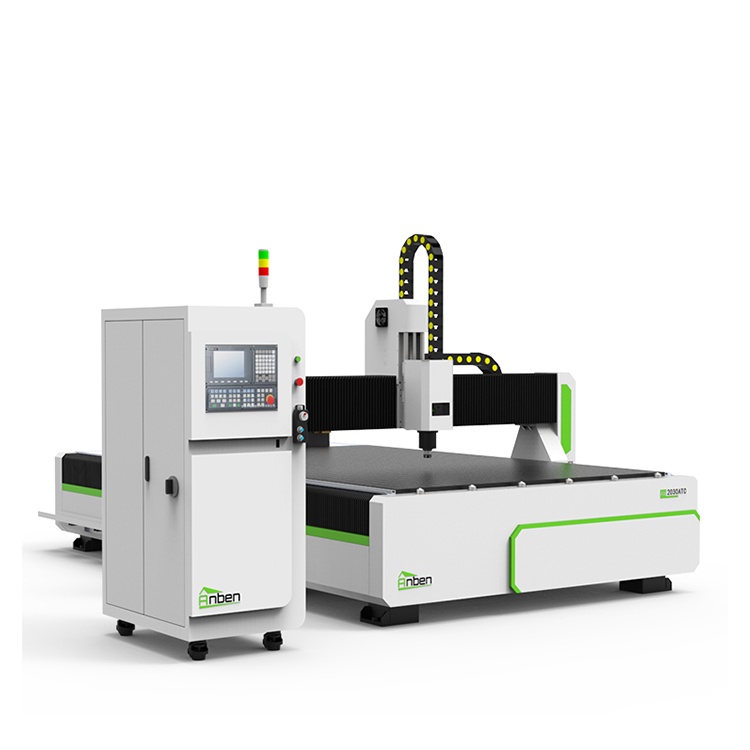
 AN2030ATC Automatic Tool ChangeAnben ATC (Automatic Tool Change)CNC router is popularly used in woodworking, making signs, molds making, art crafts making, etc. The automatic tool changer magazine carries 8-16 cutters. It can save tool change time,more efficient!
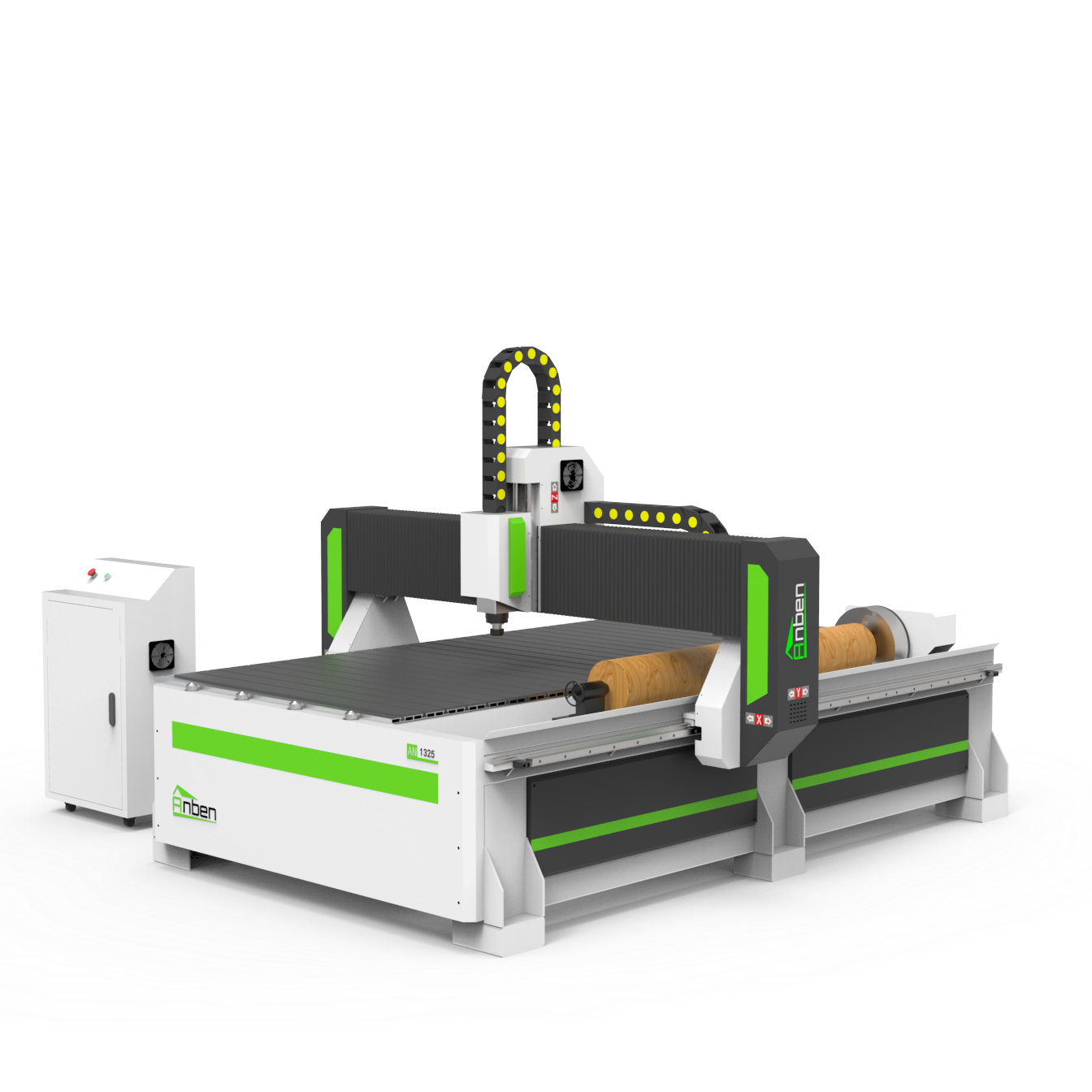
 AN Cnc Router With Rotary AxisAnben cnc router with Rotary Axis for businesses that need both flat and rotary carving in one machine. From staircase spindles to decorative columns, this type of router handles round parts with ease. It’s a smart pick if you’re working with furniture, signs, or wood crafts that involve turning or 3D shapes.
 V-2162 Vertical cnc routerThe vertical cnc significantly reduces the machine’s floor space. It is equipped with 8 sets of ATC tool magazines and other auxiliary devices such as vacuum pump, saw blade,aggregate head, positioning systems, etc. The Vertical cnc can cutting,grooving,engraving,drilling for various types of aluminum composite boards, acrylic boards, fiber boards and other boards. It is suitable for construction facades,cladding ,advertising signs,furniture manufacturing and other industries.
Get in touch

Anben Industrial – Founded in 2017, with a pure engineering spirit, providing trustworthy CNC solutions, born for long-term stable performance.
Contact