

Vertical CNC Router User Guide: How to Operate an ANBEN Vertical CNC Router





Introduction
Operating a vertical CNC router correctly starts with proper panel preparation, workholding, tool selection, and program checking.
ANBEN vertical CNC routers are designed for panel processing applications such as cutting, milling, drilling, engraving, and V-grooving. A consistent operating workflow helps improve machining stability and reduce material waste.
1. Prepare the Panel
Before machining, check:
Material type
Panel dimensions
Thickness
Surface condition
Flatness
Machining requirements
Make sure the panel is clean and free from objects that may interfere with the cutting process.
2. Load and Secure the Panel
Position the panel correctly on the vertical working area.
Depending on the machine configuration, use the available workholding system, supports, vacuum, or other fixing methods.
The panel must remain stable throughout machining.
Poor workholding can cause:
Panel movement
Incorrect dimensions
Poor cutting quality
Tool damage
Increased vibration
3. Select the Correct Tool
Tool selection depends on the material and machining operation.
For example:
Cutting: Use a suitable cutting tool for the material.
Drilling: Select a drill or suitable drilling tool.
V-Grooving: Use a V-groove tool with the required angle and dimensions.
Engraving: Select an engraving cutter according to the required detail.
Check the tool condition before starting.
4. Set the Work Origin
After securing the panel, establish the correct work origin.
Check:
X position
Y position
Z position
Tool height
Panel dimensions
Program orientation
An incorrect work origin can cause the toolpath to start in the wrong position.
5. Check the CNC Program
Before cutting a new panel, check the complete machining program.
Verify:
Tool Number → Toolpath → Cutting Depth → Feed Rate → Spindle Speed → Machining Area
A simulation or dry run is recommended for a new program whenever available.
6. Start the Machining Process
After confirming the setup, start the machining cycle.
Monitor the machine during operation.
Pay attention to:
Cutting sound
Vibration
Tool movement
Panel stability
Dust and chips
Spindle condition
If abnormal movement, noise, vibration, or cutting quality appears, stop the process and inspect the machine.
7. Use Advanced Functions Correctly
Depending on the configuration, ANBEN vertical CNC routers can support functions such as:
Automatic tool changing
C-axis machining
Aggregate heads
V-grooving
Milling and drilling
These functions should be used according to the machine configuration and corresponding toolpath.
For ATC machining, always verify the tool number and tool length before starting the program.
8. Clean the Machine After Machining
After completing the job:
Remove chips and dust.
Clean the working area.
Check the cutting tool.
Inspect the workholding system.
Check the spindle and machine surface.
Prepare the machine for the next job.
Keeping the machining area clean helps maintain stable operation and protects panels from unnecessary scratches or contamination.
Quick Operating Checklist
Before machining:
✓ Panel size and material
✓ Workholding
✓ Cutting tool
✓ Work origin
✓ Toolpath
✓ Spindle parameters
✓ Machine clearance
✓ Dust and chip removal
Final Tip
Efficient vertical CNC machining depends on a repeatable workflow.
Prepare → Secure → Select Tool → Set Origin → Check Program → Dry Run → Machine → Inspect
For ANBEN V-2162, V-2142, V-1650, and V-2151 vertical CNC routers, always follow the specific machine configuration and operating instructions supplied with the equipment.
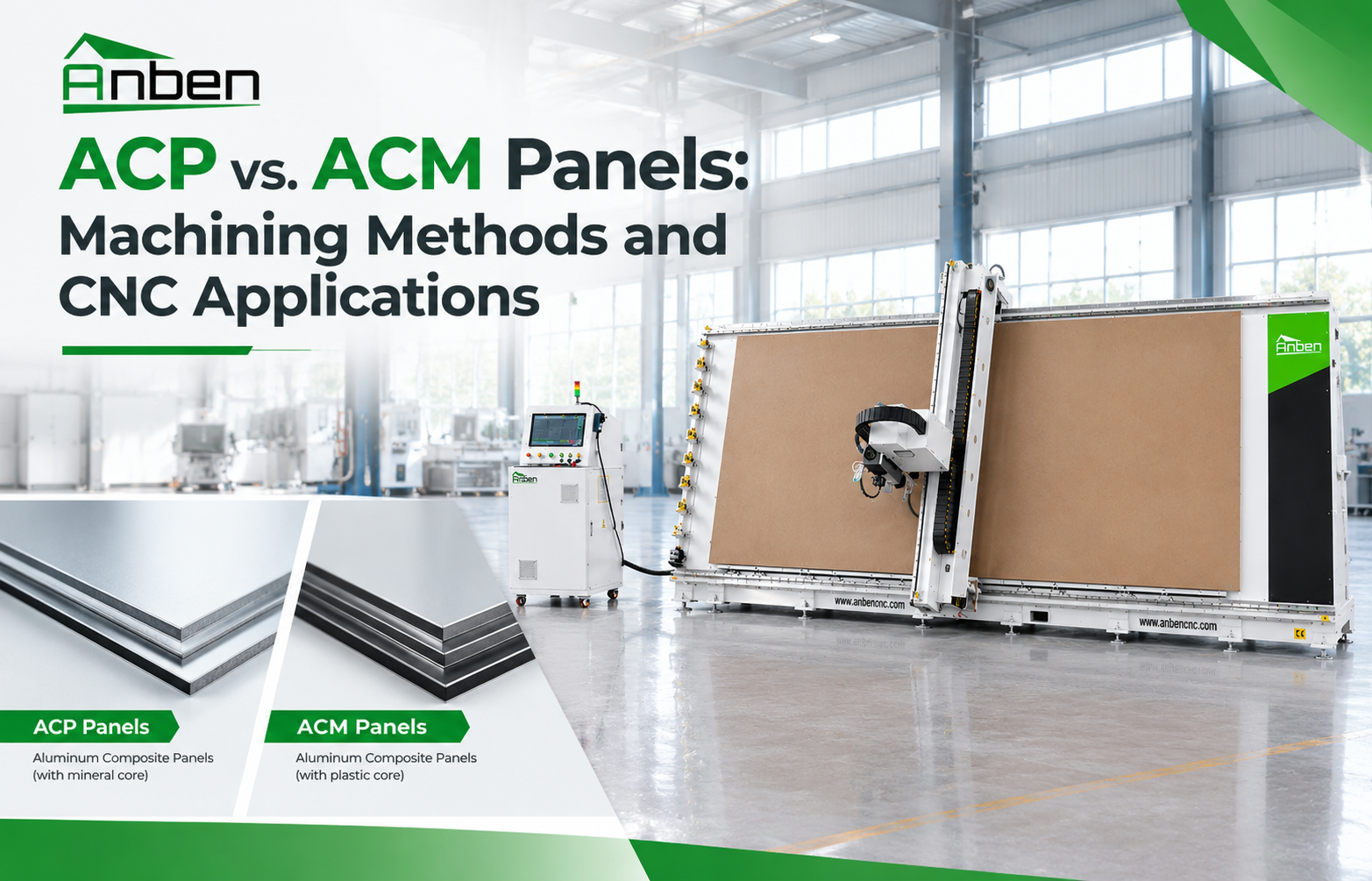
 ACP vs. ACM Panels: Machining Methods and CNC Applications
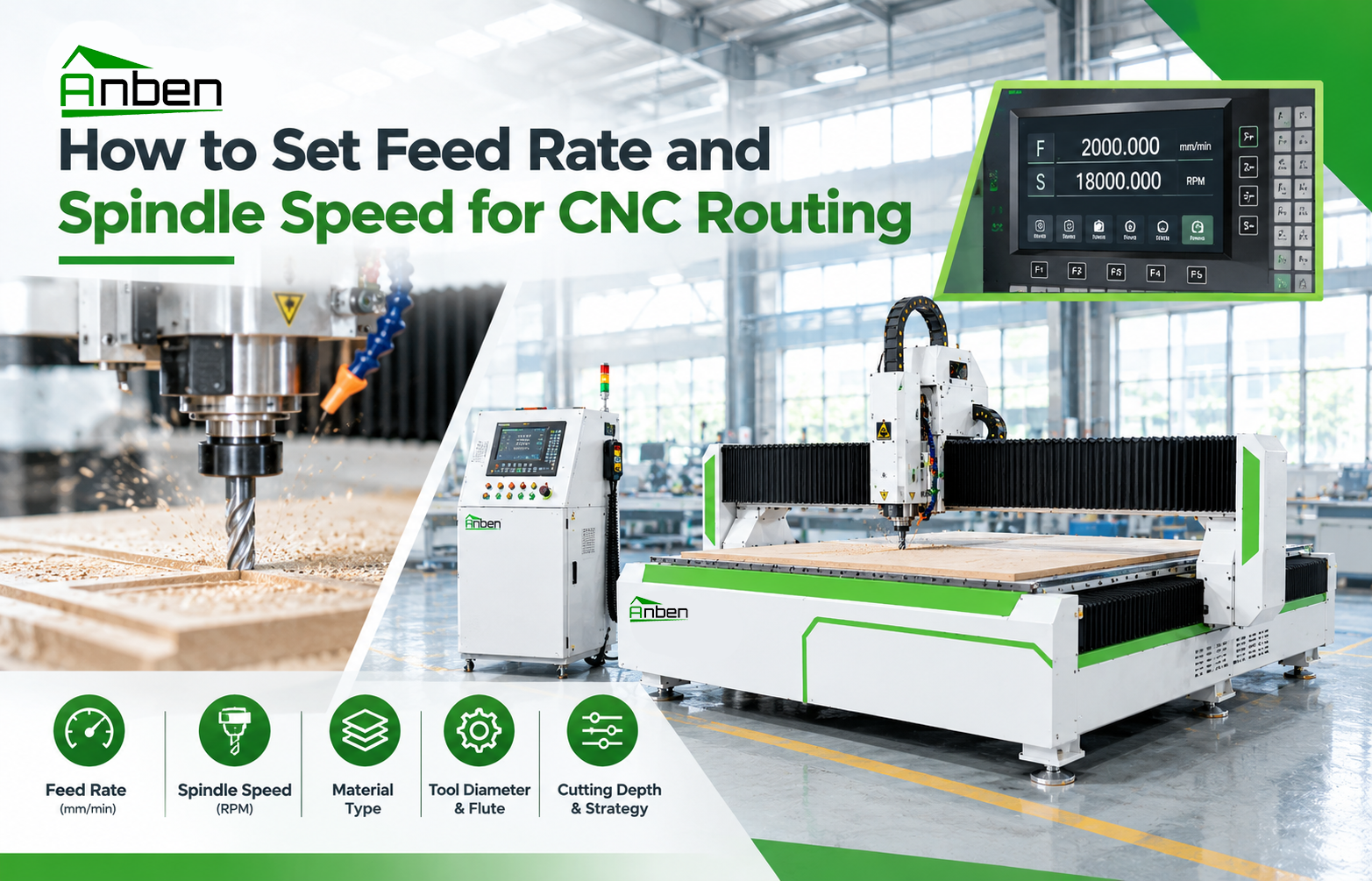
- How to Set Feed Rate and Spindle Speed for CNC Routing
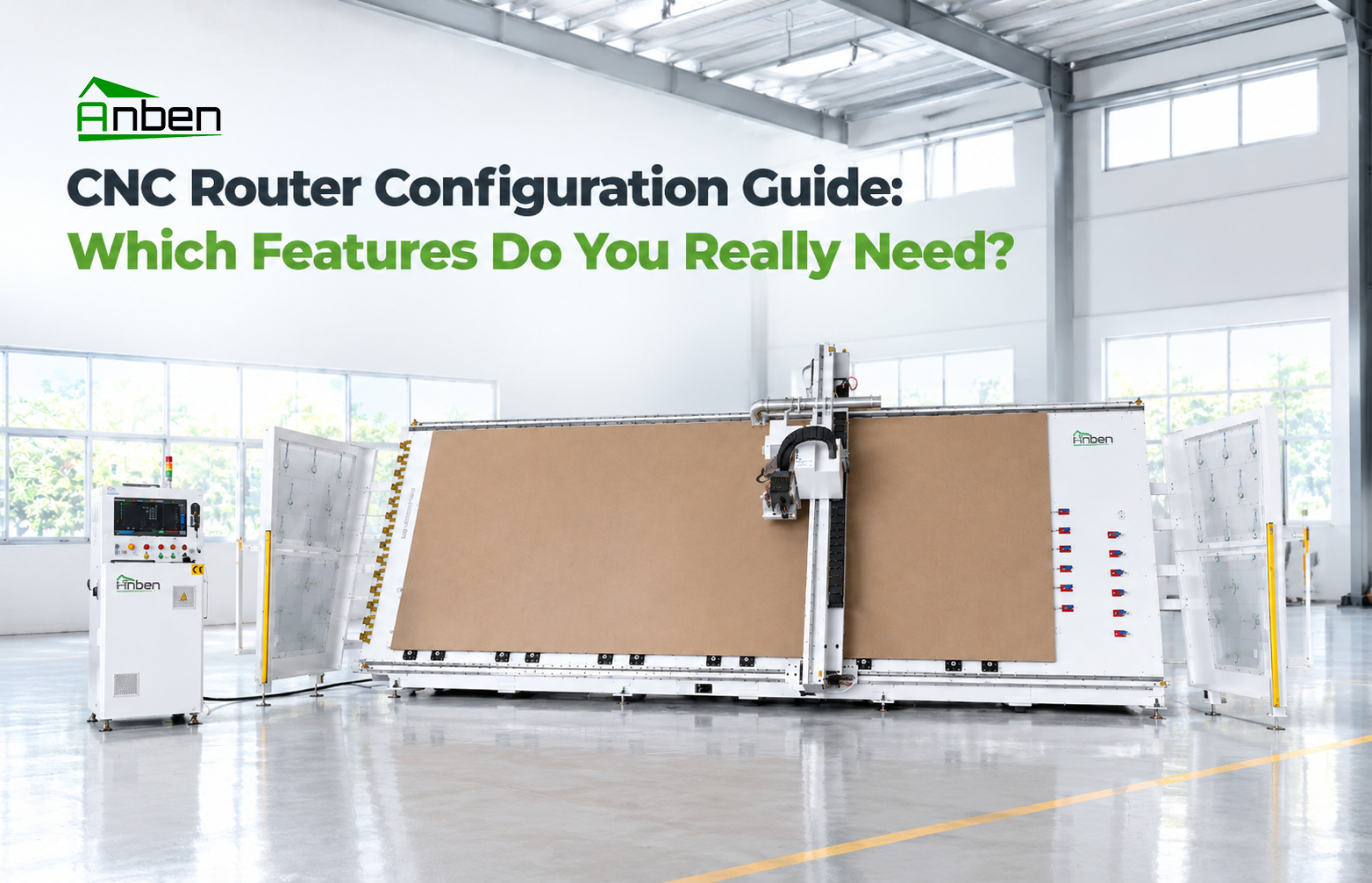
 CNC Router Configuration Guide: Which Features Do You Really Need?
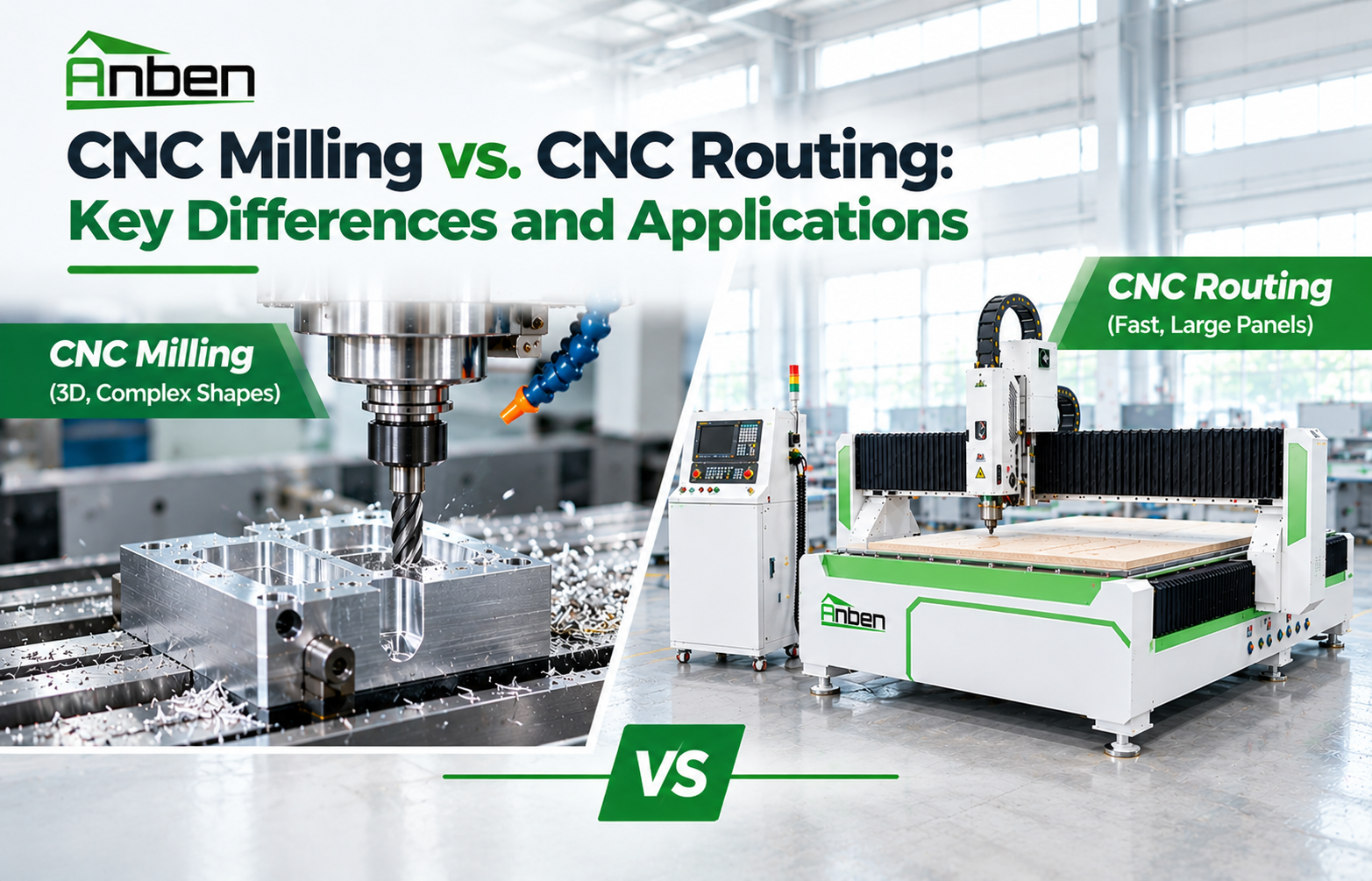
- CNC Milling vs. CNC Routing: Key Differences and Applications
- How to Prevent Chipping and Rough Edges in CNC Routing
- How to Calculate CNC Router Production Capacity Before Buying
- How Does V-Grooving Work on ACP and ACM Panels?
- How to Use an ATC CNC Router: A Step-by-Step Guide
Related Products
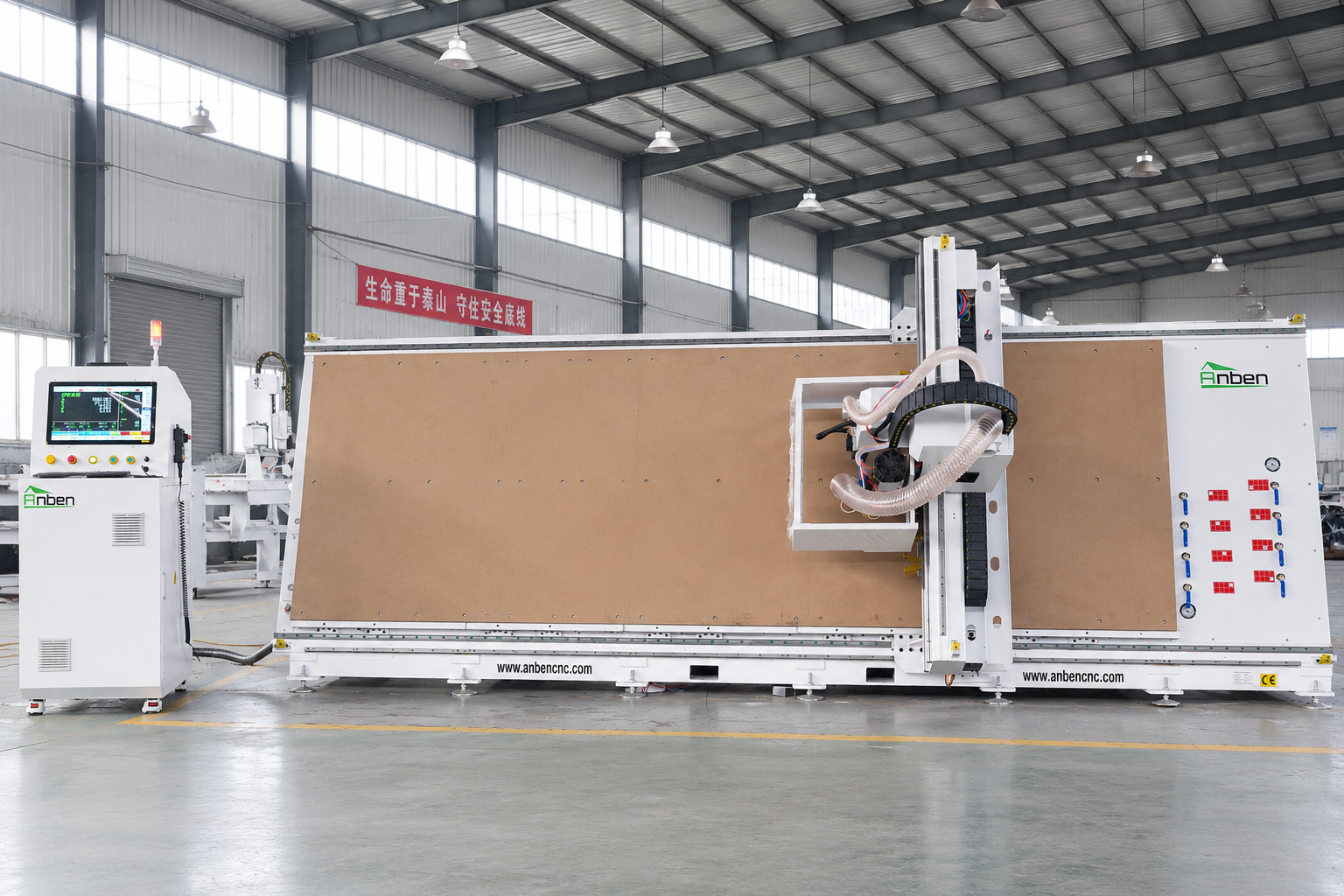
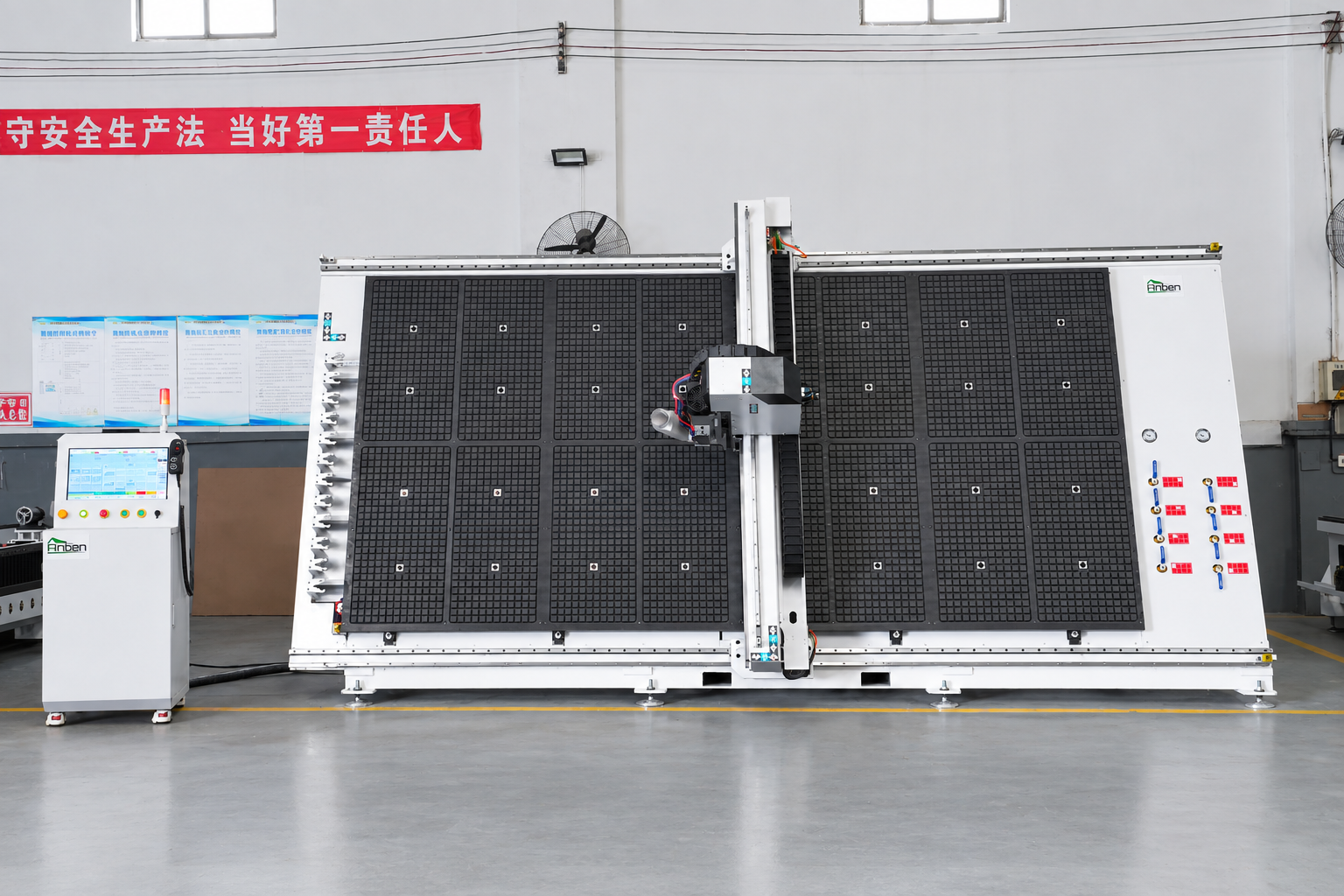
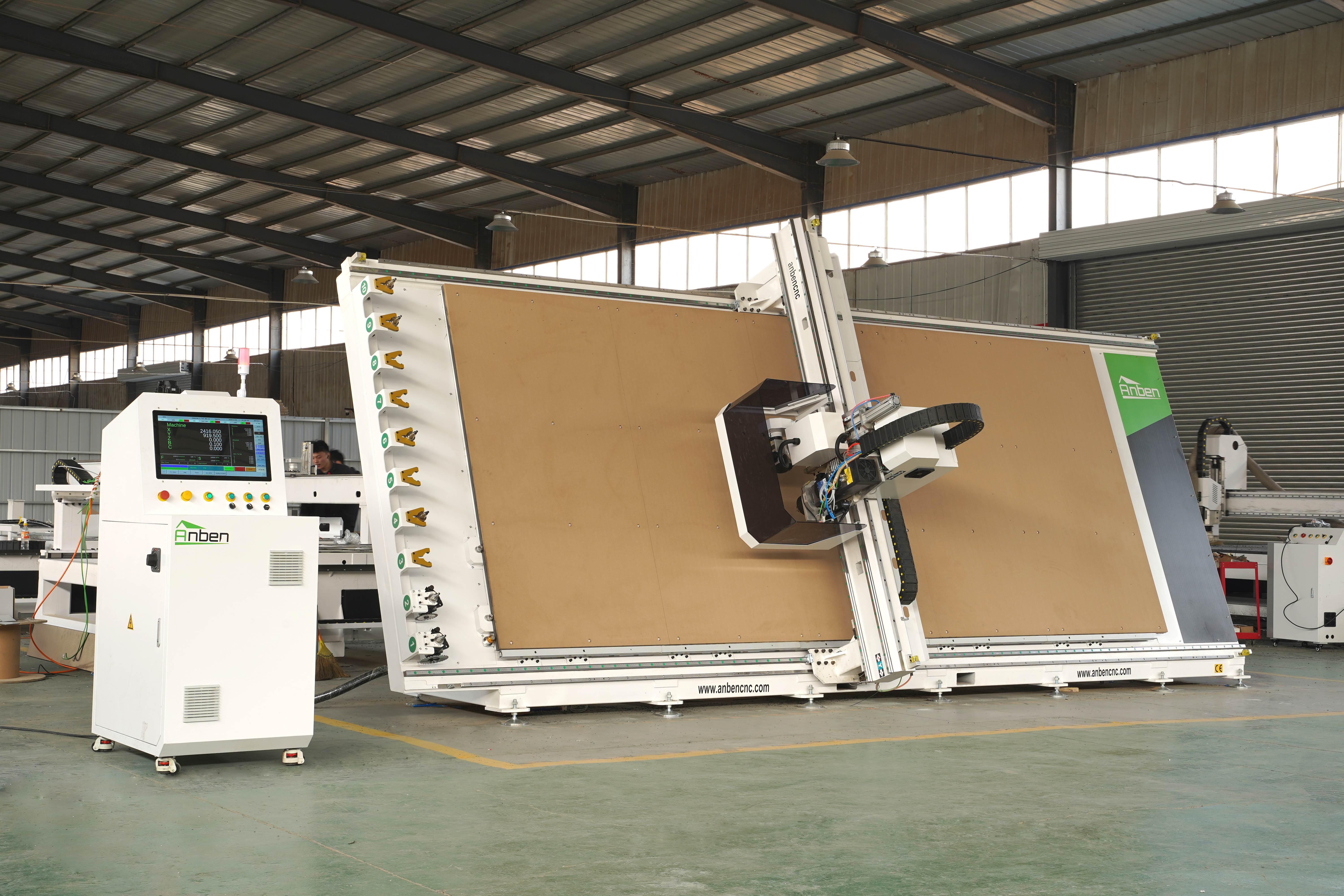
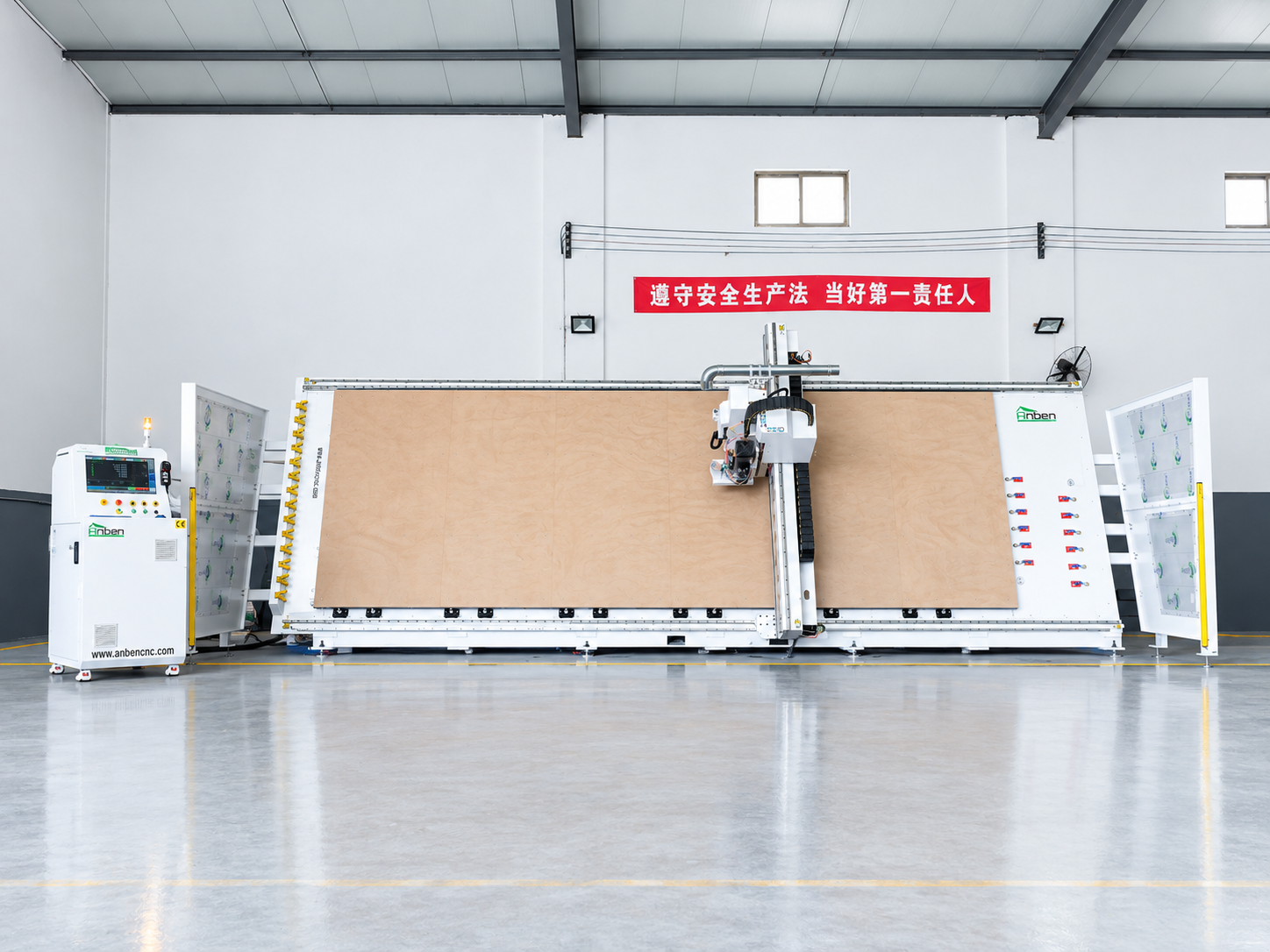
 V-1650 Vertical cnc routerThe vertical cnc significantly reduces the machine’s floor space. It is equipped with 8 sets of ATC tool magazines and other auxiliary devices such as vacuum pump, saw blade,aggregate head, positioning systems, etc. The Vertical cnc can cutting,grooving,engraving,drilling for various types of aluminum composite boards, acrylic boards, fiber boards and other boards. It is suitable for construction facades,cladding ,advertising signs,furniture manufacturing and other industries.
 V-2142 Vertical cnc routerThe vertical cnc significantly reduces the machine’s floor space. It is equipped with 8 sets of ATC tool magazines and other auxiliary devices such as vacuum pump, saw blade,aggregate head, positioning systems, etc. The Vertical cnc can cutting,grooving,engraving,drilling for various types of aluminum composite boards, acrylic boards, fiber boards and other boards. It is suitable for construction facades,cladding ,advertising signs,furniture manufacturing and other industries.
 V-2151 Vertical cnc routerThe vertical cnc significantly reduces the machine’s floor space. It is equipped with 8 sets of ATC tool magazines and other auxiliary devices such as vacuum pump, saw blade,aggregate head, positioning systems, etc. The Vertical cnc can cutting,grooving,engraving,drilling for various types of aluminum composite boards, acrylic boards, fiber boards and other boards. It is suitable for construction facades,cladding ,advertising signs,furniture manufacturing and other industries.
 V-2162 Vertical cnc routerThe vertical cnc significantly reduces the machine’s floor space. It is equipped with 8 sets of ATC tool magazines and other auxiliary devices such as vacuum pump, saw blade,aggregate head, positioning systems, etc. The Vertical cnc can cutting,grooving,engraving,drilling for various types of aluminum composite boards, acrylic boards, fiber boards and other boards. It is suitable for construction facades,cladding ,advertising signs,furniture manufacturing and other industries.
Get in touch

Anben Industrial – Founded in 2017, with a pure engineering spirit, providing trustworthy CNC solutions, born for long-term stable performance.
Contact