

CNC Router Troubleshooting: 7 Common Cutting Problems and Solutions





router can deliver accurate and consistent results when the machine, tooling, material, and cutting parameters are properly matched. However, rough edges, burning, vibration, or inaccurate cuts can occur during daily production.
This guide explains seven common CNC router cutting problems and practical ways to identify and solve them.
1. Rough or Uneven Cutting Edges
Possible causes:
Dull or unsuitable cutting tool
Incorrect feed rate or spindle speed
Excessive tool stick-out
Material movement
Machine vibration
Solution:
Check the router bit first and replace it if worn. Make sure the workpiece is firmly secured, then adjust cutting parameters gradually. Check the collet and tool holder for proper installation.
2. Burn Marks on Wood or MDF
Burning usually indicates excessive heat during machining.
Possible causes:
Dull cutting tool
Feed rate too slow
Spindle speed too high for the application
Poor chip removal
Toolpath dwell or excessive cutting load
Solution:
Use a sharp tool suitable for the material and improve chip evacuation. Adjust spindle speed and feed rate together rather than changing only one parameter.
3. Excessive Vibration or Chatter
Vibration can produce visible wave marks, poor surface finish, and inaccurate cuts.
Check:
Tool and collet installation
Tool stick-out
Workpiece hold-down
Gantry and machine components
Cutting depth and feed rate
Solution:
Secure the material firmly, minimize tool extension, inspect the collet, and reduce cutting load if necessary. Persistent vibration should be checked by a qualified technician.
4. CNC Router Bit Breakage
Tool breakage can result from excessive cutting forces or incorrect tooling.
Common causes:
Wrong tool for the material
Excessive cutting depth
Feed rate too high
Tool runout
Worn collet
Poor chip evacuation
Solution:
Install the correct tool securely, reduce the cutting load, and check the collet and spindle for runout. Never continue machining with a damaged tool.
5. Workpiece Moves During Cutting
If the material moves during machining, the finished dimensions and cutting quality can be affected.
Possible causes:
Insufficient vacuum suction
Loose clamps
Poor workholding position
Excessive cutting force
Solution:
Check the vacuum table, clamps, seals, and workholding setup before machining. For large sheets, make sure the material is properly supported across the working area.
6. Cutting Depth Is Inconsistent
Uneven cutting depth may appear as incomplete cuts in some areas or excessive cutting in others.
Possible causes:
Incorrect Z zero
Uneven material surface
Incorrect tool length
Improper work origin
Machine calibration issues
Solution:
Recheck the Z-axis work origin and tool length. Make sure the workpiece is positioned correctly and the machine table is clean and stable.
7. Finished Dimensions Are Inaccurate
If the finished part does not match the design dimensions, check the entire machining process instead of changing only the toolpath.
Possible causes:
Incorrect tool diameter
Tool deflection
Workpiece movement
Incorrect machine zero
Loose mechanical components
Incorrect CAM settings
Solution:
Verify the tool diameter, work origin, CAM settings, and workholding. If the problem continues, inspect the machine's motion system and calibration.
Quick Troubleshooting Checklist
When a CNC router produces an unexpected result, check these items in order:
Tool → Collet → Workholding → Cutting Parameters → Work Origin → Toolpath → Machine Condition
Changing several settings at once can make troubleshooting more difficult. Identify the symptom, check the most likely cause, make one adjustment, and test again.
Final Tips
Most CNC router cutting problems are related to tooling, workholding, cutting parameters, or machine condition. Regular maintenance and careful setup can prevent many problems before they affect production.
For ANBEN CNC router users, always follow the machine manual and use recommended tools and operating procedures. If a problem involves electrical components, spindle faults, or abnormal machine movement, stop the machine and contact qualified technical support.
 What Is CNC Nesting and How Does It Reduce Material Waste?
 What Determines CNC Router Cutting Accuracy?
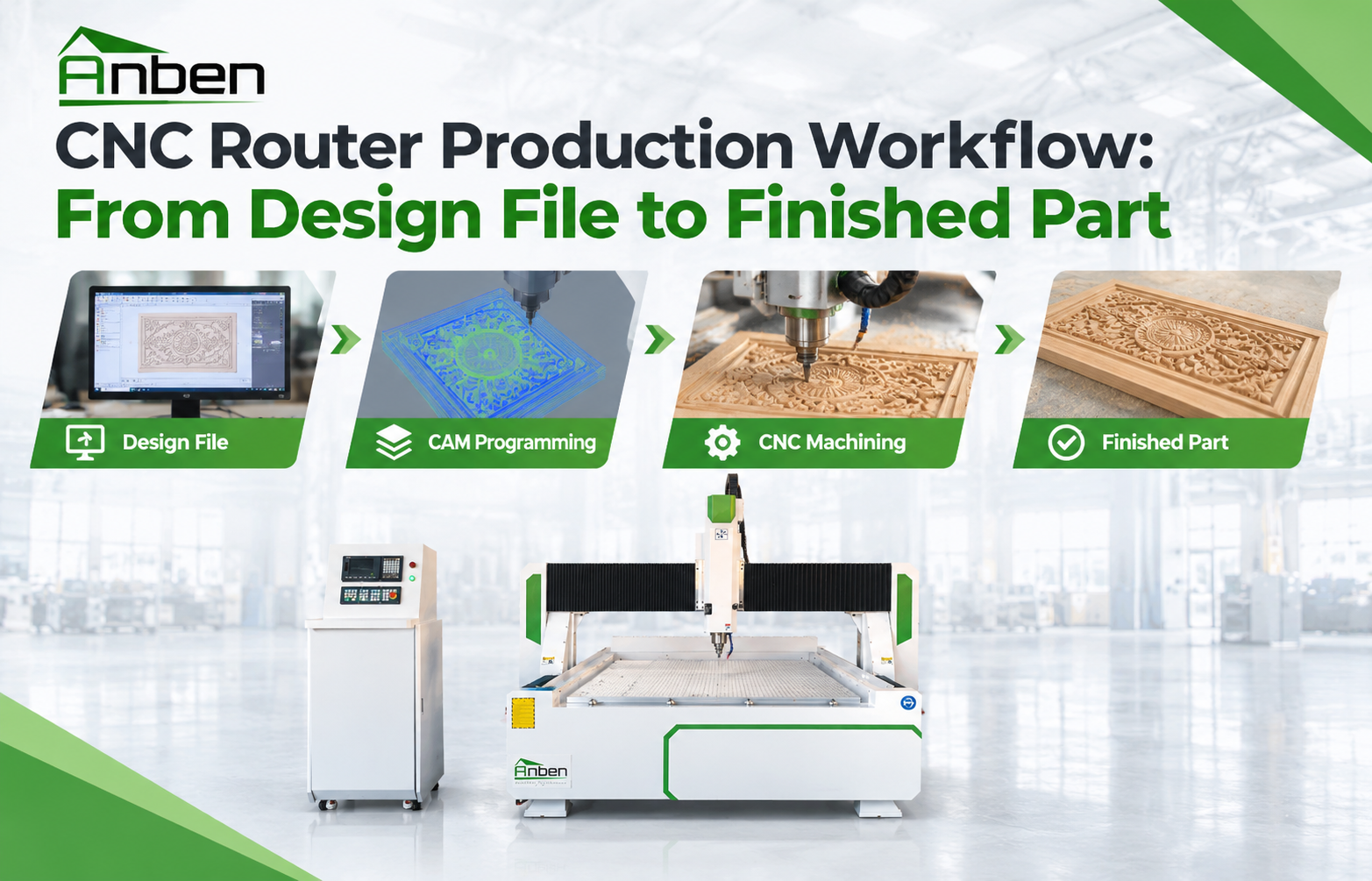
 CNC Router Production Workflow: From Design File to Finished Part
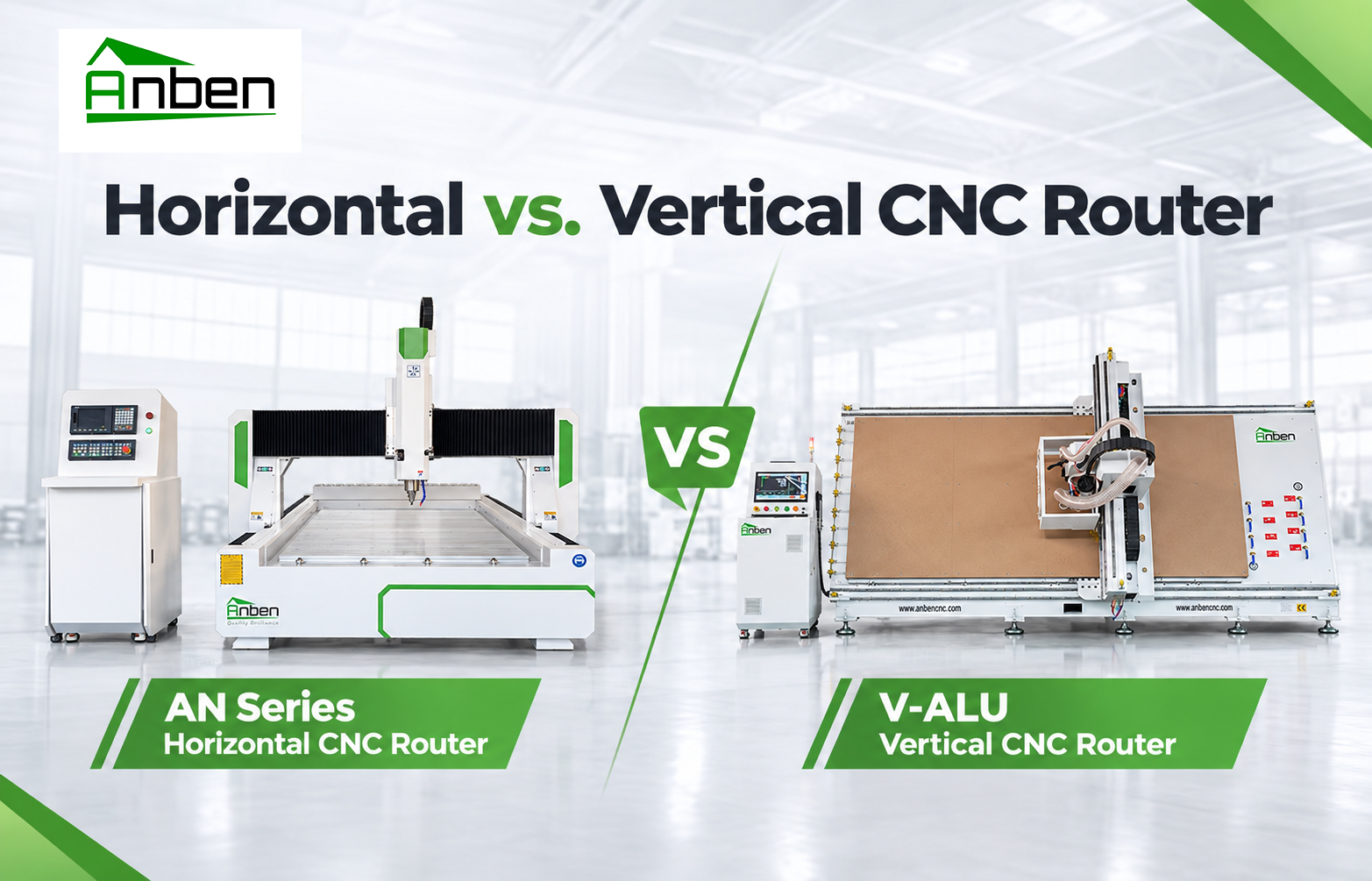
- Horizontal vs. Vertical CNC Router: Which One Is Right for You?
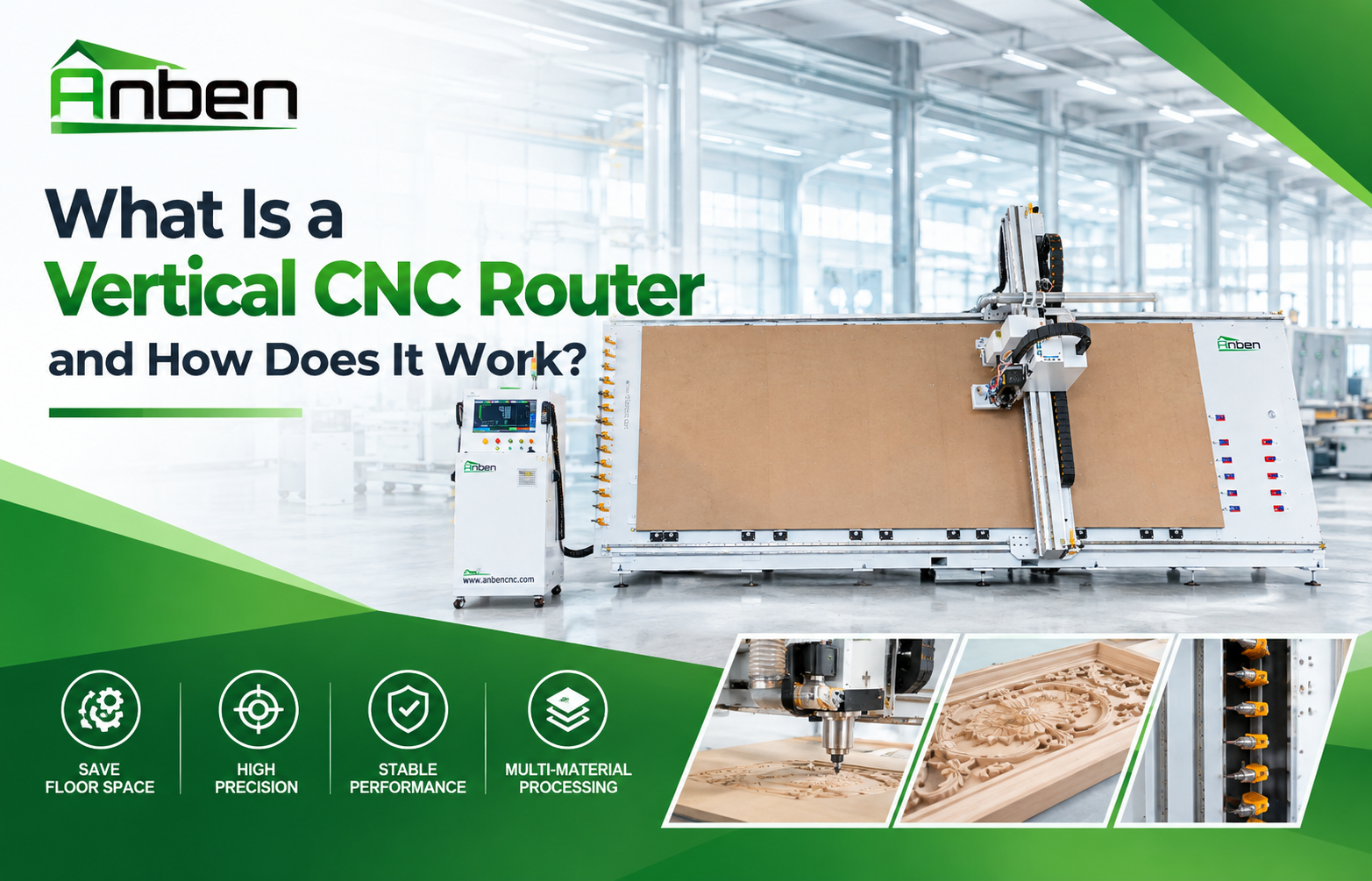
- What Is a Vertical CNC Router and How Does It Work?
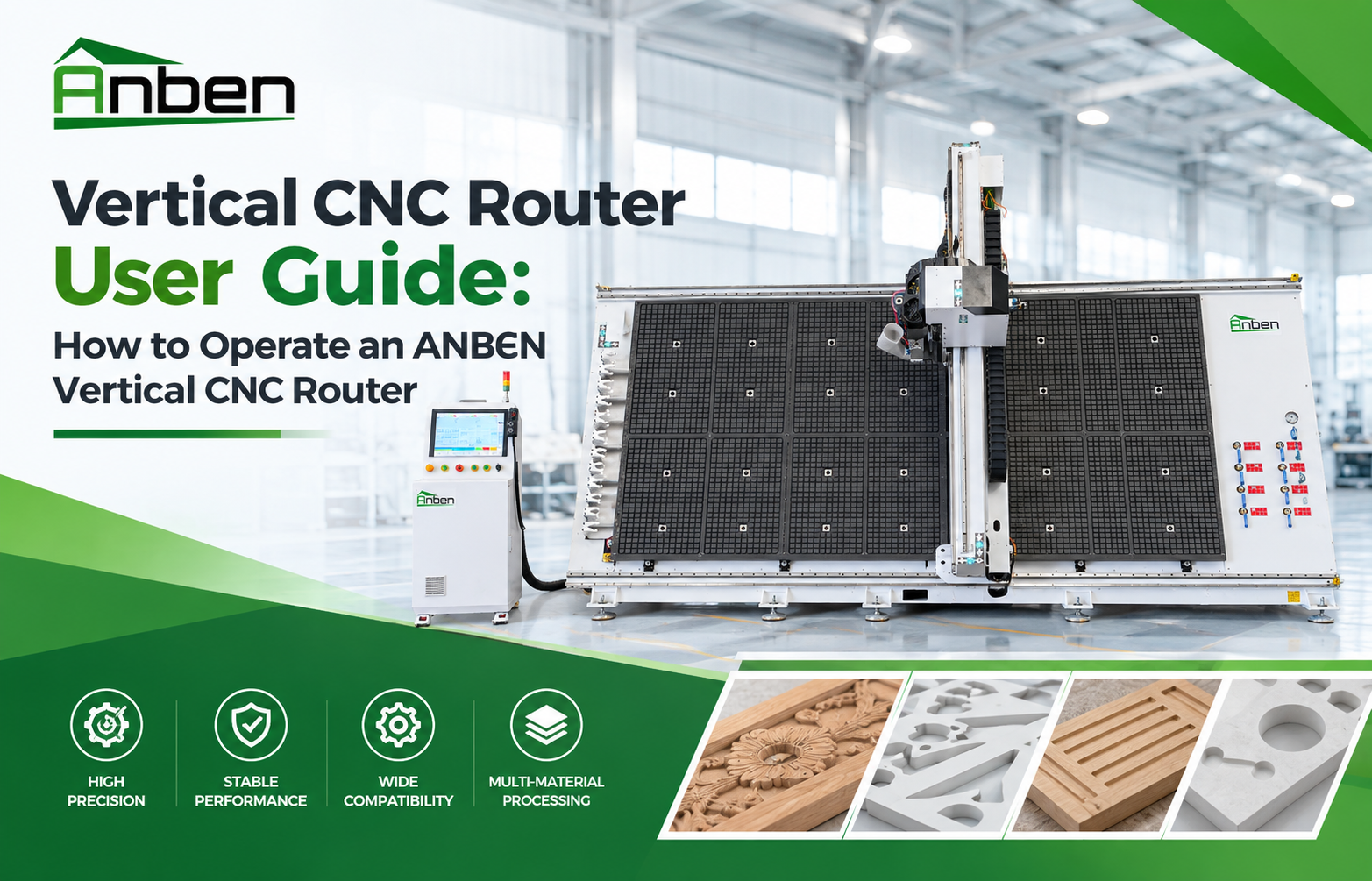
- Vertical CNC Router User Guide: How to Operate an ANBEN Vertical CNC Router
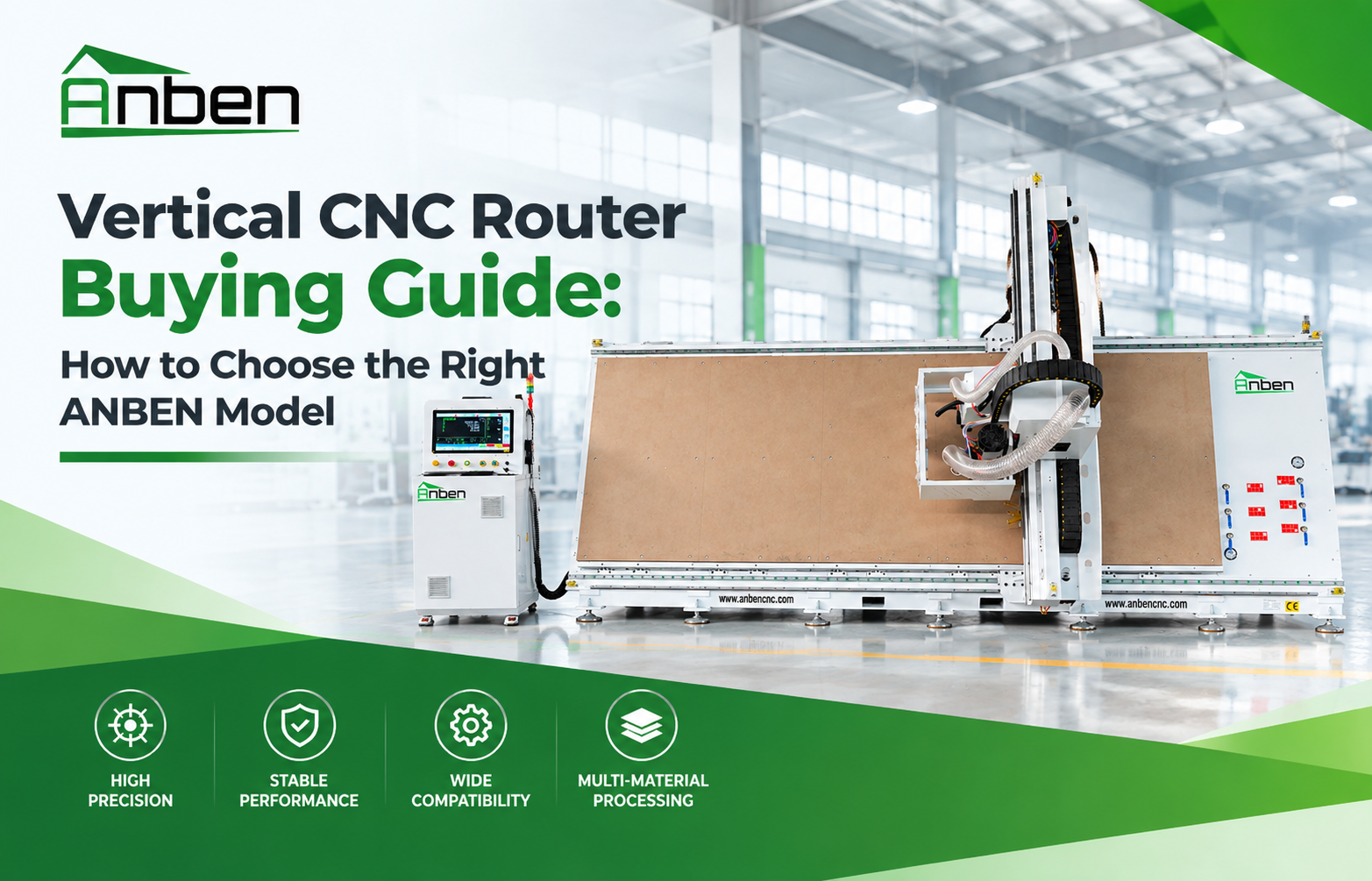
- Vertical CNC Router Buying Guide: How to Choose the Right ANBEN Model
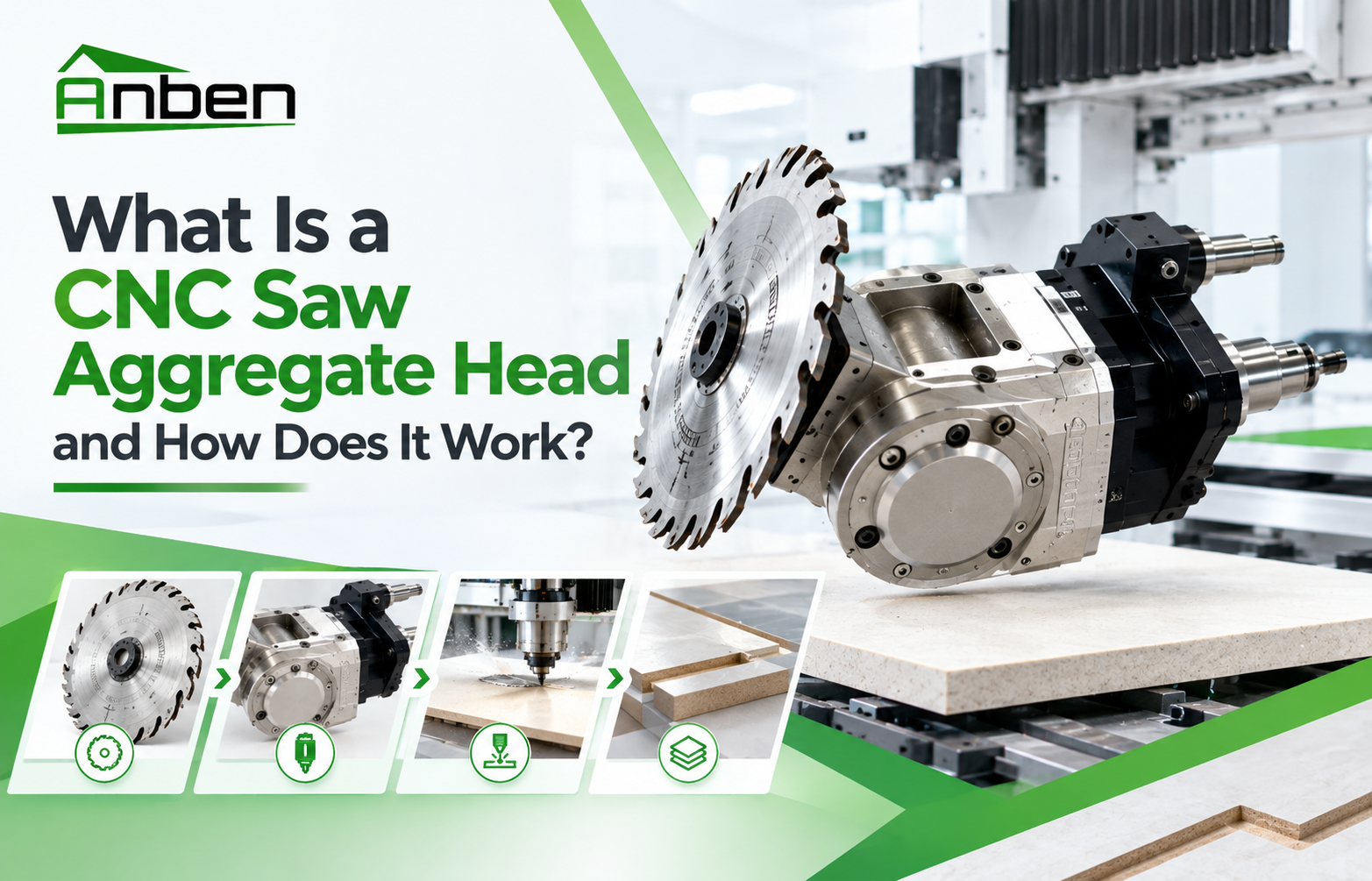
- What Is a CNC Saw Aggregate Head and How Does It Work?


Related Products
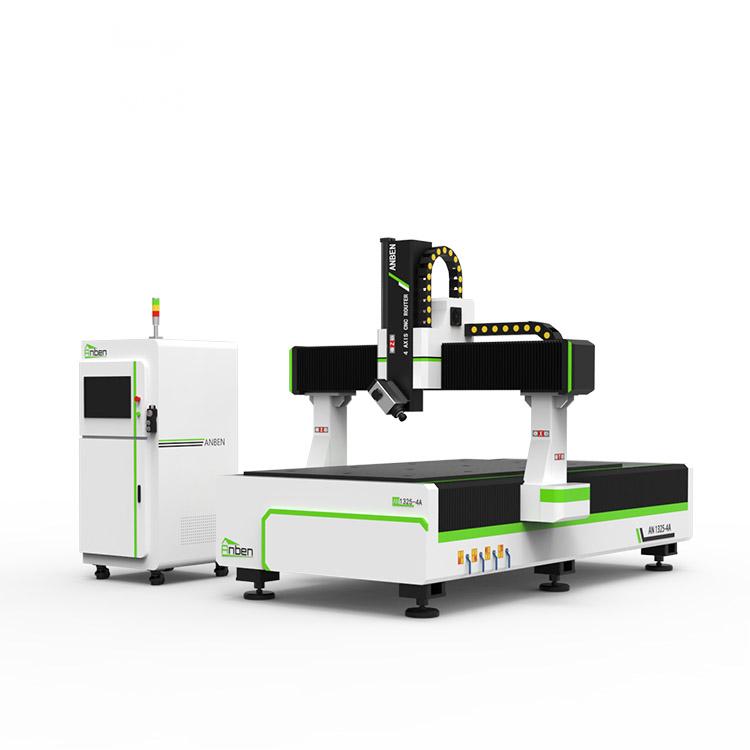
 AN1325-4 axisAnben 4 Axis CNC Router Machine with 4 axis ATC spindle is good at heavy-duty and complex 3d wood cutting and carving of wood panel, MDF, plywood, etc. All the working areas and specifications can be customized according to your requests.
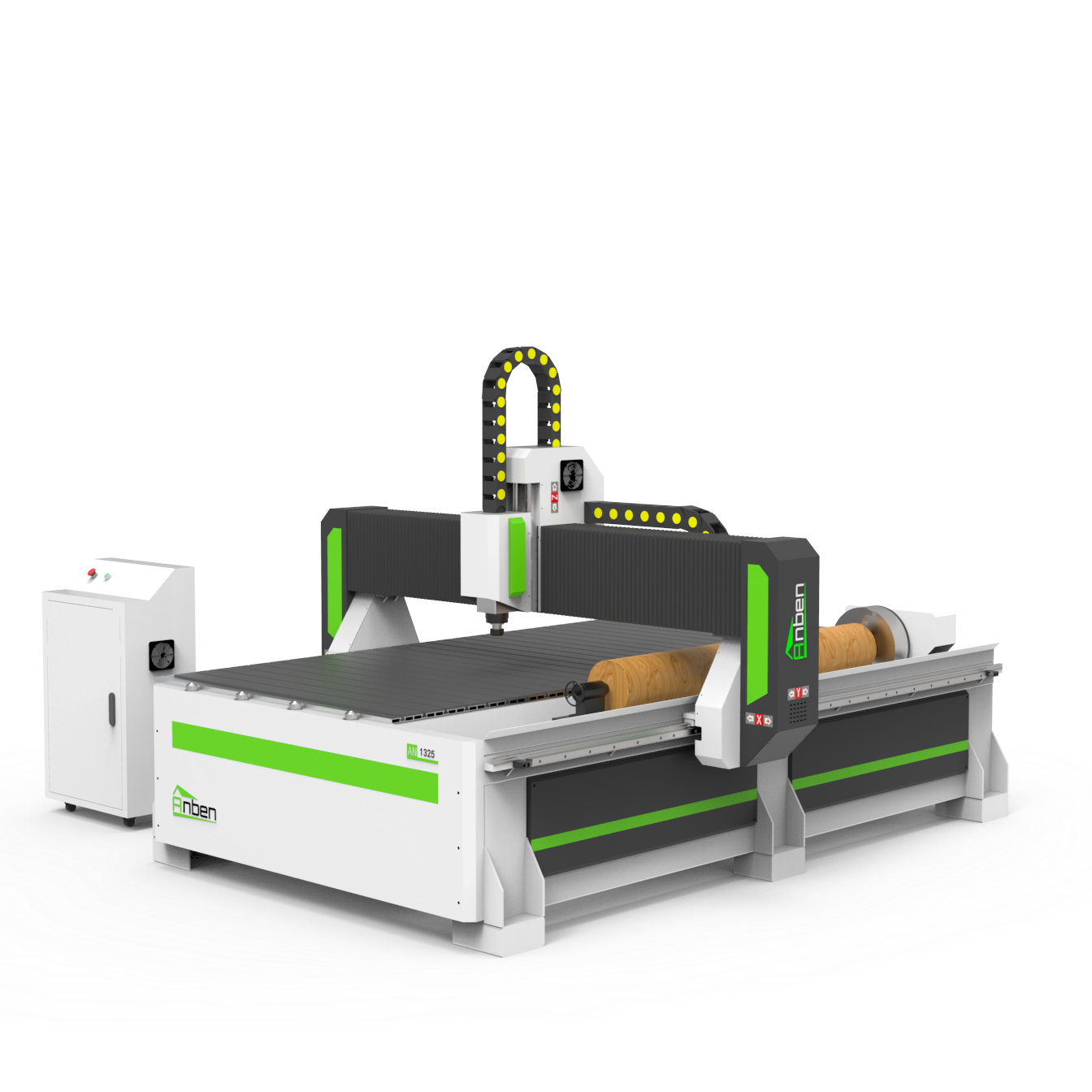
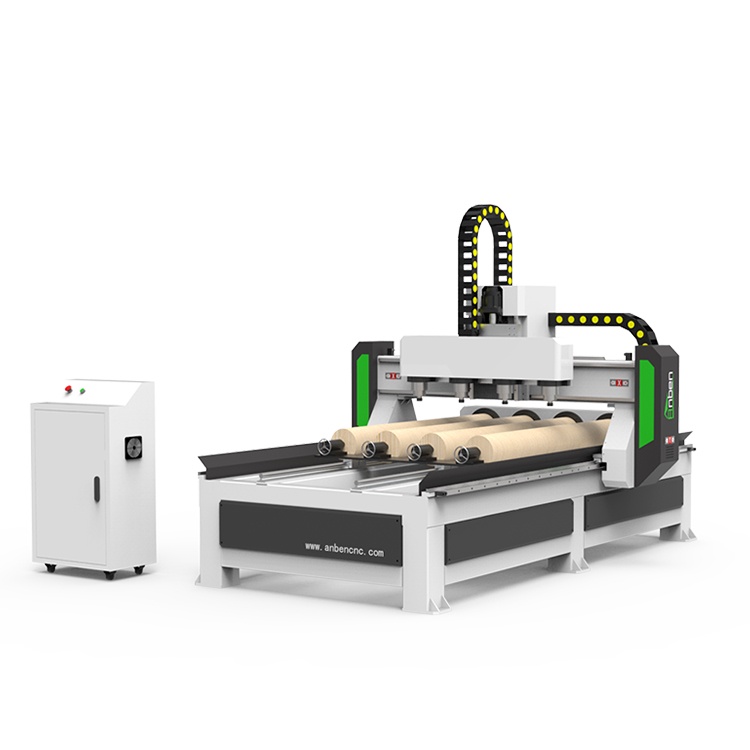
 AN Cnc Router With Rotary AxisAnben cnc router with Rotary Axis for businesses that need both flat and rotary carving in one machine. From staircase spindles to decorative columns, this type of router handles round parts with ease. It’s a smart pick if you’re working with furniture, signs, or wood crafts that involve turning or 3D shapes.
 Mutil heads Cnc Router 4 6 8 SpindlesAnben CNC router with 4/6/8 heads, they can work in the same time and make same products, Mass production to greatly improving the processing efficiency.
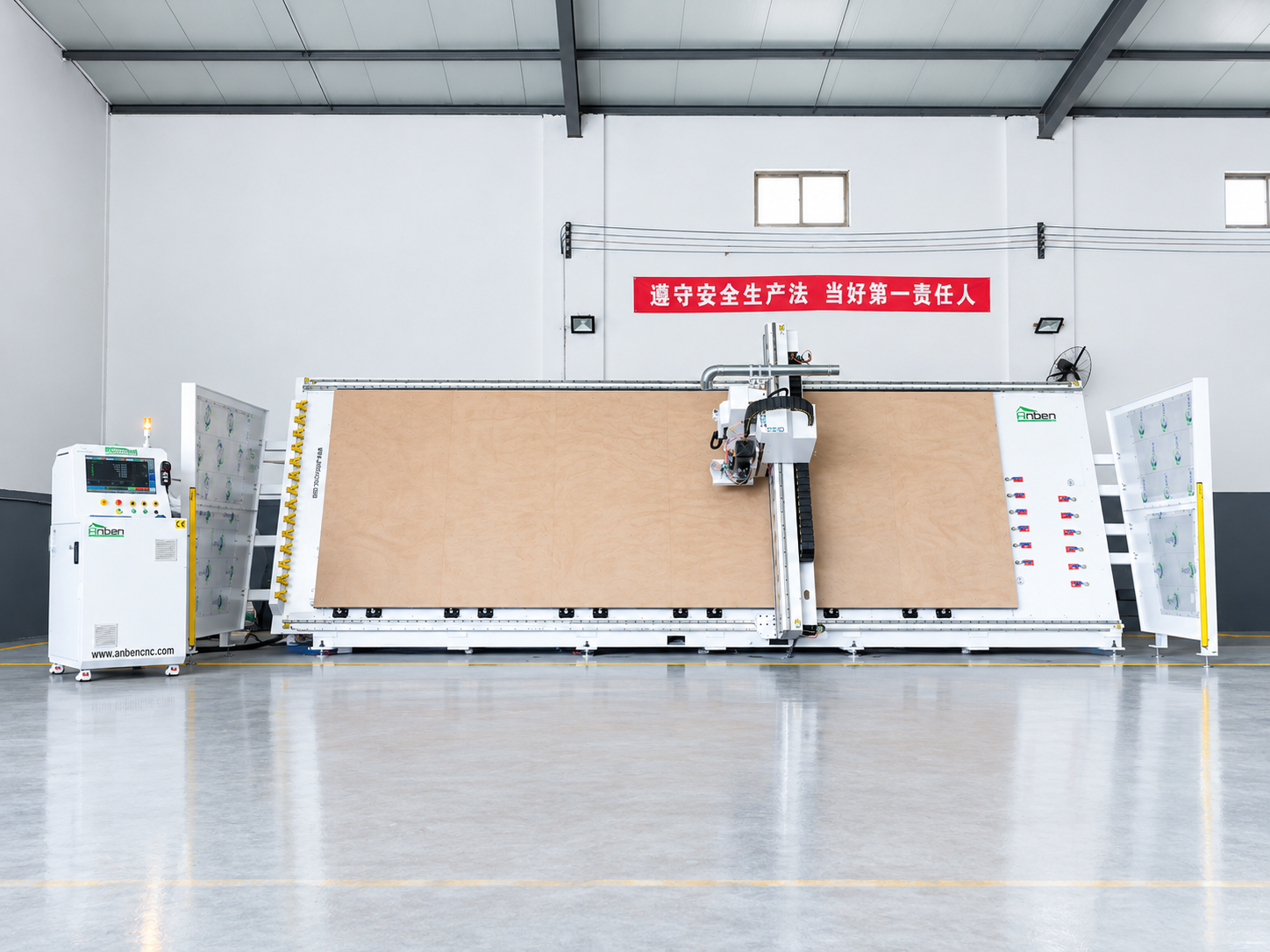
 V-2162 Vertical cnc routerThe vertical cnc significantly reduces the machine’s floor space. It is equipped with 8 sets of ATC tool magazines and other auxiliary devices such as vacuum pump, saw blade,aggregate head, positioning systems, etc. The Vertical cnc can cutting,grooving,engraving,drilling for various types of aluminum composite boards, acrylic boards, fiber boards and other boards. It is suitable for construction facades,cladding ,advertising signs,furniture manufacturing and other industries.
Get in touch

Anben Industrial – Founded in 2017, with a pure engineering spirit, providing trustworthy CNC solutions, born for long-term stable performance.
Contact