

How to Choose CAD/CAM Software for a CNC Router





Choosing the right CAD/CAM software is an important step when using a CNC router. Good software helps you create accurate designs, generate reliable toolpaths, and send the correct machining code to your CNC machine.
For ANBEN CNC router users, understanding the basic CAD-to-CNC workflow can make woodworking, furniture, cabinet, sign, and engraving projects easier and more efficient.
CAD vs. CAM: What Is the Difference?
CAD and CAM perform different jobs in the CNC workflow.
CAD (Computer-Aided Design) is used to create the drawing or 3D model. Common file formats include DXF, SVG, STEP, and STL.
CAM (Computer-Aided Manufacturing) converts the design into toolpaths. It defines cutting tools, cutting depth, feed rate, spindle speed, and machining strategies, then generates G-code for the CNC router.
A simple workflow is:
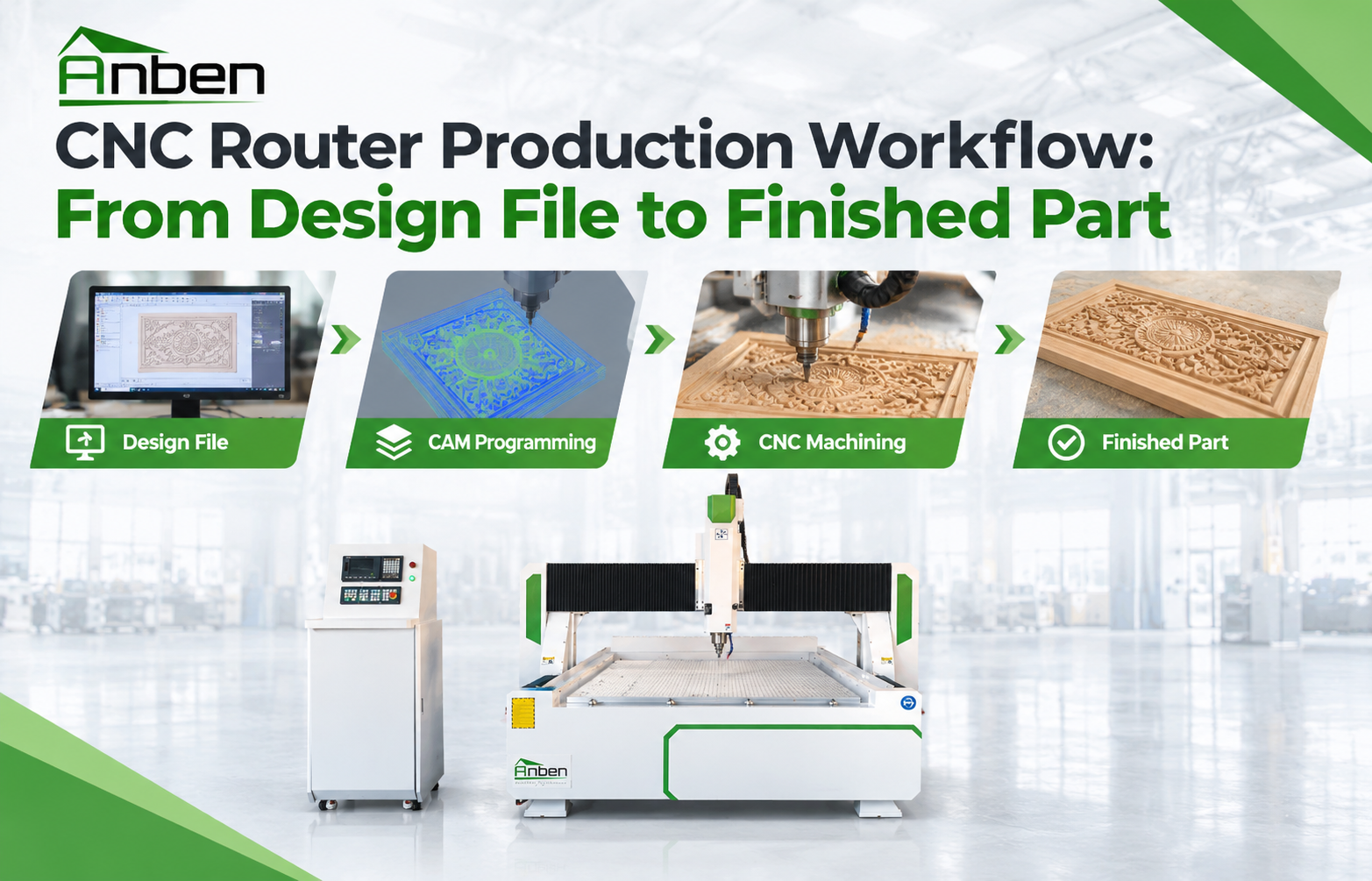
Design → Toolpath → Simulation → G-code → CNC Router → Finished Part
Popular CAD/CAM Software for CNC Routers
1. Fusion 360
Fusion 360 combines CAD design and CAM functions in one platform. It is suitable for 2D and 3D design, furniture components, mechanical parts, and complex machining projects.
It is a practical choice for users who want to design and generate CNC toolpaths within the same software environment.
2. FreeCAD
FreeCAD is an open-source CAD solution with parametric modeling capabilities. It is useful for users who need editable dimensions and 3D models.
Its CAM functions can also be used to create machining paths for CNC projects.
3. Inkscape
Inkscape focuses on 2D vector design and is useful for signs, logos, lettering, decorative patterns, and engraving.
For woodworking CNC applications, designs can be exported in suitable formats and then imported into CAM software to generate cutting or engraving toolpaths.
Choose Software Based on Your CNC Project
Different CNC router applications require different software workflows.
Furniture & Cabinets:
Use CAD software to create accurate panels, holes, slots, and profiles. CAM software can then generate cutting, pocketing, and drilling toolpaths.
Wood Signs & Engraving:
2D vector software is useful for logos, letters, and decorative patterns. V-carving and engraving toolpaths can be created according to the selected cutter.
3D Wood Carving:
Choose software with strong 3D modeling and CAM functions. Ball-nose tools are commonly used for detailed 3D finishing.
Production Cutting:
For plywood, MDF, and other sheet materials, accurate nesting and toolpath planning can help reduce material waste and improve production efficiency.
Check These Features Before Choosing Software
Before using any CAD/CAM software with an ANBEN CNC router, check several important functions:
File format compatibility – Make sure the software can import and export the required design formats.
Toolpath simulation – Preview the machining process before cutting the real material.
Tool selection – Set the correct tool diameter, type, and cutting parameters.
Post-processor support – Make sure the software can generate code compatible with your CNC controller.
Material and stock settings – Define the correct workpiece size and machining depth.
Easy editing – Parameter-based or vector editing can make design changes faster.
From CAD Design to CNC Machining
A reliable CNC workflow should follow several basic steps:
1. Create the Design
Draw the part or create a 3D model in CAD software.
2. Prepare the CAM Setup
Set the material size, work origin, cutting tools, feed rate, spindle speed, and cutting depth.
3. Generate and Simulate the Toolpath
Check the tool movement and machining result before exporting the program.
4. Export G-code
Use the correct post-processor for your CNC control system.
5. Run the CNC Router
Secure the workpiece, check the machine zero point, and start machining after confirming the program.
Final Tips
The best CNC software is not necessarily the most complicated one. Choose software based on your project, material, machining method, and CNC controller.
For ANBEN CNC router users, a well-planned CAD/CAM workflow can improve cutting accuracy, reduce material waste, prevent toolpath errors, and make CNC woodworking more efficient.
 What Is CNC Nesting and How Does It Reduce Material Waste?
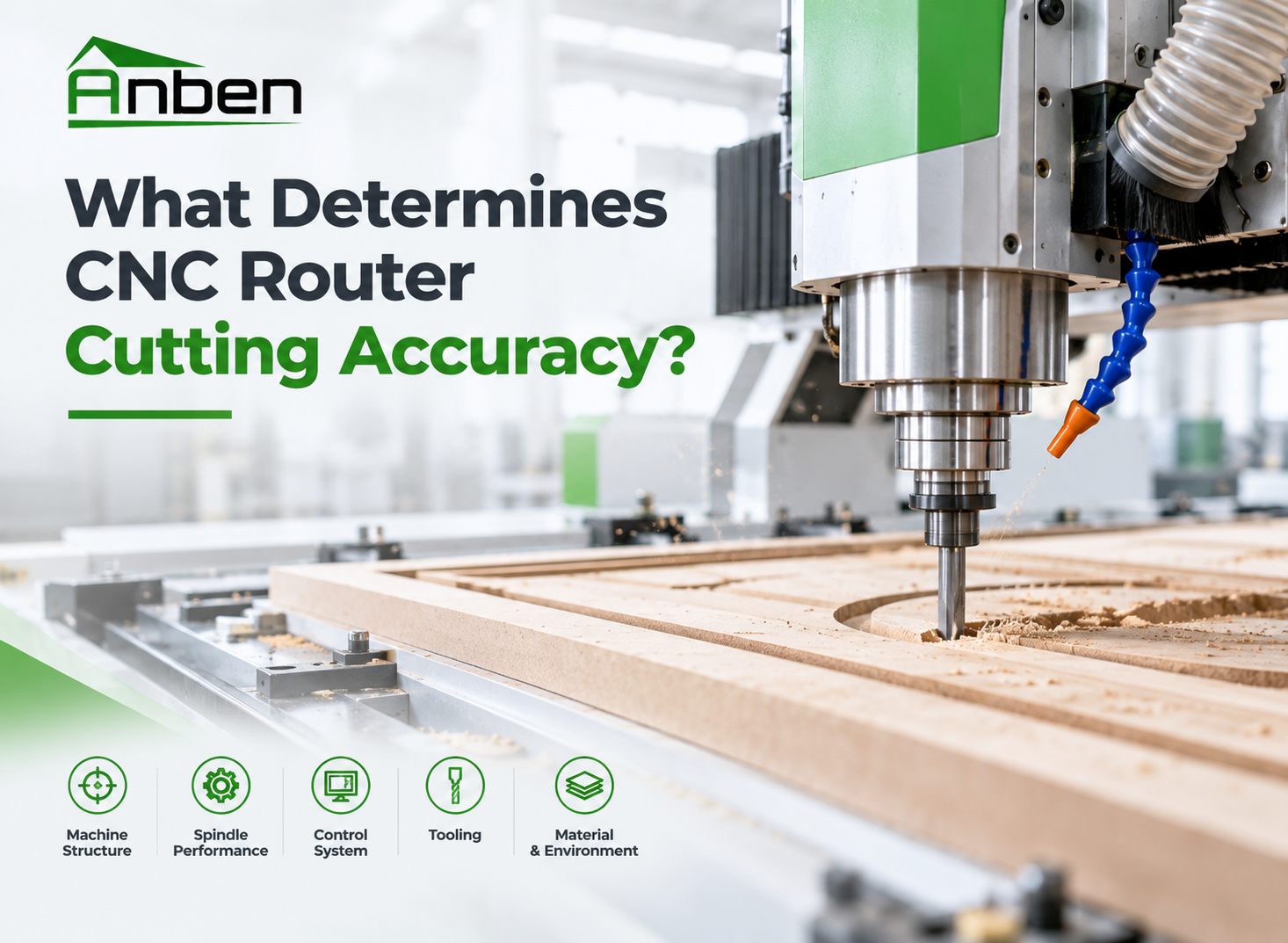
 What Determines CNC Router Cutting Accuracy?
 CNC Router Production Workflow: From Design File to Finished Part
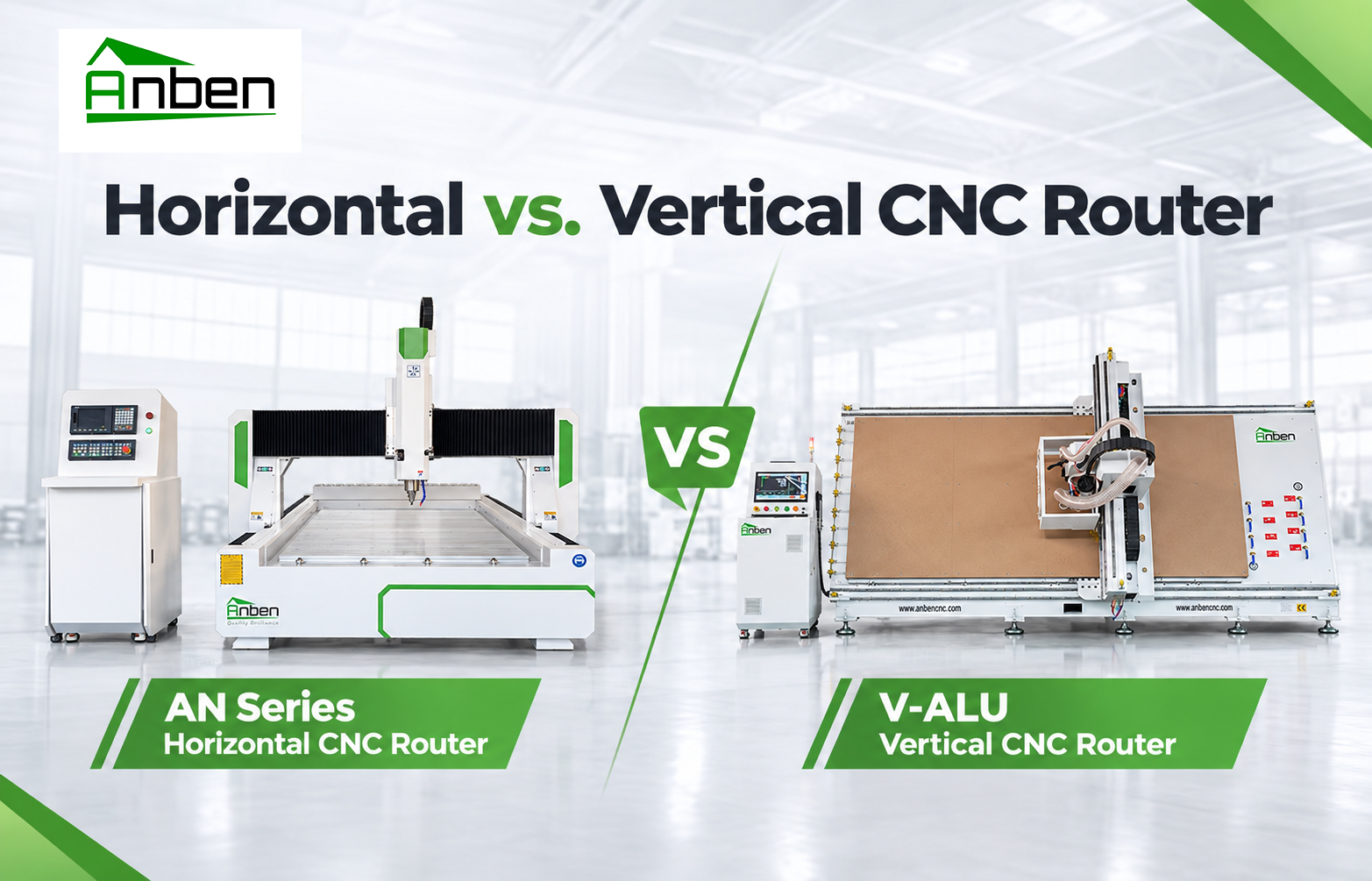
- Horizontal vs. Vertical CNC Router: Which One Is Right for You?
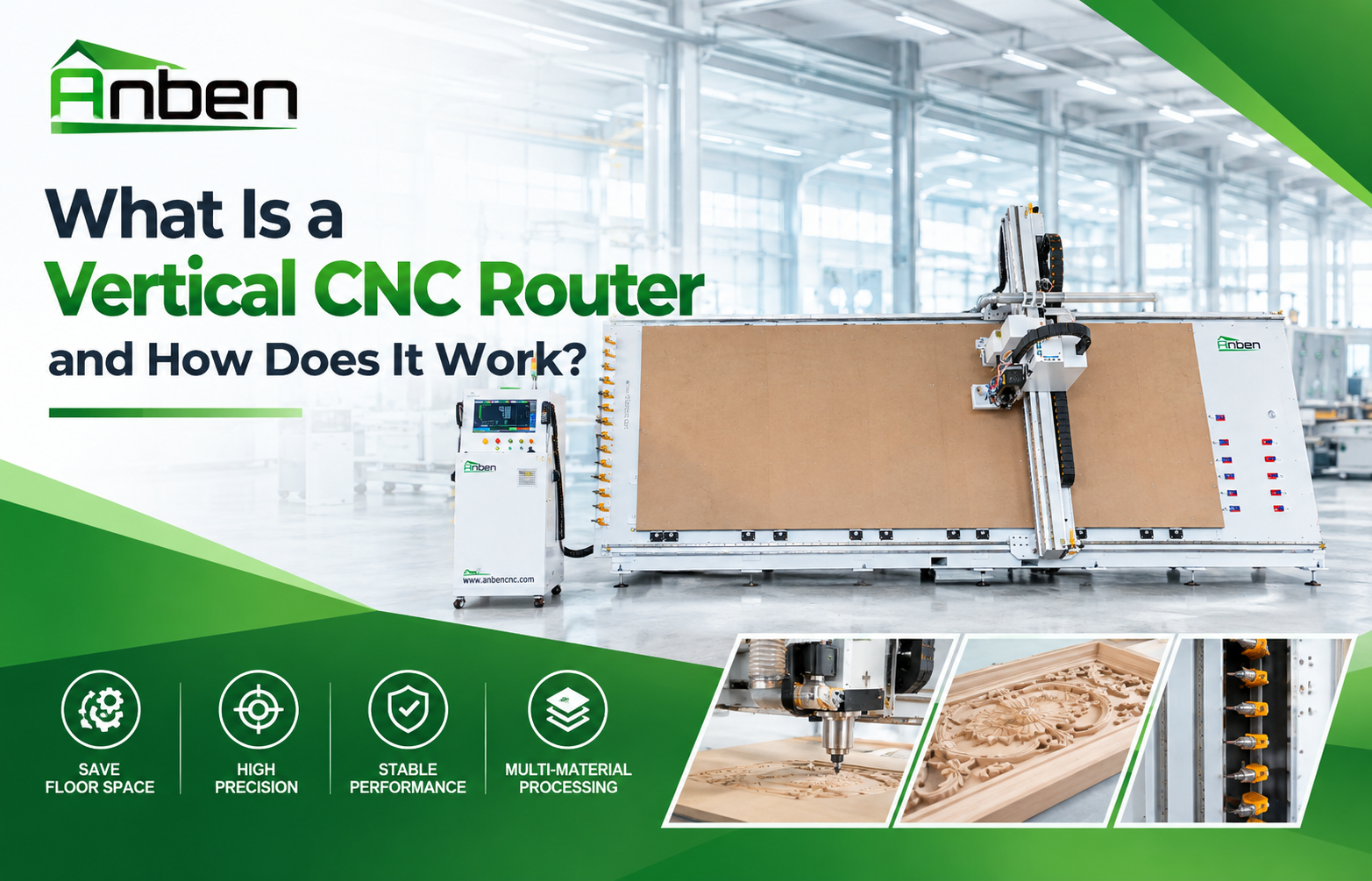
- What Is a Vertical CNC Router and How Does It Work?
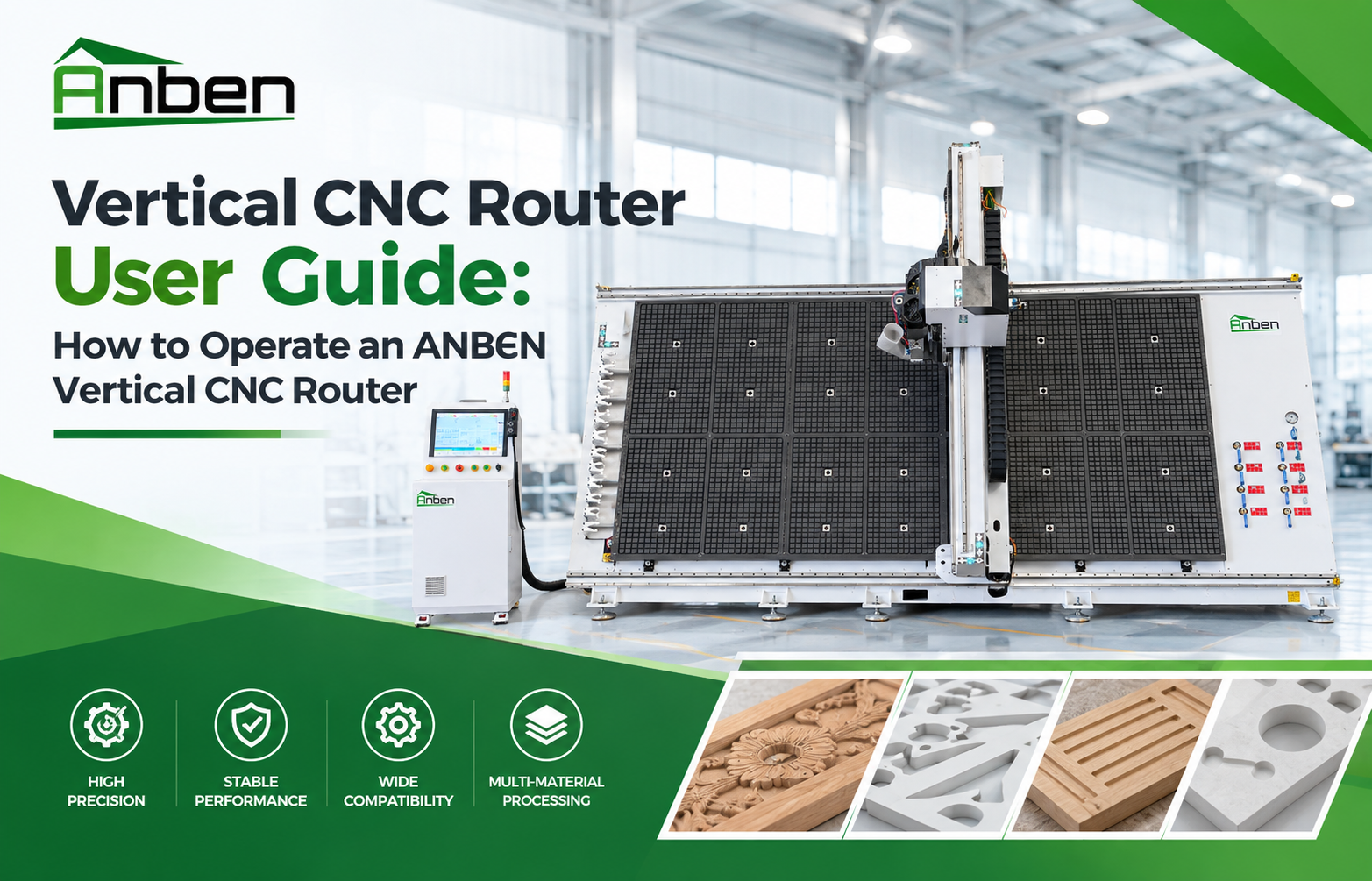
- Vertical CNC Router User Guide: How to Operate an ANBEN Vertical CNC Router
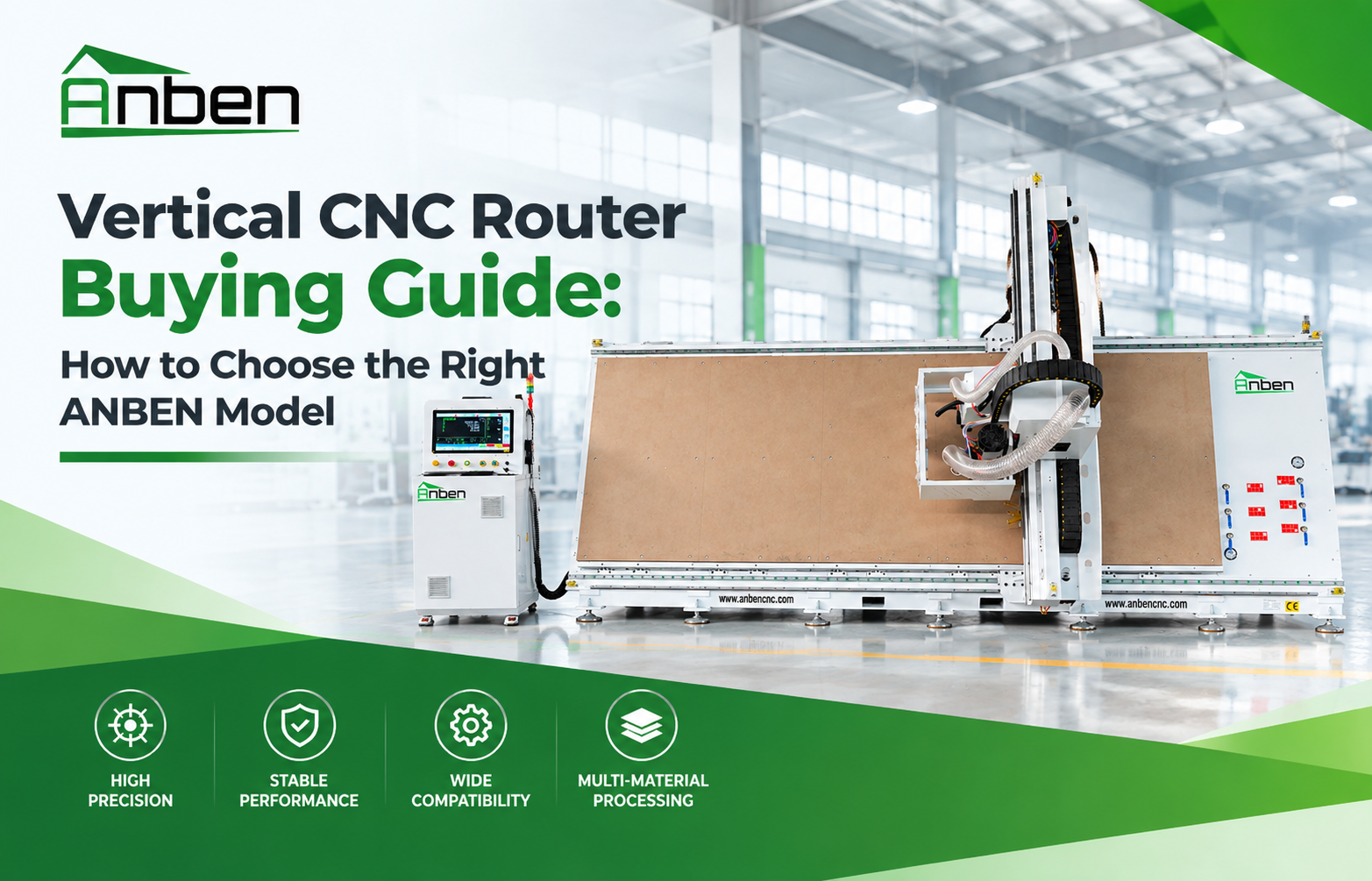
- Vertical CNC Router Buying Guide: How to Choose the Right ANBEN Model
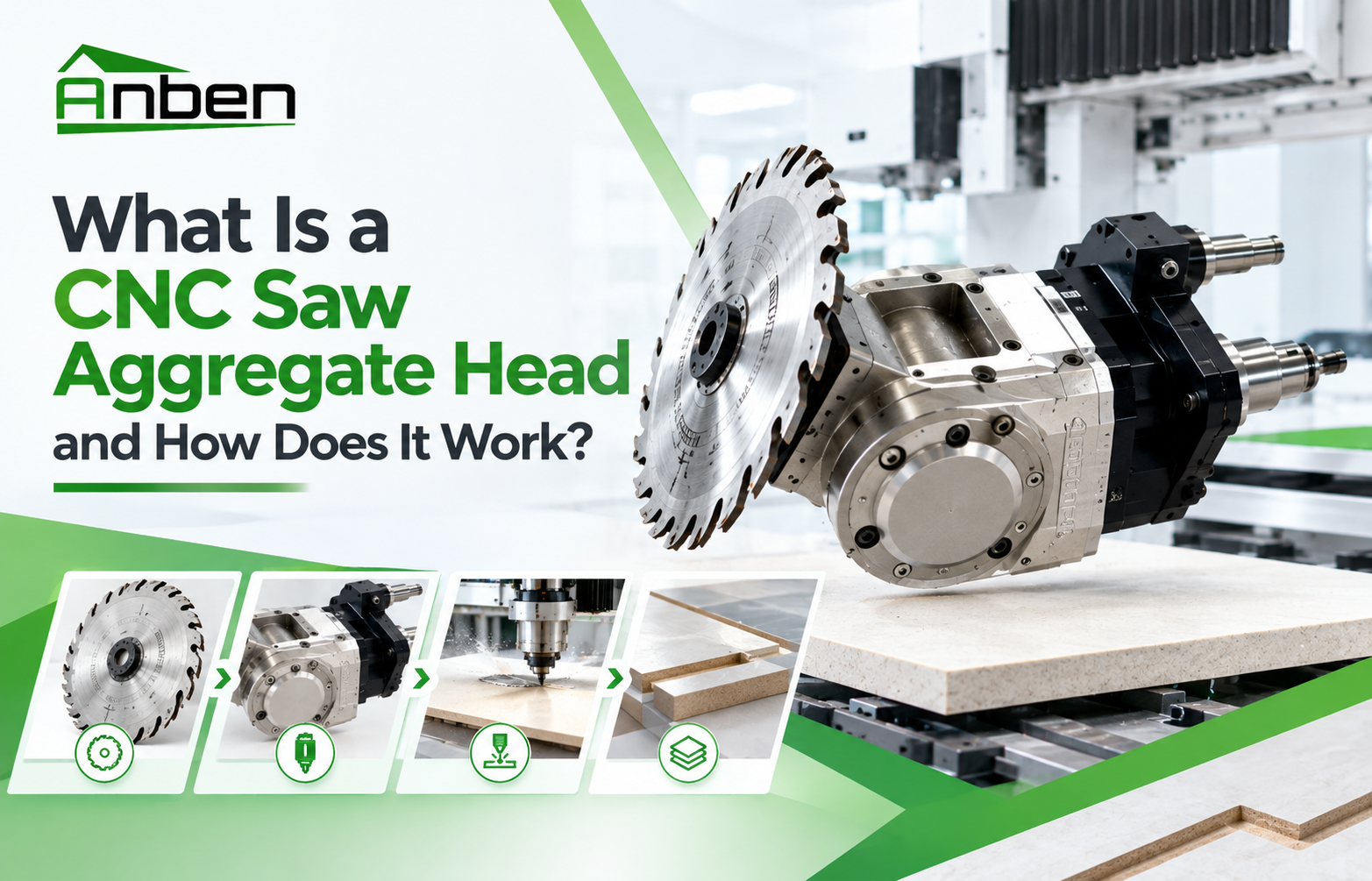
- What Is a CNC Saw Aggregate Head and How Does It Work?

Related Products
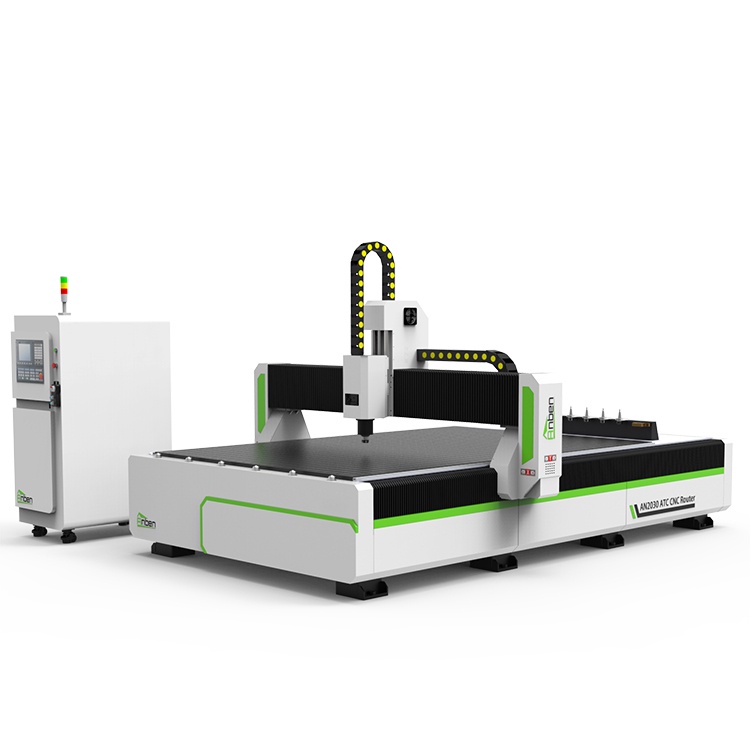
 AN2040ATC Automatic Tool ChangeAnben ATC (Automatic Tool Change)CNC router is popularly used in woodworking, making signs, molds making, art crafts making, etc. The automatic tool changer magazine carries 8-16 cutters. It can save tool change time,more efficient!
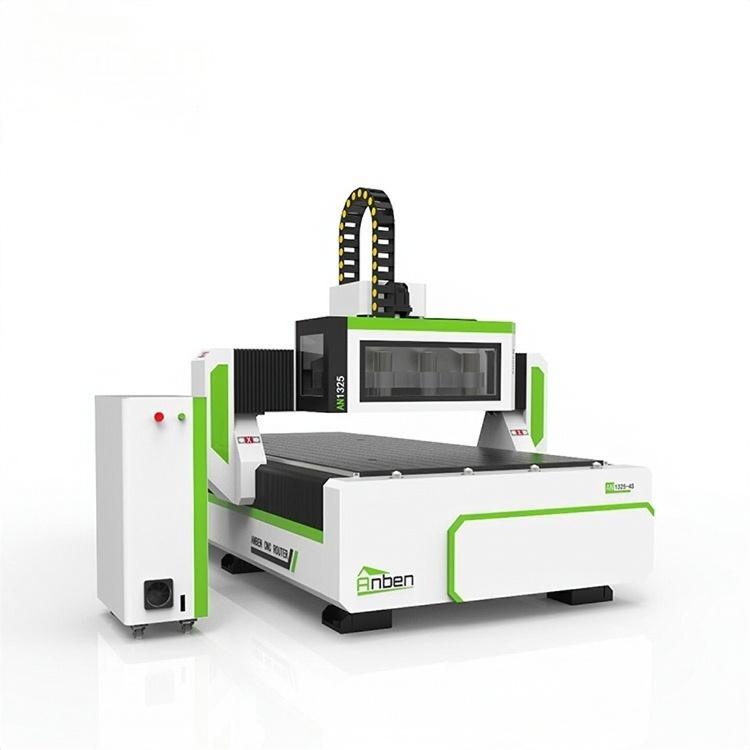
 AN1325-3S Cnc Router 3 SpindlesAnben multi spindles CNC router has 3 or 4 spindles, each spindle use different tools and work one by one. It also called economical ATC cnc.
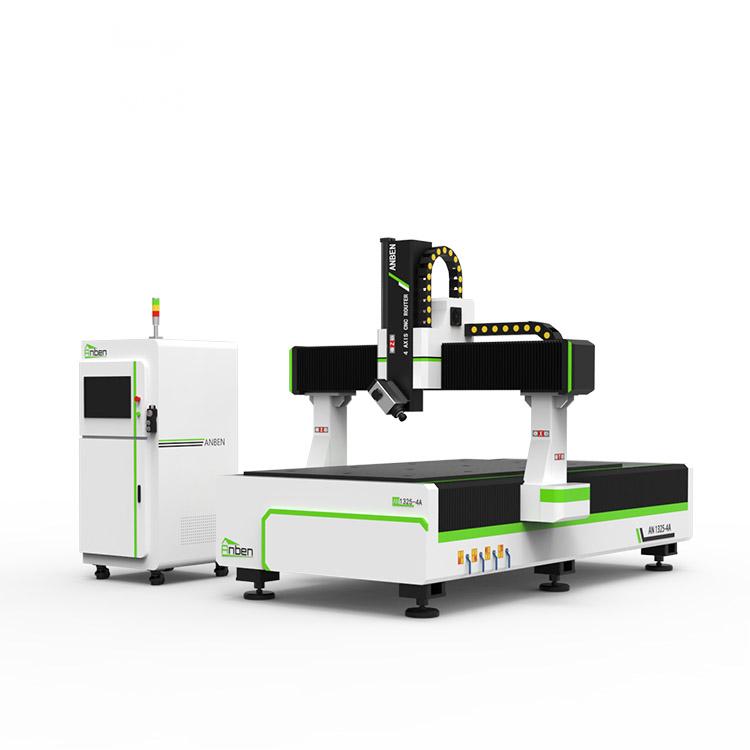
 AN1325-4 axisAnben 4 Axis CNC Router Machine with 4 axis ATC spindle is good at heavy-duty and complex 3d wood cutting and carving of wood panel, MDF, plywood, etc. All the working areas and specifications can be customized according to your requests.
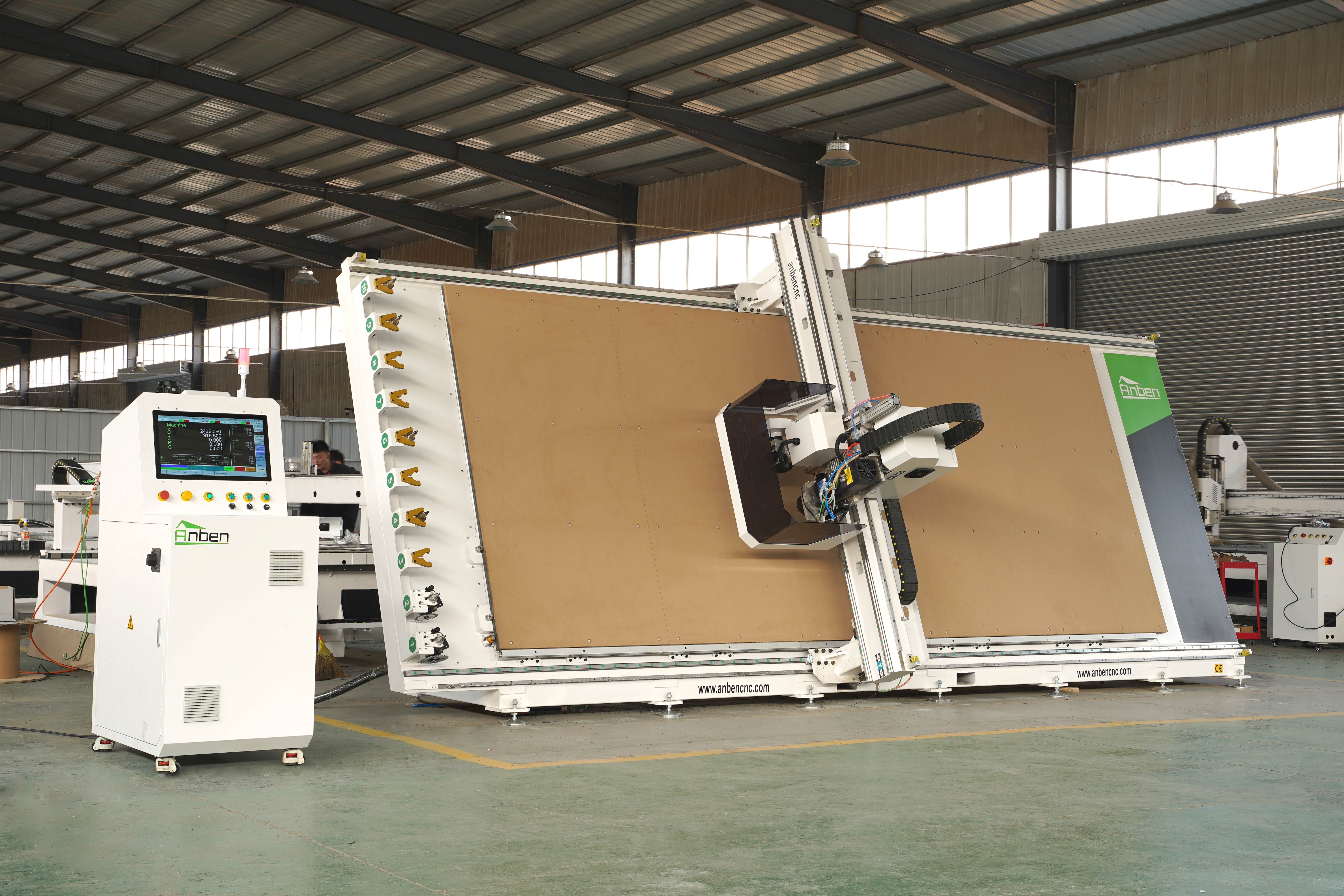
 V-2151 Vertical cnc routerThe vertical cnc significantly reduces the machine’s floor space. It is equipped with 8 sets of ATC tool magazines and other auxiliary devices such as vacuum pump, saw blade,aggregate head, positioning systems, etc. The Vertical cnc can cutting,grooving,engraving,drilling for various types of aluminum composite boards, acrylic boards, fiber boards and other boards. It is suitable for construction facades,cladding ,advertising signs,furniture manufacturing and other industries.
Get in touch

Anben Industrial – Founded in 2017, with a pure engineering spirit, providing trustworthy CNC solutions, born for long-term stable performance.
Contact