

3-Axis vs 4-Axis CNC Router: Which One Do You Need?





Choosing the right CNC router is not simply about selecting more axes. The number of axes determines how the cutting tool moves around the workpiece and directly affects the types of machining a machine can perform.
For woodworking, furniture, cabinet making, sign production, and 3D carving, understanding the differences between 3-axisand 4-axis CNC routers can help you choose the right machine for your application.
What Does “Axis” Mean on a CNC Router?
An axis represents a direction or movement controlled by the CNC system.
A standard 3-axis CNC router moves along:
X-axis: Left and right
Y-axis: Front and back
Z-axis: Up and down
Additional axes allow the cutting tool or workpiece to rotate or move at different angles, making more complex machining possible.
1. 3-Axis CNC Router: Best for Flat Materials
A 3-axis CNC router is the most common configuration for general woodworking.
The spindle moves along the X, Y, and Z axes while the workpiece remains fixed on the table.
Best for:
MDF and plywood
Solid wood
Cabinet components
Furniture panels
Doors and decorative panels
Sign making
2D cutting and engraving
Basic 3D carving
Main Advantage
A 3-axis router provides a practical combination of versatility, ease of operation, and cost efficiency. For most flat-sheet woodworking applications, three axes are sufficient.
For many furniture and cabinet workshops, a well-configured 3-axis CNC router can handle the majority of daily production requirements.
2. 4-Axis CNC Router: For More Complex Machining
A 4-axis CNC router adds rotational movement to the standard X, Y, and Z movements.
This additional axis allows the machine to approach the workpiece from different orientations, depending on the machine configuration.
Best for:
Rotary carving
Cylindrical workpieces
Multi-sided machining
Complex wood components
Certain 3D carving applications
Main Advantage
A 4-axis machine can process surfaces that are difficult to reach with a standard 3-axis configuration. It is useful when the workpiece requires machining from multiple sides or around a rotary axis.
3-Axis vs 4-Axis : Which Should You Choose?
The right choice depends on what you produce.
Choose 3-Axis if:
You mainly process flat sheets, furniture panels, cabinets, signs, and general woodworking products.
Choose 4-Axis if:
You need rotary machining, multi-sided processing, or more complex woodworking components.
Does More Axes Always Mean Better?
No. More axes provide greater machining flexibility, but they can also increase machine complexity, programming requirements, and investment.
The best CNC router is the one that matches your actual machining requirements.
Final Buying Tip
Before choosing a CNC router, consider:
Material → Workpiece Shape → Machining Process → Production Volume → Required Flexibility
For most standard woodworking applications, a 3-axis CNC router is a practical starting point. More complex products may justify 4-axis .
For ANBEN CNC buyers, choosing the right axis configuration based on your actual products can help balance machining capability, productivity, and long-term value.
 What Is CNC Nesting and How Does It Reduce Material Waste?
- What Determines CNC Router Cutting Accuracy?
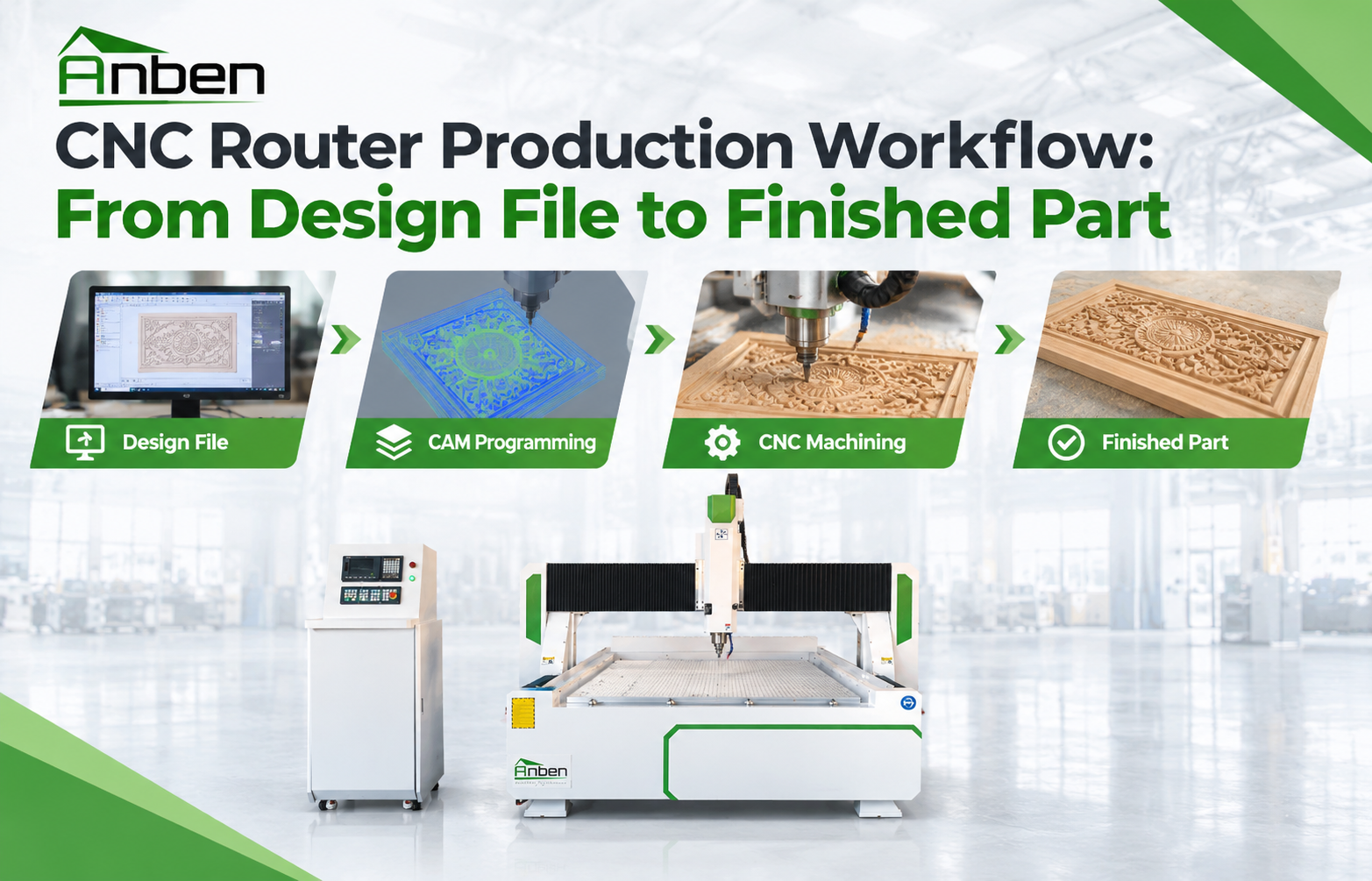
 CNC Router Production Workflow: From Design File to Finished Part
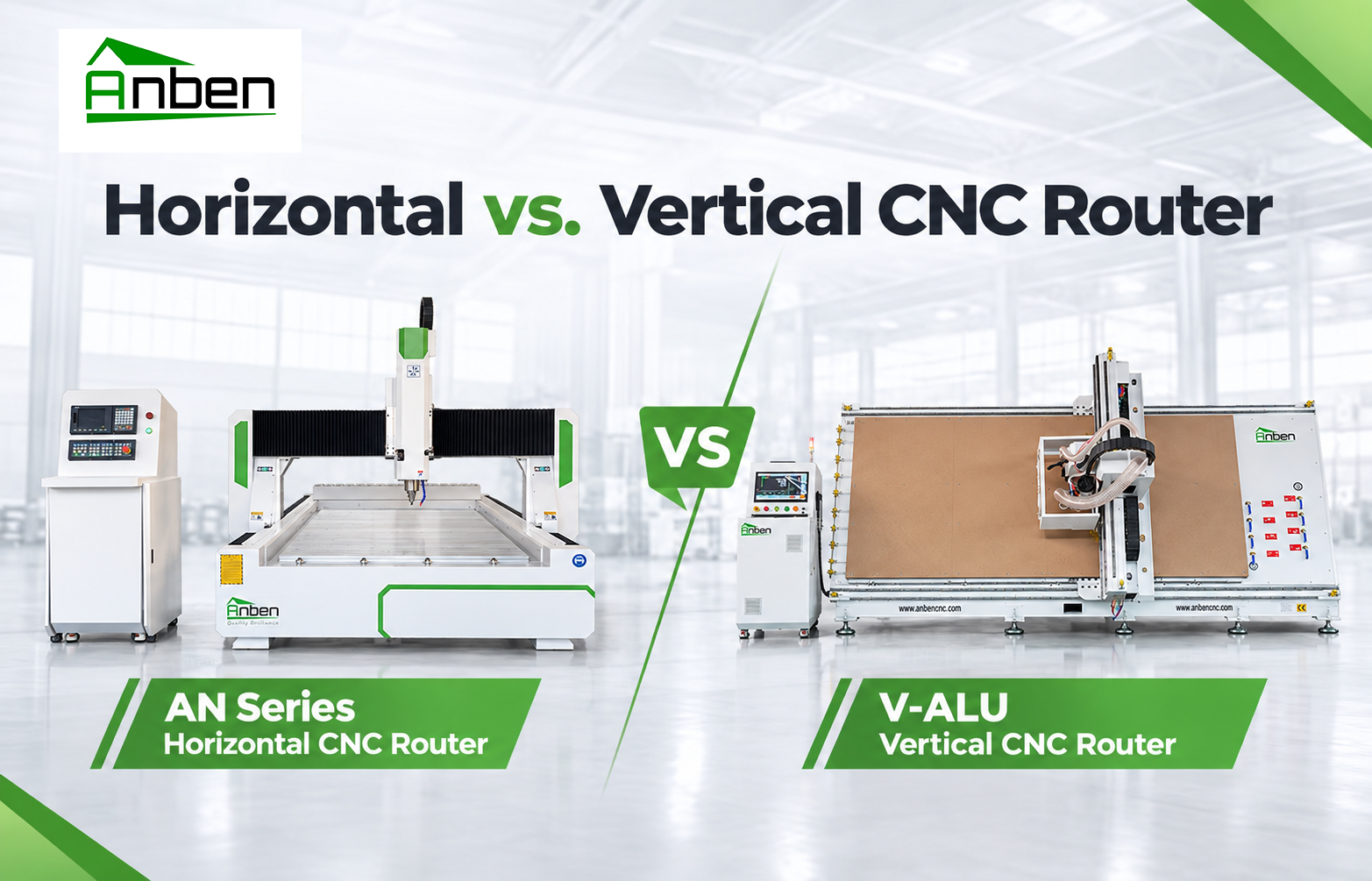
- Horizontal vs. Vertical CNC Router: Which One Is Right for You?
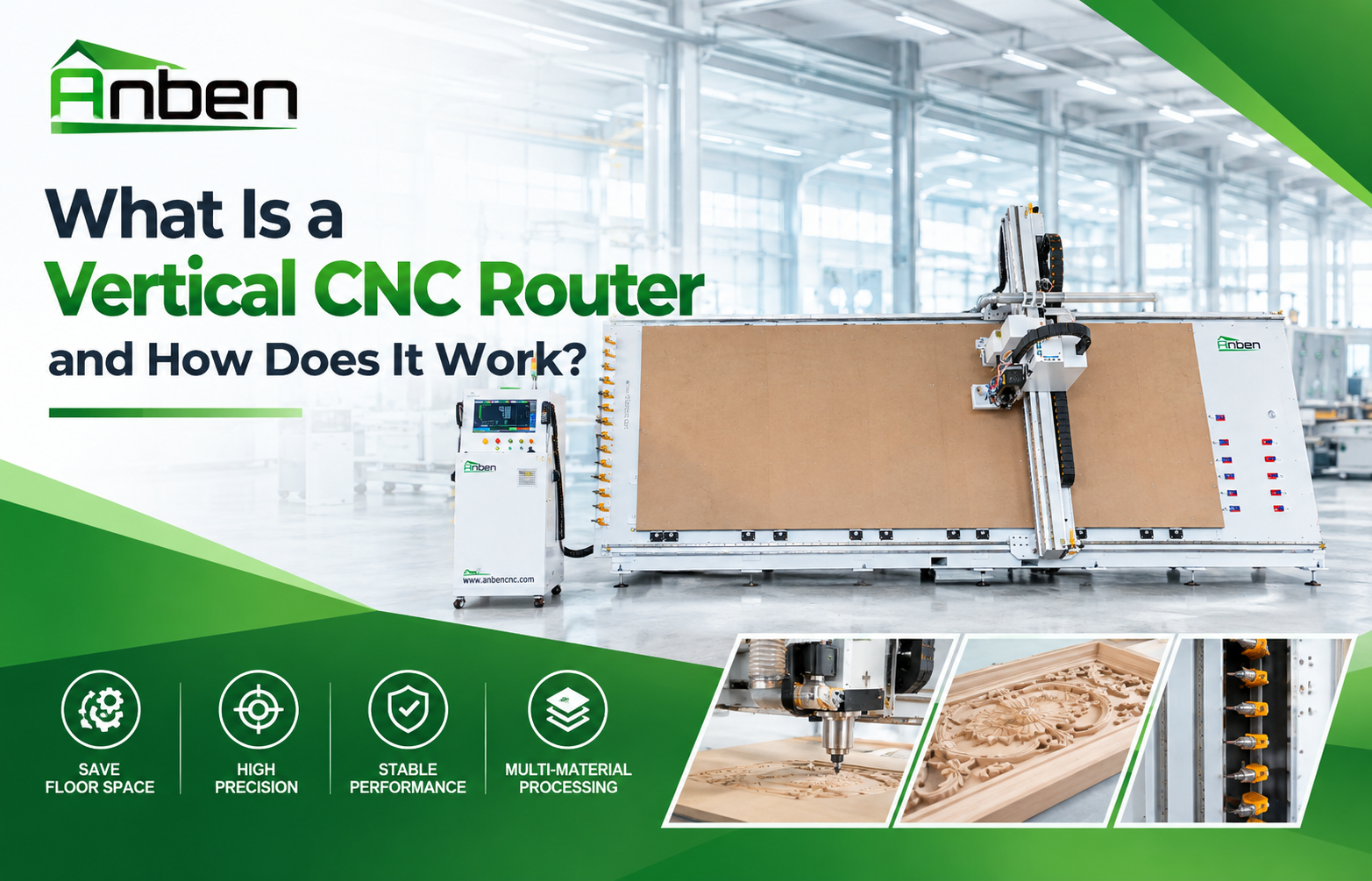
- What Is a Vertical CNC Router and How Does It Work?
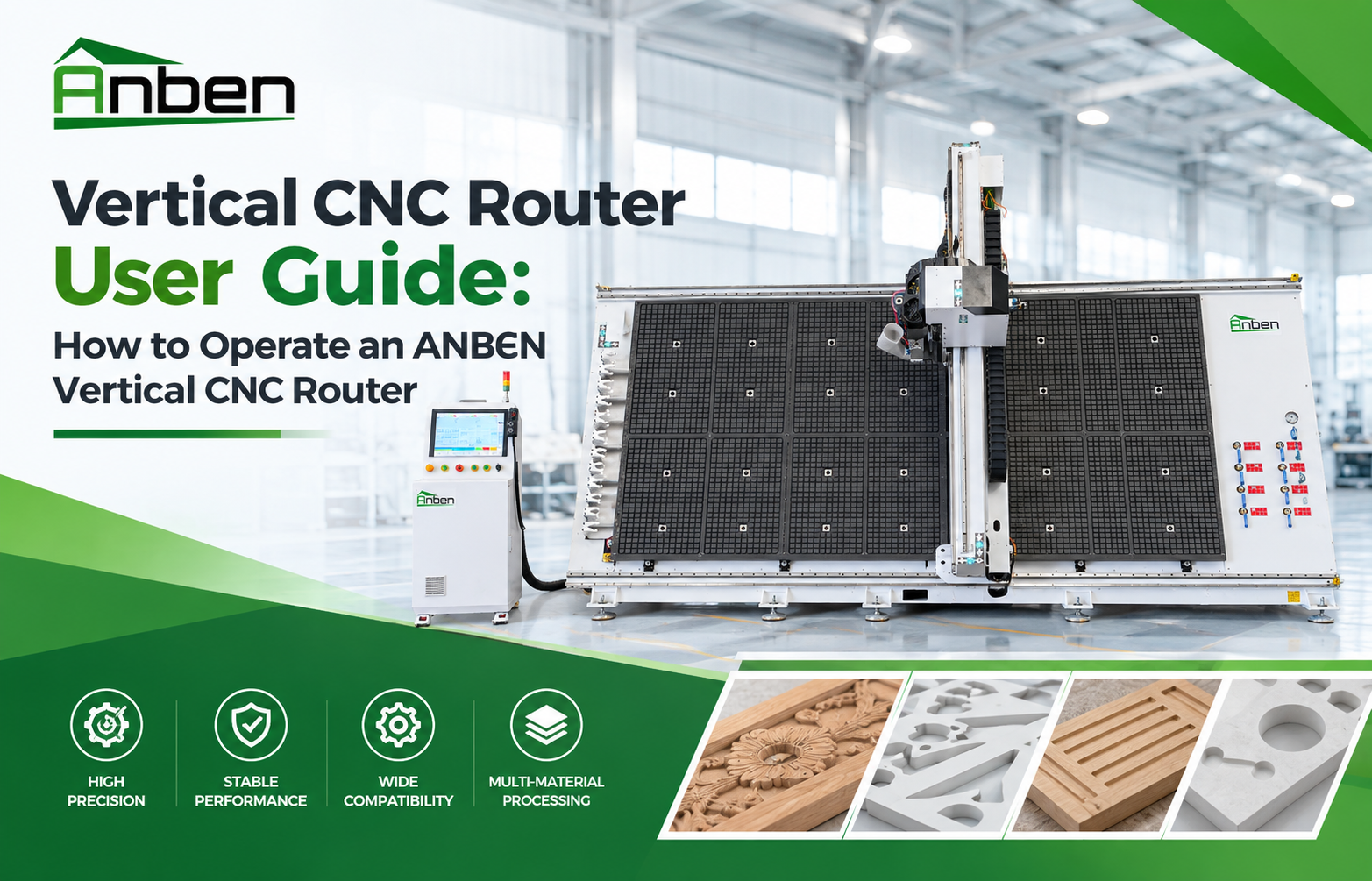
- Vertical CNC Router User Guide: How to Operate an ANBEN Vertical CNC Router
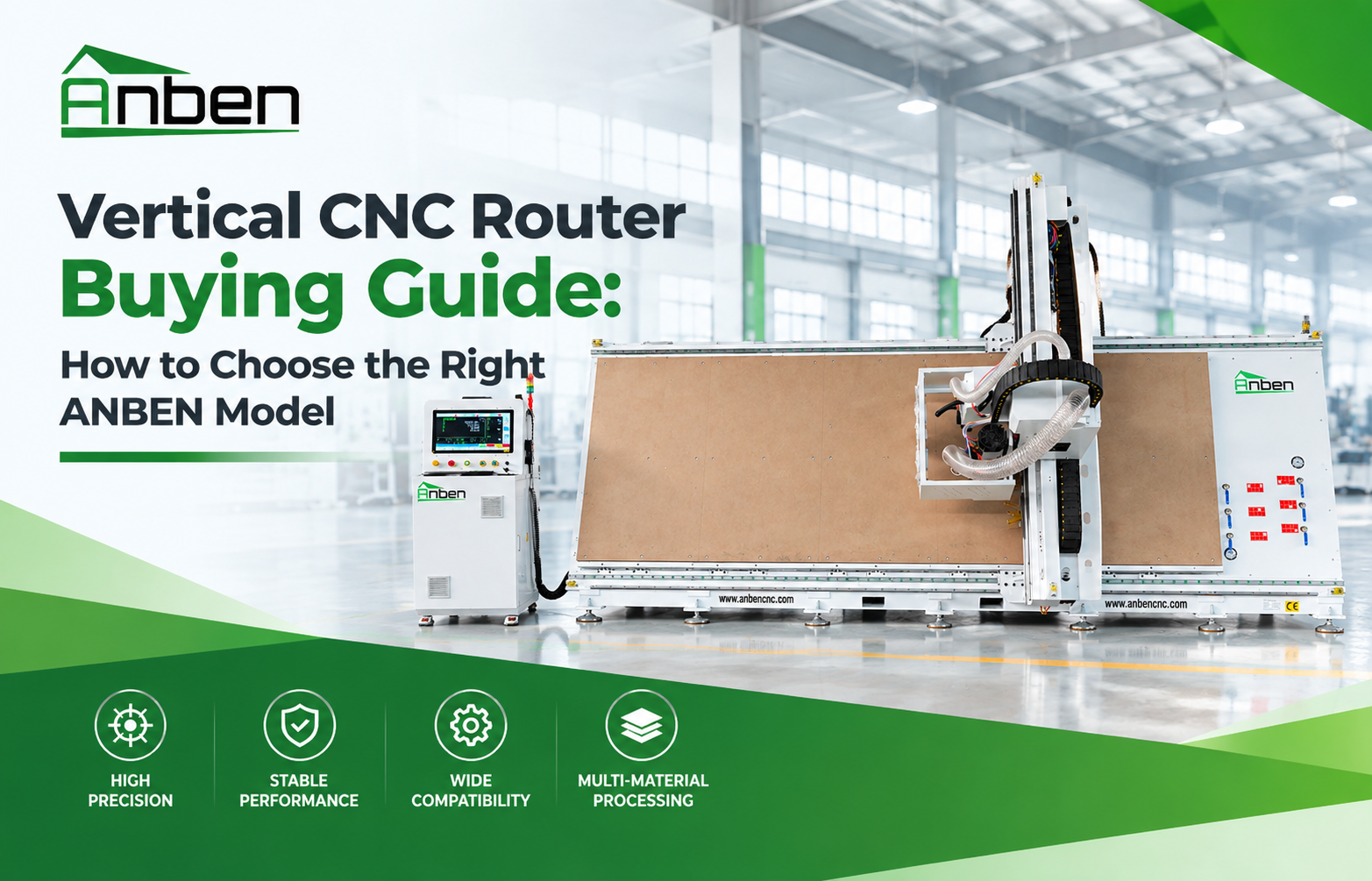
- Vertical CNC Router Buying Guide: How to Choose the Right ANBEN Model
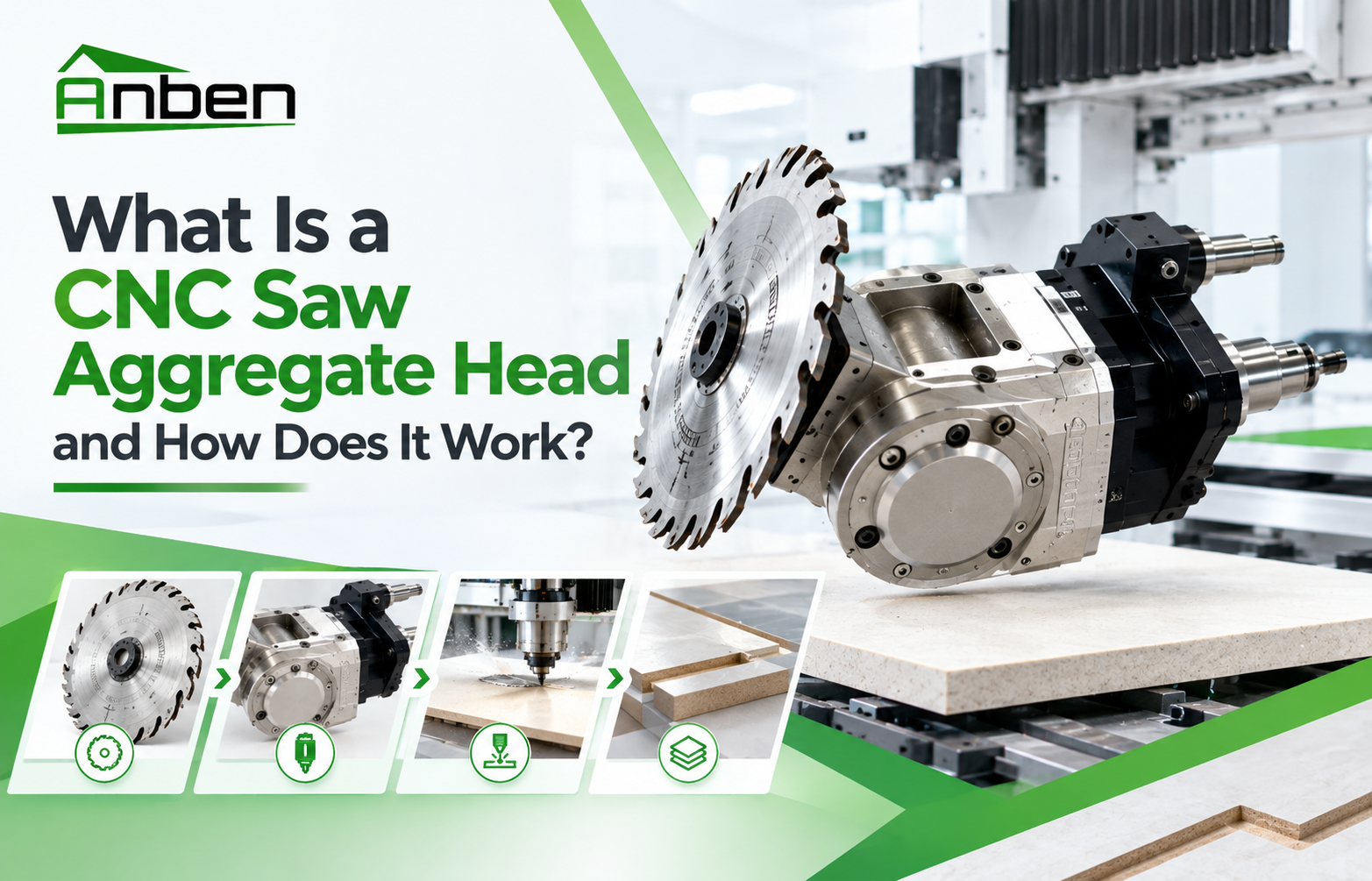
- What Is a CNC Saw Aggregate Head and How Does It Work?


Related Products
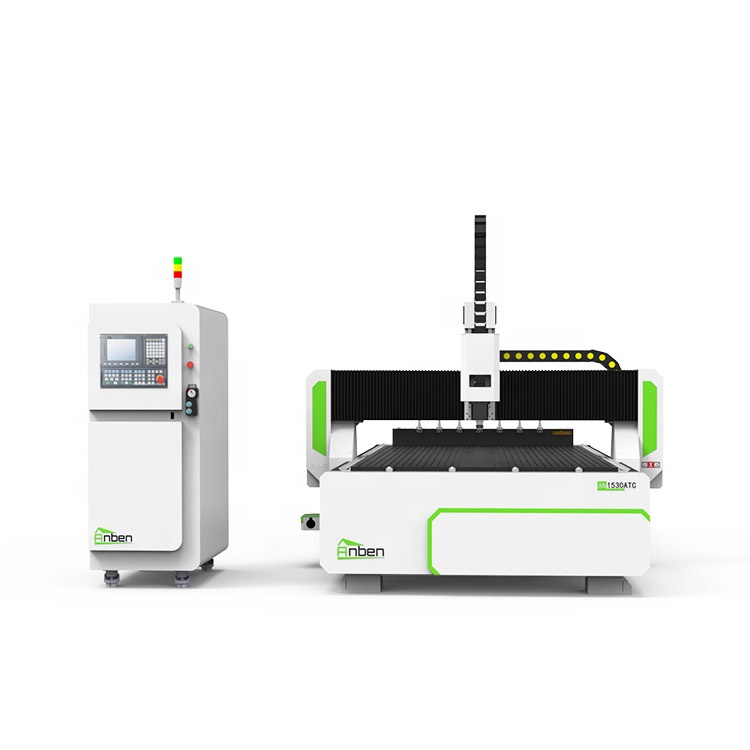
 AN1530ATC Automatic Tool ChangeAnben ATC (Automatic Tool Change)CNC router is popularly used in woodworking, making signs, molds making, art crafts making, etc. The automatic tool changer magazine carries 8-16 cutters. It can save tool change time,more efficient!
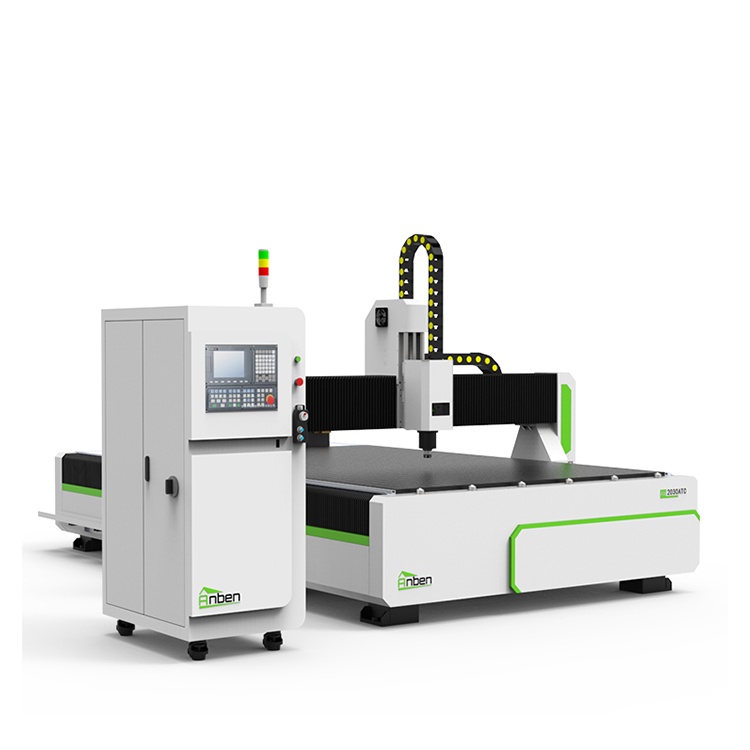
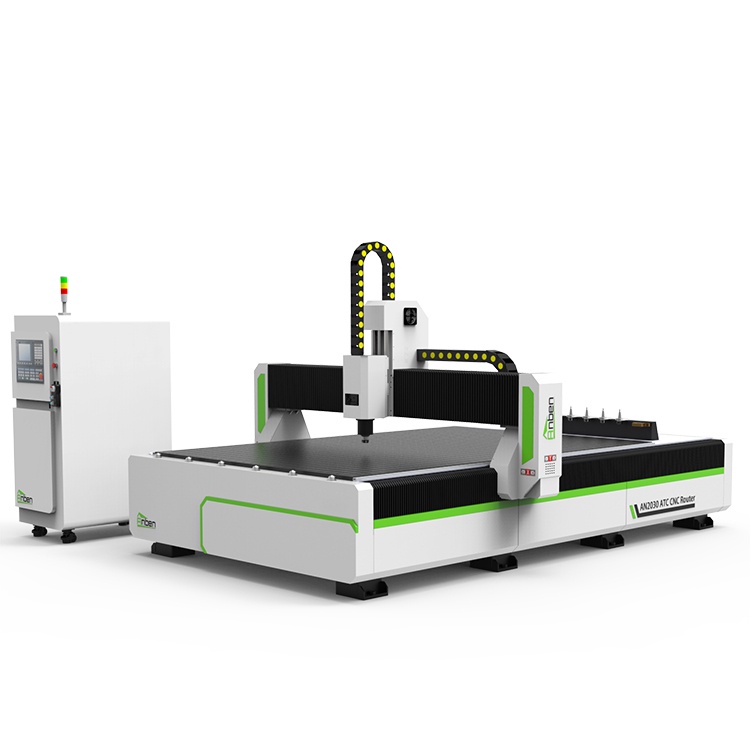
 AN2030ATC Automatic Tool ChangeAnben ATC (Automatic Tool Change)CNC router is popularly used in woodworking, making signs, molds making, art crafts making, etc. The automatic tool changer magazine carries 8-16 cutters. It can save tool change time,more efficient!
 AN2040ATC Automatic Tool ChangeAnben ATC (Automatic Tool Change)CNC router is popularly used in woodworking, making signs, molds making, art crafts making, etc. The automatic tool changer magazine carries 8-16 cutters. It can save tool change time,more efficient!
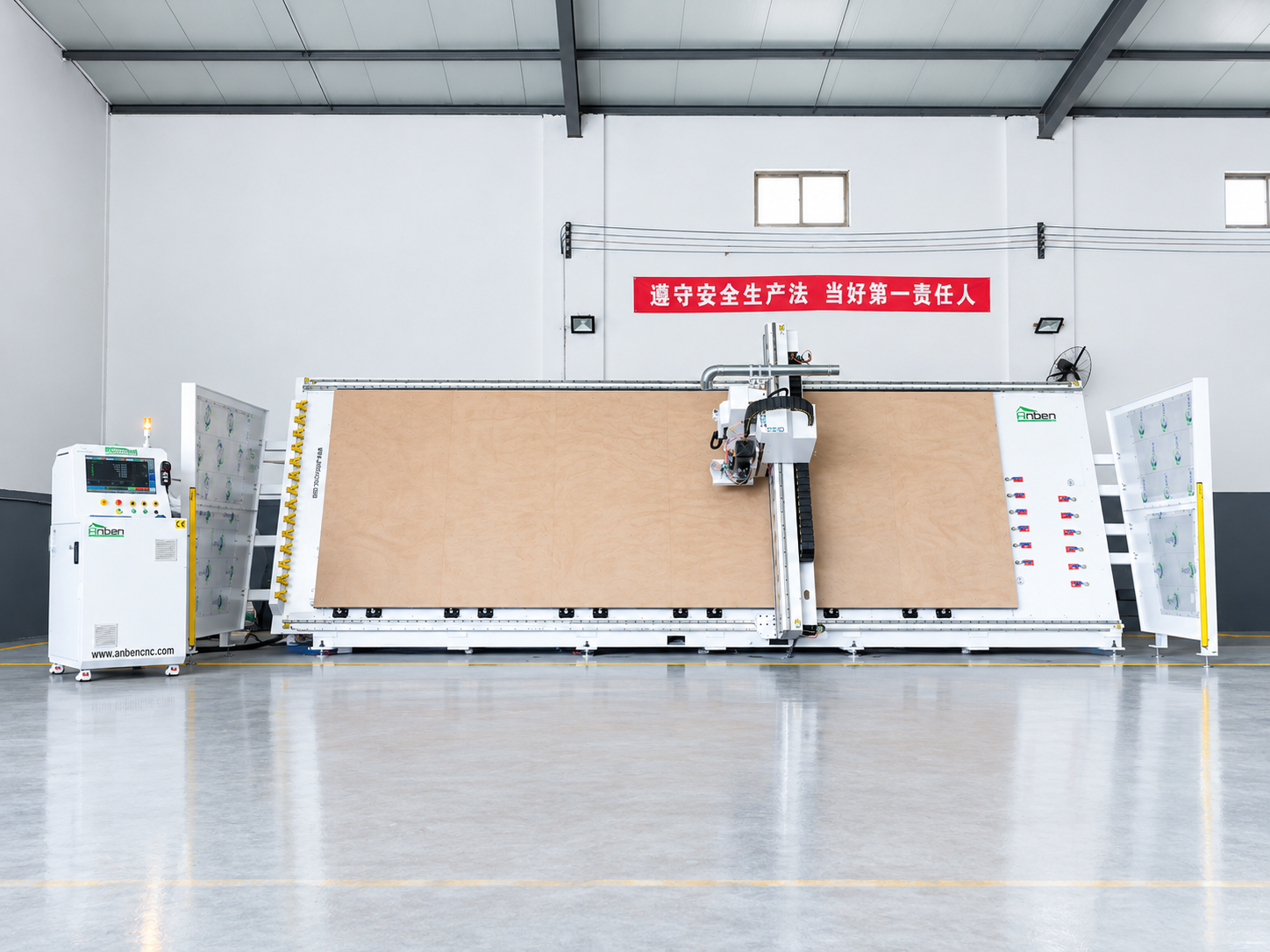
 V-2162 Vertical cnc routerThe vertical cnc significantly reduces the machine’s floor space. It is equipped with 8 sets of ATC tool magazines and other auxiliary devices such as vacuum pump, saw blade,aggregate head, positioning systems, etc. The Vertical cnc can cutting,grooving,engraving,drilling for various types of aluminum composite boards, acrylic boards, fiber boards and other boards. It is suitable for construction facades,cladding ,advertising signs,furniture manufacturing and other industries.
Get in touch

Anben Industrial – Founded in 2017, with a pure engineering spirit, providing trustworthy CNC solutions, born for long-term stable performance.
Contact