

How to Load Large Panels Safely on a Vertical CNC Router





Introduction
Correctly loading large panels is the first step to achieving accurate and safe machining on a vertical CNC router. Proper loading protects the material, improves cutting accuracy, and reduces the risk of operator injury.
Whether you process ACP, ACM, aluminum sheets, or acrylic panels, following the correct loading procedure helps ensure stable production.
Step 1: Check the Machine Before Loading
Before loading the panel, make sure the vertical CNC router is ready for operation.
Check:
Machine power status
Clean working area
No dust or chips on the support table
Vacuum or clamping system condition
A clean and stable machine ensures accurate panel positioning.
Step 2: Inspect the Panel
Check the panel condition before machining.
Make sure there is no:
Surface damage
Bent edges
Dust or moisture
Incorrect size
A good-quality panel helps maintain machining accuracy.
Step 3: Position the Panel Correctly
Carefully place the panel onto the vertical support surface.
Ensure:
The bottom edge sits firmly on the support rail
The panel is fully supported
The material stays flat against the machine
Correct positioning prevents movement during machining.
Step 4: Secure the Material
Fix the panel securely using the vacuum system or clamps.
Before machining, confirm:
The panel does not move
Clamps do not block the cutting path
Vacuum pressure is stable
Proper fixing improves cutting precision and safety.
Step 5: Set the Work Origin
After fixing the panel, set the machining origin.
Check:
X-axis position
Y-axis position
Z-axis height
Always confirm the work origin before starting the program.
Step 6: Run a Dry Test
Before cutting, run the program without starting the cutting tool.
A dry run helps check:
Tool path accuracy
Machine movement
Potential collisions
This step reduces material waste and improves machining safety.
Tips for Better Results
To improve machining quality:
Keep the support table clean.
Handle large panels carefully.
Use sharp cutting tools.
Check vacuum pressure regularly.
Verify the work origin for every new job.
Good operating habits improve both safety and production efficiency.
Why Choose ANBEN Vertical CNC Router?
ANBEN Vertical CNC Routers are designed for efficient large-panel processing.
They offer:
Space-saving vertical design
Easy panel loading
High machining accuracy
Stable machine structure
Optional automatic tool changer (ATC)
Reliable performance for continuous production
Our machines are widely used in the construction, advertising, furniture, and aluminum processing industries.
Frequently Asked Questions
Can one operator load large panels?
Yes. The vertical design makes handling large sheets much easier than with a traditional flat-bed CNC router.
Why is panel positioning important?
Correct positioning improves cutting accuracy and prevents material movement during machining.
Should I perform a dry run every time?
Yes. A dry run helps identify setup errors before cutting begins, reducing material waste and protecting the machine.
Conclusion
Loading large panels correctly is essential for safe and accurate machining.
By following these simple steps, you can improve production efficiency, protect your materials, and achieve consistent cutting results.
ANBEN Vertical CNC Routers are designed to simplify panel handling and help manufacturers process large sheets with confidence.
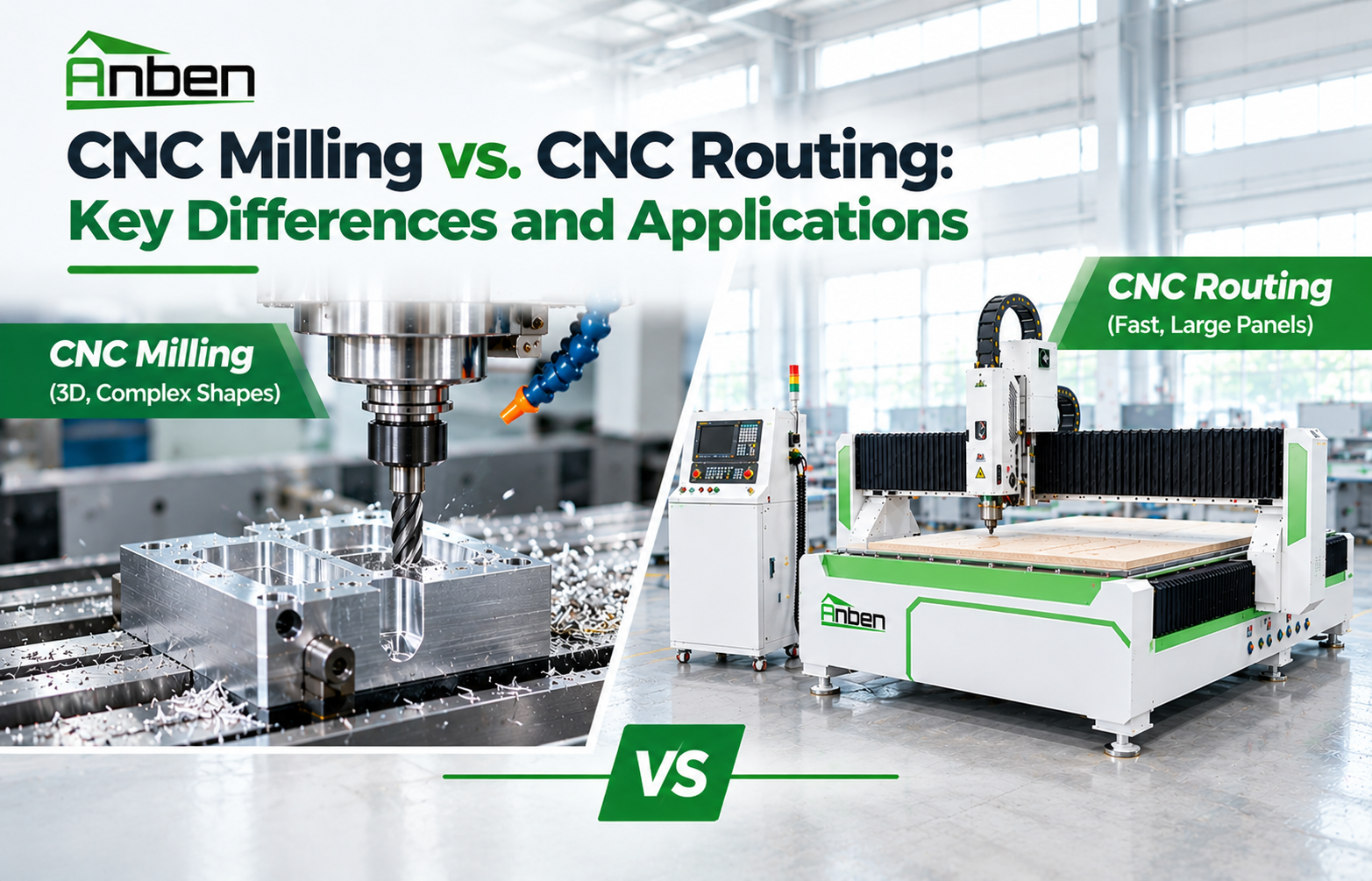
 CNC Milling vs. CNC Routing: Key Differences and Applications
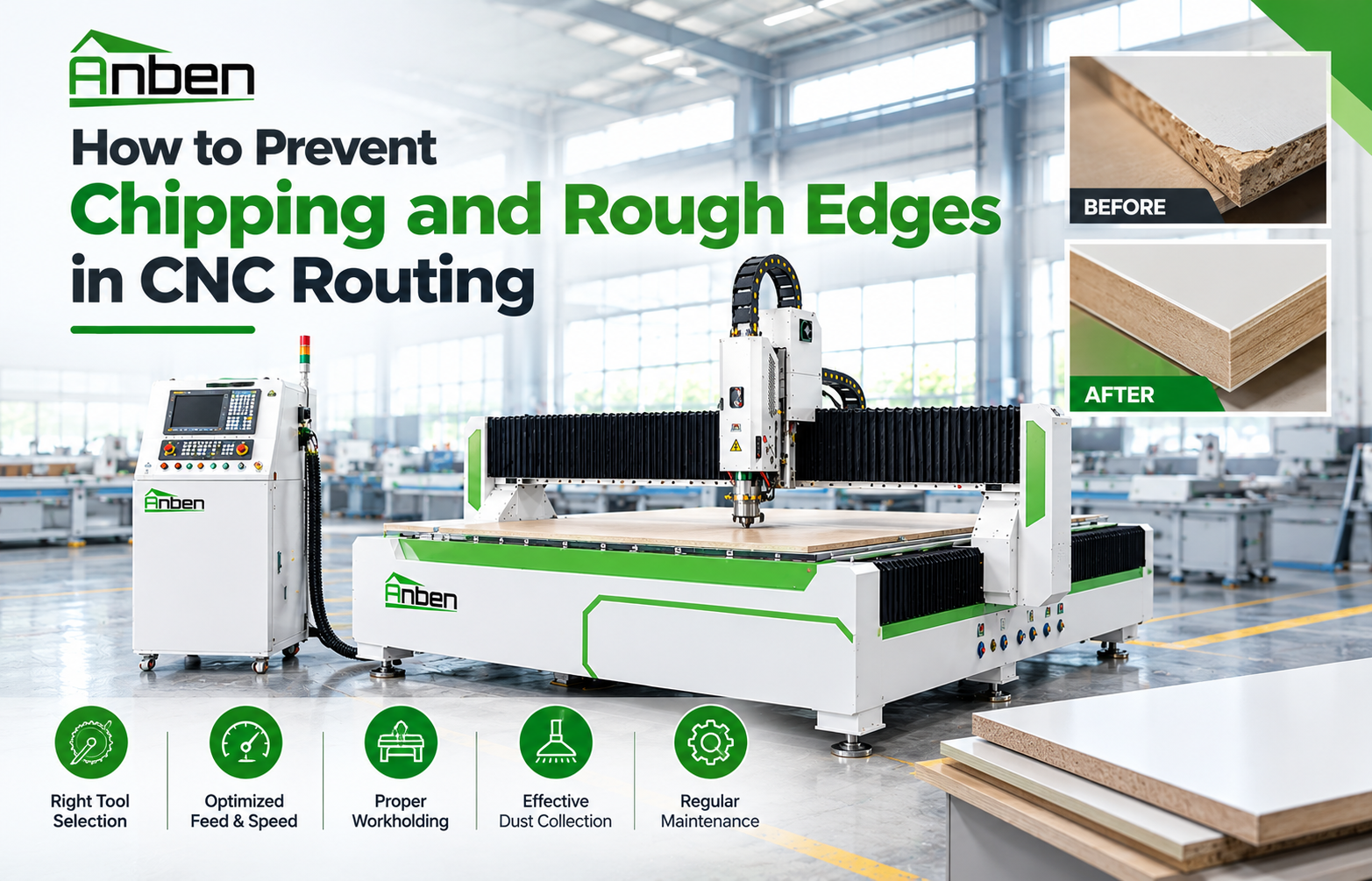
- How to Prevent Chipping and Rough Edges in CNC Routing
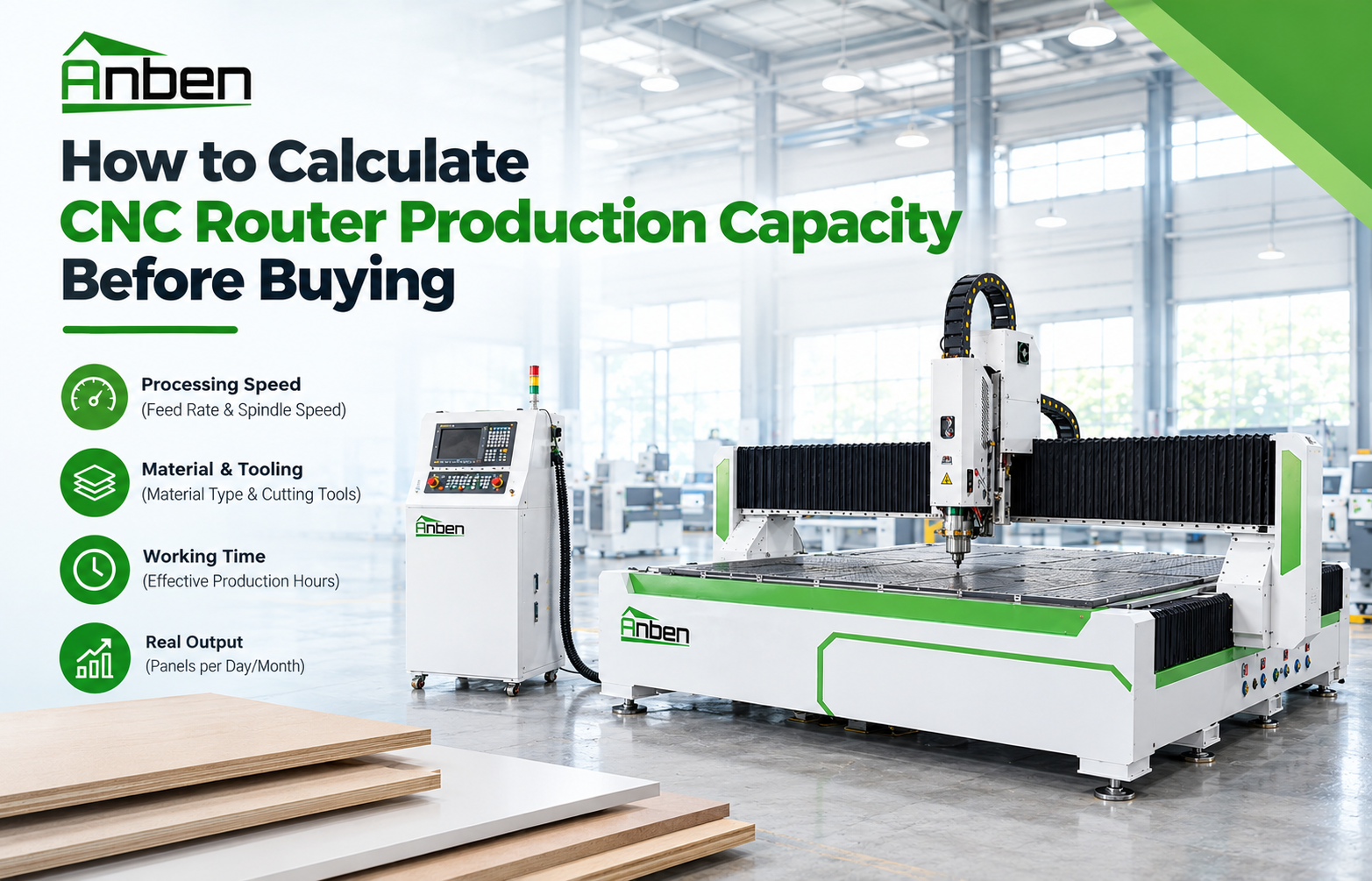
- How to Calculate CNC Router Production Capacity Before Buying
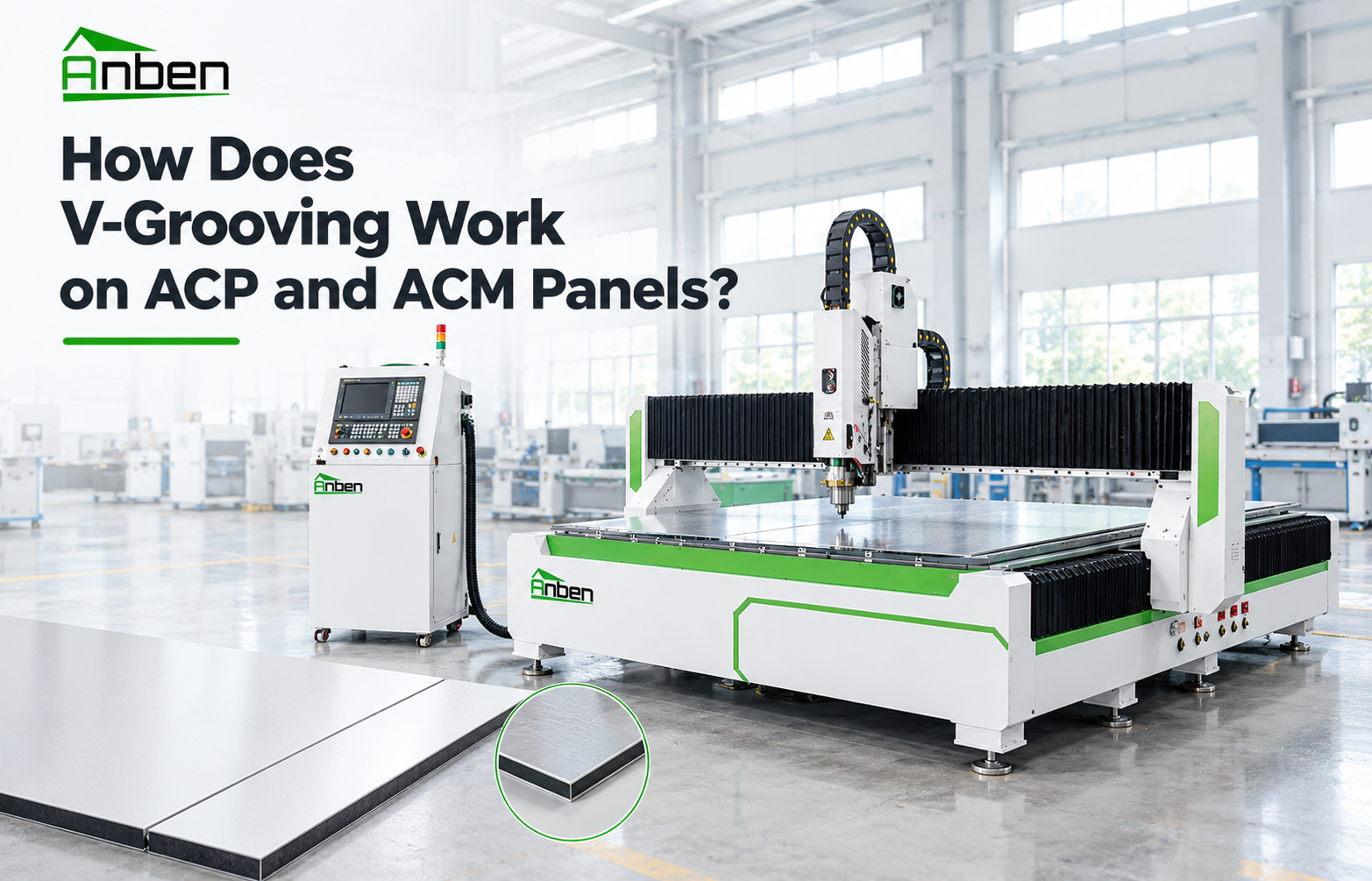
- How Does V-Grooving Work on ACP and ACM Panels?
- How to Use an ATC CNC Router: A Step-by-Step Guide
- How to Calculate the ROI of a CNC Router Before Buying
- CNC Router Bits Explained: Types, Applications, and How They Work
- How to Set Z-Axis Zero on a CNC Router
Related Products
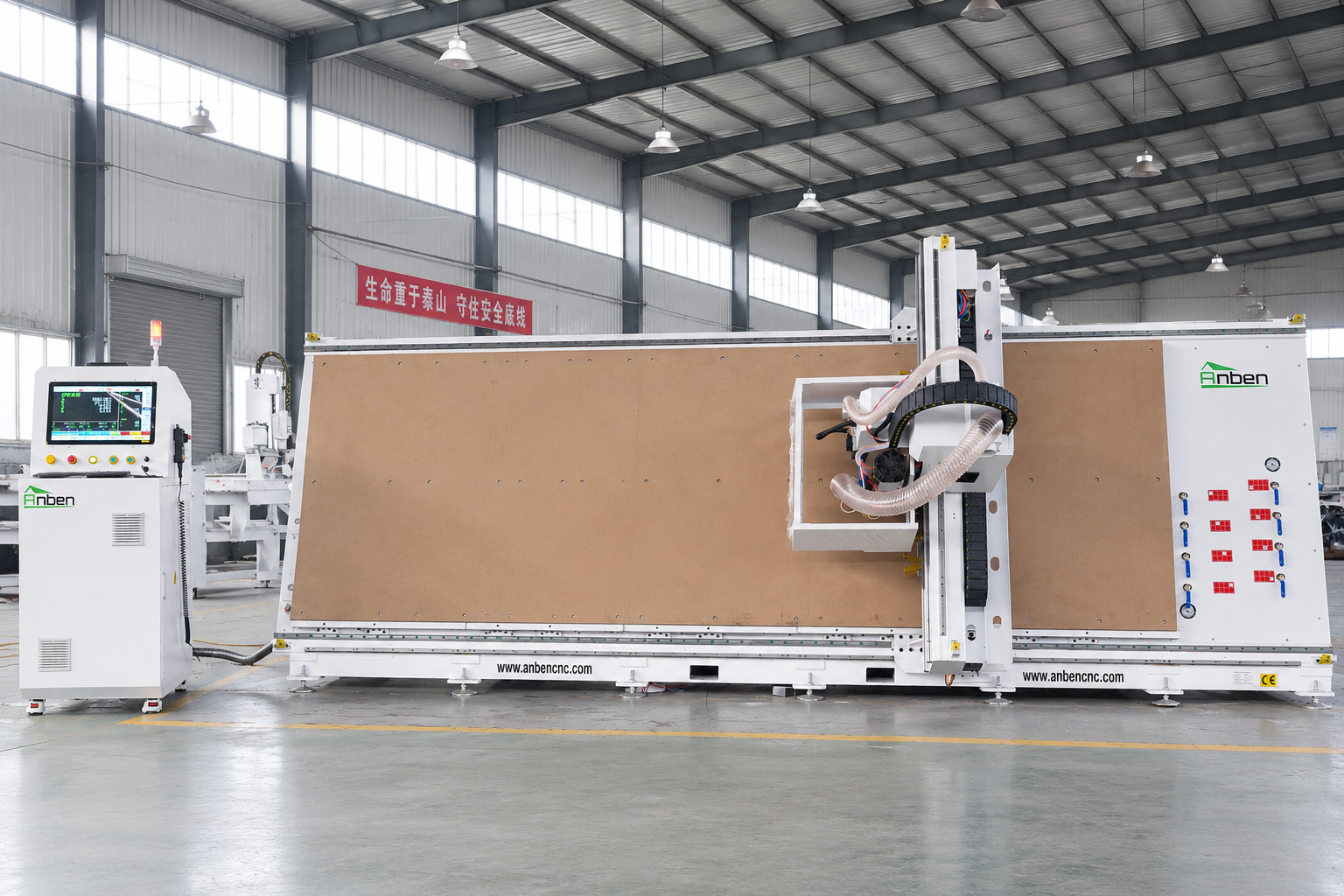
 V-1650 Vertical cnc routerThe vertical cnc significantly reduces the machine’s floor space. It is equipped with 8 sets of ATC tool magazines and other auxiliary devices such as vacuum pump, saw blade,aggregate head, positioning systems, etc. The Vertical cnc can cutting,grooving,engraving,drilling for various types of aluminum composite boards, acrylic boards, fiber boards and other boards. It is suitable for construction facades,cladding ,advertising signs,furniture manufacturing and other industries.
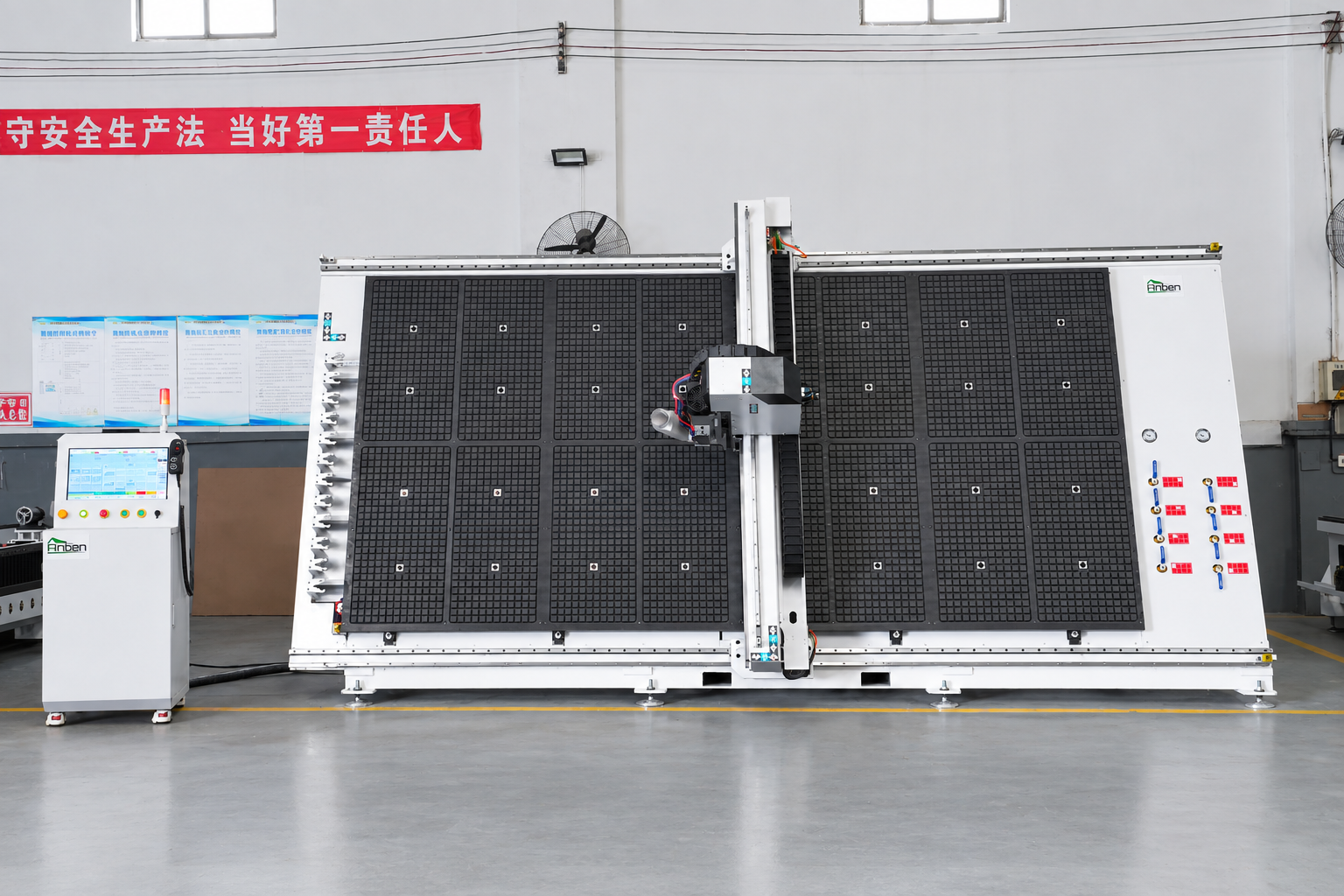
 V-2142 Vertical cnc routerThe vertical cnc significantly reduces the machine’s floor space. It is equipped with 8 sets of ATC tool magazines and other auxiliary devices such as vacuum pump, saw blade,aggregate head, positioning systems, etc. The Vertical cnc can cutting,grooving,engraving,drilling for various types of aluminum composite boards, acrylic boards, fiber boards and other boards. It is suitable for construction facades,cladding ,advertising signs,furniture manufacturing and other industries.
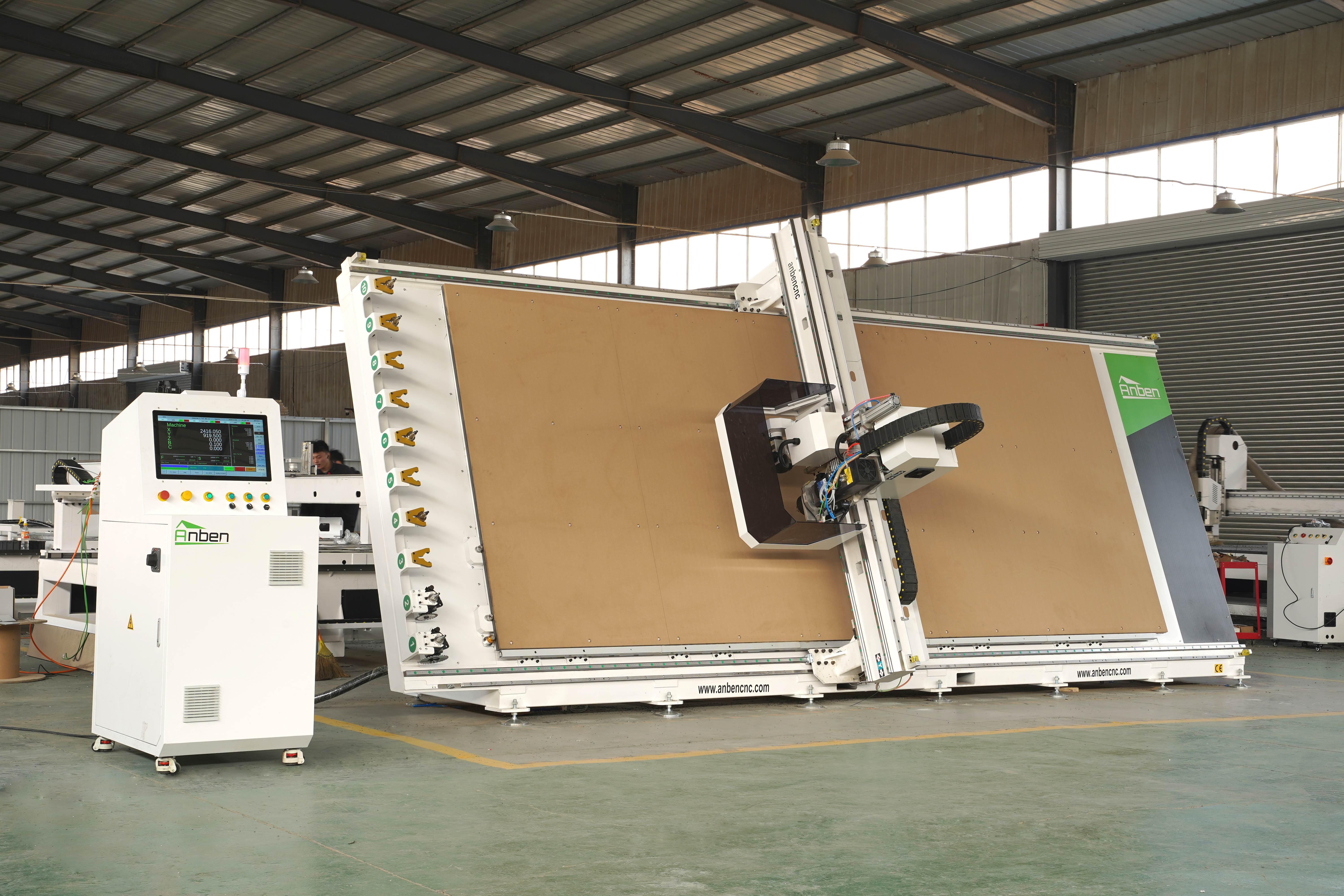
 V-2151 Vertical cnc routerThe vertical cnc significantly reduces the machine’s floor space. It is equipped with 8 sets of ATC tool magazines and other auxiliary devices such as vacuum pump, saw blade,aggregate head, positioning systems, etc. The Vertical cnc can cutting,grooving,engraving,drilling for various types of aluminum composite boards, acrylic boards, fiber boards and other boards. It is suitable for construction facades,cladding ,advertising signs,furniture manufacturing and other industries.
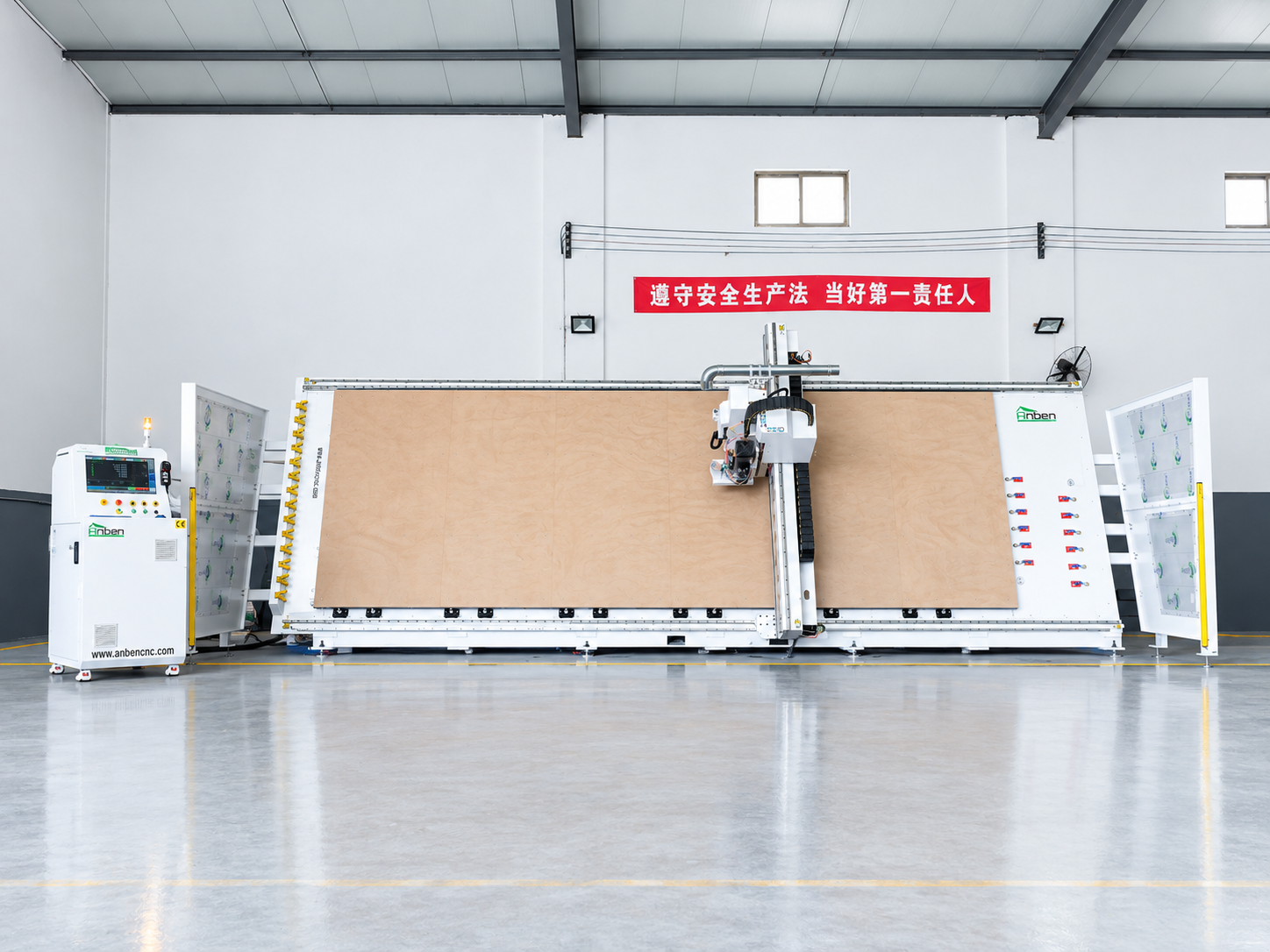
 V-2162 Vertical cnc routerThe vertical cnc significantly reduces the machine’s floor space. It is equipped with 8 sets of ATC tool magazines and other auxiliary devices such as vacuum pump, saw blade,aggregate head, positioning systems, etc. The Vertical cnc can cutting,grooving,engraving,drilling for various types of aluminum composite boards, acrylic boards, fiber boards and other boards. It is suitable for construction facades,cladding ,advertising signs,furniture manufacturing and other industries.
Get in touch

Anben Industrial – Founded in 2017, with a pure engineering spirit, providing trustworthy CNC solutions, born for long-term stable performance.
Contact