

How to Use a Vertical CNC Router for Efficient Panel Processing





A vertical CNC router uses a vertical working structure to process large panels while making better use of workshop floor space. Compared with a traditional horizontal CNC router, its vertical layout can provide a practical solution for manufacturers working with large panels and limited workshop space.
ANBEN Vertical CNC Routers are designed for applications such as panel cutting, engraving, grooving, and other machining processes. Proper setup and operation are important for achieving stable and accurate results.
1. Prepare the Panel Before Machining
Before loading a panel, check its size, thickness, surface condition, and material.
Common materials may include:
Wood and MDF
Acrylic and plastic panels
ACP/ACM
Aluminum sheets
Other compatible sheet materials
Make sure the panel is clean and free from objects that could interfere with machining.
2. Secure the Panel Correctly
Stable workholding is essential for vertical CNC machining.
Before starting, make sure the panel is positioned correctly and firmly supported. Check the vacuum system, clamps, support points, or other workholding components according to the machine configuration.
A poorly secured panel can move during cutting and cause inaccurate dimensions, poor surface quality, or tool damage.
3. Select the Right Cutting Tool
Different materials and machining operations require different tools.
For example:
Cutting: Use a suitable end mill or material-specific cutting tool.
Engraving: Select a V-bit or other engraving tool according to the required design.
Grooving: Use a tool suitable for the required groove width and depth.
Always check the tool condition before machining. A dull or damaged tool can increase vibration, heat, and cutting force.
4. Set the Work Origin
After securing the panel, set the correct X, Y, and Z work origin according to the machining program.
The work origin tells the CNC controller where machining should begin.
Before starting production:
Confirm the origin position
Check the tool height
Verify the panel dimensions
Confirm the programmed cutting area
An incorrect work origin can cause the toolpath to start in the wrong position.
5. Check the Toolpath Before Cutting
For a new program, check the toolpath carefully before machining.
Confirm:
Tool Number → Cutting Path → Cutting Depth → Feed Rate → Spindle Speed → Machining Area
A simulation or dry run can help identify positioning errors and potential collisions before cutting the actual panel.
6. Monitor Cutting and Chip Removal
During machining, pay attention to cutting sound, vibration, dust, and chip removal.
If you notice:
Excessive vibration
Unusual noise
Burning marks
Poor cutting quality
Tool deflection
Abnormal machine movement
stop the process and check the tool, workholding, cutting parameters, and machine condition.
Good dust and chip removal is also important for maintaining a clean machining area.
7. Why Choose a Vertical CNC Router?
The main advantage of a vertical CNC router is its space-saving machine layout.
It can be especially useful when manufacturers need to process large panels but want to reduce the floor area occupied by the machine.
ANBEN's vertical CNC range includes models such as the V-1650, V-2162, and V-2142, providing different solutions for panel-processing requirements.
Quick Operating Checklist
Before machining, check:
✓ Panel size and material
✓ Workholding system
✓ Cutting tool
✓ Work origin
✓ Toolpath and cutting parameters
✓ Spindle condition
✓ Dust and chip removal
Final Tips
Efficient vertical CNC machining starts with proper preparation. Secure the panel correctly, use the right tool, verify the work origin, check the toolpath, and monitor the machining process.
For ANBEN Vertical CNC Router users, these basic operating habits can help improve cutting accuracy, reduce material waste, and maintain stable production.
Always follow the machine manual and recommended safety procedures for your specific ANBEN model.
 How to Set Z-Axis Zero on a CNC Router
- When Should You Upgrade to an ATC CNC Router?
- Daily CNC Router Maintenance Checklist for Operators
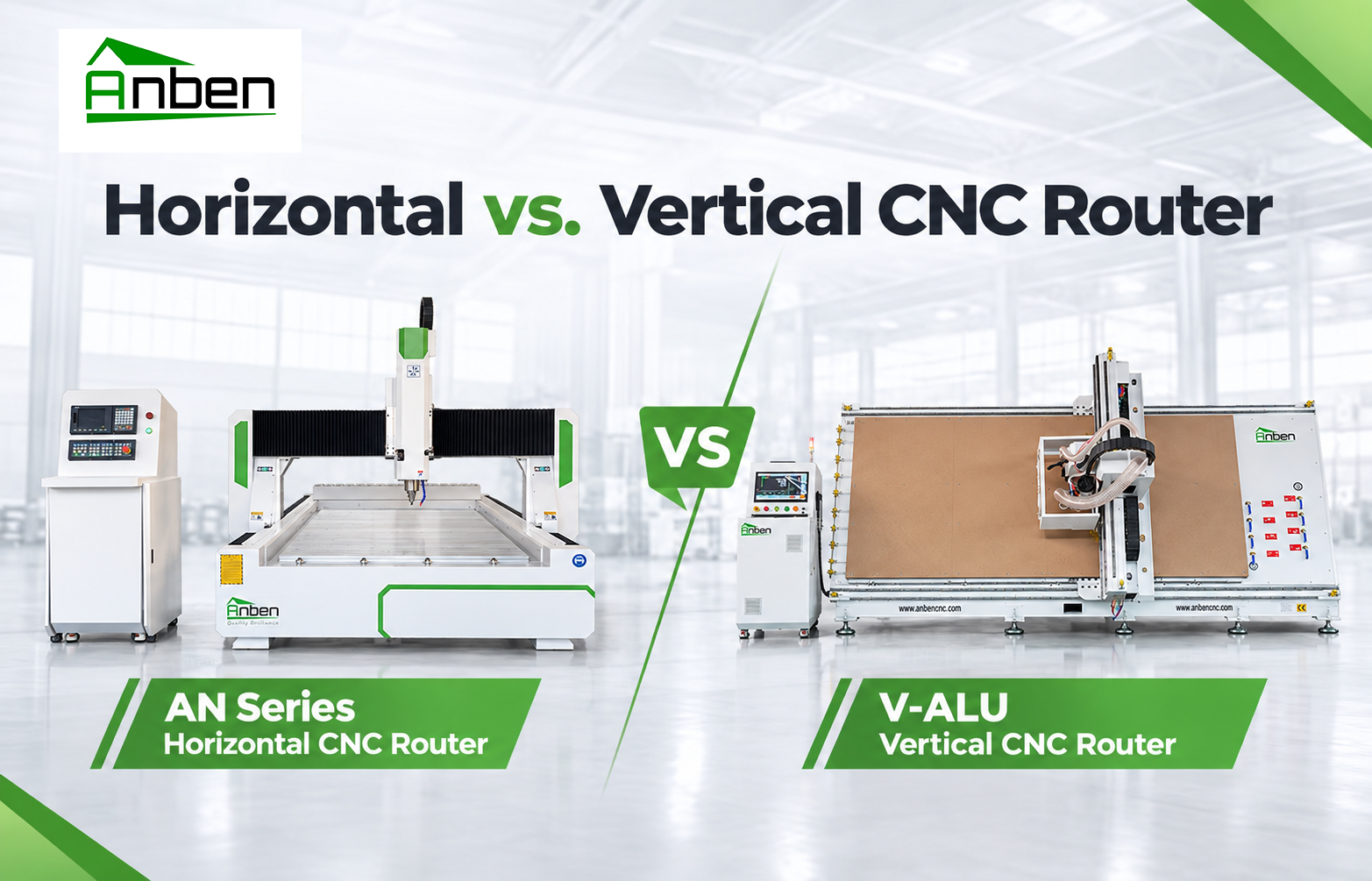
- Horizontal or Vertical CNC Router for Large Panel Production?
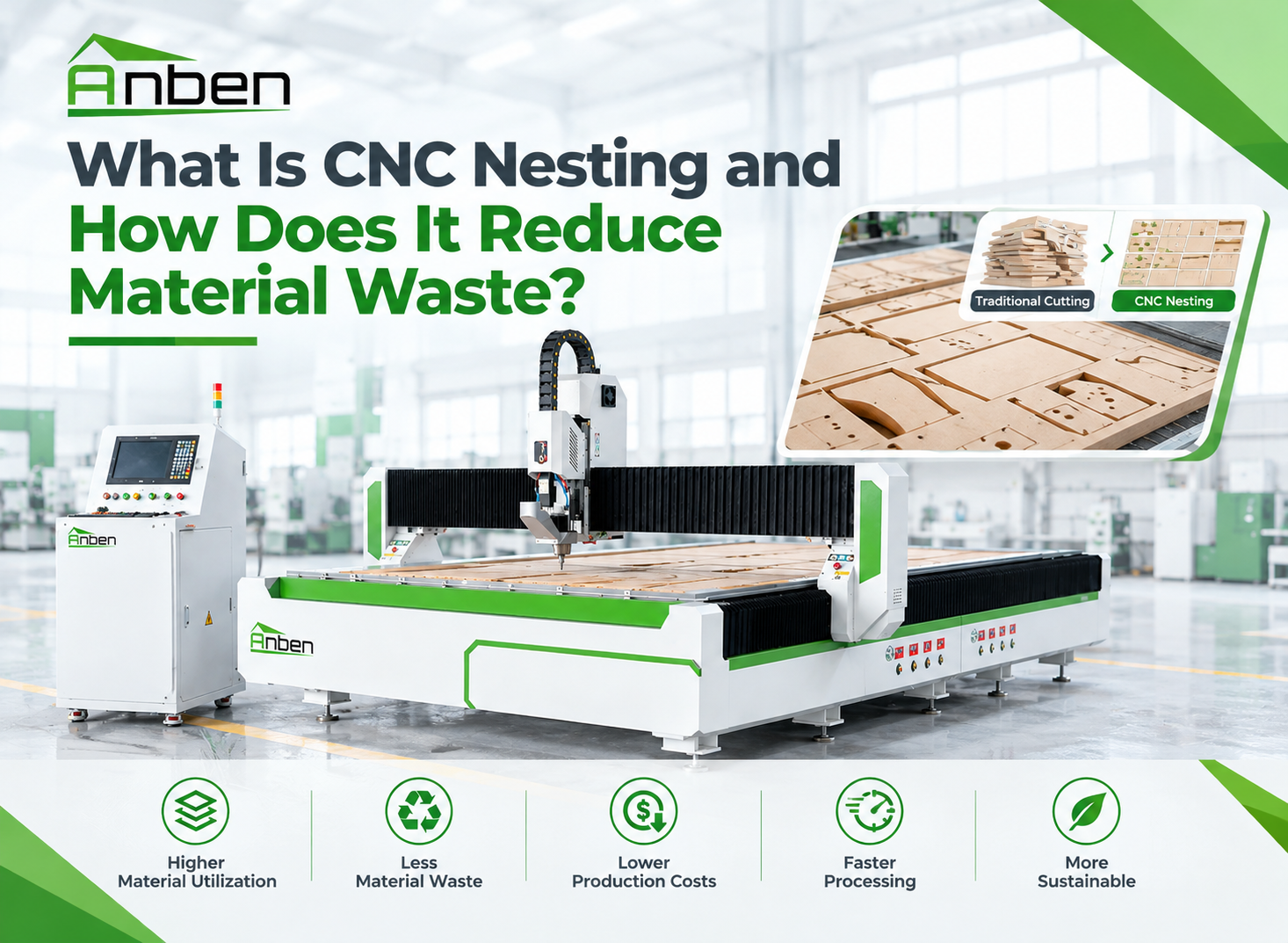
 What Is CNC Nesting and How Does It Reduce Material Waste?
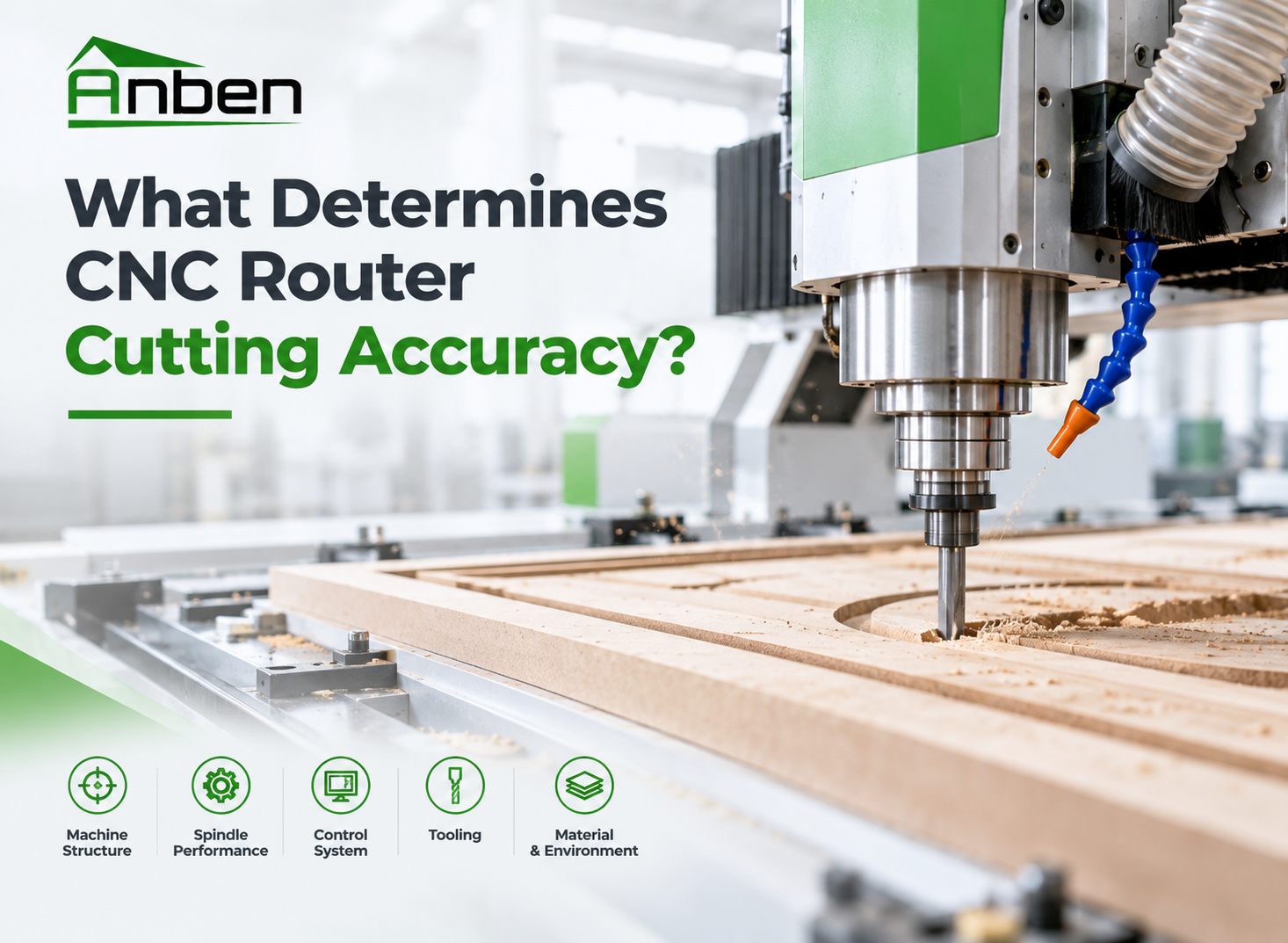
- What Determines CNC Router Cutting Accuracy?
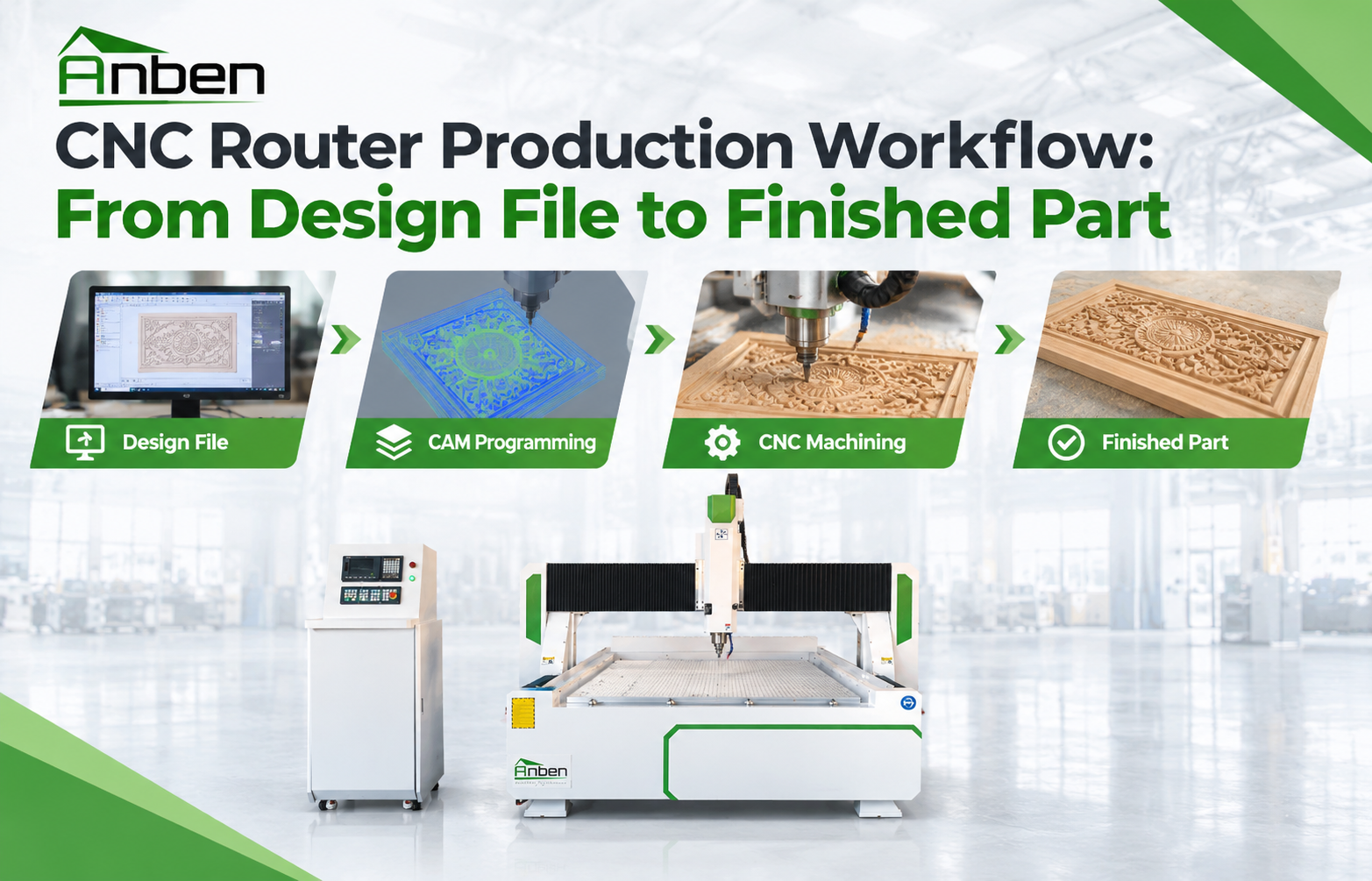
 CNC Router Production Workflow: From Design File to Finished Part
- Horizontal vs. Vertical CNC Router: Which One Is Right for You?

Related Products
Get in touch

Anben Industrial – Founded in 2017, with a pure engineering spirit, providing trustworthy CNC solutions, born for long-term stable performance.
Contact