

How to Maintain a CNC Router: A Simple Maintenance Guide for Users





Introduction
A CNC router is a precision machine designed for continuous cutting and engraving.
Regular maintenance helps improve machining accuracy, extend machine life, and reduce unexpected downtime.
With simple daily checks and proper care, users can keep their CNC router working efficiently for many years.
Daily CNC Router Maintenance
1. Clean the Machine
After each job, remove dust and chips from:
Working table
Spindle area
Guide rails
Machine surface
Keeping the machine clean helps prevent wear and maintains accuracy.
2. Check Cutting Tools
The cutting tool directly affects machining quality.
Before operation, check:
✓ Tool sharpness
✓ Tool damage
✓ Correct installation
A worn tool may cause rough edges and poor cutting results.
3. Check Lubrication
Proper lubrication keeps moving parts running smoothly.
Regularly inspect:
Linear guide rails
Rack and pinion system
Ball screws
Use suitable lubricant according to the machine requirements.
Regular CNC Router Inspection
Besides daily cleaning, users should regularly check the following:
Check Item
What to Inspect
Early inspection helps avoid production problems.
Tips to Extend CNC Router Life
Use Correct Cutting Parameters
Different materials require different settings.
Adjust:
Spindle speed
Feed rate
Cutting depth
Correct parameters reduce machine stress and improve cutting quality.
Keep the Workshop Clean
A clean working environment improves machine performance.
Avoid:
Excessive dust
High humidity
Poor ventilation
Backup Machine Data
Save important files regularly:
CNC programs
Machine parameters
Tool settings
Backups help restore production quickly when problems occur.
ANBEN CNC Router Support
ANBEN CNC routers are built for stable and reliable production.
Our machines are widely used in:
Furniture manufacturing
Cabinet making
Sign production
ACP/ACM panel processing
ANBEN provides:
✓ Reliable machine structure
✓ High-quality components
✓ Technical support
✓ Operation guidance
Frequently Asked Questions
How often should I maintain my CNC router?
Daily cleaning and regular inspections are recommended to keep the machine running smoothly.
How can I improve CNC router accuracy?
Keep the machine clean, maintain lubrication, use proper tools, and check calibration regularly.
Can dust damage a CNC router?
Yes. Dust can affect mechanical parts, electrical components, and machining accuracy if not removed.
Conclusion
Proper CNC router maintenance is essential for stable production and long machine life.
Simple steps such as cleaning, tool inspection, lubrication, and regular checks can help users improve machine performance and reduce downtime.
By following this CNC router maintenance guide, you can keep your machine reliable and achieve better machining results.
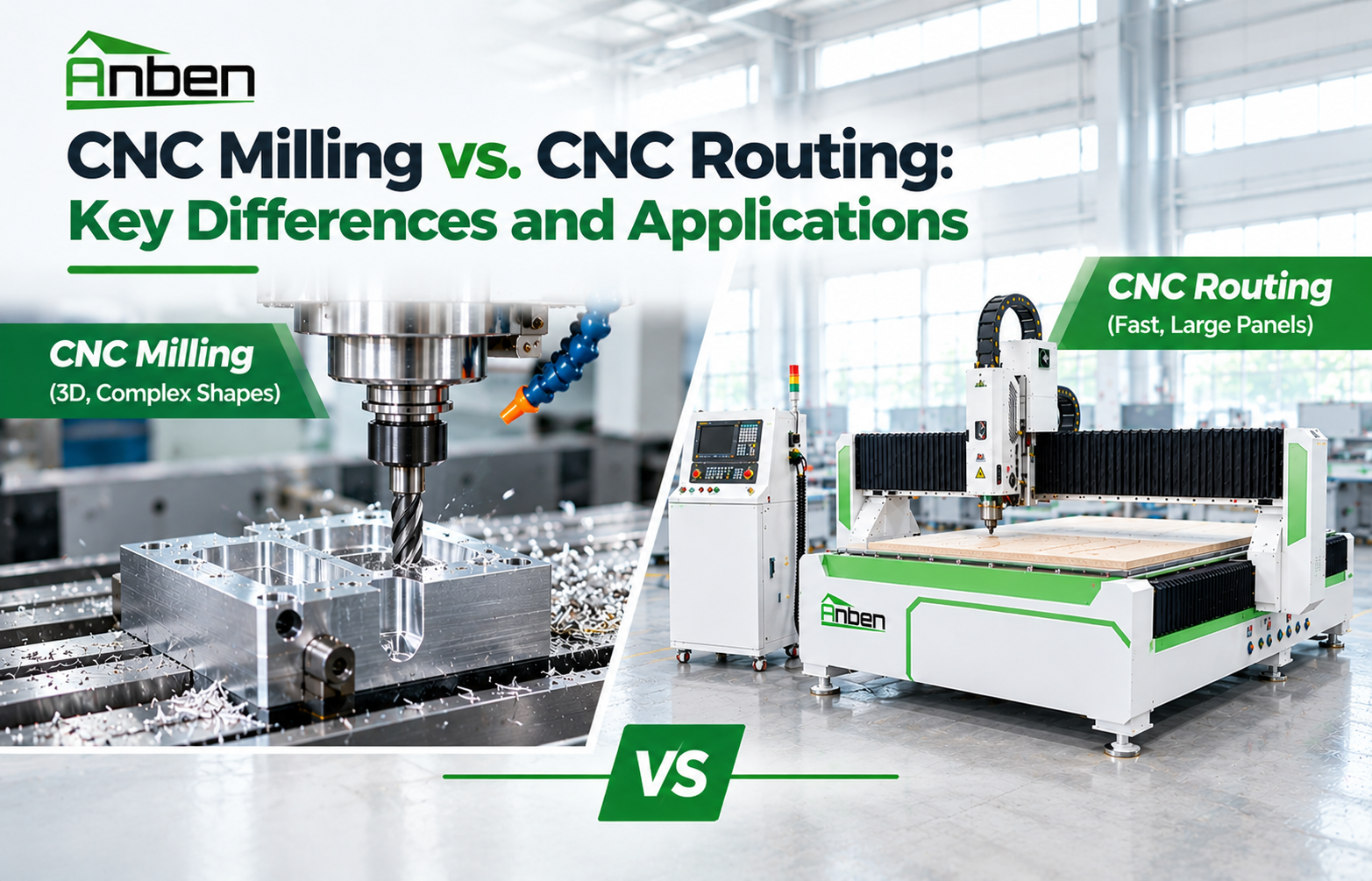
 CNC Milling vs. CNC Routing: Key Differences and Applications
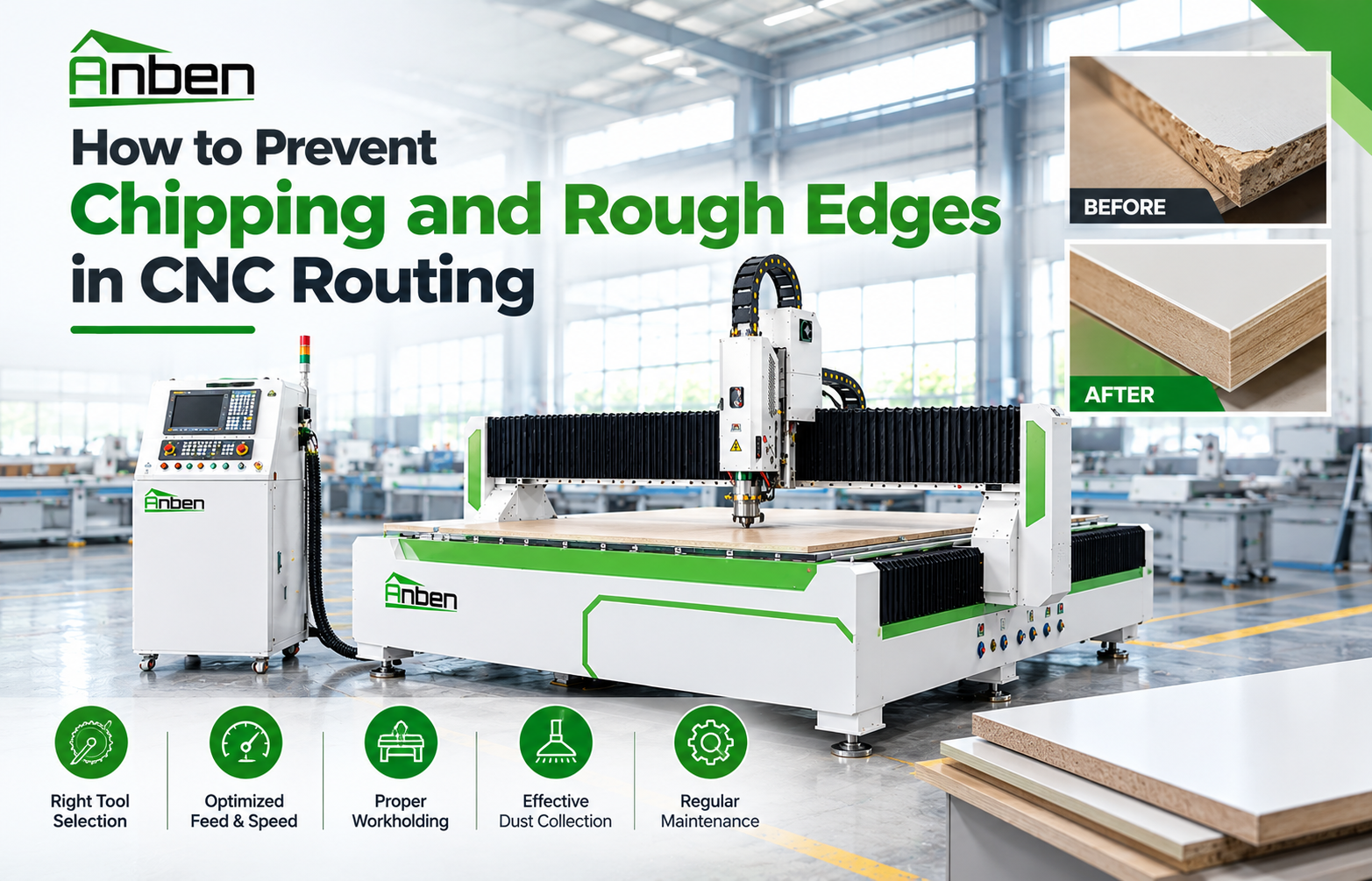
- How to Prevent Chipping and Rough Edges in CNC Routing
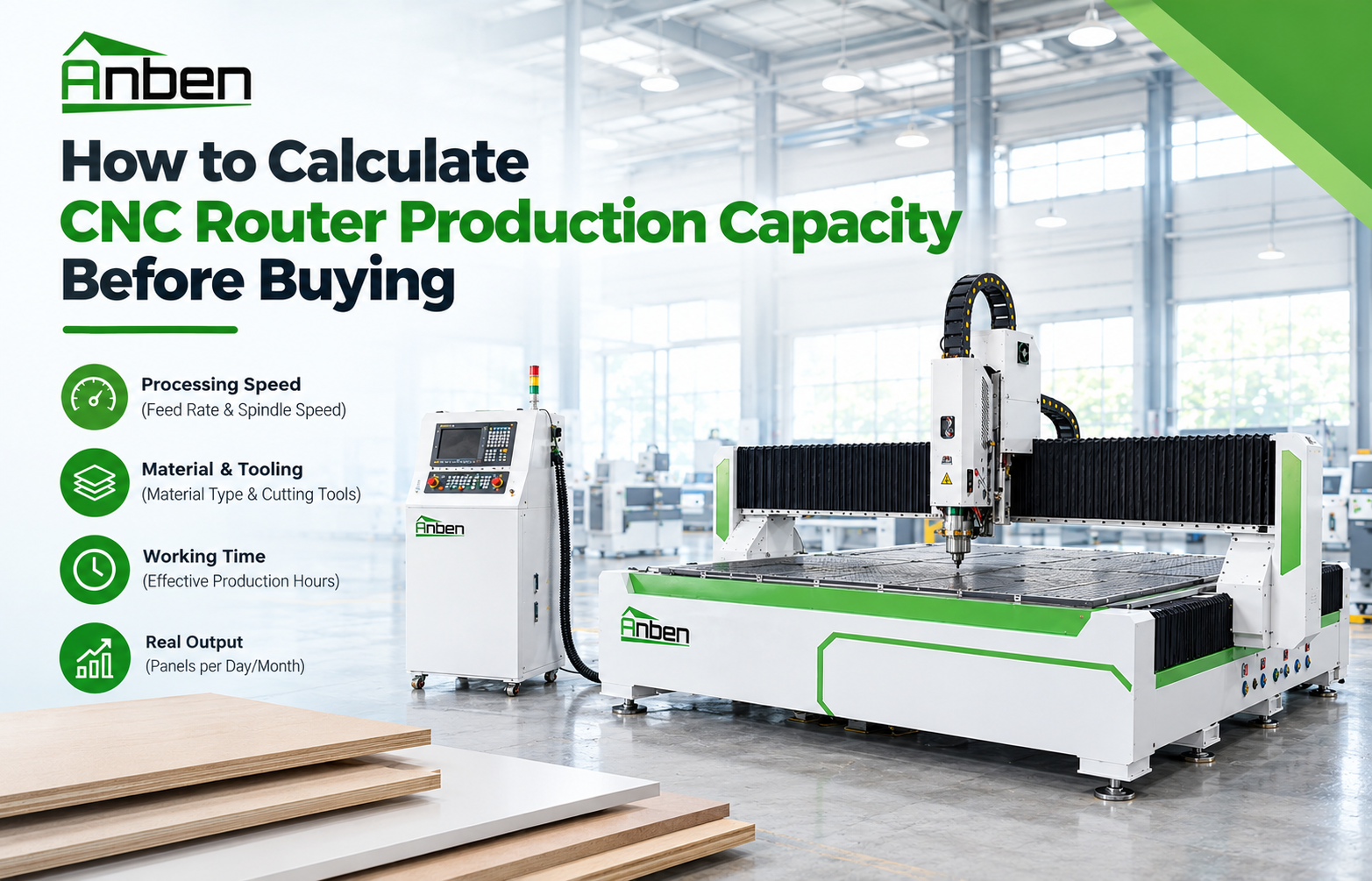
- How to Calculate CNC Router Production Capacity Before Buying
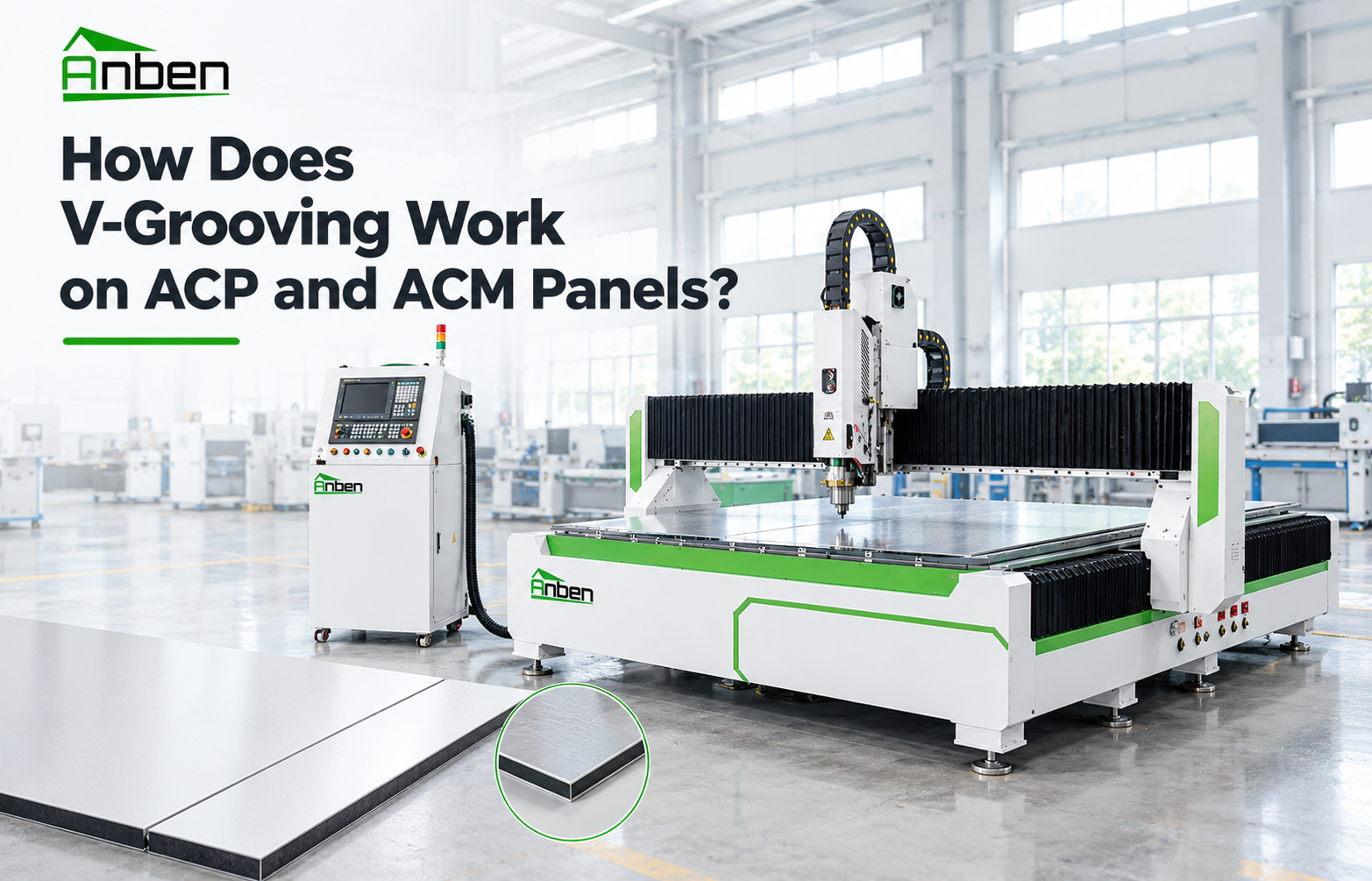
- How Does V-Grooving Work on ACP and ACM Panels?
- How to Use an ATC CNC Router: A Step-by-Step Guide
- How to Calculate the ROI of a CNC Router Before Buying
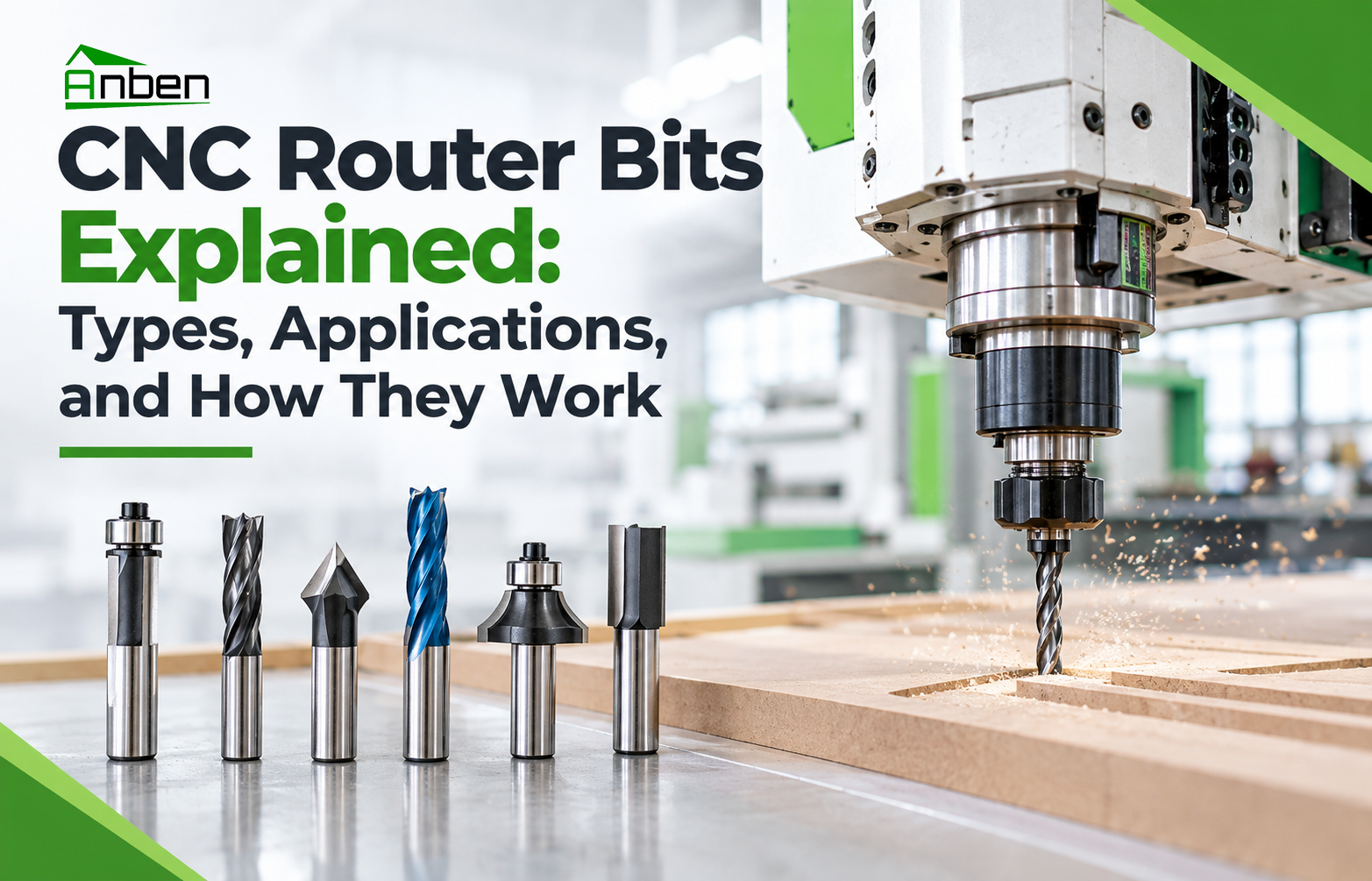
- CNC Router Bits Explained: Types, Applications, and How They Work
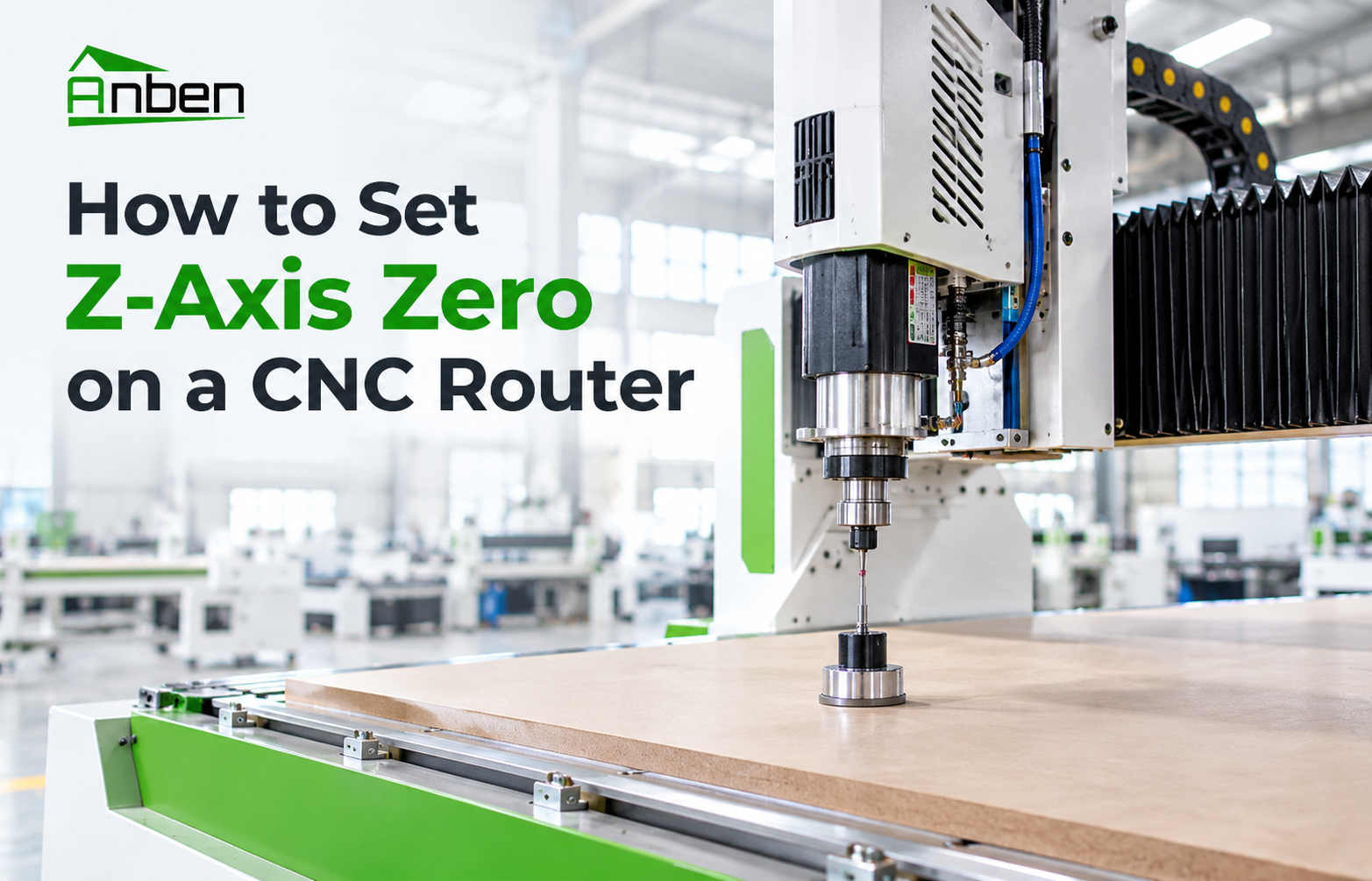
- How to Set Z-Axis Zero on a CNC Router
Related Products
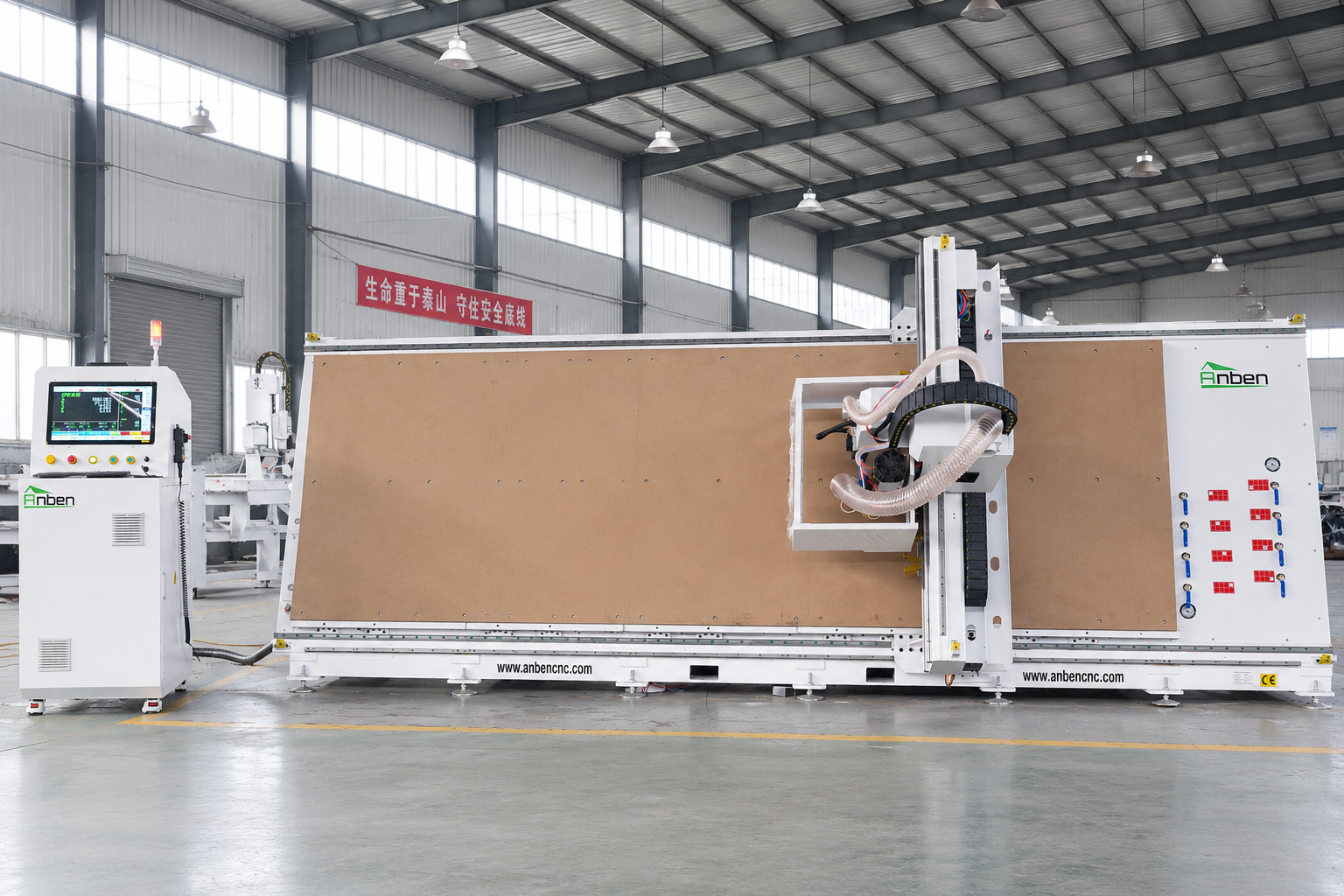
 V-1650 Vertical cnc routerThe vertical cnc significantly reduces the machine’s floor space. It is equipped with 8 sets of ATC tool magazines and other auxiliary devices such as vacuum pump, saw blade,aggregate head, positioning systems, etc. The Vertical cnc can cutting,grooving,engraving,drilling for various types of aluminum composite boards, acrylic boards, fiber boards and other boards. It is suitable for construction facades,cladding ,advertising signs,furniture manufacturing and other industries.
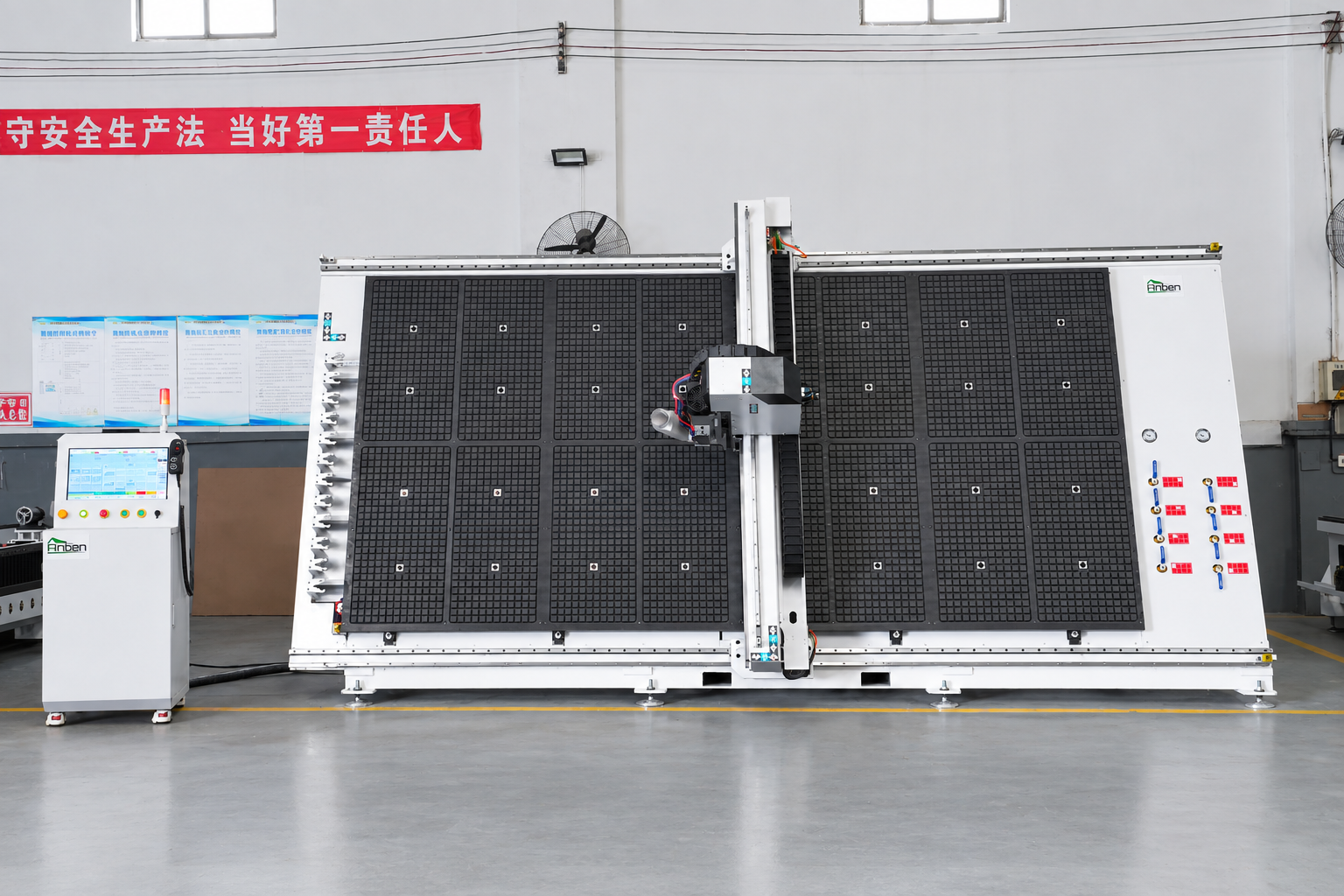
 V-2142 Vertical cnc routerThe vertical cnc significantly reduces the machine’s floor space. It is equipped with 8 sets of ATC tool magazines and other auxiliary devices such as vacuum pump, saw blade,aggregate head, positioning systems, etc. The Vertical cnc can cutting,grooving,engraving,drilling for various types of aluminum composite boards, acrylic boards, fiber boards and other boards. It is suitable for construction facades,cladding ,advertising signs,furniture manufacturing and other industries.
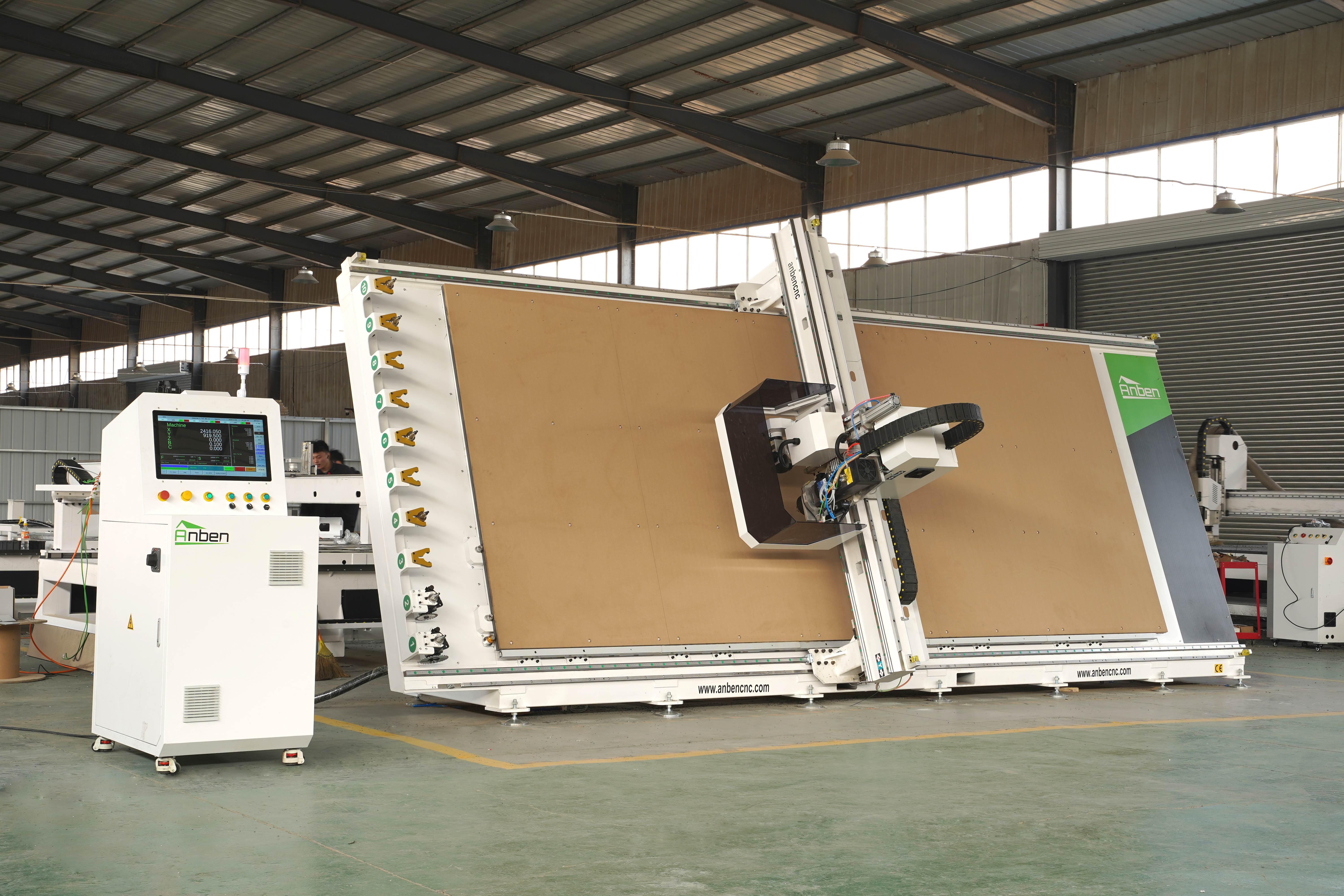
 V-2151 Vertical cnc routerThe vertical cnc significantly reduces the machine’s floor space. It is equipped with 8 sets of ATC tool magazines and other auxiliary devices such as vacuum pump, saw blade,aggregate head, positioning systems, etc. The Vertical cnc can cutting,grooving,engraving,drilling for various types of aluminum composite boards, acrylic boards, fiber boards and other boards. It is suitable for construction facades,cladding ,advertising signs,furniture manufacturing and other industries.
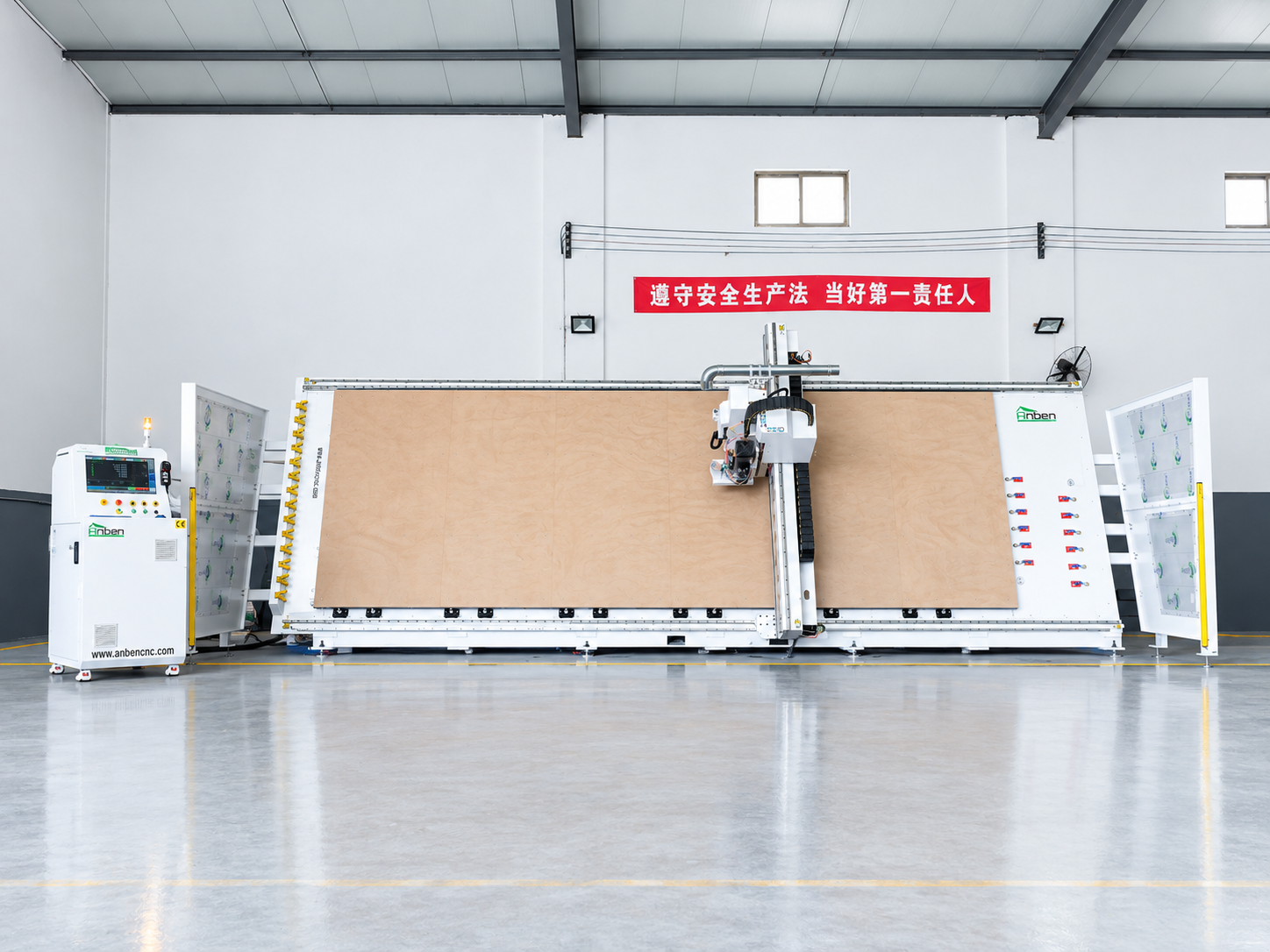
 V-2162 Vertical cnc routerThe vertical cnc significantly reduces the machine’s floor space. It is equipped with 8 sets of ATC tool magazines and other auxiliary devices such as vacuum pump, saw blade,aggregate head, positioning systems, etc. The Vertical cnc can cutting,grooving,engraving,drilling for various types of aluminum composite boards, acrylic boards, fiber boards and other boards. It is suitable for construction facades,cladding ,advertising signs,furniture manufacturing and other industries.
Get in touch

Anben Industrial – Founded in 2017, with a pure engineering spirit, providing trustworthy CNC solutions, born for long-term stable performance.
Contact