

How to Set CNC Router Work Origin Step by Step: A Beginner's Guide





Introduction
Setting the correct work origin is one of the most important steps before running a CNC router. A properly set work origin ensures accurate machining, reduces errors, and helps produce consistent parts.
Whether you are cutting wood, acrylic, aluminum, or composite panels, taking a few minutes to set the work origin correctly can save time and material.
What Is the Work Origin?
The work origin, also called the work zero point, is the starting position that the CNC router uses to begin machining.
The machine measures every movement from this point. If the work origin is incorrect, the finished part may have the wrong size or be cut in the wrong location.
Before You Start
Before setting the work origin, make sure you have completed these steps:
Secure the material on the worktable.
Install the correct cutting tool.
Power on the CNC router.
Return the machine to its home position.
Load the machining program.
These basic checks help ensure a smooth setup process.
Step 1: Move the Tool to the Starting Position
Use the handheld controller or CNC control software to move the spindle above the material.
Normally, the work origin is located:
At the front-left corner of the material
At the center of the material
At another position specified in the machining program
Always confirm the origin location in your CAD/CAM file before proceeding.
Step 2: Set the X and Y Coordinates
Move the cutting tool slowly until it reaches the correct X and Y position.
After confirming the location, reset the X and Y coordinates to zero using the CNC controller.
This tells the machine where horizontal machining begins.
Step 3: Set the Z Coordinate
The Z-axis controls the cutting depth.
Lower the tool carefully until it just touches the surface of the material.
You can set the Z-axis manually or use an automatic tool setter if your CNC router is equipped with one.
Once the tool reaches the correct height, reset the Z coordinate to zero.
Step 4: Verify the Work Origin
Before starting production, check the work origin again.
Move the tool slightly away and return it to the zero position.
Confirm that:
X, Y, and Z coordinates return correctly.
The tool aligns with the expected starting point.
The material has not moved.
This simple check can prevent costly machining mistakes.
Step 5: Run a Dry Test
A dry test allows you to verify the machining path without cutting the material.
Watch the machine carefully and make sure:
The tool follows the correct path.
There are no unexpected movements.
The work area is safe.
If everything looks correct, you can begin machining.
Common Mistakes When Setting the Work Origin
Avoid these common errors:
Taking a few extra minutes during setup can prevent material waste and improve machining quality.
Tips for Better Accuracy
To achieve more consistent results:
Clean the worktable before loading material.
Check tool wear regularly.
Calibrate the CNC router when needed.
Use the correct cutting parameters.
Verify the work origin before every new job.
Good setup habits improve both machining accuracy and production efficiency.
Frequently Asked Questions
How often should I set the work origin?
You should set the work origin before every new machining job or whenever you change the material or cutting tool.
Can I use an automatic tool setter?
Yes. An automatic tool setter makes Z-axis setup faster and more accurate.
What happens if the work origin is incorrect?
The machine may cut in the wrong position, resulting in inaccurate dimensions, damaged materials, or tool collisions.
Conclusion
Setting the work origin correctly is a simple but essential step in CNC machining.
By following these five steps, you can improve machining accuracy, reduce setup errors, and increase production efficiency.
A few minutes of careful preparation can save valuable material and help you achieve consistent, high-quality results
 CNC Milling vs. CNC Routing: Key Differences and Applications
- How to Prevent Chipping and Rough Edges in CNC Routing
- How to Calculate CNC Router Production Capacity Before Buying
- How Does V-Grooving Work on ACP and ACM Panels?
- How to Use an ATC CNC Router: A Step-by-Step Guide
- How to Calculate the ROI of a CNC Router Before Buying
- CNC Router Bits Explained: Types, Applications, and How They Work
- How to Set Z-Axis Zero on a CNC Router
Related Products
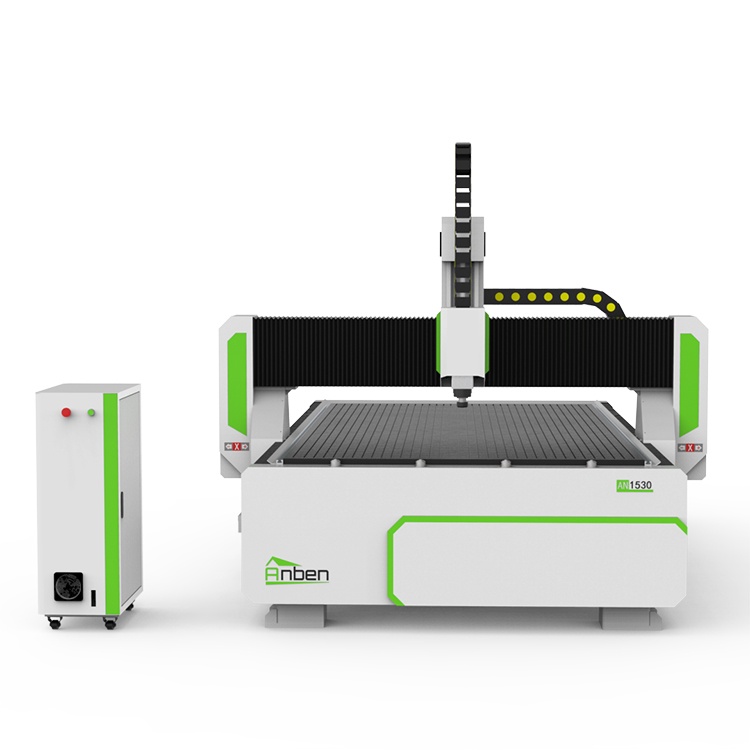
 AN1530 Manual Tool ChangeThe Anben MTC(Manual tool change)-- a professional yet affordable 3 axis CNC wood router, designed for woodworking shops, cabinet manufacturers, and industrial workshops. This budget-friendly CNC router delivers high precision and durability for wood machining, acrylic cutting, aluminum cutting, sign making, and furniture production.
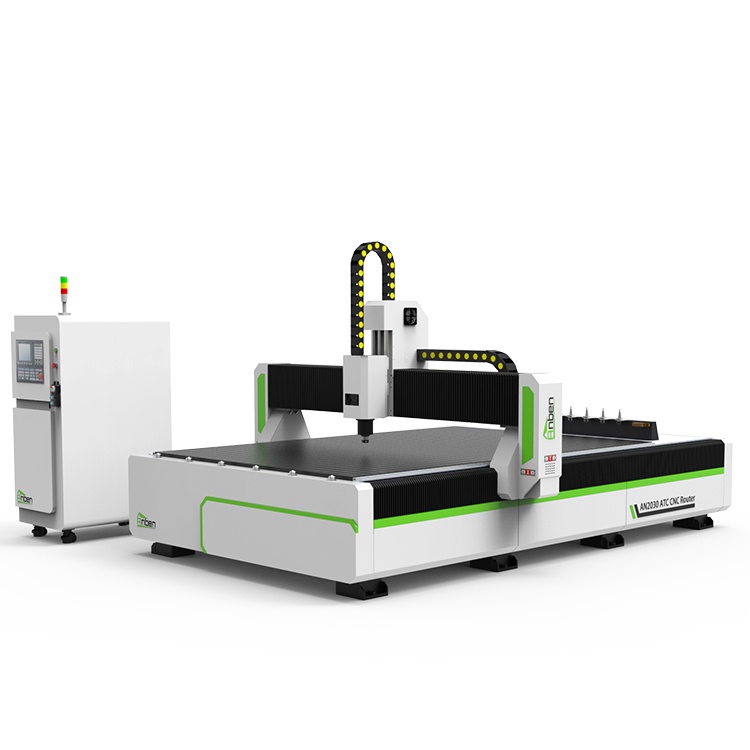
 AN2040ATC Automatic Tool ChangeAnben ATC (Automatic Tool Change)CNC router is popularly used in woodworking, making signs, molds making, art crafts making, etc. The automatic tool changer magazine carries 8-16 cutters. It can save tool change time,more efficient!
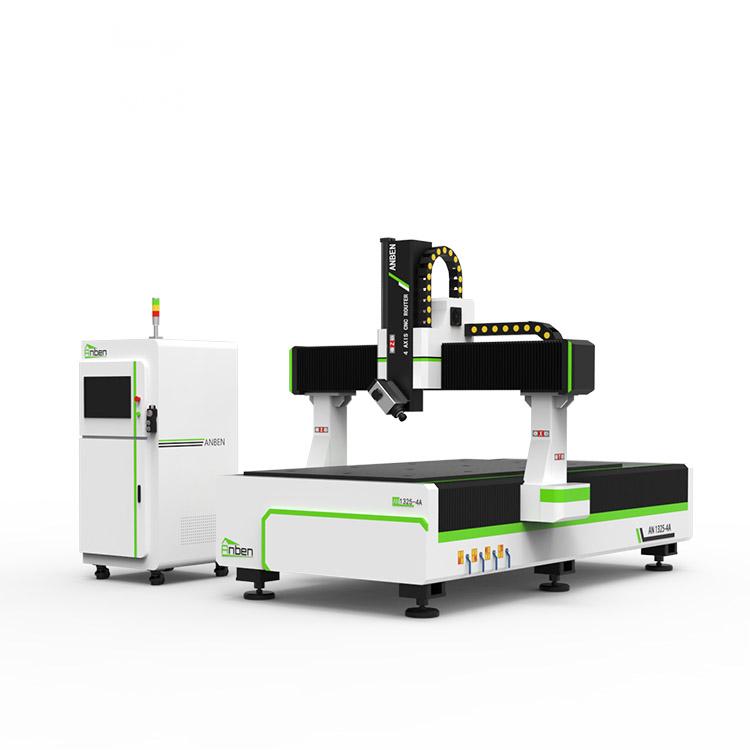
 AN1325-4 axisAnben 4 Axis CNC Router Machine with 4 axis ATC spindle is good at heavy-duty and complex 3d wood cutting and carving of wood panel, MDF, plywood, etc. All the working areas and specifications can be customized according to your requests.
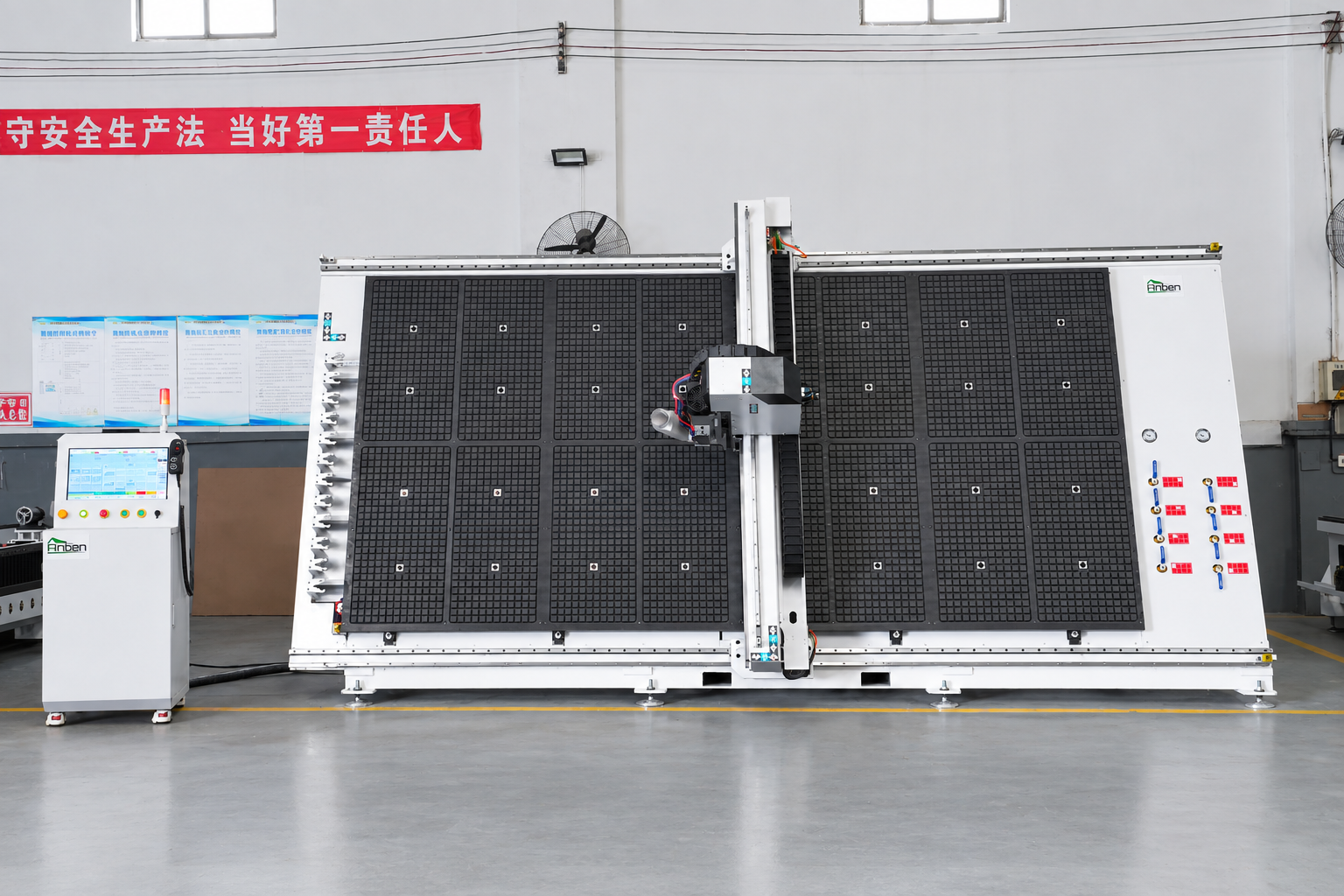
 V-2142 Vertical cnc routerThe vertical cnc significantly reduces the machine’s floor space. It is equipped with 8 sets of ATC tool magazines and other auxiliary devices such as vacuum pump, saw blade,aggregate head, positioning systems, etc. The Vertical cnc can cutting,grooving,engraving,drilling for various types of aluminum composite boards, acrylic boards, fiber boards and other boards. It is suitable for construction facades,cladding ,advertising signs,furniture manufacturing and other industries.
Get in touch

Anben Industrial – Founded in 2017, with a pure engineering spirit, providing trustworthy CNC solutions, born for long-term stable performance.
Contact