

CNC Vacuum Pump User Guide: Operation and Maintenance Tips





A CNC vacuum pump provides the suction needed to secure materials on a vacuum table. Proper operation and regular maintenance help maintain stable workholding and reduce unexpected downtime.
1. Check the Vacuum System Before Starting
Before operating the CNC router, inspect the vacuum system.
Check:
Vacuum pipes and connections
Table sealing gasket
Vacuum valves
Filters
Pump condition
Electrical connections
Make sure there are no obvious leaks or loose connections.
2. Clean the Vacuum Table
The table surface should remain clean and unobstructed.
Dust, chips, scraps, and damaged sealing material can create air leakage and reduce holding force.
After machining, remove debris from the table and check the vacuum zones before the next job.
3. Start the Vacuum Pump Before Machining
The vacuum system should reach a stable working condition before cutting begins.
Place the workpiece correctly on the table and activate the required vacuum zone. Confirm that the material is securely held before starting the spindle.
For large sheets, check the edges and corners carefully because air leakage can reduce holding force.
4. Monitor Vacuum During Machining
Do not rely only on the initial vacuum condition.
During cutting, monitor the workpiece and vacuum system for signs of instability.
Stop the machining process if you notice:
Workpiece movement
Sudden loss of suction
Unusual pump noise
Excessive vibration
Abnormal temperature
Reduced cutting stability
A loose workpiece can affect both machining accuracy and operator safety.
5. Shut Down Correctly
After machining:
Stop the CNC cutting process.
Turn off the spindle.
Remove dust and chips.
Release the vacuum.
Shut down the vacuum pump according to the machine procedure.
Avoid unnecessary continuous operation when the CNC machine is not being used.
6. Perform Regular Maintenance
Maintenance requirements depend on the vacuum pump type.
Regularly inspect:
Filters
Seals and gaskets
Vacuum pipes
Electrical connections
Cooling and ventilation
Pump noise and vibration
Oil condition, if applicable
For oil-based pumps, follow the manufacturer's recommended oil inspection and replacement schedule.
For dry-running pumps, pay particular attention to filtration, dust protection, and operating conditions.
7. Common Vacuum Problems
Weak suction:
Check for air leaks, damaged gasket, blocked filters, open vacuum zones, or unsuitable material conditions.
Unstable workholding:
Check the sealing area, material flatness, vacuum zoning, and workpiece coverage.
Pump becomes unusually noisy:
Inspect filters, ventilation, mechanical components, and operating conditions.
Vacuum drops during cutting:
Check whether the cutter has opened a large air path or whether the workpiece has shifted.
Final Tip
A vacuum pump works as part of the entire CNC workholding system. Keeping the table clean, sealing surfaces intact, and the pump properly maintained can significantly improve machining stability.
For ANBEN CNC routers, the vacuum system can be configured according to the machine and application, including industrial vacuum pump solutions such as Becker where appropriate.
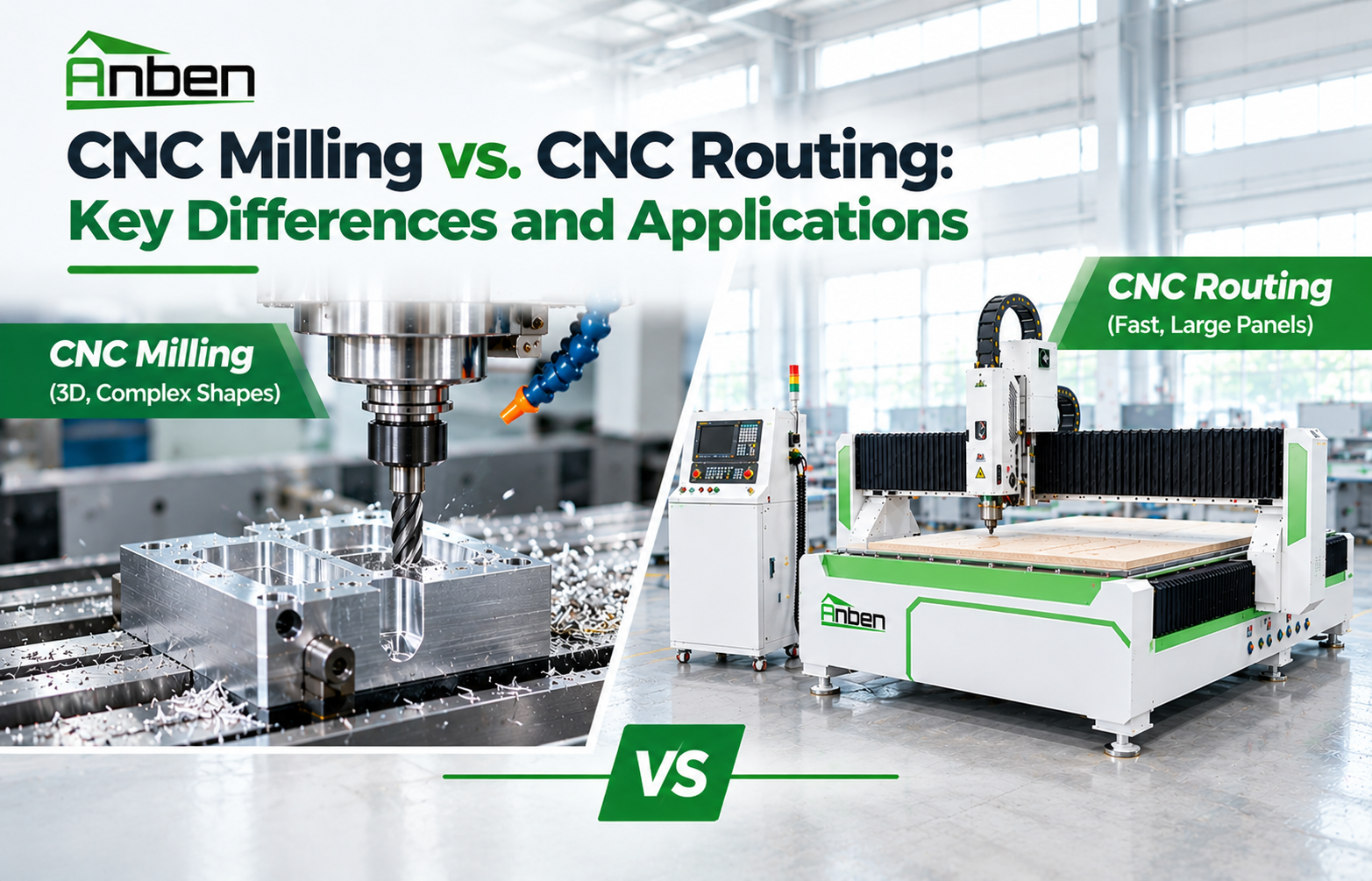
 CNC Milling vs. CNC Routing: Key Differences and Applications
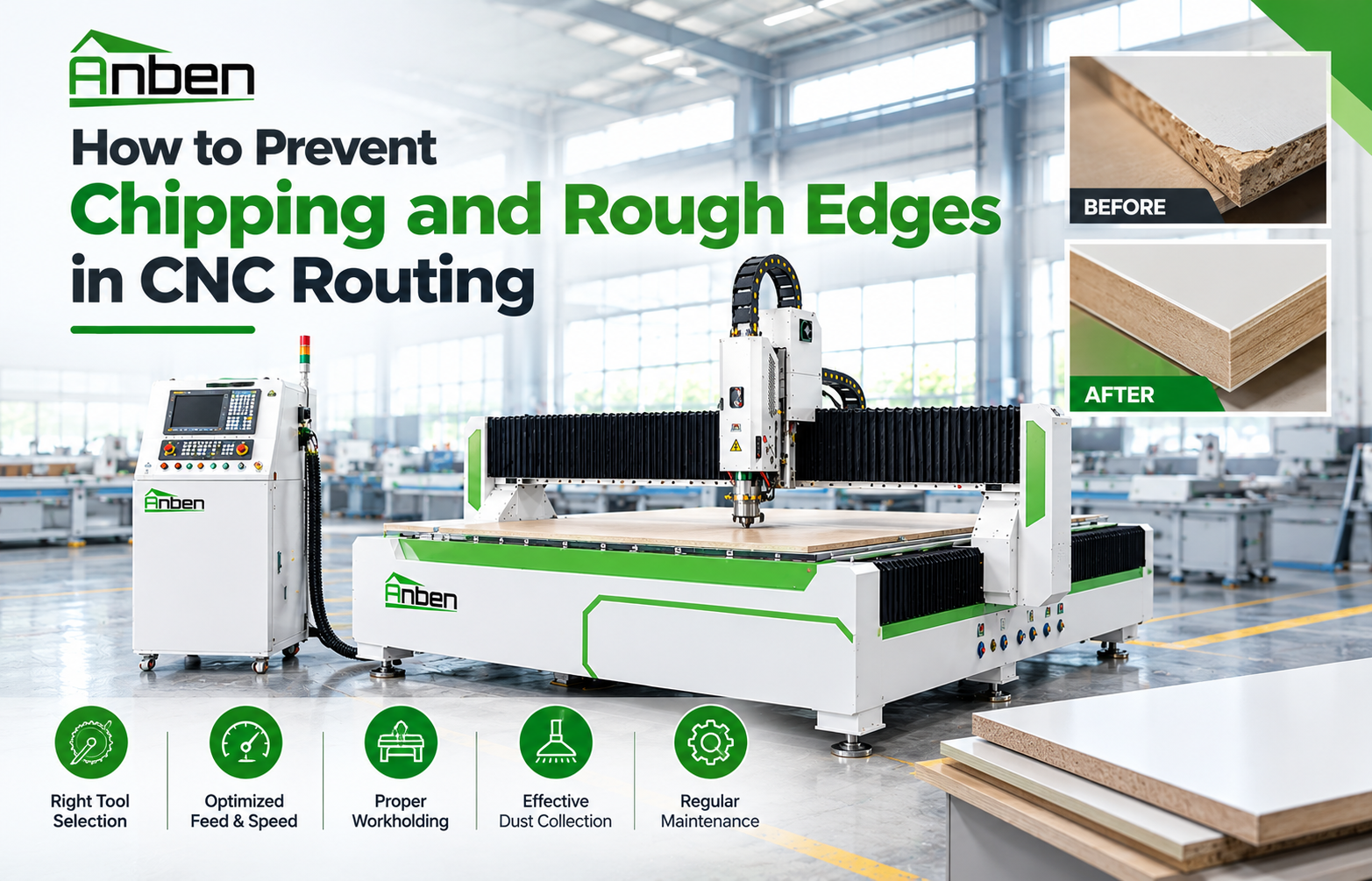
- How to Prevent Chipping and Rough Edges in CNC Routing
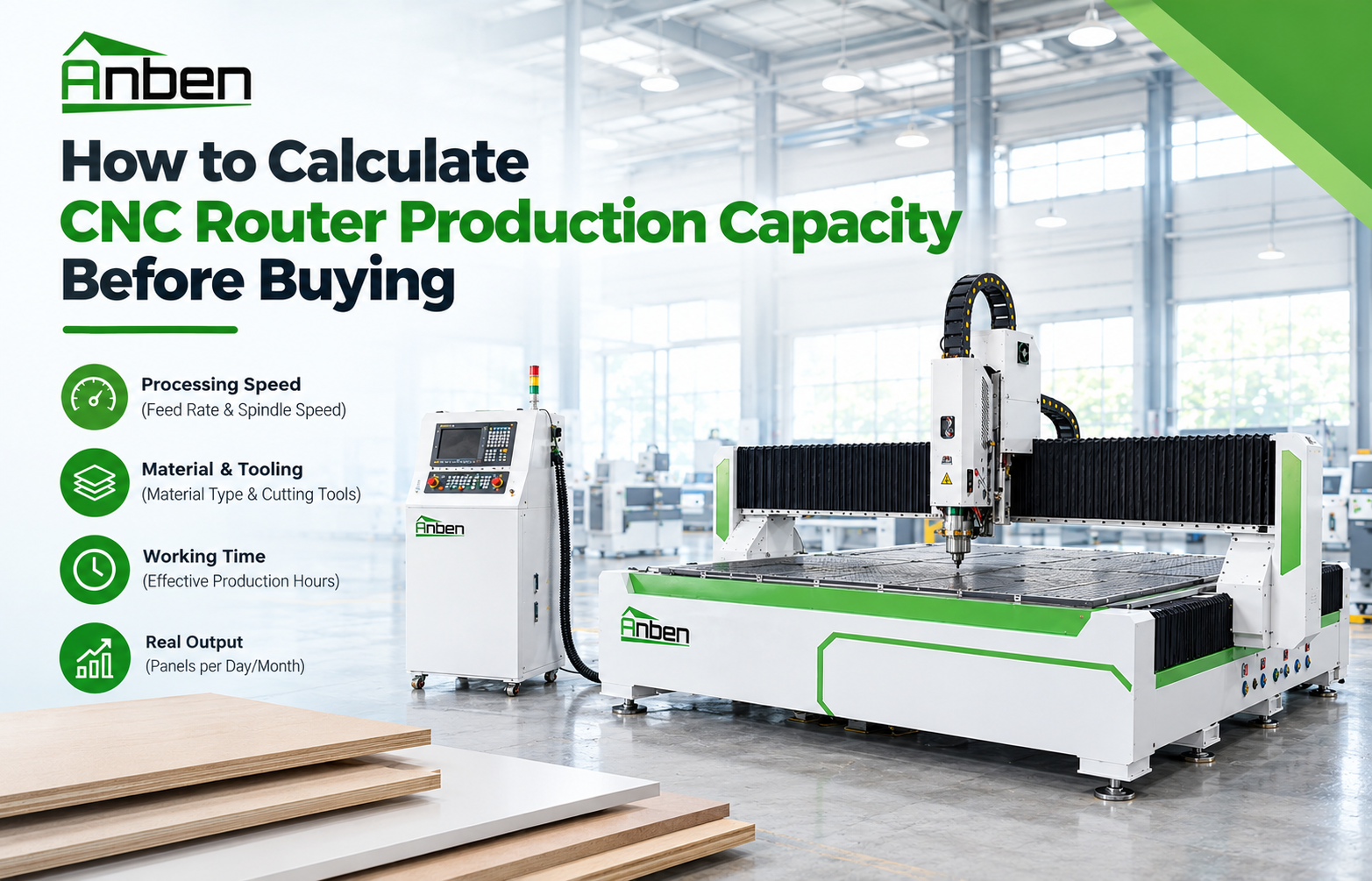
- How to Calculate CNC Router Production Capacity Before Buying
- How Does V-Grooving Work on ACP and ACM Panels?
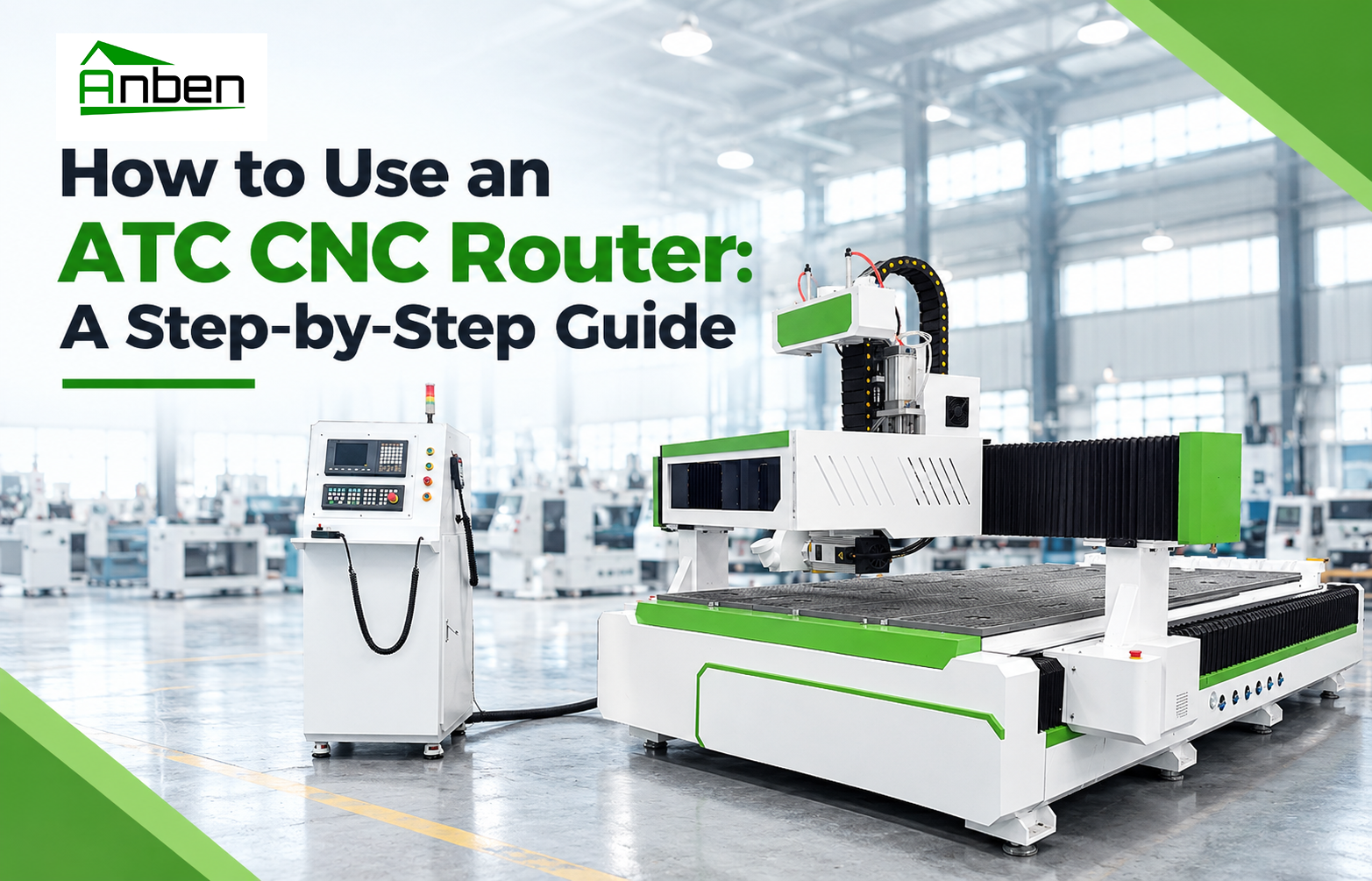
- How to Use an ATC CNC Router: A Step-by-Step Guide
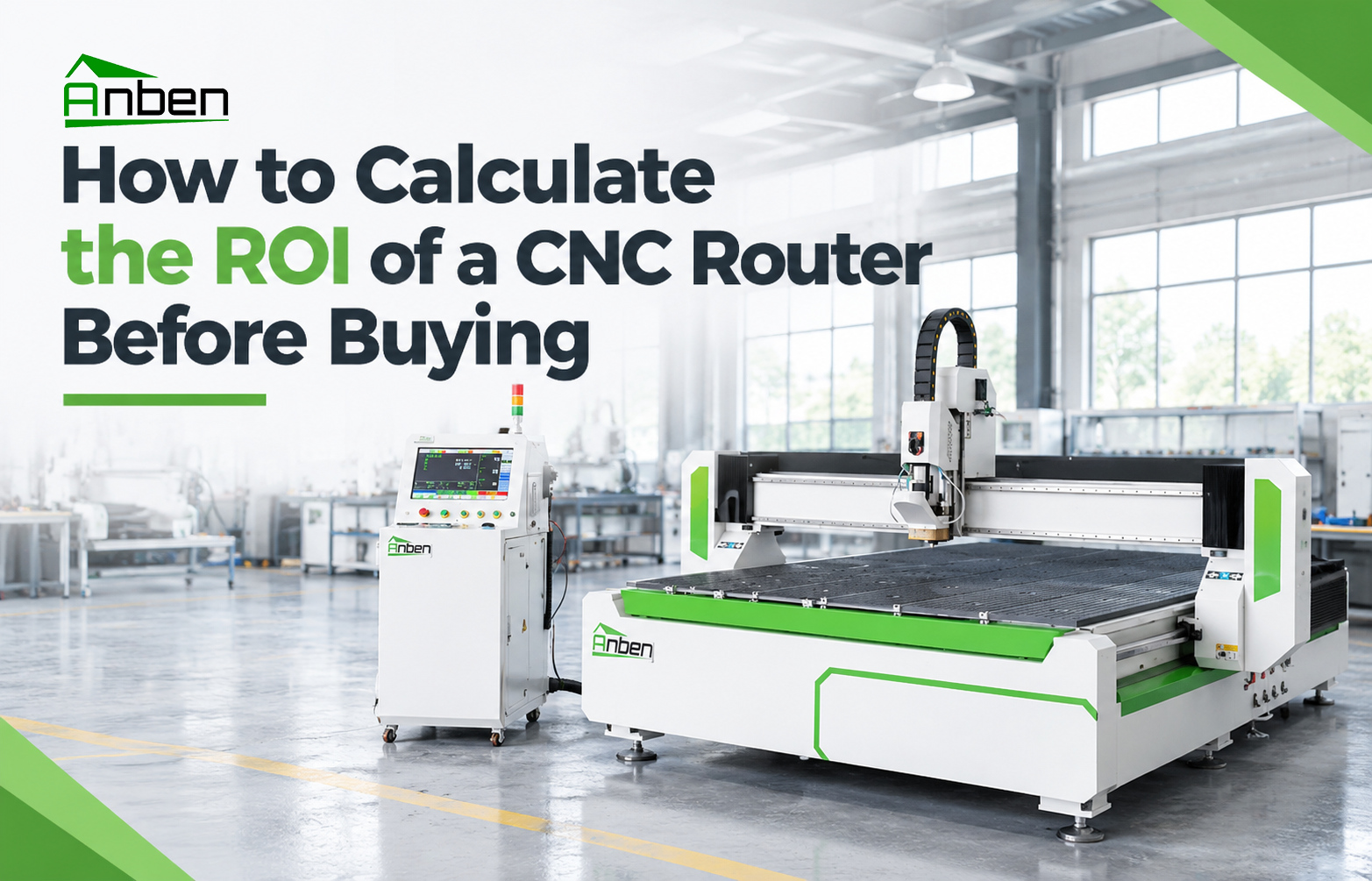
- How to Calculate the ROI of a CNC Router Before Buying
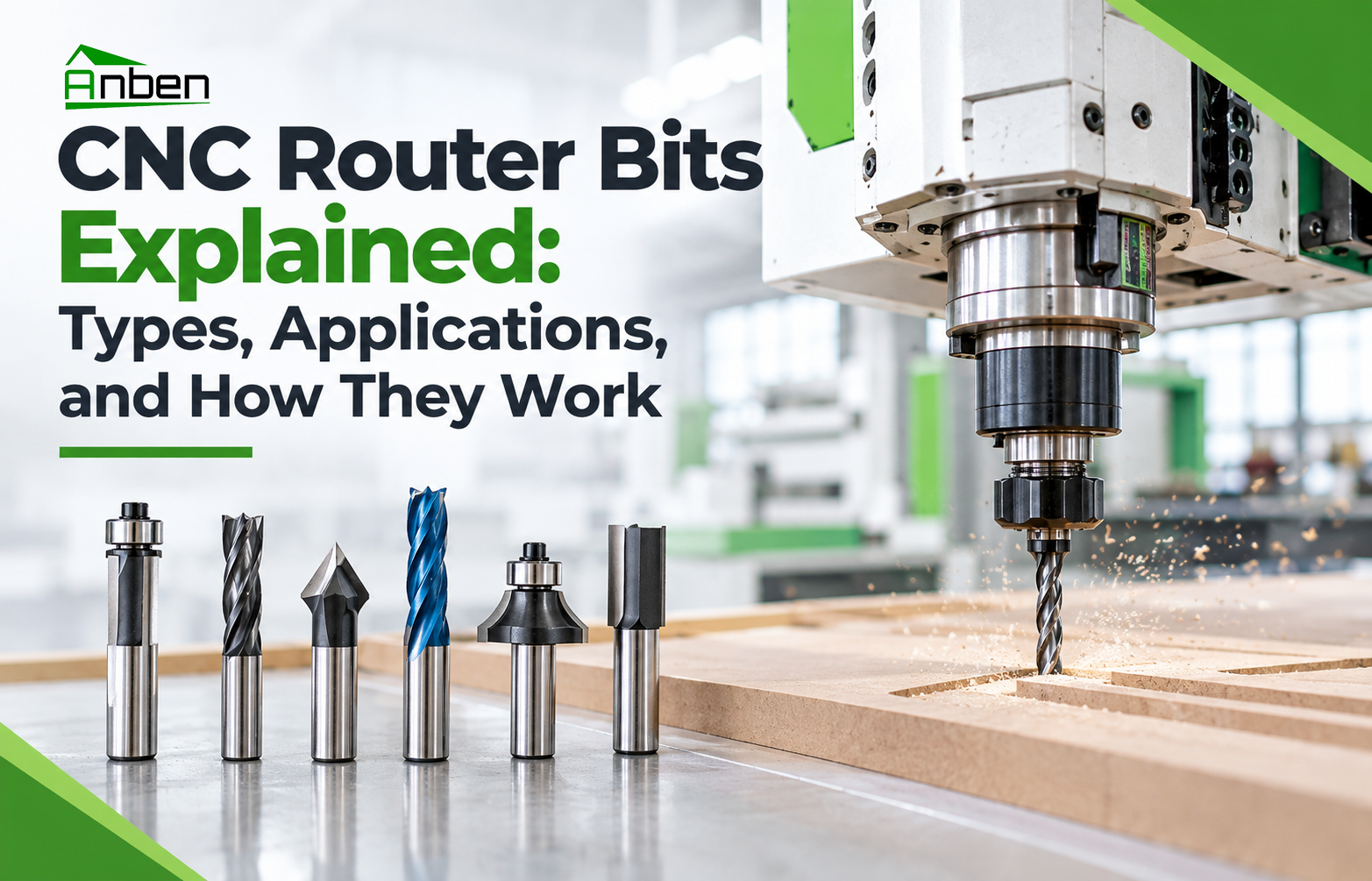
- CNC Router Bits Explained: Types, Applications, and How They Work
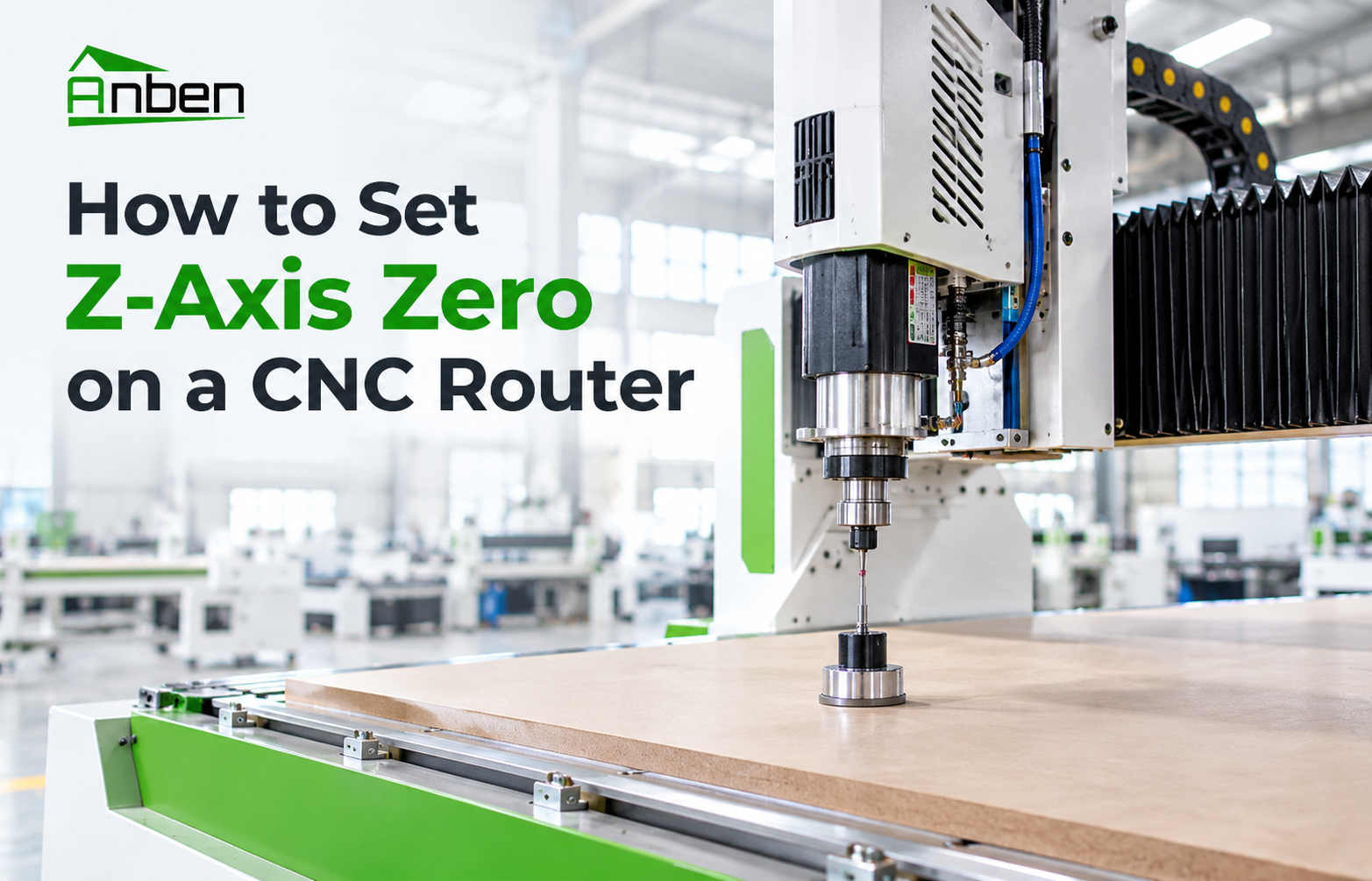
- How to Set Z-Axis Zero on a CNC Router

Related Products
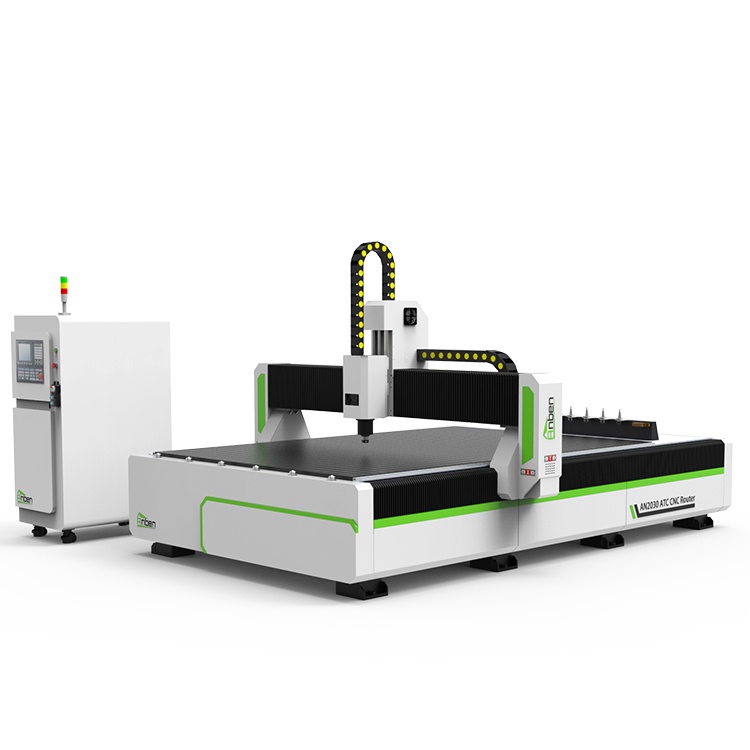
 AN2040ATC Automatic Tool ChangeAnben ATC (Automatic Tool Change)CNC router is popularly used in woodworking, making signs, molds making, art crafts making, etc. The automatic tool changer magazine carries 8-16 cutters. It can save tool change time,more efficient!
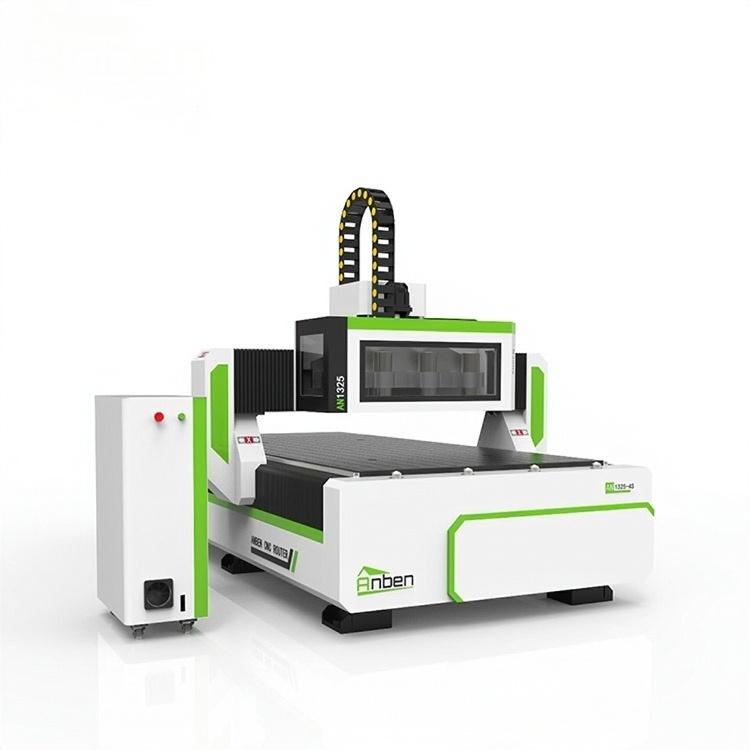
 AN1325-3S Cnc Router 3 SpindlesAnben multi spindles CNC router has 3 or 4 spindles, each spindle use different tools and work one by one. It also called economical ATC cnc.
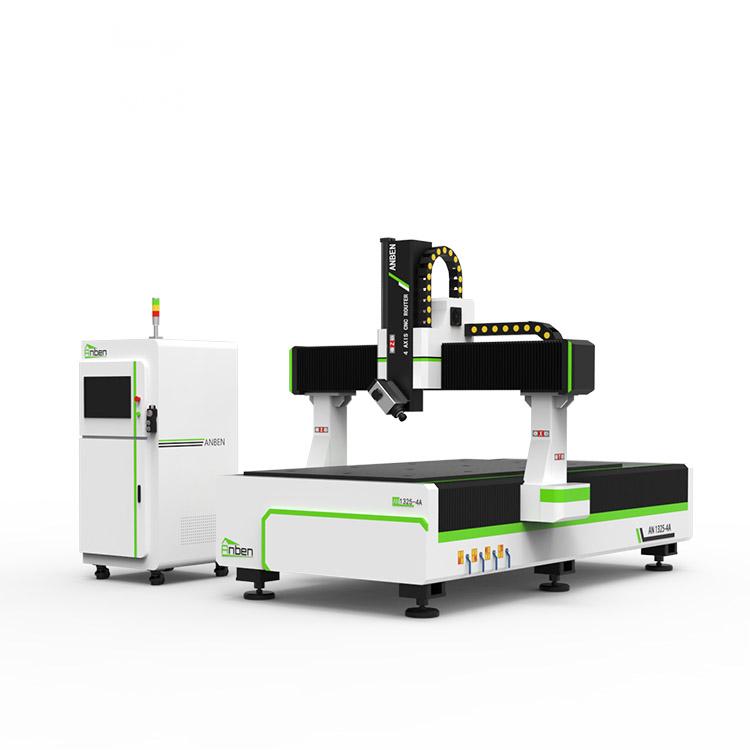
 AN1325-4 axisAnben 4 Axis CNC Router Machine with 4 axis ATC spindle is good at heavy-duty and complex 3d wood cutting and carving of wood panel, MDF, plywood, etc. All the working areas and specifications can be customized according to your requests.
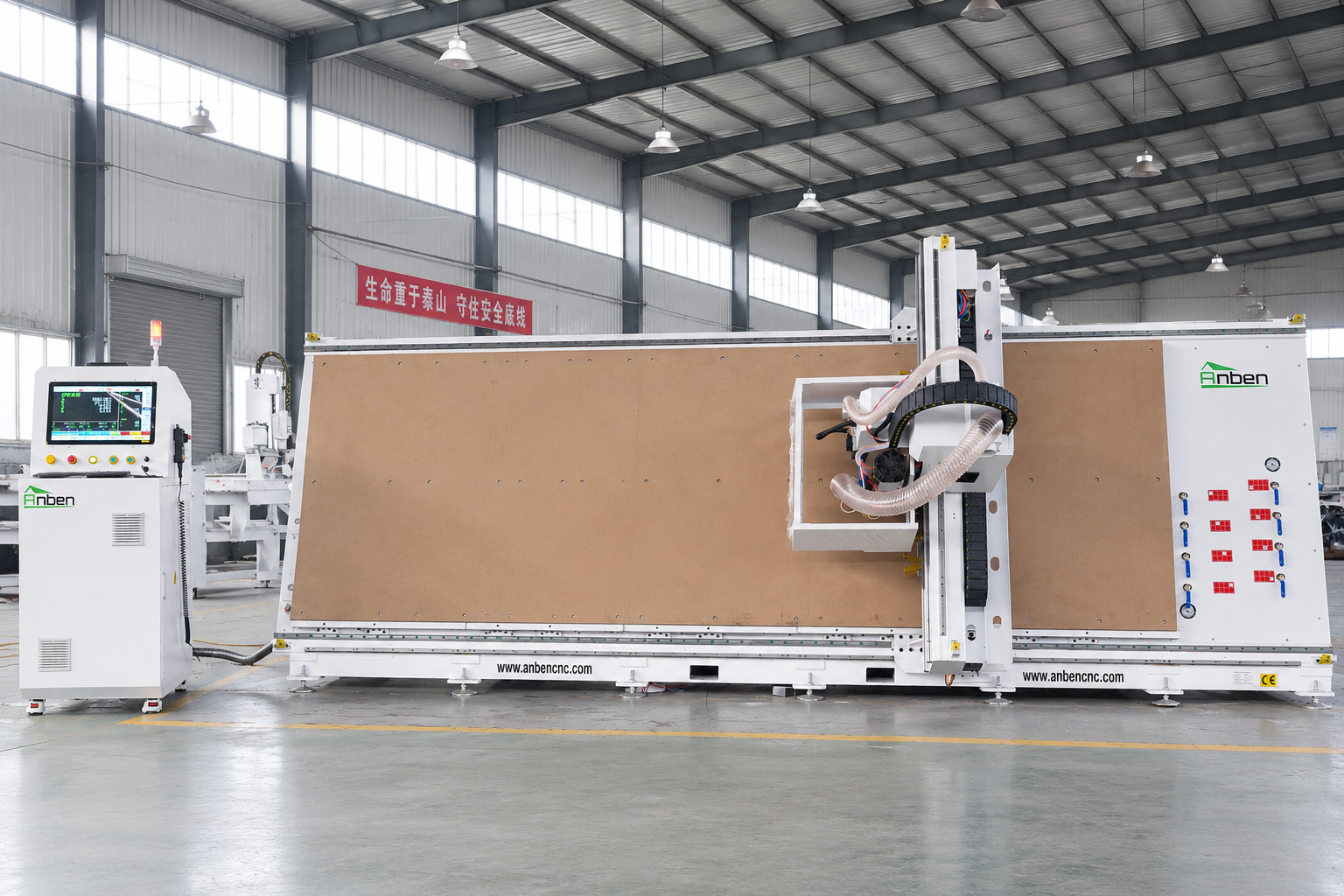
 V-1650 Vertical cnc routerThe vertical cnc significantly reduces the machine’s floor space. It is equipped with 8 sets of ATC tool magazines and other auxiliary devices such as vacuum pump, saw blade,aggregate head, positioning systems, etc. The Vertical cnc can cutting,grooving,engraving,drilling for various types of aluminum composite boards, acrylic boards, fiber boards and other boards. It is suitable for construction facades,cladding ,advertising signs,furniture manufacturing and other industries.
Get in touch

Anben Industrial – Founded in 2017, with a pure engineering spirit, providing trustworthy CNC solutions, born for long-term stable performance.
Contact