

CNC Saw Aggregate Head User Guide: Setup and Operation





Introduction
A CNC saw aggregate head allows a CNC router to perform specialized cutting or grooving operations with a saw blade. Because the blade rotates and moves differently from a standard CNC router bit, correct installation and setup are essential.
A proper workflow helps improve cutting quality, protect the tool, and reduce the risk of interference.
1. Inspect the Aggregate Head
Before installation, check the aggregate head and saw blade.
Inspect:
Mounting interface
Output shaft
Blade flange
Blade condition
Fasteners
Tool holder
Visible signs of damage
Do not operate a damaged or incorrectly assembled saw head.
2. Install the Saw Blade Correctly
Make sure the saw blade is installed in the correct direction and securely fixed to the aggregate head.
Check that the blade is properly seated and does not have excessive movement.
The blade diameter, thickness, and maximum speed must be within the aggregate head and blade manufacturer's recommended range.
3. Install the Head on the CNC Router
Secure the aggregate head to the spindle or compatible tool-changing system.
After installation, check the position of the saw blade relative to the workpiece.
Confirm that there is enough clearance between the blade, table, clamps, workpiece, spindle, and gantry.
4. Set the Work Origin
Work-origin accuracy is particularly important when using a saw blade.
Before machining:
Secure the workpiece.
Confirm the material position.
Set the X, Y, and Z work origin.
Check the blade orientation.
Confirm the cutting depth.
Verify the toolpath.
For a new program, perform a simulation or dry run when possible.
5. Select Suitable Cutting Parameters
Cutting parameters should be based on the material, blade specification, and aggregate-head configuration.
Important parameters include:
Spindle speed
Feed rate
Cutting depth
Cutting direction
Number of passes
Avoid using aggressive parameters simply to increase cutting speed. Excessive cutting load can affect surface quality and tool life.
6. Monitor the Cutting Process
During operation, watch for:
Excessive vibration
Unusual noise
Poor cutting quality
Blade deflection
Material movement
Unexpected machine movement
Stop the CNC router if abnormal conditions occur and inspect the blade, aggregate head, workpiece, and program.
7. Clean and Inspect After Machining
After cutting, remove dust and chips from the aggregate head and surrounding machine area.
Inspect the saw blade for:
Damaged teeth
Resin or material buildup
Abnormal wear
Deformation
Keep the tool interface and aggregate head clean according to the manufacturer's maintenance instructions.
8. Follow Manufacturer Maintenance Requirements
Different aggregate heads have different maintenance requirements.
Depending on the design, maintenance may include lubrication, bearing inspection, fastening checks, cleaning, and periodic service.
Always follow the specific manufacturer's maintenance recommendations.
Final Tip
The most important steps when using a CNC saw aggregate head are correct installation, blade selection, work-origin setting, clearance checking, suitable cutting parameters, and continuous monitoring.
For ANBEN CNC routers, saw aggregate heads should be configured according to the machine model and intended application, especially when used for panel cutting, grooving, furniture components, or specialized woodworking.
 ACP vs. ACM Panels: Machining Methods and CNC Applications
- How to Set Feed Rate and Spindle Speed for CNC Routing
 CNC Router Configuration Guide: Which Features Do You Really Need?
- CNC Milling vs. CNC Routing: Key Differences and Applications
- How to Prevent Chipping and Rough Edges in CNC Routing
- How to Calculate CNC Router Production Capacity Before Buying
- How Does V-Grooving Work on ACP and ACM Panels?
- How to Use an ATC CNC Router: A Step-by-Step Guide

Related Products
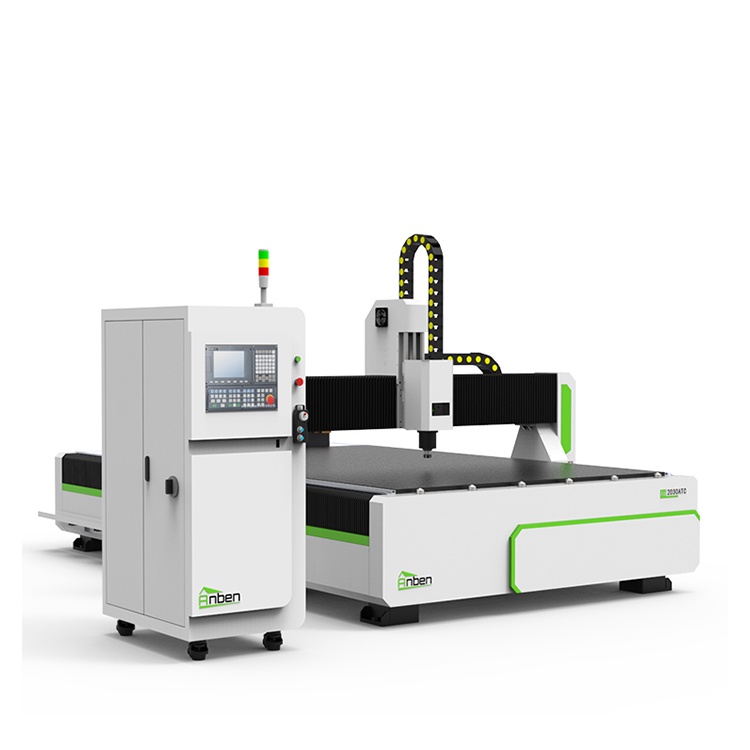
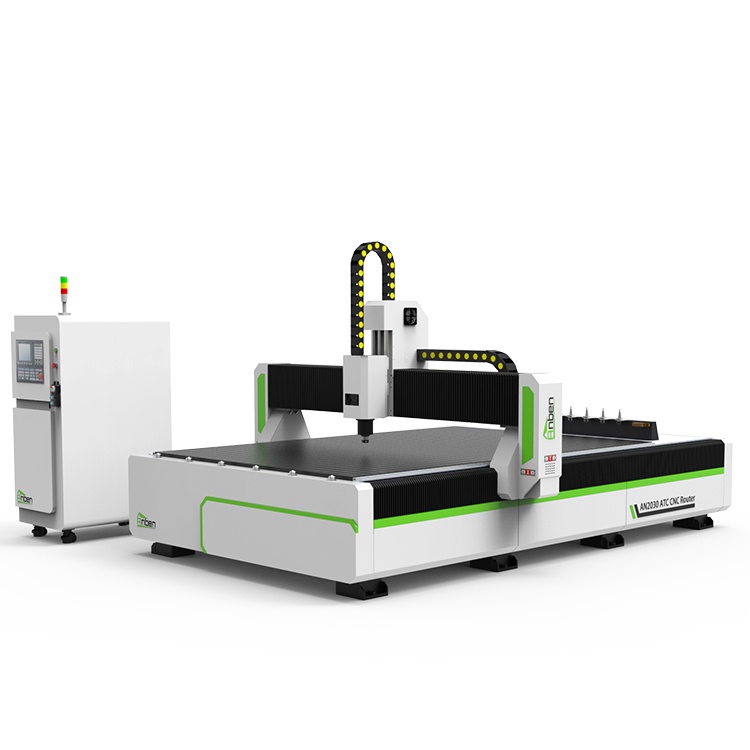
 AN2030ATC Automatic Tool ChangeAnben ATC (Automatic Tool Change)CNC router is popularly used in woodworking, making signs, molds making, art crafts making, etc. The automatic tool changer magazine carries 8-16 cutters. It can save tool change time,more efficient!
 AN2040ATC Automatic Tool ChangeAnben ATC (Automatic Tool Change)CNC router is popularly used in woodworking, making signs, molds making, art crafts making, etc. The automatic tool changer magazine carries 8-16 cutters. It can save tool change time,more efficient!
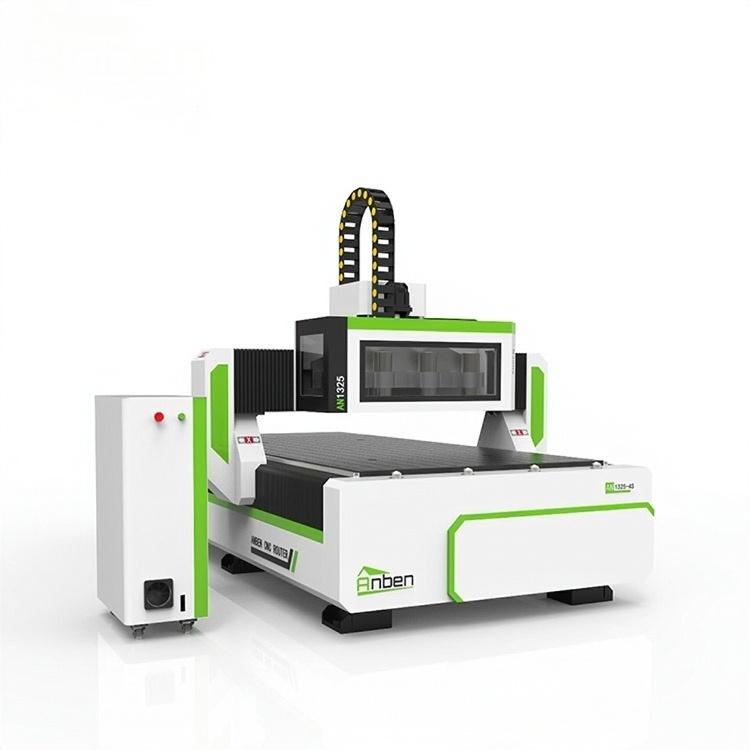
 AN1325-3S Cnc Router 3 SpindlesAnben multi spindles CNC router has 3 or 4 spindles, each spindle use different tools and work one by one. It also called economical ATC cnc.
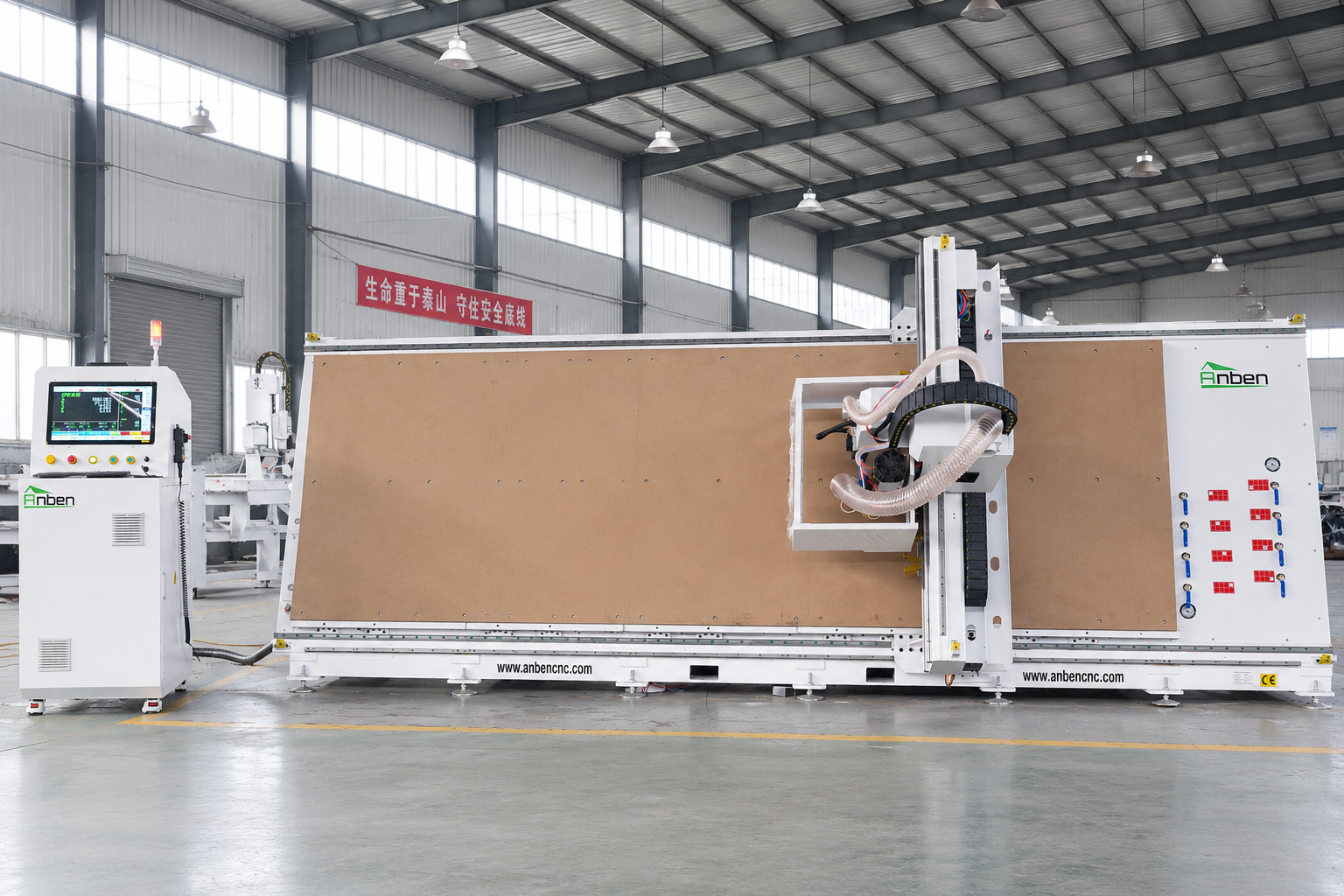
 V-1650 Vertical cnc routerThe vertical cnc significantly reduces the machine’s floor space. It is equipped with 8 sets of ATC tool magazines and other auxiliary devices such as vacuum pump, saw blade,aggregate head, positioning systems, etc. The Vertical cnc can cutting,grooving,engraving,drilling for various types of aluminum composite boards, acrylic boards, fiber boards and other boards. It is suitable for construction facades,cladding ,advertising signs,furniture manufacturing and other industries.
Get in touch

Anben Industrial – Founded in 2017, with a pure engineering spirit, providing trustworthy CNC solutions, born for long-term stable performance.
Contact